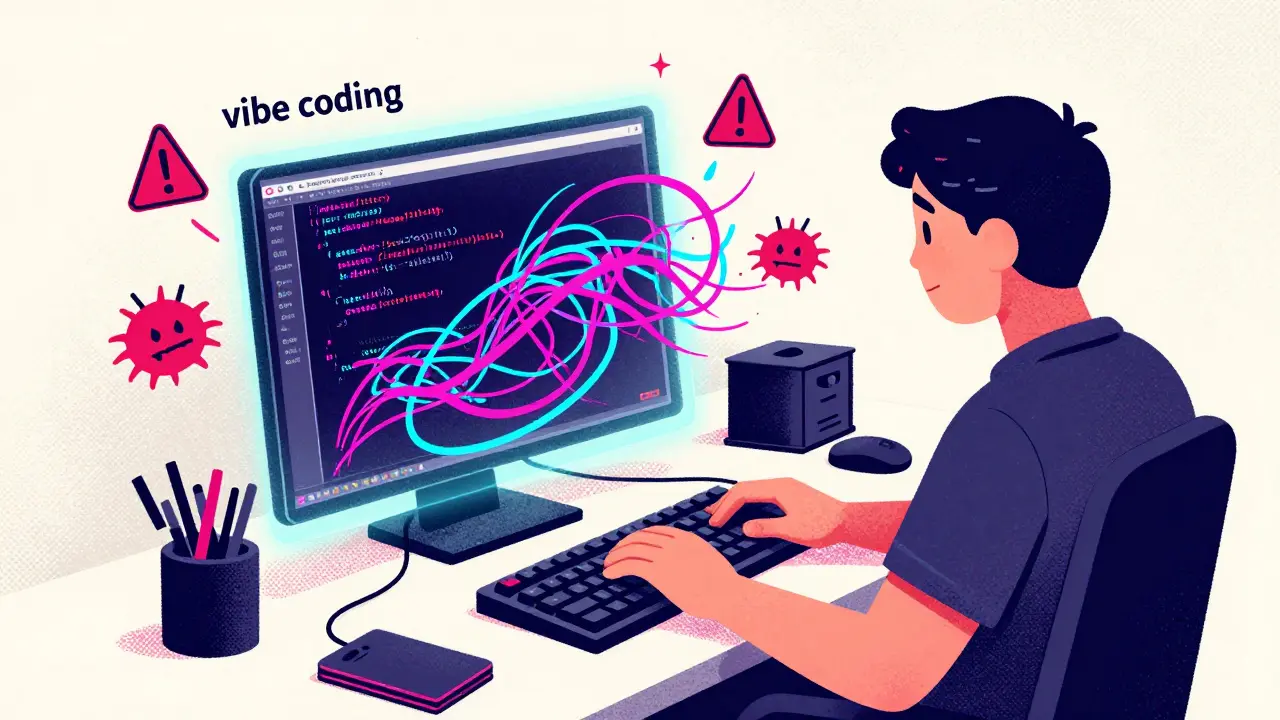
You type a quick request into your AI assistant. It spits out a chunk of Python or JavaScript in seconds. You paste it into your project, hit run, and move on. It feels like magic. But here is the catch: that code might be riddled with security holes. A study by Databricks in April 2024 found that 78% of code generated through typical vibe coding sessions contained at least one security vulnerability. That means nearly four out of five times you rely on standard prompts, you are introducing risks like injection attacks or exposed secrets directly into your application.
This is where secure prompting comes in. It is not about slowing down your workflow. It is about changing how you ask questions so the AI gives you safe answers from the start. If you want to keep the speed of vibe coding without inheriting its security debt, you need to treat your prompts as part of your defense strategy. Here is how to build safer implementations using proven techniques, templates, and tools available in 2026.
The Core Principles of Secure Prompting
Most developers treat AI assistants like search engines for code snippets. You describe what you want, and the model guesses the implementation. The problem is that large language models (LLMs) are trained on public code repositories, which contain millions of insecure examples. Without specific guidance, the AI defaults to the most common pattern, not the safest one.
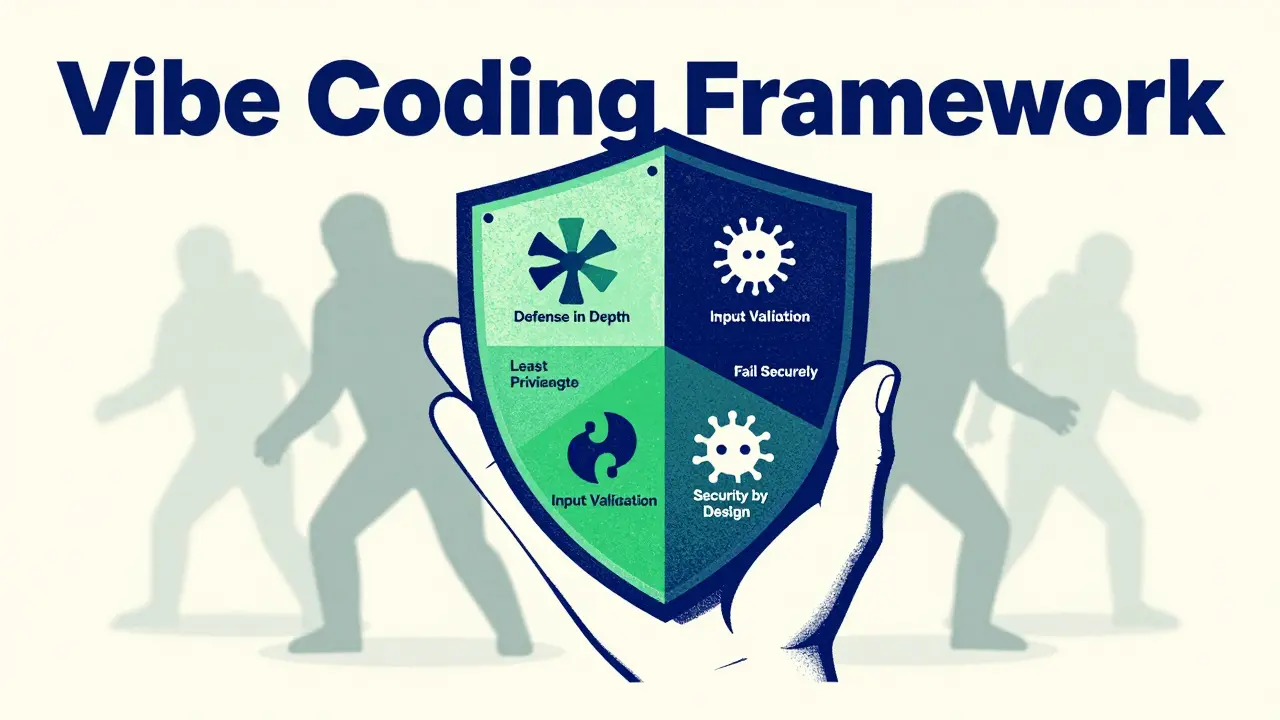
To fix this, the Vibe Coding Framework, launched in 2023, formalized six core principles for secure prompting:
- Defense in Depth: Ask for multiple layers of protection. Instead of just validating input, also ask for output encoding and parameterized queries.
- Least Privilege: Specify minimal permissions. Tell the AI to use service accounts with only the access they strictly need.
- Input Validation: Mandate comprehensive checks for all external data. Never trust user input by default.
- Secure Defaults: Require configurations that are secure out-of-the-box. For example, disable debug modes and enforce HTTPS.
- Fail Securely: Ensure error handling never leaks sensitive information. Generic error messages are safer than stack traces.
- Security by Design: Embed security constraints from the very first sentence of your prompt.
When you apply these principles, you shift the AI’s behavior from "guess the code" to "build the code safely." Dr. Elena Rodriguez from Databricks noted in 2024 that targeted prompting provides meaningful reductions in vulnerabilities because it forces the model to consider security contexts it would otherwise ignore.
Techniques That Actually Work
Not all secure prompting methods are created equal. Some add too much friction, while others provide real protection. Based on benchmarks from Wiz and Apiiro in 2025, here are the three most effective approaches.
1. Component-Specific Security Templates
Generic prompts like "write a secure login page" often fail because "secure" is too vague. Instead, use templates tailored to specific components. For file uploads, a template should explicitly require file type validation, size limits, and path traversal prevention. For payment processing, mandate PCI-DSS compliance patterns.
Databricks’ research showed that component-specific templates reduced vulnerabilities by 24-29%. They work because they give the AI concrete rules to follow rather than abstract concepts.
2. Two-Stage Prompting
This method involves generating the code first, then asking the AI to review it for security flaws. You act as the critic. After the initial code generation, send a second prompt: "Review this code for OWASP Top 10 vulnerabilities. Identify any potential SQL injection or XSS risks and suggest fixes."
Apiiro’s May 2025 evaluation found that two-stage prompting reduced vulnerabilities by 37.4%. It adds a step to your workflow, but it catches errors that single-pass generation misses. Developer u/CodeSafe99 reported on Reddit in March 2025 that this technique dropped critical vulnerabilities from 3.2 to 0.7 per 1,000 lines of code.
3. Rules Files (.mdc)
If you use tools like Cursor IDE, you can create a .mdc rules file. This file contains centralized security rules that automatically apply to every code generation request. For example, you can set a rule that says "Never hardcode API keys; always use environment variables."
Wiz’s January 2025 analysis showed that rules files resulted in 51.3% fewer hardcoded secrets and 44.8% fewer cross-site scripting (XSS) vulnerabilities compared to standard prompting. GitHub user @SecureDev2025 noted that their team caught 14 hardcoded API keys in the first week of using .mdc files. This approach scales well because you define the rules once, and the AI enforces them everywhere.
Comparing Secure Prompting Approaches
| Technique | Vulnerability Reduction | Implementation Effort | Best For |
|---|---|---|---|
| Basic Keyword Augmentation | 28-43% | Low | Quick wins, simple scripts |
| Component-Specific Templates | 24-29% | Medium | Complex features (payments, uploads) |
| Two-Stage Review | 37.4% | High | Critical infrastructure, high-risk code |
| Rules Files (.mdc) | 44-51% | Low (after setup) | Team-wide consistency, long-term projects |
Note that basic keyword augmentation-simply adding "secure" to your prompt-is the easiest to start but offers diminishing returns. Rules files provide the best balance of effort and impact for teams, while two-stage reviewing is essential for mission-critical systems.
Practical Examples: Before and After
Let’s look at how small changes in your prompt can drastically improve security outcomes. Consider a database connection scenario.
Ineffective Prompt: "Write a Python function to connect to a PostgreSQL database and fetch user data."
This prompt often leads to hardcoded credentials or missing connection pooling. The AI might generate code that exposes passwords in plain text within the source file.
Effective Secure Prompt: "Generate a Python function to connect to a PostgreSQL database using environment variables for credentials. Implement connection pooling, enable SSL mode, and include error handling that logs generic messages without exposing stack traces. Follow the principle of least privilege for the database user."
The second prompt yields code that is immediately production-ready from a security standpoint. It addresses credential management, encryption in transit, logging hygiene, and access control. Professor Michael Chen of MIT confirmed in his 2025 paper that such security-aware prompts reduced SQL injection occurrences from 43.7% to 16.2% in student exercises.
Another common pitfall is file uploads. A bad prompt asks for "file upload functionality." A good prompt specifies: "Create a Node.js endpoint for file uploads. Validate file extensions against a whitelist of allowed types (jpg, png, pdf). Enforce a maximum file size of 5MB. Sanitize filenames to prevent path traversal attacks. Store files outside the web root directory."
By being specific, you eliminate entire classes of vulnerabilities before the code is even written.
Limitations and What Secure Prompting Cannot Do
It is important to keep expectations realistic. Secure prompting is powerful, but it is not a silver bullet. Troy Hunt, a well-known security expert, warned in July 2024 that prompt engineering can create an "illusion of security" because LLMs lack true contextual understanding.
Here are the key limitations you must account for:
- Business Logic Flaws: Secure prompting excels at fixing technical vulnerabilities like injection or XSS. However, it struggles with complex business logic errors. Supabase’s June 2025 benchmark showed only a 22.3% reduction in business logic vulnerabilities. If your app has a flaw where users can bypass payment steps, the AI won’t catch it unless you explicitly describe the flow.
- Token Overhead: Adding security constraints increases token usage by 18-22%, according to Databricks. This means higher costs and slightly slower response times. Apiiro’s March 2025 data showed an average increase of 2.3 seconds per request.
- Inconsistent Model Behavior: Different models respond differently to the same prompt. GPT-4o and Claude 3.7 Sonnet perform better with security-focused prompts than older models. Always test your prompts across the models you support.
- Cognitive Load: Crafting detailed prompts takes mental energy. Replit’s November 2024 survey found that 63% of developers abandoned component-specific templates because they were too complex to maintain.
To mitigate these issues, treat secure prompting as one layer in a broader security strategy. Combine it with automated static analysis tools (SAST), human code reviews, and runtime protection.
Implementing Secure Prompting in Your Team
Adopting secure prompting requires a structured approach. The Cloud Security Alliance recommends a three-phase onboarding process:
- Phase 1 (Days 1-2): Basic Patterns. Train developers to add keywords like "secure," "validated," and "sanitized" to their prompts. Focus on avoiding hardcoded secrets.
- Phase 2 (Days 3-5): Component Templates. Create reusable templates for common tasks like authentication, file uploads, and API calls. Share these in a central repository.
- Phase 3 (Weeks 1-2): Rules Files and Review. Implement organization-wide rules files in your IDE. Establish a mandatory two-stage review process for critical code paths.
Replit’s December 2024 study showed that teams needed an average of 11.3 hours of training to achieve 80% effectiveness. Start small. Pick one high-risk area, like authentication, and apply strict secure prompting there. Measure the results. Then expand to other areas.
Regulatory pressure is also driving adoption. NIST’s May 2025 publication "AI-Generated Code Security Guidelines" specifically recommends security-focused prompting techniques. In 2025, 89% of enterprise adopters implemented some form of secure prompting, with financial services and healthcare leading the way due to compliance requirements.
Future Trends in AI Code Security
The landscape is evolving rapidly. By late 2025, we saw the release of the Vibe Coding Framework version 2.1, which included expanded OWASP Top 10 mitigation prompts. Databricks integrated prompt validation with their Lakehouse Firewall for real-time feedback. Wiz released an open-source repository with 147 validated security patterns covering 92% of common CWEs.
Looking ahead to 2026, Anthropic announced dynamic prompt adaptation for Claude 4, where the AI will adjust its security posture based on the context of the code being generated. Apiiro plans to integrate secure prompting with SAST tools for closed-loop validation. These developments suggest that secure prompting will become more automated and less reliant on manual prompt crafting.
However, Gartner positioned secure prompting at the "Peak of Inflated Expectations" in October 2025. They warned that organizations overestimate its standalone effectiveness. The consensus is clear: secure prompting is a vital tool, but it must be part of a layered defense. Automated testing and human expertise remain irreplaceable.
What is vibe coding?
Vibe coding refers to the practice of using AI coding assistants to generate code quickly through natural language prompts. It emphasizes developer velocity and intuitive interaction but can introduce security risks if prompts are not carefully crafted.
How much does secure prompting reduce vulnerabilities?
Studies show varying results depending on the technique. Basic keyword augmentation reduces vulnerabilities by 28-43%. Component-specific templates achieve 24-29% reduction. Two-stage prompting can reduce vulnerabilities by up to 37.4%, while rules files in IDEs like Cursor have shown reductions of 44-51% for specific issues like hardcoded secrets.
Is secure prompting enough to ensure code safety?
No. Secure prompting significantly reduces common technical vulnerabilities but is less effective against complex business logic flaws. It should be combined with automated security testing, human code reviews, and runtime protections for comprehensive security.
What are .mdc rules files?
.mdc files are configuration files used in IDEs like Cursor to define centralized security rules. These rules automatically apply to all AI-generated code, ensuring consistent adherence to security standards like avoiding hardcoded secrets or enforcing input validation.
Which AI models are best for secure prompting?
Newer models like GPT-4o and Claude 3.7 Sonnet generally perform better with security-focused prompts due to improved reasoning capabilities. Older models may struggle to interpret complex security constraints, leading to inconsistent results.
How long does it take to implement secure prompting in a team?
According to Replit's 2024 study, teams require an average of 11.3 hours of training to achieve 80% effectiveness. Implementation typically follows a phased approach over two weeks, starting with basic patterns and progressing to advanced templates and rules files.
Does secure prompting slow down development?
It adds a small overhead. Apiiro's 2025 data showed an increase of approximately 2.3 seconds per code generation request. However, this is offset by a significant reduction in post-generation security review time, averaging 14.7 minutes saved per feature.