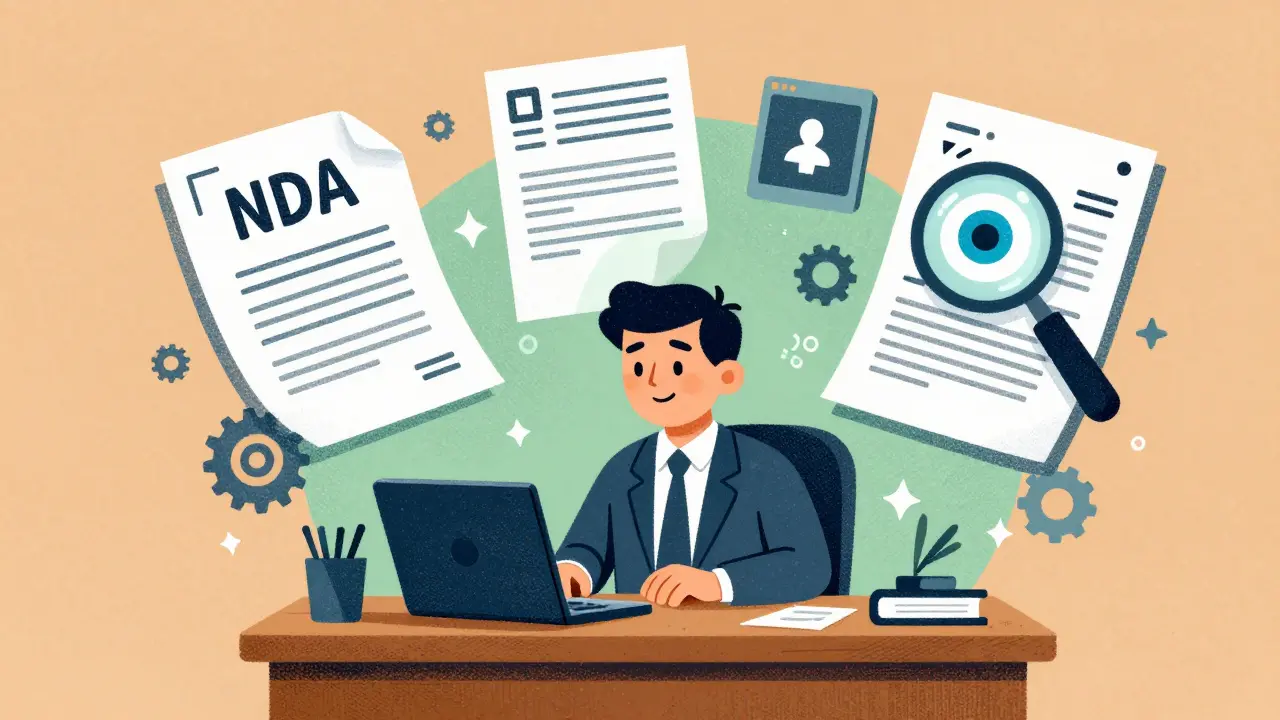
Lawyers used to spend hours poring over contracts, rewriting boilerplate clauses, and digging through piles of case files just to find one relevant precedent. Today, that’s changing - fast. Generative AI isn’t just a buzzword in law firms anymore. It’s becoming the new standard for handling routine work so lawyers can focus on what actually matters: strategy, advice, and client relationships.
How AI Is Rewriting Legal Documents
Forget mail merge. Modern legal document automation doesn’t just swap names and dates - it understands context. When a corporate lawyer needs a non-disclosure agreement for a new vendor in California, they don’t start from scratch. They give the AI a few key details: the parties involved, the type of information being protected, and any special clauses their firm always includes. In under a minute, the system generates a fully drafted NDA that matches the firm’s tone, style, and risk profile. It even cross-checks against internal playbooks to ensure compliance with past agreements.
Tools like Clio Draft and Gavel Exec do more than fill in blanks. They learn. If a firm always uses a specific clause for non-solicitation in employment contracts, the AI remembers. If a partner prefers to use passive voice in client letters, the system adapts. These aren’t static templates. They’re living, evolving documents shaped by real usage patterns across the firm.
One mid-sized law firm in Oregon reported cutting their contract drafting time from 4 hours to 45 minutes per agreement. Not because they hired more staff. Because they stopped manually rewriting the same 12 clauses over and over.
Contract Review: From Manual Scrutiny to Intelligent Flagging
Reviewing a 50-page commercial lease used to mean reading every line, highlighting risks, comparing against prior versions, and checking jurisdiction-specific requirements. Now, AI tools scan the entire document in seconds and surface only what needs attention.
Instead of saying “this clause is risky,” smart systems explain why. “Clause 7.3: Termination without cause requires 90 days’ notice. Your firm’s standard is 60 days. Suggested revision: Adjust to match internal policy.” The system doesn’t just flag anomalies - it links to precedent cases, internal memos, and even regulatory guidance from the state bar.
Thomson Reuters’ CoCounsel can analyze a contract, identify missing indemnity provisions, compare them to 10,000 similar agreements, and recommend language that’s been upheld in court. And it does this without needing a law degree. The tool doesn’t replace lawyers - it arms them with data they’d otherwise spend days gathering.
Legal teams using these tools report a 60-80% reduction in contract review time. That’s not just faster turnaround. It’s fewer missed clauses, fewer disputes, and less exposure to liability.

Knowledge Management: From File Cabinets to Instant Answers
How many times have you asked a senior partner a question, only to be told, “I think we handled something like this in 2021. Check the old files.” Now imagine asking the same question to an AI system that instantly pulls up every related case, memo, email thread, and deposition transcript from the past five years - and summarizes them in plain English.
NetDocuments and Harvey AI are building exactly this. These platforms ingest everything: past contracts, court filings, internal emails, even voice notes from client calls. Then they index it all. A junior associate can type, “What’s the standard clause for non-compete in Washington state for tech employees?” and get a response backed by three actual cases, two firm memos, and one recent regulatory advisory.
This isn’t Google for law firms. It’s a legal knowledge graph - where every document, decision, and precedent is connected. And it learns as you use it. The more you ask, the better it gets at predicting what you need before you even type the question.
Real-World Impact: Time, Cost, and Client Trust
The numbers don’t lie. According to LEGALFLY, lawyers using advanced AI automation reclaim about 240 hours per year. That’s nearly six full workweeks - time previously spent on drafting, reviewing, and organizing documents.
One corporate legal department slashed outside counsel spending by 40% in six months. Why? Because they stopped outsourcing routine contract work - like NDAs, vendor agreements, and employment offers - to outside firms. The AI handled it internally, accurately, and faster than any external lawyer could.
Client expectations have shifted too. Clients now ask, “How long will this take?” instead of “How much will this cost?” Firms that can deliver a draft contract in hours instead of days build trust. They look efficient. Professional. In control.
And when a regulator asks for an audit trail of how a clause was approved? AI systems built for legal use keep full logs. Every suggestion, every change, every source cited. No more “I thought that was okay” explanations.

What You Need to Watch Out For
AI isn’t magic. And it’s not risk-free.
First, customization matters. A tool that applies generic legal defaults won’t work for your firm. If your firm always includes a specific arbitration clause, the AI must learn that - not follow some vendor’s default setting. The best platforms let you train them using your own documents.
Second, human oversight is non-negotiable. AI can flag a clause as risky, but only a lawyer can decide whether that risk is acceptable. Never let AI make final calls. Use it to surface issues - not to replace judgment.
Third, integration is key. Tools that live in their own separate interface get ignored. The winners are those that plug into Microsoft Word, SharePoint, or your existing contract management system. If your team has to switch apps to use AI, they won’t.
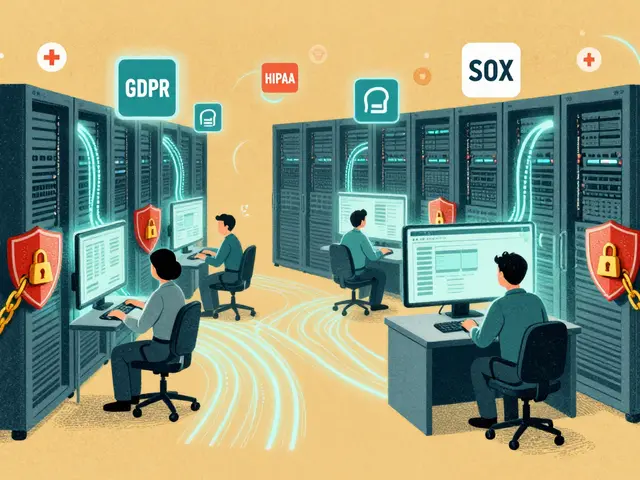
Finally, security and compliance. Legal data is sensitive. Any AI tool handling client documents must meet strict standards - encryption, access controls, audit logs. Ask vendors: “Where is my data stored? Who can access it? Can you provide a SOC 2 report?”
Where This Is Headed
By 2027, AI won’t just assist lawyers - it’ll handle entire workflows. Imagine this: a client books a consultation through Clio Grow. The system automatically pulls their profile, checks for prior engagements, runs a quick conflict check, drafts an intake form, and schedules a follow-up. All without a single human step.
Multi-jurisdictional contracts? AI will soon auto-adjust clauses for EU, California, and Singapore in one document. Predictive analytics will estimate case outcomes based on similar rulings. Compliance will become automated - not reactive.
But the core won’t change: lawyers will still be the ones making decisions. AI just gives them the clarity, speed, and confidence to make better ones.
Can generative AI replace lawyers?
No. AI handles repetitive, time-consuming tasks - drafting, reviewing, summarizing - but it doesn’t replace legal judgment. Lawyers still interpret nuances, advise clients, negotiate terms, and make strategic decisions. AI is a tool that amplifies a lawyer’s capability, not a substitute for their expertise.
Is AI document automation accurate enough for legal use?
Yes - when built for legal use. Leading platforms like CoCounsel and Gavel achieve 98% accuracy by training on real legal documents and incorporating firm-specific policies. Accuracy comes from two things: high-quality training data and human feedback loops. Tools that let lawyers correct mistakes and train the system over time become more reliable with use.
What’s the difference between AI and traditional legal automation?
Traditional automation uses rules and templates - it fills in blanks but can’t adapt. Generative AI understands language, context, and intent. It can draft a new clause based on a vague instruction like “make this more protective for the client,” or summarize a 200-page deposition into three key points. It doesn’t just execute - it reasons.
Do I need to retrain my staff to use AI tools?
Not extensively. The best tools are designed to work inside familiar environments like Microsoft Word or your existing case management system. Training focuses on how to give clear prompts, review AI outputs, and correct errors - not on learning new software. Most teams get comfortable within a few weeks.
Are these AI tools secure and compliant with legal ethics rules?
Reputable legal AI vendors prioritize security. They use end-to-end encryption, on-premise or private cloud hosting, and strict access controls. Many comply with ABA guidelines and offer SOC 2 reports. Always ask about data residency, third-party access, and whether the vendor is willing to sign a BAA (Business Associate Agreement) if handling protected information.


sonny dirgantara
5 March, 2026 - 11:15 AM
so ai just wrote this whole thing for you? lol. i read it in like 2 minutes and i still dont know if i should be excited or scared. guess im just a dumb guy who still uses wordpad.
Andrew Nashaat
5 March, 2026 - 13:26 PM
Okay, let’s be real: if your firm’s AI is generating NDAs without flagging that you’re missing a choice-of-law clause in California, you’re already getting sued. And don’t even get me started on ‘living documents’-that’s just corporate speak for ‘we automated the boilerplate but forgot to train it on our own precedent.’ Seriously, if the AI doesn’t learn from YOUR past mistakes, it’s just a fancy autocomplete with a PhD in overconfidence.
Amanda Ablan
6 March, 2026 - 11:09 AM
I love how this article doesn’t just sell AI as magic-it actually talks about the human side. The part about lawyers reclaiming 240 hours a year? That’s not just about efficiency. That’s about getting back to why we became lawyers in the first place: helping people, not drowning in paperwork. AI isn’t replacing us-it’s giving us back our time to actually do the work that matters.
Kendall Storey
8 March, 2026 - 02:13 AM
Look, the game changed. We’re not talking about Word macros anymore. This is real-time, context-aware, firm-specific legal reasoning. Tools like CoCounsel aren’t ‘helpers’-they’re force multipliers. You want to know why mid-sized firms are outpacing BigLaw now? It’s because they adopted AI before they had time to be scared. Stop thinking about tech as a cost. Think of it as your new junior associate who never sleeps, never gets coffee, and actually reads every footnote.
Ashton Strong
8 March, 2026 - 03:00 AM
I must commend the author for presenting this subject with such clarity and foresight. The integration of generative AI into legal workflows represents not merely an evolution, but a profound redefinition of professional excellence. By automating repetitive tasks, we are not diminishing the role of the attorney-we are elevating it to a higher plane of strategic counsel, ethical judgment, and client advocacy. This is not the future of law-it is its present, and those who embrace it will lead the profession.
Steven Hanton
9 March, 2026 - 22:33 PM
I’m curious how firms handle the feedback loop. If an AI suggests a clause based on past usage, but that past usage was based on a mistake-say, a misinterpreted ruling from 2018-how do you correct it without creating a feedback echo? It seems like the real value isn’t just in the automation, but in the structured human review process that keeps the system honest. Has anyone published data on how often lawyers override the AI’s suggestions?
Pamela Tanner
10 March, 2026 - 18:18 PM
The most important line in this entire piece: 'Never let AI make final calls.' That’s not a footnote-it’s the foundation of ethical legal practice. Automation must serve, not supplant. And for those asking about training: yes, you need to train your team-not on software, but on critical thinking. The best AI users aren’t the ones who know how to prompt-it’s the ones who know when to say, 'That doesn’t feel right.'