You’re paying for horsepower you don’t need. It’s a hard pill to swallow when your cloud bill spikes because you defaulted to the biggest Large Language Model (LLM) available. But here is the reality in late 2026: bigger isn’t always better. In fact, for most enterprise tasks, smaller models are crushing it on speed, cost, and even accuracy.
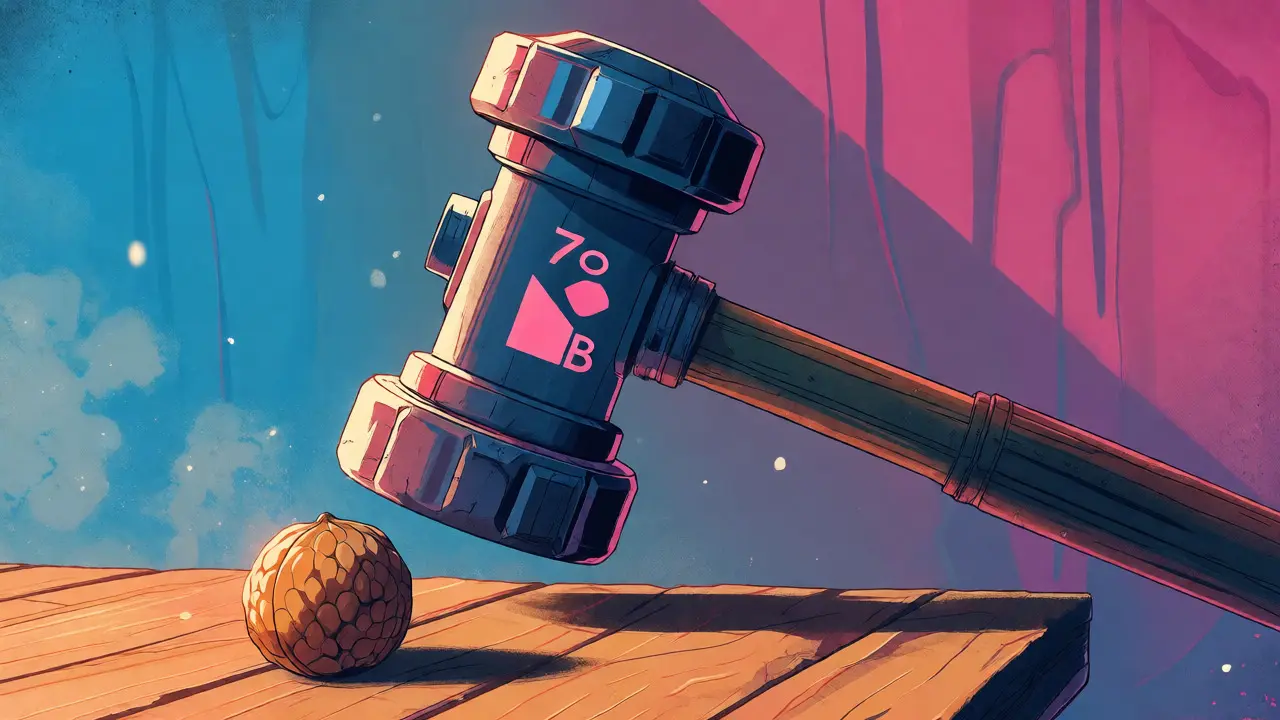
Think about your last few queries. Did you ask for a complex legal analysis? Or did you just need a quick summary of an email? If it was the latter, firing up a massive 70-billion-parameter model is like using a sledgehammer to crack a nut. You get the job done, sure, but you’ve wasted energy, time, and money. This is where model right-sizing comes in. It’s the strategic practice of matching the model size to the task complexity. Recent data from Gartner shows that 68% of new enterprise deployments now use models under 20 billion parameters. Why? Because they work faster, cost less, and often perform just as well for specific jobs.
The Hidden Costs of Going Big
Let’s talk numbers. When you run a large model, you aren’t just paying for tokens. You’re paying for the electricity to keep those GPUs humming, the cooling systems to prevent overheating, and the idle time while the model thinks. A report from Macro4 highlights that smaller models require significantly less compute power and memory. They use fewer graphics processing units (GPUs), which directly slashes your operational costs.
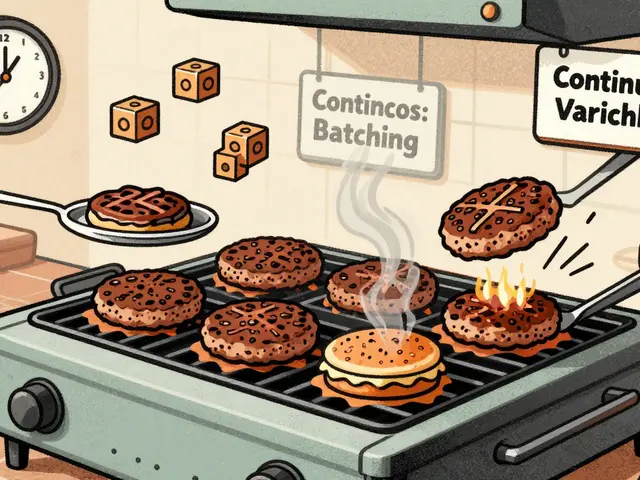
Consider the latency issue. Users hate waiting. If your chatbot takes 5 seconds to respond because it’s loading a massive context window, users leave. Smaller models, like the 3B parameter versions of Llama, can process requests in milliseconds. For customer service bots or real-time translation apps, this speed difference is the difference between a good user experience and a churned customer. You might think, "But what if I need deep reasoning?" That’s valid. But do you really need deep reasoning for every single query? Probably not.
When Small Beats Big: Specific Use Cases
So, when exactly should you downsize? It comes down to the nature of the task. If your application involves quick fact-finding, retrieving brief answers, or summarizing short texts, a lighter model is often superior. These tasks don’t require the massive neural pathways needed for multi-step logical deduction or writing long-form creative fiction.
Take factual recall, for example. Benchmarks from Vellum AI show that Mistral Small, a 24-billion-parameter model, achieves 98% of the performance of much larger giants like GPT-5 on factual recall tasks. The catch? It uses only 35% of the computational resources. That’s a massive win. You get nearly the same answer, faster, for a third of the price.
Another sweet spot is domain-specific applications. Dr. Jane Chen from Stanford HAI noted that smaller fine-tuned models can outperform larger general-purpose models by 15-22% in accuracy for niche tasks. If you’re building a tool for medical coding or legal contract review, taking a small base model and fine-tuning it on your specific data yields better results than throwing a generic huge model at the problem. The smaller model learns your specific patterns more efficiently without getting distracted by irrelevant general knowledge.
Architecture Matters More Than Size
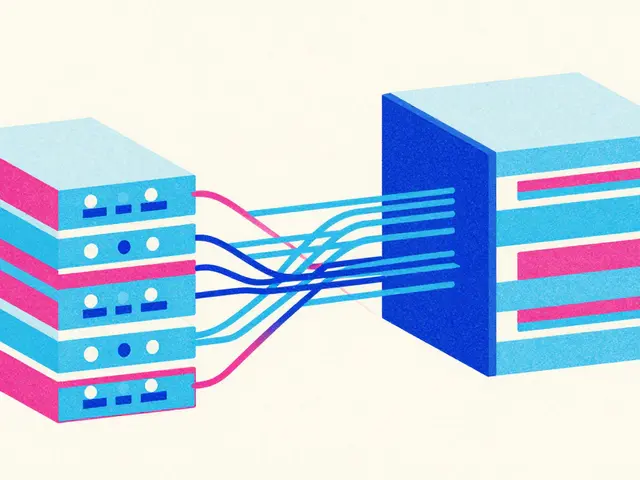
Here’s a technical nuance that trips people up: architecture matters more than raw parameter count. Not all small models are created equal. Some are designed with efficiency baked into their DNA. Take the Mixtral 8x7B model. It has 141 billion total parameters, but it only activates about 39 billion during inference. This is called a Sparse Mixture of Experts (SMoE) architecture. It’s smart routing-sending each part of a query to the most relevant "expert" sub-network. This means you get the brainpower of a large model with the speed and cost profile of a medium-sized one.
Similarly, newer architectures like Gemma 3 have optimized attention mechanisms. By reducing the sliding window size from 4096 to 1024 tokens, these models focus on localized computations. This makes them incredibly efficient for tasks where you don’t need to reference the entire document history simultaneously. Sebastian Raschka, a leading voice in ML architecture, points out that wider architectures often provide higher token-per-second throughput due to better parallelization. So, a "wider" small model can actually process text faster than a "deeper" large model, even if it has fewer total parameters.

Real-World Performance Comparison
Let’s look at how different models stack up in practical scenarios. This table breaks down the trade-offs between common model sizes based on current industry standards.
| Model Category | Parameter Range | Best For | Inference Speed | Cost Efficiency |
|---|---|---|---|---|
| Tiny/Edge Models | < 3B | Mobile apps, IoT devices, simple classification | Extremely Fast (>100 tok/sec) | Very High |
| Small Models | 3B - 10B | Chatbots, summaries, code generation, RAG | Fast (50-100 tok/sec) | High |
| Medium Models | 10B - 30B | Complex reasoning, multi-turn dialogue, analysis | Moderate (20-50 tok/sec) | Moderate |
| Large Models | > 30B | Creative writing, complex research, zero-shot tasks | Slow (<20 tok/sec) | Low |
Notice the jump in speed between Small and Medium models. For many web-based applications, keeping response times under 2 seconds is critical. Small models easily hit this target. Large models often struggle, especially under load.
Deployment and Maintenance Advantages
Beyond the API costs, there’s the hidden burden of maintenance. Running large models requires significant infrastructure management. If you’re self-hosting, you need powerful hardware. A 0.6B parameter model can run on consumer-grade hardware like an NVIDIA RTX 3060 with just 1.2GB of VRAM when quantized. Try running a 70B model on that same card-you’ll be out of luck.
This ease of deployment extends to development cycles too. Fine-tuning a smaller model takes hours, not days. LeewayHertz reports that fine-tuning models under 10B parameters takes 6-12 hours on a single A100 GPU, whereas larger models can take 48-72 hours. Faster iteration means you can test ideas quicker, fail fast, and improve your product before your competitors do.
Community support is another factor. Repositories for smaller models tend to have more active contributors and clearer documentation for constrained environments. Developers report achieving production readiness in 3-5 days with small models, compared to 2-3 weeks for larger ones. Less time spent debugging environment issues means more time building features.

How to Choose the Right Size
Don’t guess. Test. Start with the smallest model that seems plausible for your task. Run a benchmark suite against your actual data. Measure accuracy, latency, and cost per request. If the small model fails, step up to the next tier. Don’t start big and try to shrink later; that’s harder to optimize.
- Start Small: Begin with a 3B-7B model for most text-generation tasks.
- Measure Latency: Ensure responses meet your user experience goals (e.g., <2 seconds).
- Check Accuracy: Use human evaluation or automated metrics like BLEU or ROUGE to verify quality.
- Analyze Cost: Calculate the total cost of ownership, including hosting and potential retraining.
If you find gaps in capability, consider fine-tuning rather than upgrading. A well-tuned 7B model will almost always beat an untuned 70B model on a specific task. This approach saves you from over-provisioning and keeps your system agile.
Frequently Asked Questions
Do smaller models hallucinate more than larger ones?
Not necessarily. While very tiny models (<1B) may struggle with broad world knowledge, mid-sized models (3B-10B) often have similar hallucination rates to larger models for specific domains. In fact, because they are often fine-tuned on narrower datasets, they can sometimes be more consistent and less prone to making up facts outside their training scope.
Can I switch from a large model to a small one easily?
Yes, but you must re-evaluate prompts. Smaller models may need more explicit instructions or chain-of-thought prompting to achieve the same results. Always A/B test the transition to ensure user satisfaction doesn’t drop.
What is the biggest risk of using a model that is too small?
The main risk is poor performance on complex reasoning tasks. If your app needs to understand nuanced sarcasm, follow multi-step logic, or handle ambiguous queries, a too-small model might give incorrect or shallow answers, frustrating users.
Are open-source small models safe for enterprise use?
Many are, provided you check the license. Models like Llama and Mistral offer commercial-friendly licenses. However, you should still implement guardrails and content filtering, as safety tuning varies by model version and provider.
How does context window size affect model choice?
Smaller models traditionally had shorter context windows (8K-32K tokens). However, newer architectures like Qwen-2.5-7B-Instruct-1M now offer million-token contexts. Check the specific model specs; context length is no longer a strict barrier for small models.



Chris Neal
25 September, 2026 - 01:00 AM
Actually, the premise here is slightly misleading because it ignores the emergent capabilities of larger models. While smaller models are indeed more efficient for narrow tasks, they lack the general reasoning ability required for complex, multi-step logical deduction that hasn't been explicitly fine-tuned. You can't just swap a 70B model for a 3B one and expect the same performance on zero-shot tasks without significant prompt engineering overhead. The Gartner stat you cited likely refers to specific use cases like RAG pipelines where retrieval handles the knowledge burden, not pure generation quality. Furthermore, the cost savings diminish when you factor in the engineering time spent optimizing prompts for smaller models to reach acceptable accuracy thresholds. It's a trade-off between compute cost and developer time, which many articles conveniently overlook.
Alyson Karson
25 September, 2026 - 07:53 AM
YES!!! FINALLY someone said it!! 🙌 Stop burning cash on GPUs you don't need!! I switched my startup from GPT-4 to a fine-tuned Llama-3-8B and our bills dropped by 60% overnight!! And guess what?? NO ONE COMPLAINING!! 😤 People want fast answers, not a philosophy lecture every time they ask for a summary. If your model takes 10 seconds to think, users are already gone. Smaller is smarter. Period. End of story. Go read the benchmarks again if you doubt me!!
Kyle Ware
26 September, 2026 - 11:30 AM
valid point on the dev time but usually the infra costs dwarf the engineering hours once you scale past a few thousand requests per day
also most teams have enough budget to hire a prompt engineer or two so its rarely a blocker
the key is measuring actual user satisfaction not just token throughput
if users hate waiting even 2 seconds then small wins every time
Vishnu Vardhan Reddy M S
27 September, 2026 - 16:33 PM
Oh, absolutely. Because nothing says "enterprise-ready" like a model that hallucinates a legal precedent that doesn't exist just to save a few pennies on electricity. But hey, if your definition of "performance" is just how fast it crashes under load, then sure, go right ahead with the tiny models. I suppose we should all just pretend that nuance and context don't matter as long as the server bill looks pretty. It's charming, really, this collective delusion that you can outsource critical thinking to a calculator.
Iva Grekova
28 September, 2026 - 22:21 PM
I think both sides have a point here. For simple chatbots, small is great. For deep analysis, big is better. It's not one size fits all.