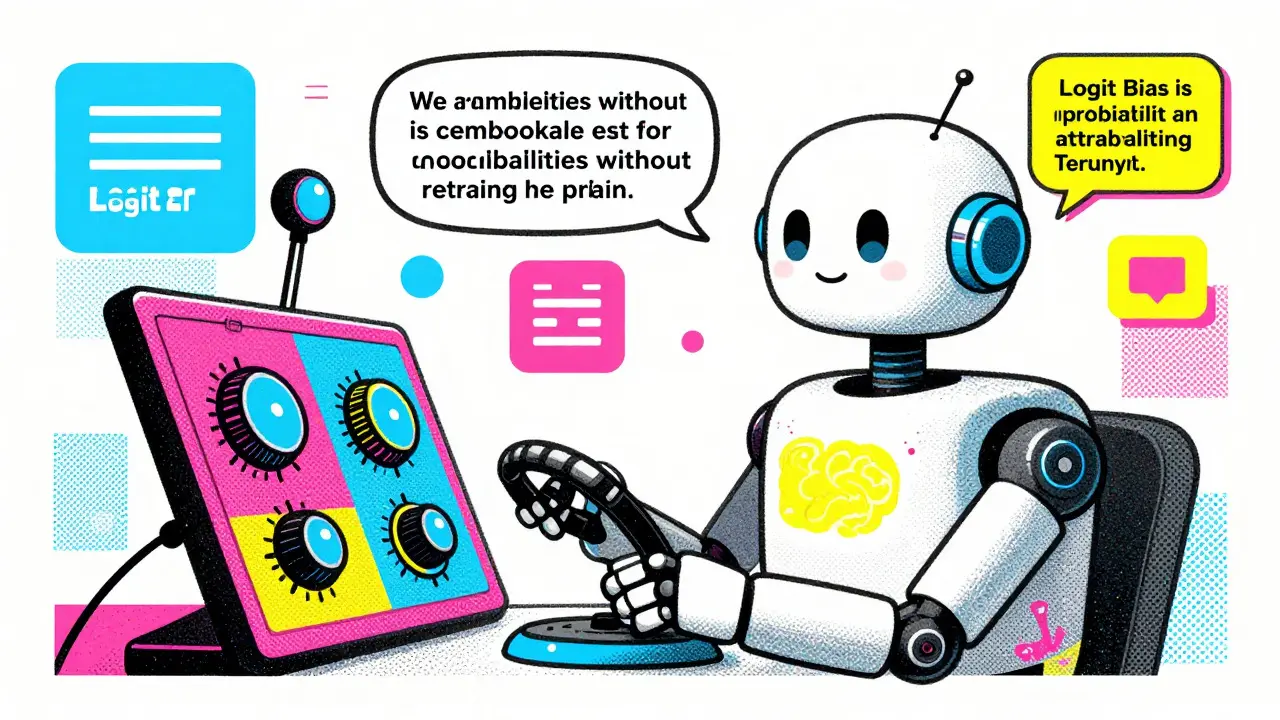
Imagine you are building a customer service chatbot. You want it to be helpful, but you absolutely need it to avoid saying specific competitor names or using slang that clashes with your brand voice. The traditional way to fix this is fine-tuning the model. That process is expensive, slow, and requires massive datasets. There is a faster, cheaper way built directly into the API of most major Large Language Models (LLMs). It is called Logit Bias, a parameter that lets you steer token generation probabilities without retraining the model.
This technique allows developers to apply surgical precision to AI outputs. Instead of hoping the prompt engineering works, you mathematically force the model to prefer or reject specific tokens. It is not magic; it is basic probability manipulation at the inference layer. If you have ever wondered how to stop an LLM from hallucinating certain facts or repeating filler words like "um" or "ah," logit bias is the tool for the job.
What Is Logit Bias and How Does It Work?
To understand logit bias, you first need to understand what an LLM actually does. When a model generates text, it predicts the next word-or more accurately, the next token-based on all previous tokens. Internally, the model calculates a score for every possible token in its vocabulary. These raw scores are called logits.
Logits are raw numerical values representing the likelihood of a binary event occurring before being converted into probabilities. Think of them as unnormalized points. A higher logit means the model thinks that token is more likely to come next. Logit bias simply adds or subtracts a number from these raw scores before the model converts them into probabilities.
If you add a positive value to a token's logit, you make it more likely to appear. If you subtract a large negative value, you effectively ban it. The scale typically ranges from -100 to 100. A value of -100 usually guarantees the token will never be selected, while 100 forces the model to pick that token if possible. This happens instantly during generation, meaning no weights are updated, and no training data is needed.
The Tokenization Trap: Why Words Are Not Tokens
The biggest hurdle when using logit bias is understanding that LLMs do not see words. They see tokens. A single English word can be one token, two tokens, or even three, depending on how common it is and where it appears in a sentence.
Consider the word "time." In the middle of a sentence, it might be token ID 2435. But if it appears at the start of a sentence with a space before it, it might be a completely different ID, such as 640. If you only ban ID 2435, the model will happily use the word " time" because it technically didn't break your rule. It just used a different variant.
This complexity gets worse with longer or rarer words. Take the word "stupid." Depending on the tokenizer, this might split into multiple IDs like [267, 16263]. To ban it effectively, you must identify every single token ID that makes up that word in every possible context. Missing even one variant creates a loophole the model will exploit immediately.
| Target Word | Potential Token Variants | Risk if Partially Blocked | |
|---|---|---|---|
| time | ID 2435 (no space), ID 640 (with space) | Model uses spaced version | |
| stupid | ID 267 + 16263, ID 18754 (spaced) | Word still appears via multi-token combo | Case variations (e.g., "Stupid") |
| Audi | ID for 'A' + ID for 'udi' vs single ID | Brand name slips through at sentence start |
Setting the Right Bias Values
Not all bias values are created equal. Many developers assume that -100 is always the best choice for banning tokens. However, extreme values can cause unnatural outputs. When you hard-ban a common concept, the model struggles to find a substitute, leading to awkward phrasing or repetition.
For example, if you ban the word "not" entirely, the model may generate logical contradictions because it cannot express negation naturally. Research suggests that moderate negative values, such as -30 to -50, often provide better results for suppression. These values discourage the token strongly enough to reduce its frequency significantly without breaking the flow of conversation.
Conversely, small positive values like 1 or 2 rarely change anything. To encourage a specific term, you often need values closer to 5 or higher. The relationship between bias value and selection probability is non-linear. Small changes at the extremes have diminishing returns, while mid-range adjustments offer the most control over nuance.
Logit Bias vs. Prompt Engineering and Fine-Tuning
You might wonder why you would use logit bias instead of just telling the model what to do in the system prompt. Prompt engineering is flexible but unreliable. Models prioritize their core instructions to be helpful, which sometimes overrides negative constraints. If you tell GPT-4 "do not mention Apple," it might still slip up if the context heavily implies technology brands.
Logit bias is prompt-independent. It operates below the semantic understanding layer. Even if the model wants to say "Apple," the mathematical penalty prevents it. This makes logit bias superior for safety guardrails and strict compliance requirements.
Compared to fine-tuning, logit bias is vastly cheaper and faster. Fine-tuning modifies the entire model's weights based on thousands of examples. It costs money and takes time. Logit bias is applied per request. You can toggle it on or off instantly. However, fine-tuning handles phrase-level concepts better. You cannot easily ban the phrase "free shipping" with logit bias unless you tokenize every part of it. Fine-tuning learns the concept; logit bias blocks the symbols.

Practical Implementation Steps
Implementing logit bias requires a systematic approach. Here is how to do it correctly:
- Identify Target Terms: List the words or phrases you want to encourage or suppress.
- Tokenize Everything: Use a tokenizer tool (like OpenAI's official tokenizer) to find all token IDs for each target term. Check for variations with spaces, capitalization, and punctuation.
- Assign Bias Values: Decide on the strength. Use -50 for strong suppression and 5 for mild encouragement.
- Construct the JSON Object: Create a dictionary mapping token IDs to bias values. For example: `{"2435": -50, "640": -50}`.
- Test and Iterate: Send test prompts. Check if the model circumvents the ban by using synonyms or case variations. Adjust values or add missing token IDs as needed.
Many developers create helper scripts to automate the tokenization step. One effective method is to augment your phrase list by generating common variations (uppercase, lowercase, spaced) and tokenizing all of them. This reduces the chance of loopholes.
Real-World Applications and Limitations
Enterprise teams use logit bias for several critical tasks. Customer service bots use it to ban offensive language tokens, reducing moderation violations significantly. Marketing tools use it to ensure brand alignment, promoting positive terminology while suppressing competitor names.
However, there are limits. Banning too many tokens can degrade output quality. If you block 10% of the vocabulary, the model will sound robotic. Additionally, context-awareness is limited. Banning "Apple" will also block references to the fruit, which might not be ideal for a general-purpose assistant. Future updates aim to introduce conditional logit biasing, allowing context-sensitive rules, but for now, you must manage these trade-offs manually.
Despite these challenges, logit bias remains one of the most powerful tools for immediate output control. It bridges the gap between rigid rule-based systems and flexible generative AI, giving developers precise levers to pull without waiting for new model versions.
Does logit bias work on all LLM providers?
Most major providers support some form of logit bias or token bias. OpenAI, Anthropic, and Mistral include it in their APIs. However, open-source models running locally via tools like Llama.cpp may require custom implementation since native support varies by library version.
What is the difference between logit bias and temperature?
Temperature affects the randomness of the entire output distribution globally. Lower temperature makes outputs more predictable; higher temperature makes them more creative. Logit bias targets specific individual tokens, increasing or decreasing their probability regardless of the global temperature setting.
Can I use logit bias to force a specific answer?
You can encourage specific tokens, but forcing a long exact sequence is difficult. You would need to bias every token in the sequence sequentially. It is more effective for steering style or banning content rather than dictating exact responses.
Why did my banned word still appear in the output?
This usually happens because you missed a token variant. The word might have been tokenized differently due to capitalization, spacing, or position in the sentence. Ensure you have banned all associated token IDs for that word.
Is logit bias expensive to use?
No. Logit bias is applied during inference and has negligible computational cost compared to the base generation. It is significantly cheaper than fine-tuning, which requires dedicated compute resources and training time.