
To keep that rhythm, we need low-latency models is AI systems optimized to provide coding assistance within development environments with minimal delay, typically under 100ms. When latency drops below 50ms, it's not just a technical win; it's a psychological one. Research from xcube LABS in June 2025 found that developers actually code 37.2% faster when AI responses stay under that 50ms threshold compared to the clunky 200ms+ delays of older models. If the AI can predict your next move in under 30ms, you never leave the flow state.
The Tech Behind the Speed
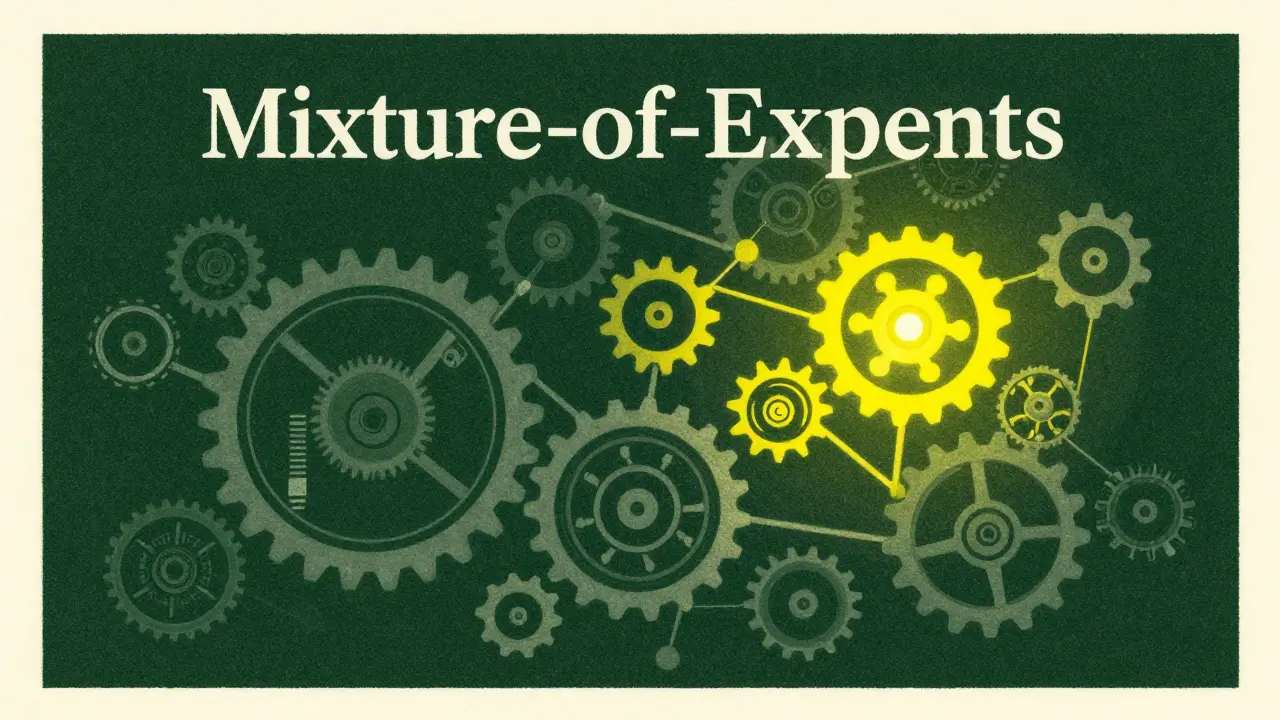
You can't just take a massive general-purpose model and hope it's fast. Realtime responsiveness requires a specific architectural approach. One of the most effective methods is using Mixture-of-Experts (or MoE), an architecture where only a small fraction of the model's parameters are active for any given token. For example, the Qwen3-30B-A3B-Instruct-2507 model has 30 billion parameters in total, but it only uses about 3 billion active parameters per token. This allows the model to possess vast knowledge while operating with the speed of a much smaller system.
Beyond architecture, developers rely on a few key optimization tricks to keep the "vibe" alive:
- Quantization: Using formats like 4-bit or 8-bit GGUF via the Unsloth framework to shrink the model's memory footprint without destroying accuracy.
- Model Pruning: Cutting out 40-60% of unnecessary parameters. Augment Code's benchmarks show you can do this while still maintaining over 92% accuracy in code completion.
- Predictive Modeling: Some tools, like Cursor, use single-token look-ahead to process common patterns, making the AI feel like it's reading your mind before you even finish the thought.
Local vs. Cloud: The Great Latency Trade-off
Deciding where your model lives is the biggest decision you'll make for your workflow. Local models give you total privacy and zero network lag, but they eat your VRAM for breakfast. Cloud models offer massive context windows and raw power, but they are at the mercy of your Wi-Fi connection.
| Model/Service | Median Latency | Deployment | Best For | Key Limitation |
|---|---|---|---|---|
| GPT-4o Realtime | 24.8ms | Cloud | Complex logic | Internet dependency |
| gpt-oss-20b | 42.1ms | Local (RTX 4080) | Privacy & Speed | Lower HumanEval score |
| Tabnine Enterprise 5.1 | <50ms (SLA) | Hybrid | Enterprise IDE depth | Complex config crashes |
| GitHub Copilot | 87.3ms | Cloud | General completion | Higher perceived lag |
If you're working on a sensitive project where code can't leave the building, local is the only way. According to Reddit's r/LocalLLaMA community, 92% of users prioritize local deployments for security. However, local models struggle with "big picture" context. Only about 12.3% of local models can effectively navigate dependencies across multiple files, whereas cloud variants like Command R7B can handle 128K+ tokens of context effortlessly.
Integrating the Vibe into Your IDE
The tool is only as good as its integration. If the plugin lags or crashes your editor, the low latency of the model doesn't matter. Currently, Visual Studio Code leads the pack with a 98.7% plugin stability rating. JetBrains is close behind, and Neovim users are seeing better stability, though it still lags at around 89.2%.
Getting a low-latency setup running usually takes about 2.7 hours of tweaking. For most of us, the process looks like this:
- Install the plugin (most VS Code users wrap this up in 15 minutes).
- Select your model size based on your hardware. If you have an RTX 3070 or better, you're in good shape.
- Adjust quantization levels. If you're hitting VRAM limits, switching to 8-bit quantization solves the problem for about 67% of users.
- Configure repository filtering to manage the context window so the model doesn't get overwhelmed.
The Risks of Over-Optimization
Is faster always better? Not necessarily. There is a point of diminishing returns. Dr. Elena Rodriguez from MIT suggests that once you hit sub-50ms, the benefits plateau because humans can't perceive much more speed. Even worse, chasing absolute zero latency can actually hurt the code quality.
Dr. Marcus Chen of Stanford's HCI Lab warned that models optimized specifically for sub-35ms latency showed an 18.7% increase in type errors, especially in complex TypeScript projects. When you strip too much away to gain speed, the AI starts guessing instead of reasoning. It's a delicate balance: you want the AI to be fast enough to feel invisible, but smart enough that you don't spend half your time fixing its typos.
What's Next for Realtime Coding?
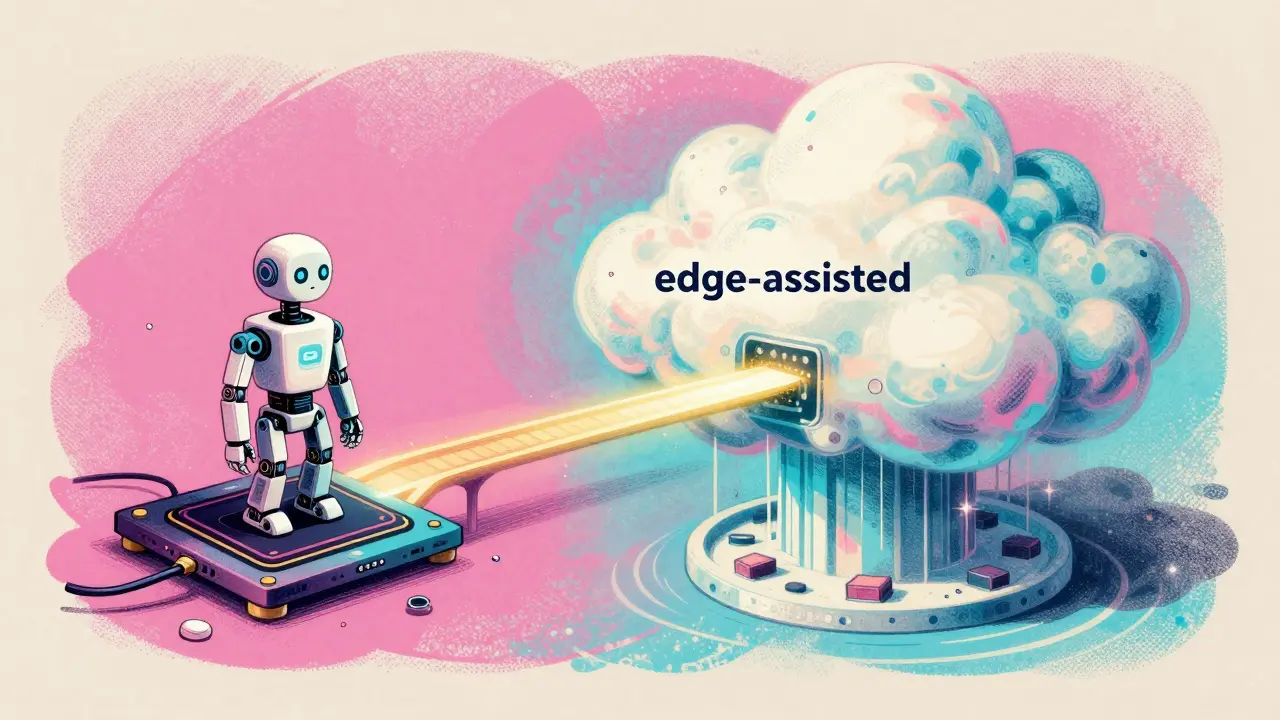
We are moving toward a hybrid future. By 2026, most vendors will shift to "edge-assisted" architectures-basically, a small, lightning-fast model on your machine for immediate completions, and a massive cloud model that kicks in for complex refactoring. Meta's upcoming Llama 4 Scout is already promising this blend, with a 10M token context window while keeping latency under 40ms.
As NVIDIA continues to update the Triton Inference Server, we're seeing latency drops of another 20%. Eventually, these models won't be "plugins" anymore. They'll be baked into the IDE as native features. Gartner predicts that by 2027, 68% of professional developers will rely on these low-latency assistants as their primary way of writing code.
What is the ideal latency for a coding AI?
The gold standard is sub-50ms. While anything under 100ms is considered "low-latency," the 50ms mark is where developers typically enter a flow state. Responses under 30ms are often perceived as instantaneous, though the gains below 20ms are barely noticeable to humans.
Do I need a powerful GPU for local low-latency models?
Yes, you generally need a GPU with 8GB to 24GB of VRAM. An NVIDIA RTX 3070 is usually the baseline for a decent experience, while an RTX 4090 can achieve median latencies as low as 28.7ms for optimized models.
Does quantization affect the quality of the code?
It can, but often the trade-off is worth it. Using 4-bit or 8-bit quantization reduces the model size significantly. While there is a slight dip in accuracy, many models maintain 92%+ accuracy, which is a fair trade for a 40% reduction in latency.
Why are cloud models sometimes slower than local ones?
The primary bottleneck is network round-trip time (RTT). Even if the cloud GPU is faster than your local one, the time it takes for the request to travel to the server and back adds milliseconds that break the "vibe" of realtime coding.
Which IDE has the best support for these models?
Visual Studio Code currently has the highest stability and plugin ecosystem support. However, JetBrains IDEs are highly rated for the depth of their integration, particularly with tools like Tabnine Enterprise.




Elmer Burgos
20 April, 2026 - 12:09 PM
this sounds like a game changer for my workflow honestly
Sara Escanciano
21 April, 2026 - 11:15 AM
The obsession with speed is just another symptom of our decaying attention spans. We are so lazy that we cannot even wait two seconds for a server to respond without losing our 'vibe'. It's pathetic how developers prioritize milliseconds over actual deep thinking. This push for 'instant' AI is just teaching people to stop thinking for themselves and blindly accept whatever the model spits out first. We are trading intellectual rigor for the dopamine hit of a fast cursor. Truly a disgrace to the profession.
Jason Townsend
21 April, 2026 - 15:58 PM
you really think these cloud providers care about your flow state
they just want your telemetry and every keystroke you make to train the next version of their god-complex machine local is the only way to stay off the grid because once you plug into a 24ms cloud pipeline you're just a data point in their hive mind they know what you're coding before you do it not because of predictive modeling but because they're already inside the OS
Angelina Jefary
23 April, 2026 - 10:42 AM
It is laughable that you think 'local' is a sanctuary when your hardware is likely riddled with backdoors from the factory. Also, for the love of everything, learn to use a period. Your lack of punctuation is a crime against the English language. Besides the grammar, the idea that a 4090 protects your privacy is a fantasy; the firmware alone is a black box for whoever controls the supply chain. We are just swapping one master for another while pretending we are 'optimizing' our workflow.
Antwan Holder
23 April, 2026 - 20:46 PM
Is this not the ultimate tragedy of the digital age? We seek to merge our consciousness with a machine, chasing a ghost called 'flow' only to find that in the pursuit of zero latency, we have deleted the very silence where creativity is born. We are becoming appendages to the IDE, mere biological bridges between a prompt and a response. The 'vibe' is not a technical metric; it is a spiritual void. We are accelerating toward a future where the AI writes the code, the AI reviews the code, and the human simply watches the cursor blink in a state of existential paralysis. It is an algorithmic descent into madness, and we are cheering for the speed of the fall.