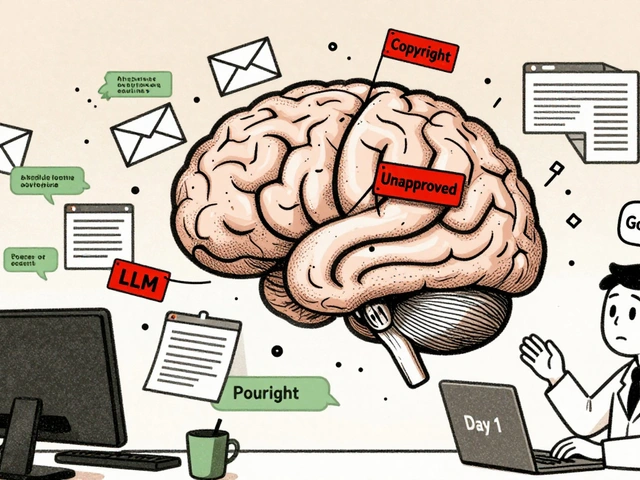
You just spent three days building a stunning, fully functional app using vibe coding, which is a rapid prototyping method where developers use conversational AI prompts to generate code instead of writing it line-by-line. The demo went perfectly. Your stakeholders are thrilled. But now you need to hand this project over to your engineering team for production, and suddenly, the magic feels like a liability. Without proper context, that sleek prototype is just a "black box"-code that works but no one understands how or why.
This gap between rapid AI-assisted creation and robust engineering maintenance is the biggest hurdle in modern software development. According to Dr. Lena Rodriguez from MIT’s CSAIL, 78% of handoff failures happen because of insufficient context documentation. If you want your vibe-coded prototypes to survive the transition to production, you need to treat documentation not as an afterthought, but as the foundation of the build itself.
The Foundation: Start with a Rock-Solid PRD
Most people jump straight into prompting their AI assistant. This is a mistake. Before you type a single prompt, you need a Product Requirements Document (PRD). Aatir Ahmed, who learned this the hard way when his VouchTribe project failed due to mid-build scope changes, insists that the PRD must exist before any code is generated.
Your PRD shouldn't be vague. It needs to explicitly define:
- Main use cases: What is the core function? Who is the primary user?
- Edge cases: What happens when the internet drops? What if the user inputs invalid data?
- Locked requirements: Which features are non-negotiable?
Save this as a requirements.md file in your project folder immediately. Hexaware’s 2024 industry report notes that including specific details on user flows, data models, and API integrations in this document prevents the AI from going on "wild tangents" during code generation. If you change these core requirements halfway through, you create technical debt that will haunt your engineering team later.
Track Every Decision with a Decision Log
In traditional coding, you remember why you chose React over Vue. In vibe coding, the AI makes hundreds of micro-decisions in seconds. You need to capture these choices. A decision log is essentially a diary of your development process. It tracks every major prompt iteration, the AI model version used (like GPT-4-turbo or Claude 3.5), and the rationale behind architectural choices.
Superblocks’ enterprise guidelines emphasize that this log creates a clear audit trail. When an engineer asks, "Why did we use this specific database schema?", you shouldn't have to guess. You should be able to point to a timestamped entry explaining that the AI suggested it based on scalability constraints defined in your PRD. Teacode.io found that maintaining this kind of traceability reduced handoff time by 65% across 12 engineering teams.
Document the Prompts, Not Just the Code
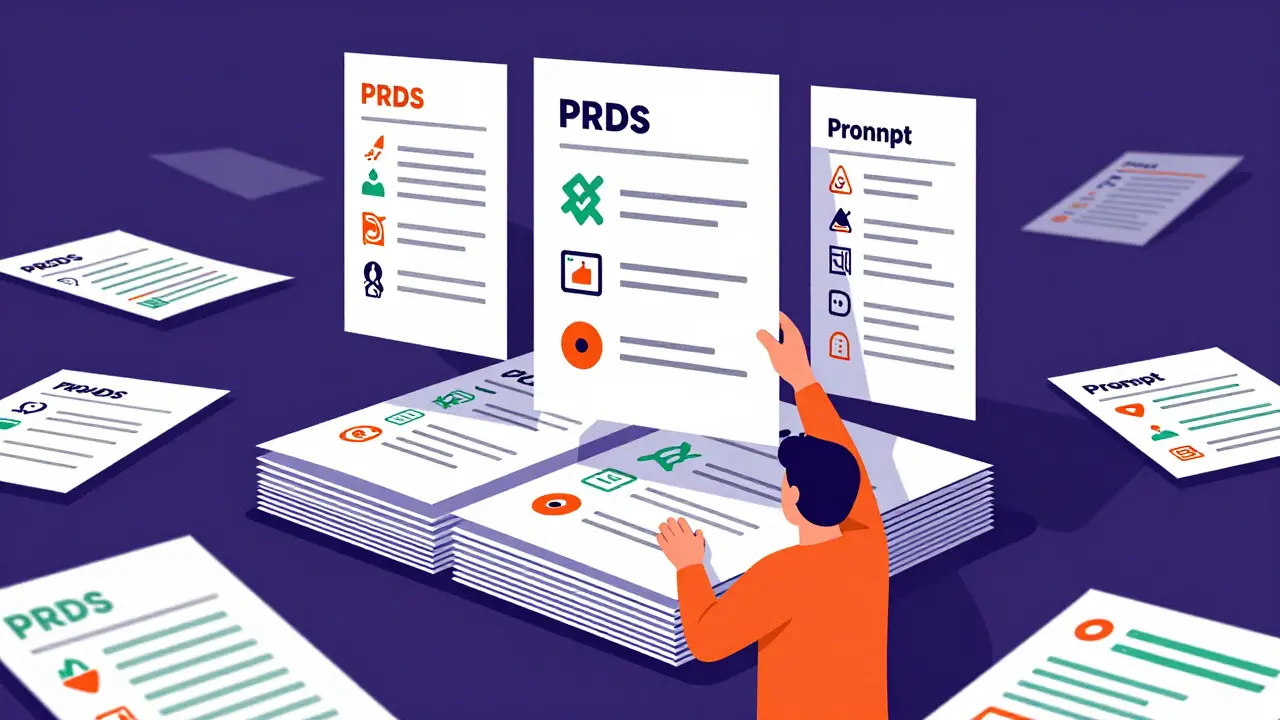
This might sound counterintuitive, but the prompts themselves are part of the source code. Recording the exact prompts used to generate critical components is essential for reproducibility. If a bug appears in a module generated by Cursor or GitHub Copilot, engineers need to know the original instructions to understand the intent.
Include these elements in your prompt documentation:
- The initial prompt: What was the starting instruction?
- Iterative refinements: How did you tweak the prompt to fix errors?
- Model versions: Which AI model was active during generation?
OpenAI’s PromptProvenance standards, released in March 2025, established minimum requirements for this kind of tracking. It turns out that knowing *how* the code was created is just as important as knowing *what* the code does. This transparency helps engineers verify that the code is safe to deploy and hasn't introduced hidden vulnerabilities.
Enhance Code with Comments and Docstrings
Because you didn't write the code line-by-line, context can easily get lost. Hexaware points out that in-code comments become critically important in vibe-coded projects. Don't rely on the AI to self-explain; actively ask it to update documentation after generating code.
Use docstrings to explain complex logic blocks. For example, if the AI generates a recursive function to handle nested data structures, add a comment explaining *why* recursion was chosen over iteration. Explain failed approaches too. If the AI tried three different methods before landing on the final solution, note those failures. This saves engineers from re-testing dead ends.
A Reddit user named 'CodeArchitect2024' shared a nightmare story where a lack of error handling documentation caused a three-week delay at a Fortune 500 company. The prototype worked in the demo, but had no safeguards for edge cases discovered during security review. Because there were no comments explaining assumptions, the team had to reverse-engineer the entire flow. Avoid this by ensuring every function has clear input/output definitions and error-handling procedures documented inline.
Maintain Rigorous Version Control
Treating AI-generated code as a pull request is mandatory. Graphite’s prompt engineering guide states that developers must review and merge AI output carefully, documenting all changes between iterations. Your Git history should tell a story, not just show a blob of new files.
Commit messages should be meaningful. Instead of "update app," use "added user authentication flow via OAuth2 as per PRD section 3.2." This level of detail allows engineers to track the evolution of the feature. If something breaks in production, they can revert to a specific, well-documented state rather than guessing what changed.

Address Security and Compliance Early
AI-generated code often introduces subtle security risks, such as hardcoded API keys or inefficient data queries that expose sensitive information. Superblocks warns that AI apps must connect securely to databases and legacy platforms using approved connectors. Your documentation must include a security audit section.
Specifically, document:
- Dependency audits: List all libraries installed and their versions.
- Data leakage points: Identify where user data is stored or transmitted.
- Compliance checks: Ensure adherence to GDPR or HIPAA if applicable.
NIST’s updated AI Security Guidelines from January 2025 highlight that schema validation is crucial to prevent integration failures. By documenting these security considerations upfront, you give your engineering team confidence that the prototype isn't just functional, but secure.
| Documentation Element | Lightweight Approach | Enterprise Standard |
|---|---|---|
| Product Requirements | Bullet points in chat history | Detailed requirements.md with user flows and edge cases |
| Prompt Tracking | None | Full log of prompts, model versions, and iterations |
| Code Comments | Minimal | Comprehensive docstrings explaining logic and failed attempts |
| Security Audit | Basic dependency check | Full compliance review (GDPR/HIPAA) and data leakage analysis |
| Version Control | Single commit of final code | Granular commits with descriptive messages linked to PRD sections |
Allocate Time for Documentation Discipline
It’s easy to let documentation slide when you’re in the flow of rapid prototyping. However, Hexaware recommends allocating 15-20% of your prototyping time specifically to documentation. For a 16-hour build, that’s 2-3 hours dedicated to writing PRDs, updating logs, and commenting code.
To maintain discipline, consider pairing a builder with a product manager or designer. Teacode.io suggests sharing documentation responsibilities so the developer can focus on prompting while another person ensures the context is captured. This collaborative approach bridges the gap between creative speed and engineering rigor.
Remember, the goal isn't to slow down innovation. It's to ensure that the innovation you've created can actually be scaled, maintained, and trusted by the engineers who will own it long-term. With the right documentation essentials, your vibe-coded prototype transforms from a fragile demo into a robust foundation for production software.
What is vibe coding and why does it require special documentation?
Vibe coding is a development paradigm where engineers use AI assistants to rapidly prototype applications through conversational prompts. It requires special documentation because the code is generated quickly without line-by-line human authorship, leading to a "black box" effect where engineers lack context on how decisions were made, increasing the risk of handoff failures.
How much time should I spend on documentation during vibe coding?
Hexaware recommends allocating 15-20% of your total prototyping time to documentation. For a typical 16-hour build session, this translates to approximately 2-3 hours dedicated to creating PRDs, logging decisions, and adding code comments.
Do I really need to save my AI prompts?
Yes. Saving prompts creates an audit trail that explains the intent behind specific code blocks. OpenAI’s PromptProvenance standards highlight this as essential for reproducibility and security reviews, allowing engineers to understand why certain solutions were chosen over others.
What is the most common cause of handoff failure for AI prototypes?
According to Dr. Lena Rodriguez from MIT, the single largest barrier is insufficient context documentation. Specifically, 78% of handoff failures are directly attributable to missing explanations of assumptions, edge cases, and architectural decisions.
How can I improve security in vibe-coded applications?
You must include a security audit in your documentation. This involves listing all dependencies, identifying potential data leakage points, and ensuring compliance with regulations like GDPR or HIPAA. NIST guidelines recommend using approved connectors and strict schema validation to prevent integration failures.