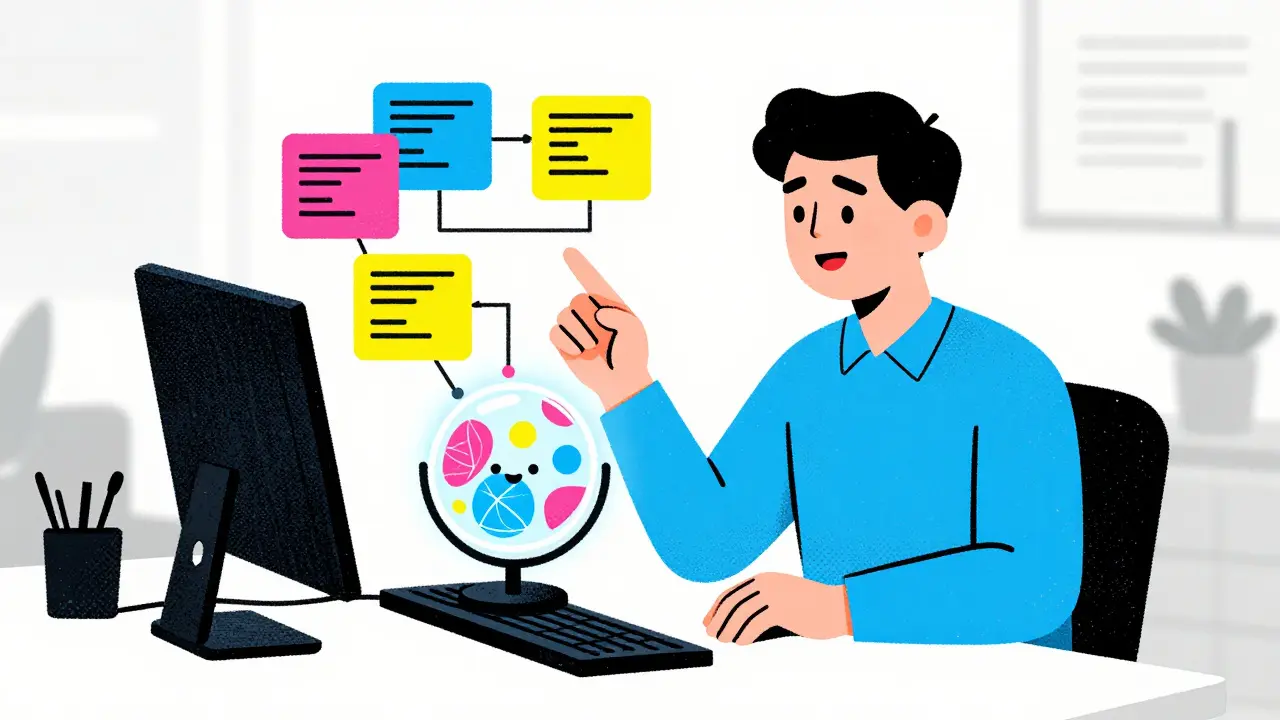
Remember when building a custom dashboard or automating a repetitive task meant waiting weeks for IT to get around to it? Those days are gone. In 2026, operations teams are skipping the traditional coding bottleneck entirely by using vibe coding. This approach lets you describe what you want in plain English, and AI writes the code, sets up the connections, and deploys the solution instantly.
You don’t need to be a software engineer to build powerful internal tools anymore. You just need to know your business processes well enough to explain them. Vibe coding bridges the gap between no-code simplicity and full-code flexibility, giving operations professionals the power to build exactly what they need without getting lost in complex configuration menus or syntax errors.
What Is Vibe Coding and Why It Matters for Ops
Vibe coding is a development methodology where users generate functional code and workflows through natural language prompts rather than manual coding. Unlike traditional programming, where you start with logic structures and data types, vibe coding starts with intent. You tell the AI system what outcome you want, and it handles the technical heavy lifting.
For operations teams, this is a game-changer. Traditional workflow automation often requires mapping out triggers, actions, and data fields before you even write a line of code. It’s rigid and slow. Vibe coding flips this model. You describe the context-"When a new lead enters our CRM, send a Slack alert and update our spreadsheet"-and the AI generates the complete workflow, including error handling and field mappings.
This shift reduces friction dramatically. Instead of fighting with visual builders that limit your options, or writing Python scripts from scratch, you iterate through conversation. If the first draft isn’t quite right, you tweak the prompt. The result is faster deployment, fewer bugs, and solutions that actually match your team’s needs.
The Tools Powering the Vibe Coding Revolution
Not all AI coding tools are created equal. While some focus on helping developers debug existing code, others are built specifically for vibe coding workflows. Here are the key platforms shaping this space in 2026:
| Platform | Best For | Key Feature | Code Output |
|---|---|---|---|
| AutoKitteh | End-to-end automation agents | Durable execution that survives crashes | Python |
| Zapier Copilot | No-code users wanting more power | Prompt-driven workflow refinement | Zapier Logic |
| Cursor | Custom app development | Full IDE integration with AI chat | Multiple languages |
| GitHub Copilot | Developer-assisted coding | Real-time code suggestions | Multiple languages |
| Claude Code | Complex logical reasoning | Deep contextual understanding | Multiple languages |
AutoKitteh stands out for operations teams because it doesn’t just generate code; it deploys it to serverless platforms that handle failures automatically. If a script crashes, AutoKitteh restarts it. This reliability is crucial for mission-critical ops tasks. Meanwhile, Zapier Copilot allows users who already love Zapier to break free from its visual builder limitations by adding custom logic through prompts.
Building Internal Dashboards Without Developers
One of the biggest pain points for operations teams is visibility. You often need a dashboard that pulls data from three different sources, but IT says it’s not a priority. With vibe coding, you can build these dashboards yourself in hours, not months.
Start by defining the data you need. For example, you might want a real-time view of customer support tickets, sales pipeline status, and server uptime. Describe this requirement to an AI tool like Cursor or Lovable. Specify the data sources (e.g., Salesforce, Zendesk, AWS CloudWatch) and the metrics you care about (e.g., average response time, conversion rate).
The AI will generate the front-end code for the dashboard and the back-end scripts to fetch and aggregate the data. You can then refine the look and feel by asking for specific changes: "Make the ticket count bigger" or "Add a filter for high-priority issues." Because you’re working with actual code, you aren’t limited by pre-built templates. You get a custom tool that fits your exact workflow.
Workflow Automation: From Prompt to Production
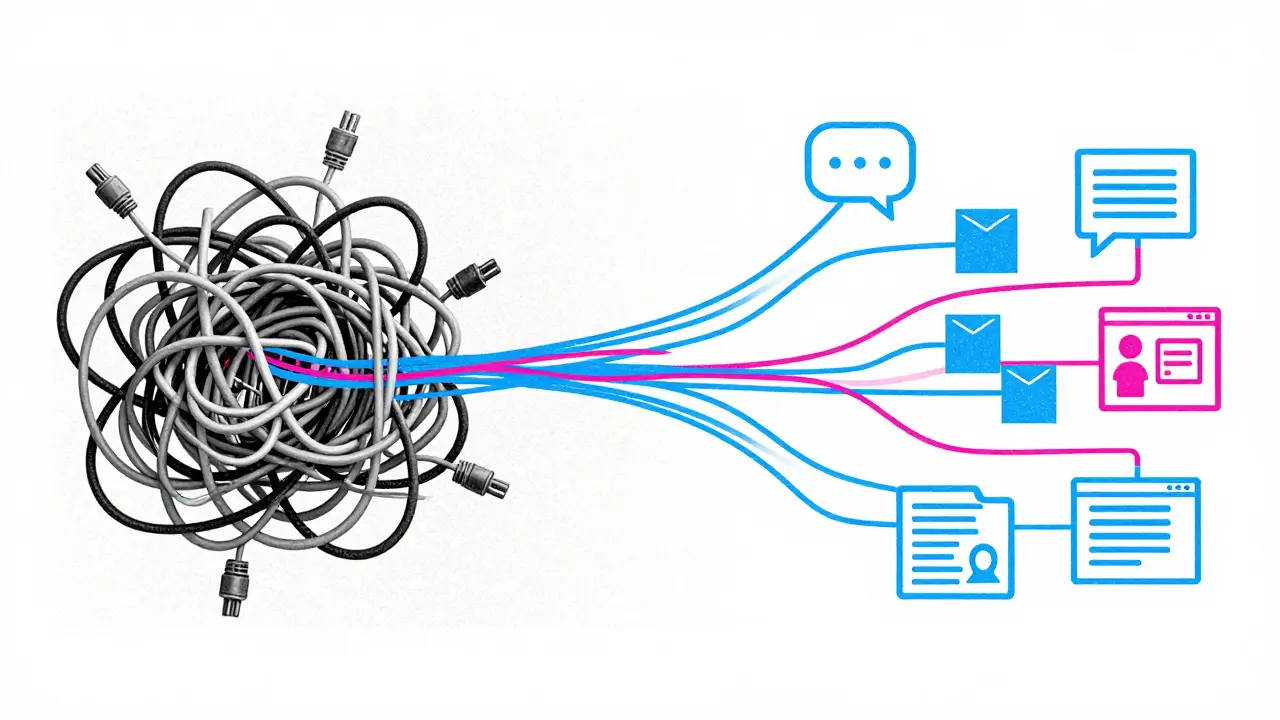
Automating repetitive tasks is where vibe coding shines brightest. Let’s say your team manually copies data from email attachments into a database every morning. That’s boring work that leads to errors. Here’s how you automate it using vibe coding principles:
- Define the Trigger: Tell the AI, "Monitor my Gmail inbox for emails with subject lines containing 'Daily Report' and attachments named 'data.csv'."
- Describe the Action: Add, "Parse the CSV file, extract the 'Revenue' column, and append those rows to our PostgreSQL database table called 'monthly_revenue'."
- Add Error Handling: Request, "If the CSV format is wrong, send me a Slack message with the error details and skip the upload."
The AI generates the Python script, sets up the cron job or event listener, and connects to your database and Slack. You review the code-which is now readable and documented-and deploy it. This process takes minutes instead of days. And if the requirements change next week, you just update the prompt.
Best Practices for Successful Vibe Coding
Vibe coding is powerful, but it’s not magic. To get consistent results, follow these proven strategies:
- Start Small: Don’t try to automate your entire company on day one. Begin with simple, single-trigger workflows. Master the basics before adding complex branching logic.
- Use Vertical Slicing: Build features end-to-end. Instead of writing all the database code first, then the UI, create a small, working version of the whole feature. Then expand it. This approach helps you catch errors early.
- Document as You Go: Ask the AI to generate documentation for each workflow. This creates a shared knowledge base that helps other team members understand and maintain the automations later.
- Iterate Continuously: Treat your prompts as living documents. As your business processes evolve, update the descriptions. Use AI critique features to identify potential flaws in your logic before deploying.
- Validate Output: Always test the generated code in a safe environment first. Check that data mappings are correct and error handlers trigger as expected.

Overcoming Common Challenges
Even with AI assistance, things can go wrong. One common issue is "hallucination," where the AI invents API endpoints or functions that don’t exist. To avoid this, provide the AI with accurate documentation links or sample payloads from your APIs. Another challenge is security. Never paste sensitive credentials directly into prompts. Use environment variables or secret management tools supported by your platform.
Also, remember that vibe coding doesn’t replace critical thinking. You still need to understand the logic behind the automation. If you don’t know why a step exists, you won’t know how to fix it when it breaks. Take time to read the generated code. Learn the basics of the underlying technology. This empowers you to troubleshoot effectively and trust the tools you’re building.
The Future of Operations in the Age of AI
Vibe coding is more than a trend; it’s a fundamental shift in how work gets done. As AI agents become smarter, they’ll take on more monitoring and execution responsibilities. Operations teams will move from building static scripts to managing intelligent systems that adapt to changing conditions.
This democratization of development means that innovation speed depends less on headcount and more on clarity of thought. The teams that succeed will be those that encourage their members to experiment, share their vibe-coded solutions, and continuously refine their processes. By embracing this approach, you’re not just saving time-you’re unlocking a new level of operational agility.
Is vibe coding secure for enterprise use?
Yes, if implemented correctly. Most modern vibe coding platforms support secure deployment environments with role-based access control and encrypted data storage. However, you must never include sensitive credentials in your prompts. Use environment variables and secret managers to protect API keys and passwords. Regularly audit the generated code for vulnerabilities.
Do I need to know how to code to use vibe coding?
No, basic coding knowledge is not required. Vibe coding is designed for non-technical users. However, having a rudimentary understanding of logic (if/then statements, loops) helps you write better prompts and troubleshoot issues. Learning the basics of Python or JavaScript can significantly enhance your effectiveness.
How does vibe coding differ from no-code platforms?
No-code platforms restrict you to pre-built components and visual interfaces. Vibe coding generates actual code, offering greater flexibility and customization. You can modify the output directly, integrate with any API, and scale beyond the limitations of drag-and-drop builders. It combines the ease of no-code with the power of full-code development.
Can vibe coding handle complex workflows?
Absolutely. While starting simple is recommended, advanced vibe coding tools can handle multi-step workflows, conditional branching, and parallel processing. By breaking down complex requirements into smaller prompts and iterating, you can build sophisticated automations that rival traditional software applications.
What happens if the AI generates incorrect code?
AI-generated code is not perfect. You should always test it in a staging environment before deploying to production. If errors occur, use the AI’s debugging features to analyze logs and fix issues. Providing clear context and examples in your initial prompt reduces the likelihood of errors. Continuous iteration is key to refining the output.

Jeremy Chick
6 May, 2026 - 15:12 PM
Look, I’m not gonna lie, this vibe coding stuff sounds like a total scam to me. You really think just typing what you want in plain English is gonna replace actual engineering? Please. The IT department isn’t slow because they’re lazy; it’s because your requirements are garbage. If you can’t explain what you need clearly enough for a human to build it, an AI definitely won’t figure it out either. Stop trying to bypass the people who actually keep the servers running.
Sagar Malik
8 May, 2026 - 04:31 AM
the paradigm shift here is undeniable yet fraught with epistemological peril. when we delegate the syntactic construction of logic to non-deterministic algorithms, we risk creating a black box of operational opacity that even the most seasoned sysadmins cannot penetrate. it is a form of digital solipsism where the code exists only in the mind of the machine, unverified by human rigor. i have seen these 'agents' hallucinate endpoints that lead directly into data voids, effectively erasing months of meticulous record keeping. one must remain vigilant against the siren song of automation without oversight.
Seraphina Nero
8 May, 2026 - 14:02 PM
I totally get why people are worried about losing control, but honestly, this looks pretty helpful for small teams. It’s nice that you don’t have to wait weeks for IT anymore. Just make sure you double-check everything before you let it run on its own, okay?
Megan Ellaby
9 May, 2026 - 02:09 AM
Hey everyone! I’ve been tinkering with Cursor for a bit now and its actually kinda fun. You dont need to be a pro coder to get basic stuff done. Just remember to save your work often and maybe ask a friend to look at the code if you can. Its all about learning as you go!
Rahul U.
10 May, 2026 - 04:51 AM
This is a fascinating development in our technological landscape 🌟. While I appreciate the efficiency gains, I believe we must establish clear ethical boundaries regarding data privacy and security protocols 🔒. It is essential that organizations do not compromise their integrity for the sake of speed. We should proceed with caution and ensure that all automated processes are transparent and auditable by human operators 👀.
E Jones
10 May, 2026 - 13:14 PM
You fools are dancing right into the trap set by the silicon overlords who seek to render us obsolete through sheer computational dominance, stripping away the very essence of human agency in our daily labor routines until we are nothing more than passive observers of our own demise, watching as the algorithms weave a web of dependency so tight that we shall never again know the sweet, intoxicating freedom of manual labor, for the machines will have learned our patterns too well, predicting our needs before we even articulate them, thus rendering our consciousness a mere decorative flourish upon the cold, hard machinery of profit maximization.
Barbara & Greg
10 May, 2026 - 21:27 PM
It is morally incumbent upon us to consider the implications of such technological shortcuts. To rely on artificial intelligence for critical operational tasks is to abdicate our responsibility as stewards of our organizations. We must uphold the highest standards of diligence and care, which cannot be replicated by mere algorithmic generation. The soul of work lies in the effort exerted, not the speed achieved.
selma souza
11 May, 2026 - 14:57 PM
Your article contains several grammatical inconsistencies that undermine its credibility. Specifically, the use of informal language such as 'vibe coding' detracts from the professional tone required for technical documentation. Furthermore, the lack of proper citation for the claims made regarding the efficacy of these tools is unacceptable. One must adhere to strict linguistic standards to convey authority and precision in written communication.
Frank Piccolo
11 May, 2026 - 23:06 PM
Another day, another American innovation being watered down by globalist nonsense. Real coding is hard work, not some chatbot trickery. Keep it simple, stupid. This whole vibe thing is just a way to hide incompetence behind fancy words. Stick to the basics and stop wasting time on these gimmicks.
James Boggs
12 May, 2026 - 19:06 PM
I agree that this technology offers significant potential for enhancing operational efficiency. However, it is crucial to implement robust validation frameworks to ensure the reliability of generated code. Collaboration between operations teams and IT departments remains essential for successful integration.