
For a long time, the AI world was obsessed with one thing: accuracy. We asked if the model got the answer right, if the code actually ran, or if the summary was factual. But as companies move from playing with demos to deploying Large Language Models (LLMs) at scale, a cold reality has set in. A perfectly accurate answer that takes ten seconds to load is a failure in the eyes of a user. Similarly, a brilliant model that costs a fortune per query is a business liability.
We are seeing a shift where latency and cost are no longer "nice-to-haves" or footnotes in a technical report. They are now first-class metrics. Why? Because in production, 68% of users will abandon a conversational AI app if the response takes longer than two seconds. If you're building for the real world, you can't ignore the clock or the invoice.
The Anatomy of LLM Latency
When we talk about "speed," most people just mean how long they wait. But for an engineer, latency is broken down into specific stages. If you only track the total time, you're missing the signal. To really optimize, you need to look at these three specific tiers.
First, there is the Time-to-First-Token (TTFT). This is the gap between hitting "Enter" and seeing the first word appear. For a 7B-parameter model running on an A100 GPU, you're typically looking at 100-500ms. This is the most critical metric for perceived speed. If the TTFT is high, the app feels frozen.
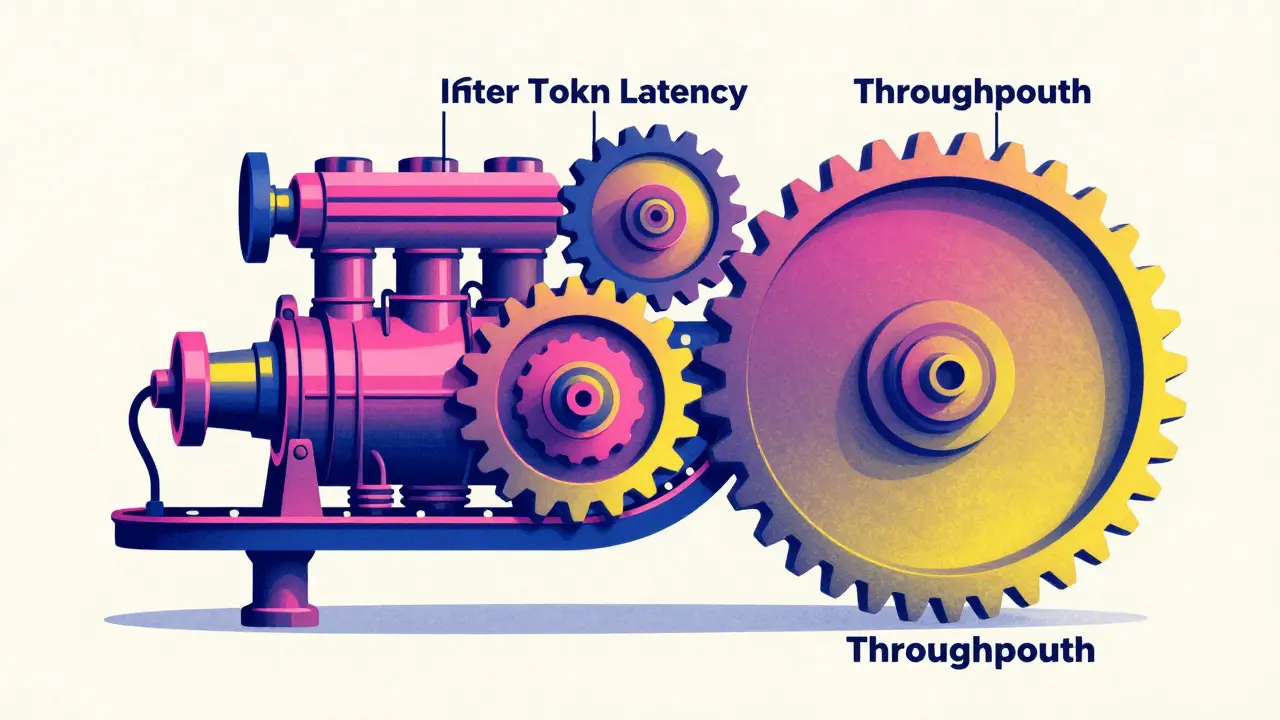
Next is Inter-Token Latency (ITL), also called Time-Per-Output-Token. This is the rhythm of the generation-the speed at which words stream onto the screen. On average, this hits around 20-80ms per token. If this is too slow, the user reads faster than the AI can write, which creates a frustrating experience.
Finally, there is End-to-End Latency and Token Throughput (TPS). TPS tells you the total volume of tokens generated per second across all users. While TTFT matters for one person, TPS matters for your server's survival. A 13B model on a single A100 usually pushes 50-150 TPS. The trade-off is tricky: increasing your batch size can boost your throughput by 300%, but it often spikes your TTFT by 150%, making individual users wait longer.
The Hidden Math of LLM Costs
Cost isn't just the API bill from OpenAI or Anthropic. It's a complex mix of token volume, hardware utilization, and memory footprints. When you're processing millions of tokens a day, small differences in pricing create massive swings in your monthly burn.
For instance, there is a staggering gap between hosted APIs and self-hosted models. A high-end model like GPT-4-turbo might cost around $10.00 per million tokens. In contrast, a self-hosted Llama-3-70B could cost as little as $0.80 per million tokens once you factor in the hardware. However, the "hidden" cost here is the engineering effort to manage the infrastructure.
Memory is another cost driver. A 70B-parameter model isn't just a bit heavier than a 13B model; it consumes roughly 3.7x more GPU memory and 2.8x more compute. This means you aren't just paying for tokens; you're paying for the 80GB VRAM on an H100 GPU just to keep the model loaded. If your hardware utilization is low-say 40-60%-you are essentially throwing money away. Moving to a system like vLLM with PagedAttention can push that utilization up to 85%, effectively getting more value out of the same expensive silicon.
| Model/Provider | Est. Cost (per 1M tokens) | Avg. TTFT | Primary Trade-off |
|---|---|---|---|
| GPT-4 (Azure) | ~$30.00 | 350ms | High cost for extreme stability |
| Claude-3-Opus | ~$15.00 | Variable | High reasoning, high price |
| Llama-3-70B (Self-hosted) | ~$0.80 | 400-800ms | Lower cost, higher ops overhead |
| Mistral-7B (Self-hosted) | ~$0.35 | <200ms | Fast and cheap, lower accuracy |
The "False Economy" of Speed
It is tempting to chase the lowest latency possible, but there is a trap here called the "false economy." To make a model faster, developers often use aggressive quantization-essentially shrinking the model's precision. While this might cut your latency in half, it can degrade the model's perplexity by 15-20%.
If your model becomes lightning-fast but starts giving wrong answers, your speed gains are meaningless. You've optimized for the wrong metric. The real goal is LLM evaluation based on "cost-per-quality-unit." This means you don't just ask "Is it fast?" but "How much does it cost to get a correct answer within an acceptable timeframe?"
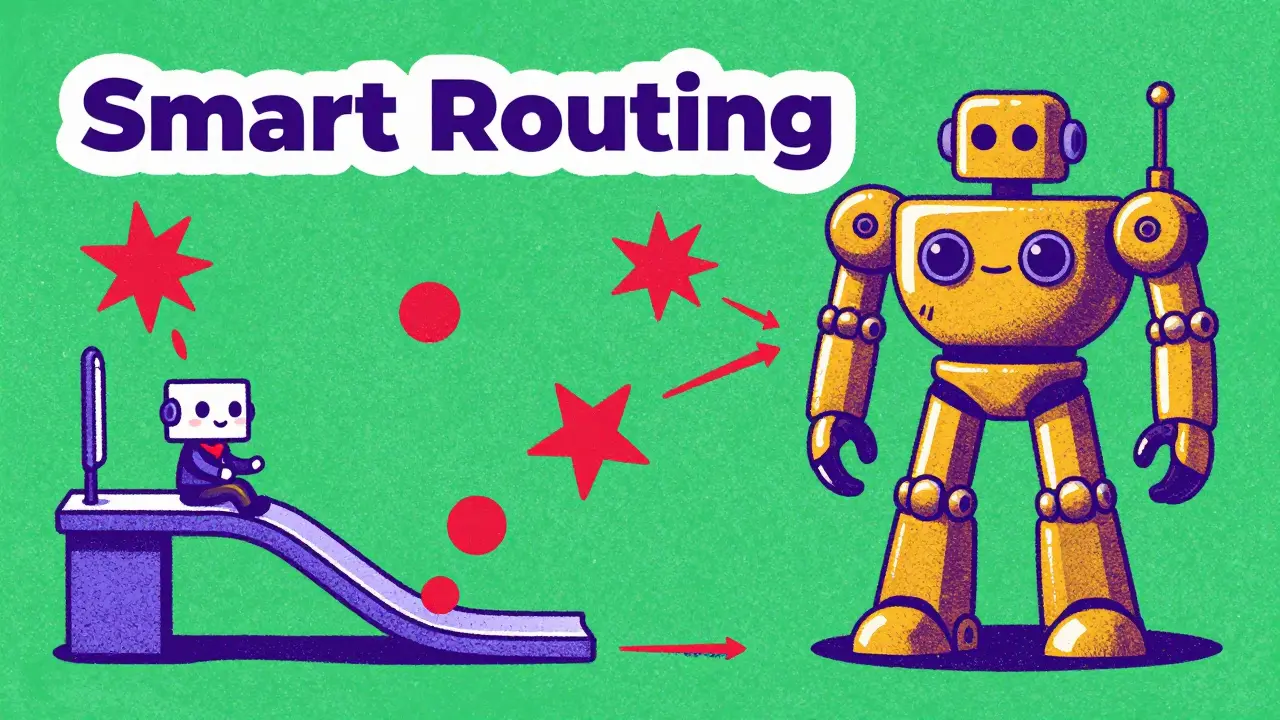
This is why many enterprises are moving toward smart routing. Instead of sending every query to a massive, expensive model, they route simple questions (like "What is your return policy?") to a tiny, fast model and only escalate complex logic to the heavy hitters. This approach can slash costs by 35% without the user ever noticing a dip in quality.
Practical Strategies for Optimization
If your current deployment is too slow or too expensive, you don't necessarily need a bigger GPU. There are several architectural levers you can pull to fix the problem.
- Caching: Stop calculating the same thing twice. Implementing an LLM gateway for caching can reduce redundant computations by 40-60%. Just be careful with "stale context" where the cache gives an outdated answer.
- Continuous Batching: Instead of waiting for a whole group of requests to finish, continuous batching processes tokens as they are generated. This has been shown to drop average latency from 850ms down to 320ms in real-world chatbot scenarios.
- Model Compression: Using 4-bit quantization can reduce VRAM requirements by 57% with almost no noticeable drop in accuracy. This allows you to fit larger models on cheaper hardware.
- Speculative Decoding: New tools like TensorRT-LLM use a smaller "draft" model to predict tokens, which the larger model then verifies. This can lead to 40% faster token generation.
When to Prioritize Which Metric?
Your choice of metric depends entirely on the user's job. A real-time customer support bot and a legal document analyzer have completely different requirements.
For real-time interactions, TTFT is king. You need to stay under 500ms to maintain high user satisfaction. In this scenario, you might accept a slightly smaller model or a slightly higher cost per token just to keep the experience snappy.
For batch processing-like summarizing 10,000 emails overnight-TTFT is irrelevant. In these cases, you prioritize Token Throughput (TPS) and cost. You want to cram as many tokens through the GPU as possible, even if the first token takes five seconds to appear, because no human is waiting for it in real-time.
What is the difference between TTFT and ITL?
Time-to-First-Token (TTFT) is the delay before the model starts speaking, which affects the perceived responsiveness of the app. Inter-Token Latency (ITL) is the speed at which the rest of the response is generated, affecting the reading flow. A low TTFT makes an app feel fast, while a low ITL makes it feel smooth.
How does batch size affect LLM latency?
Increasing the batch size generally improves total throughput (more tokens per second overall) because the GPU is used more efficiently. However, it usually increases the TTFT for individual requests because the system is processing more data simultaneously, leading to a slower start for each user.
Is self-hosting always cheaper than using an API?
Not necessarily. While the cost per million tokens is significantly lower for self-hosted models like Llama-3, you have to pay for the GPUs (like A100s or H100s) and the engineering time to maintain the stack. Self-hosting is usually only cheaper at high volumes where the hardware is fully utilized.
What is the impact of quantization on cost and speed?
Quantization reduces the precision of the model's weights (e.g., from 16-bit to 4-bit), which drastically lowers the VRAM requirements (by up to 57%). This allows you to run larger models on cheaper hardware or increase the batch size, effectively lowering the cost and increasing the speed of inference.
Why should I care about VRAM optimization?
In large models (70B+ parameters), memory-bound operations account for 60-70% of the total latency. If you don't optimize how the model uses VRAM, you'll hit a "latency cliff" where response times suddenly spike once GPU utilization passes a certain threshold (often around 70%).
Next Steps for Your Deployment
If you're just starting, don't build a custom monitoring system yet. Start by using open-source tools like Prometheus and Grafana to track your end-to-end response times. Once you have a baseline, look for the biggest bottleneck: is it the first token or the overall throughput?
For those scaling up, the next move is implementing a routing layer. Try diverting 20% of your simplest queries to a smaller model (like Mistral-7B) and measure the impact on both cost and user satisfaction. You'll likely find that for many tasks, "good enough" is not only cheaper and faster but actually preferred by the user.




NIKHIL TRIPATHI
8 April, 2026 - 20:38 PM
Smart routing is definitely the way to go for most enterprise apps. It's crazy how often a tiny model can handle 80% of the load just as well as the big ones. I've seen some setups use a classifier model just to decide where the prompt goes and it saves a ton of cash.
Madhuri Pujari
8 April, 2026 - 21:39 PM
Oh, wow... another "groundbreaking" guide on VRAM optimization!!! 🙄 Like we didn't already know that quantization ruins perplexity... absolutely shocking news!!! Maybe if you actually spent time reading the research papers instead of just summarizing them, you'd realize that the "hidden costs" of self-hosting include a full-time DevOps engineer who hates their life!!! But sure, let's just pretend a 4-bit model is "almost" as good as FP16... typical!!!
Sandeepan Gupta
9 April, 2026 - 09:20 AM
The point about speculative decoding is worth highlighting here. For anyone struggling with ITL, pairing a Llama-3-8B as a draft model for a larger 70B model can genuinely transform the user experience. It creates a much more fluid streaming effect without sacrificing the reasoning capabilities of the larger model. Just be mindful of the memory overhead when loading two models onto the same GPU cluster.
Rajat Patil
10 April, 2026 - 07:34 AM
This is very helpful information. It is kind to explain the difference between the different types of latency.
anoushka singh
12 April, 2026 - 02:02 AM
lol why is this so long though
just tell me which one to use and go
Jitendra Singh
14 April, 2026 - 01:30 AM
I think we can all agree that finding a balance is the most important part here. Whether it is cost or speed, it really just depends on what the user needs at that moment. It's a fair trade-off for everyone involved.
deepak srinivasa
14 April, 2026 - 20:23 PM
The part about PagedAttention and vLLM is interesting. I wonder if the throughput gains stay consistent as the context window grows larger, or if the memory fragmentation starts to eat into those gains eventually. It seems like a massive jump in efficiency over standard attention mechanisms.