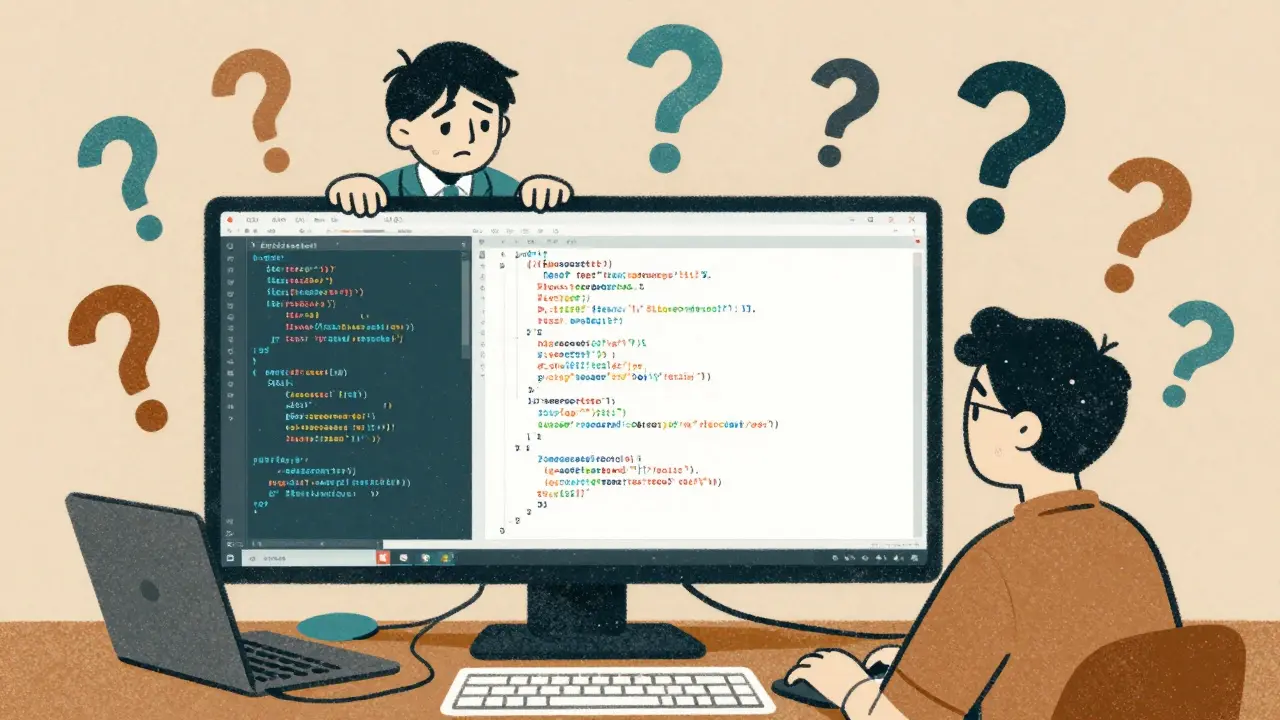
Ever spent hours trying to figure out why a piece of code feels off-only to realize it’s not the logic, it’s the spacing? One developer uses two spaces for indentation, another uses four. One puts braces on the same line, another insists on a new line. Variable names jump between camelCase and snake_case. You’re not debugging a bug-you’re debugging a mess.
This isn’t rare. It happens in every team that grows past one person. And it’s not just annoying. It slows down reviews, hides real bugs, and makes onboarding new developers feel like decoding hieroglyphs. The solution isn’t more meetings or stricter managers. It’s a coding style guide-not as a rulebook from on high, but as a shared language your team writes in.
Why Style Guides Actually Matter
People think style guides are about aesthetics. They’re not. They’re about reducing cognitive load.
When you read code, your brain doesn’t just process logic. It also scans for patterns: Where’s the function? How are variables named? Are comments clear? When those patterns change every few lines, your brain has to re-learn the structure each time. That’s mental fatigue. And fatigue = mistakes.
Teams with consistent style guides report code reviews take 15-25% less time. Why? Because reviewers stop arguing about tabs vs. spaces and start spotting actual bugs. One team at a SaaS startup cut their bug rate by 18% after implementing Prettier and ESLint. Not because the code got smarter-because the noise went away.
And it’s not just about reviews. When you come back to a file you wrote six months ago, you shouldn’t have to guess who wrote it. You should recognize the style instantly. That’s maintainability. That’s sanity.
What a Real Style Guide Includes (And What It Doesn’t)
A good style guide isn’t a 200-page PDF nobody reads. It’s a living set of rules that answers the small, annoying questions before they become arguments.
Start with these core areas:
- Formatting: Indentation (2 spaces? 4?), line length (80 or 120 characters?), where braces go, empty lines between functions.
- Naming: Variables: camelCase. Classes: PascalCase. Constants: UPPER_SNAKE_CASE. Functions: verbs. Avoid single-letter names unless it’s a loop counter.
- Comments: When to write them (APIs, complex logic), when not to (obvious code), and what format to use (JSDoc, docstrings, etc.).
- Function and Class Size: No function longer than 50-100 lines. No more than 5 parameters. If it’s getting long, it’s doing too much.
- Error Handling: Always check for null? Use try/catch everywhere? Return errors as objects? Pick one and stick to it.
What it shouldn’t include: arbitrary preferences. No rule like “no trailing commas” unless your team actually had a bug caused by it. No “use this exact comment format” if it adds zero clarity. The goal isn’t uniformity for uniformity’s sake-it’s clarity for reliability.
The Tooling That Makes It Work
Manual enforcement fails. Always.
Teams that rely only on code reviews to catch style issues have 37% more violations in production. Why? Because humans are tired. Humans forget. Humans care more about logic than commas.
The fix? Automate the boring stuff.
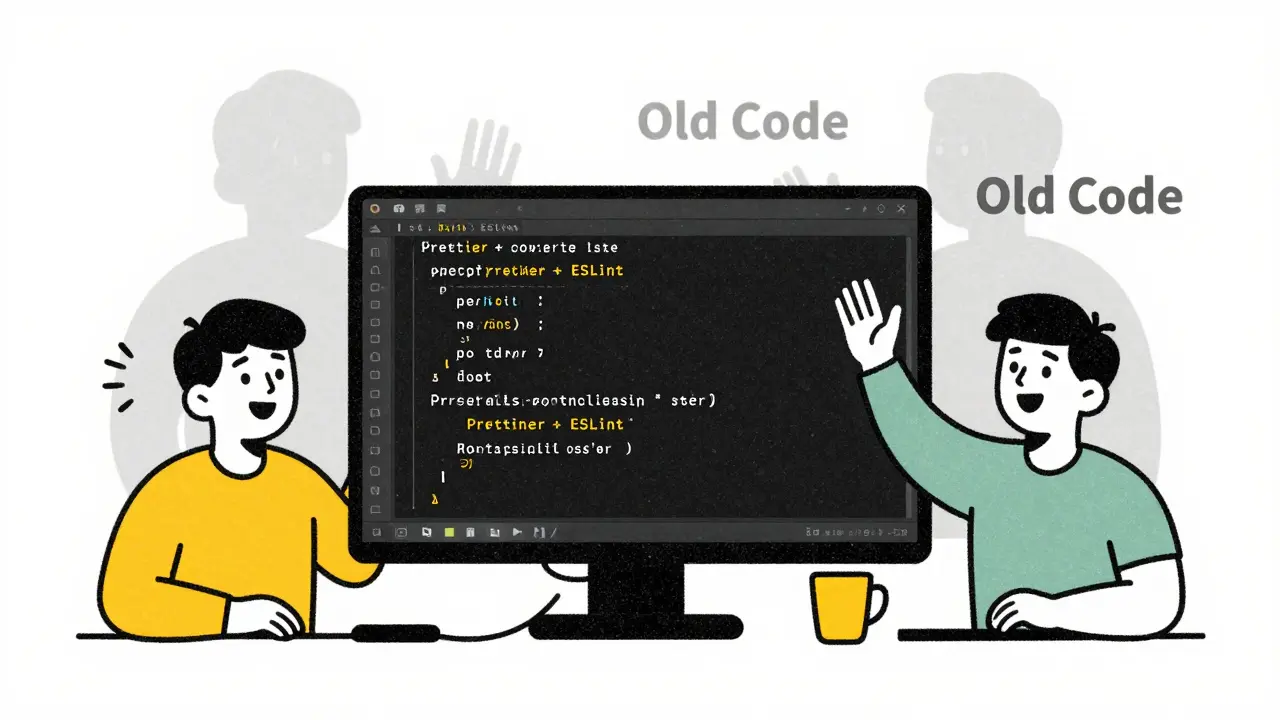
Use a formatter: Prettier for JavaScript/TypeScript, Black for Python, clang-format for C++. These tools take your code and restructure it instantly-no debate. They don’t care if you like curly braces on the same line. They just make it consistent.
Then layer on a linter: ESLint, Pylint, or Checkstyle. These catch real problems: unused variables, undefined functions, risky patterns. They can also enforce your style rules-like “no console.log in production” or “always use ===”.
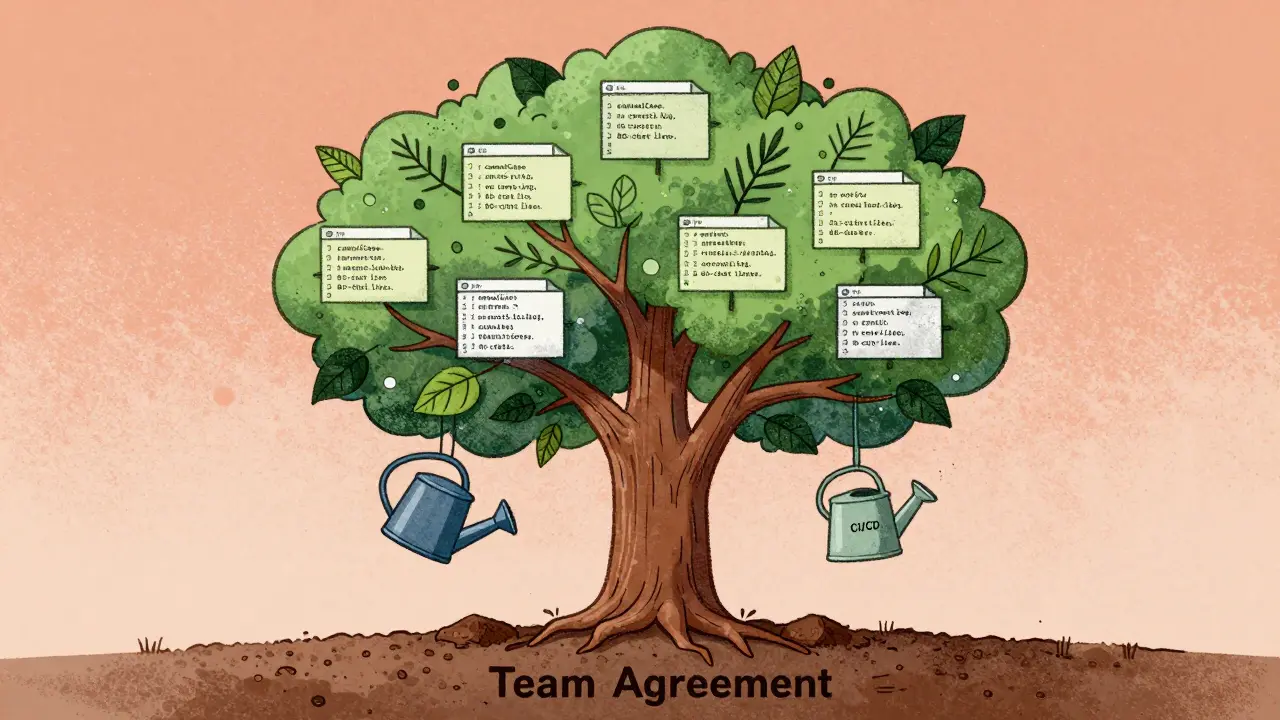
Here’s the secret: configure these tools once, commit the config files (`.eslintrc`, `.prettierrc`, etc.) to your repo, and make them run automatically in your CI pipeline. If someone pushes code that doesn’t match, the build fails. No arguing. No guilt trips. Just green or red.
92% of professional teams use this combo. The ones that don’t? They’re still in meetings about tabs.
How to Get Your Team On Board
Don’t drop a 50-page PDF on your team and say “follow this.” That’s how you get people disabling linting rules.
Start small. Pick one area where style issues cause real pain-maybe it’s inconsistent naming, or functions that are 300 lines long. Gather the team. Ask: “What’s the most annoying thing about our code right now?” Write it down. Then pick one thing to fix.
Set up the tool. Run it on the whole codebase. Fix everything in one PR. Call it “Style Clean-Up v1.” Celebrate. Show the before and after. People see the difference. They feel the relief.
Then, add rules slowly. Only when a new problem shows up. “We keep mixing up `getUserById` and `get_user_by_id`-let’s pick one and lock it.” Not “Let’s write a rule for every possible variation.”
And here’s the most important part: make the style guide a living document. Keep it in the README. Link to it from your onboarding docs. Let anyone suggest changes. The best style guides evolve with the team-not the other way around.
When Style Guides Backfire
Not all style guides help. Some hurt.
Teams that enforce 120+ rules see 32% lower developer satisfaction. Why? Because every rule is a tiny friction point. “Why can’t I use `let` here?” “Why must I break this line at 80 characters?” “Why is this rule here at all?”
The worst offenders? Rules created by one senior dev who “likes it this way.” No discussion. No data. Just “this is how we do it.” That’s not a style guide-it’s a personality cult.
And then there’s the legacy code problem. You inherit a project with 10 years of spaghetti code. You want to enforce Prettier. But applying it to the whole codebase creates a 5,000-line diff. No one will merge it.
Solution: Don’t touch legacy code unless you’re touching it anyway. When you edit a file, format it. When you refactor a module, clean it up. Over time, the whole codebase shifts-without chaos.
What the Future Looks Like
Style guides aren’t disappearing. They’re getting smarter.
GitHub Copilot now knows your project’s style. If your team uses camelCase and 2-space indentation, Copilot suggests code that matches-no manual tweaking. SonarQube’s new AI features analyze your codebase and recommend rules you’re missing. “You use async/await everywhere-should we enforce async function signatures?”
Tools are moving from “apply this rule blindly” to “understand context.” That’s the future: fewer rules, smarter enforcement.
But the core idea stays the same: consistency reduces noise. Noise kills productivity. Productivity is the only thing that matters.
Start Today
You don’t need permission. You don’t need a budget. You don’t need a committee.
Open your project. Install Prettier or Black. Run it. Commit the config. Add it to your CI. That’s step one.
Then, in your next team sync, say: “Let’s agree on one naming rule for this week. Just one. And we’ll document it.”
That’s it. No grand plan. No perfect guide. Just progress.
Code doesn’t have to be beautiful. It just has to be predictable. And predictability? That’s what lets teams move fast without breaking things.
Do I need a style guide if I’m working alone?
Yes-even if you’re the only one writing code. Your future self will thank you. Six months from now, you won’t remember why you wrote a variable as `user_id` instead of `userId`. A style guide keeps your own code readable. Plus, if you ever bring someone else on board, you’re already set.
What if my team hates the style guide?
If they hate it, it’s probably too rigid or poorly explained. Go back to the basics: Did you involve them in creating it? Are the rules justified by real problems, not personal taste? Try removing half the rules and see if the complaints go away. The best guides are the ones people forget exist-because they just work.
Can I use someone else’s style guide, like Google’s or Airbnb’s?
Absolutely. Start with them. Google’s style guides and Airbnb’s JavaScript guide are excellent baselines. But don’t copy them blindly. Adapt them to your team’s needs. If your team uses Python and you adopt Google’s Python guide, that’s great. But if you’re building a small API and their rule about class structure feels bloated, simplify it. Your guide should fit your work-not the other way around.
How do I handle legacy code that doesn’t follow the guide?
Don’t reformat everything at once. That creates massive, unreadable PRs and breaks history. Instead, format code only when you touch it. When you fix a bug in a file, run the formatter. When you add a new feature, clean up the surrounding code. Over time, the whole codebase becomes consistent-without a single disruptive overhaul.
What if our CI/CD pipeline is too slow with linting?
Slow CI is a common complaint. But it’s usually fixable. Run formatters and linters in parallel. Use caching. Only run them on changed files using tools like `lint-staged`. If you’re still slow, consider running them locally before commit using pre-commit hooks. The goal isn’t to slow down the pipeline-it’s to catch style issues before they even reach CI.



Ajit Kumar
2 February, 2026 - 17:10 PM
Let me be perfectly clear: inconsistent code formatting isn't just a nuisance-it's a systemic failure of professional discipline. I've seen teams waste hundreds of hours debating indentation because no one had the backbone to enforce a standard. The notion that style guides are 'aesthetic' is dangerously naive. Syntax is syntax, and syntax is communication. When your code reads like a schizophrenic's journal, you're not just making it harder for others-you're making it harder for yourself. Tools like Prettier and ESLint aren't optional; they're the baseline expectation for any team that claims to take engineering seriously. If you're still manually formatting code in 2025, you're not a developer-you're a hobbyist with a keyboard.
Diwakar Pandey
4 February, 2026 - 11:04 AM
I get where you're coming from, but honestly? Sometimes the best style guide is the one you don't have to think about. I used to obsess over every semicolon and brace placement-until I let Prettier run wild on our repo. Now I just write code and forget about it. The team’s way more productive, and no one’s ever complained. Honestly, if your linter’s making you feel guilty, maybe it’s too loud. Keep it simple. Let the tools do the yelling. You focus on the logic.
Geet Ramchandani
5 February, 2026 - 10:20 AM
Oh please. You people treat style guides like they’re holy scripture. I’ve worked in places where people spent more time arguing over whether to use camelCase or snake_case than they did fixing actual bugs. And then they wonder why their codebase is a graveyard of half-baked features. You think a 120-character line limit makes your code ‘clean’? It just makes it harder to read on a 4K monitor. And don’t get me started on teams that ban console.log but allow 200-line functions with nested ternaries. This isn’t discipline-it’s performance art for people who think rules are a substitute for thinking.
Pooja Kalra
6 February, 2026 - 00:33 AM
There’s something quietly spiritual in the rhythm of consistent code. Not the rules themselves-but the silence they create. When every variable breathes the same way, when every function exhales with the same cadence, you begin to feel the architecture beneath the syntax. It’s not about control. It’s about harmony. We don’t write code for machines. We write it for other humans who will sit in the same chair, at the same screen, wondering why they’re still awake at 3 a.m. The guide isn’t a cage. It’s a lullaby.
Sumit SM
6 February, 2026 - 02:27 AM
Wait-so you’re saying we should just install Prettier and call it a day? No discussion? No consensus? No democratic process? That’s not leadership-that’s authoritarianism wrapped in a .prettierrc file! And let’s be real: if your team can’t even agree on whether to use single or double quotes, how are you going to survive a product pivot? Style guides aren’t about tools-they’re about culture. You need rituals. You need ceremonies. You need team-wide rituals where we all gather around the whiteboard and vote on whether to indent with tabs or spaces. Otherwise, you’re not building software-you’re building a dictatorship with a GitHub repo.