You know the feeling. You’re debugging a critical issue at 5 AM, frantically scrolling through your project’s README is the primary entry point for understanding a software project's purpose, setup, and usage instructions. The instructions say to run a specific command. You type it in. It fails. You check the source code, and that command hasn’t existed for six months. The documentation is dead weight.
This isn't just an annoyance; it’s a systemic failure in how we build software. For years, documentation was treated as a separate task-a chore you do when you have time, which is usually never. But the industry is shifting. We are moving toward Continuous Documentation is a methodology where technical documentation is automatically updated and synchronized with code changes through CI/CD pipelines. This approach ensures that your docs are as reliable as your tests. If the code breaks, the build fails. If the docs drift from the code, the pipeline should flag it.
The Cost of Stale Documentation
Why does this matter so much right now? Because speed has killed accuracy. In fast-paced development environments, manual updates simply cannot keep up with commit velocity. According to a 2023 analysis by Kinde, software documentation is often the first thing to go stale. Teams regularly encounter docs referencing endpoints or functions deleted months prior.
The impact is measurable. Dr. Elena Rodriguez, Principal Researcher at Forrester, found in her September 2024 report that teams implementing continuous documentation see a 37% reduction in onboarding time. New hires stop wasting days guessing how systems connect. Additionally, there is a 29% decrease in support tickets related to confusion over how features work. When your README matches your reality, friction disappears.
Consider the alternative. Without synchronization, documentation debt accumulates silently. A developer makes a small change to an API endpoint name. They update the code but forget the README. Three weeks later, another developer tries to integrate that API. They spend four hours troubleshooting, only to realize the docs were wrong. That’s four hours of lost productivity per incident, multiplied across every team member who touches that code.
How Continuous Documentation Works
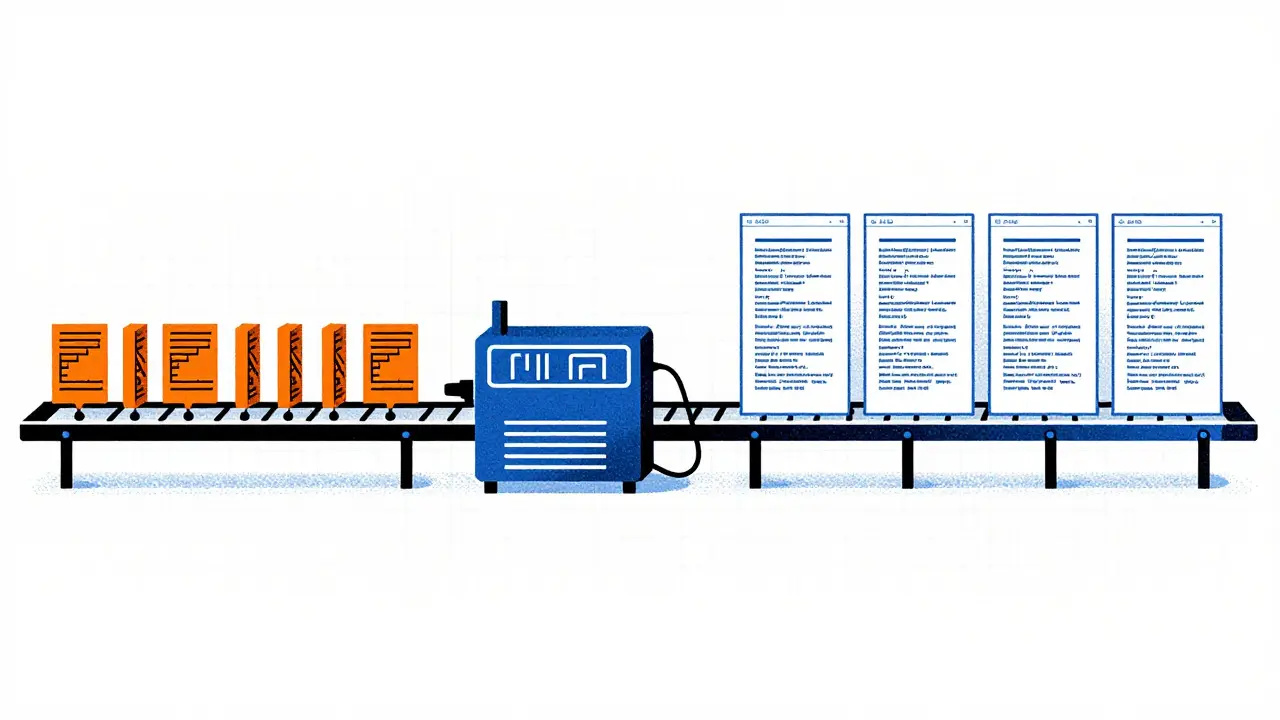
True continuous documentation goes beyond just publishing markdown files to a website. It requires a system where the content of those docs is kept in sync with the code itself. Think of it like automated testing. You don’t manually verify every function call; your test suite does it. Similarly, your documentation pipeline should verify and update textual and visual assets whenever code changes are committed.
The workflow typically involves three stages:
- Detection: Tools analyze the codebase (or diagram definitions) against the existing documentation.
- Synchronization: Discrepancies are identified. Structured data (like API parameters) is updated automatically. Conceptual text may require AI-assisted suggestions.
- Validation: A human reviews significant changes, or the system blocks the merge if critical docs are missing updates.
GitHub’s 2023 State of the Octoverse reported that 78% of engineering teams now consider documentation synchronization a critical component of their CI/CD pipeline. It’s no longer optional for mature DevOps practices.
Tools for Keeping Docs in Sync
Not all solutions are created equal. Depending on whether you need to sync text-based READMEs, API references, or complex architecture diagrams, different tools serve different needs. Here is how the major players compare in the current landscape.
| Tool | Primary Focus | Sync Mechanism | Key Limitation |
|---|---|---|---|
| ReadMe.io is a leading technical documentation platform offering bi-directional sync between Git repositories and its editor | API & Text Docs | Bi-directional Git Sync | High cost ($299+/mo); less effective for high-level conceptual prose |
| DeepDocs is an AI-powered documentation tool that uses LLMs to detect semantic drift between code and documentation | Semantic Accuracy | AI-driven discrepancy detection | 10.3% false positive rate; requires human review of suggestions |
| Terrastruct is a diagramming tool specialized in syncing architectural diagrams with GitHub repositories | Architecture Diagrams | Hourly GitHub Sync | Lacks comprehensive text documentation capabilities |
| Convert 2 Mermaid API is a service that transforms markdown into deterministic Mermaid diagrams for CI integration | Diagram Automation | Markdown to SVG/Mermaid conversion | Free tier limited to 100 requests/month; narrow scope |
ReadMe.io leads the market with 42% share according to G2’s Q4 2024 report. Its bi-directional sync, launched in Q3 2023, allows changes made in the ReadMe editor to sync back to Git, and vice versa. This creates a "living" documentation system. However, it comes at a premium price point, starting at $299/month for teams.
DeepDocs takes a different angle. Launched in beta in March 2024, it uses Large Language Models (LLMs) to analyze both code and documentation with each commit. In June 2024 benchmark tests, it detected discrepancies with 89.7% accuracy. It creates a dedicated branch with proposed updates, requiring human approval. This is powerful for catching subtle semantic shifts, but be aware of the 10.3% false positive rate-you still need a reviewer.
For visual learners, Terrastruct’s GitHub Sync (introduced February 2024) is a game-changer. It automatically syncs diagrams to a GitHub repository, checking for changes hourly. Performance metrics show synchronization completes within 45-90 seconds per diagram with error rates below 2%. It doesn’t handle text well, so use it alongside a text-focused tool.
Implementing Sync in Your Pipeline
You don’t need to buy expensive software to start. Many teams begin with open-source components integrated into GitHub Actions is a CI/CD platform provided by GitHub that automates workflows including code building, testing, and deployment. For example, apivideo’s 'Synchronize readme.io documentation' action (version 1.2, updated October 2024) enables sync between repository markdown files and external platforms via API.
Setting this up typically takes 8-12 hours initially, according to GitHub’s 2024 Developer Survey. Here is a practical checklist for implementation:
- Select your sync target: Decide if you are syncing to a hosted platform (like ReadMe.io) or keeping everything in Markdown within the repo.
- Configure the action: Define inputs like
document-slug,markdown-file-path, and secure yourreadme-io-api-keyin repository secrets. - Handle links carefully: Use parameters like
make-relative-links-absolute(defaulting to false) to ensure internal links don’t break during transformation. - Integrate Mermaid diagrams: If you use diagrams, consider the Convert 2 Mermaid API. Caching responses keyed by a hash of the Markdown payload can reduce API calls by 85%, providing instant re-renders in your CI logs.
- Establish review protocols: Even with automation, set a rule that any AI-suggested change to conceptual documentation must be reviewed by a senior engineer.
Remember, security is paramount. Never hardcode API keys. Store them in your CI/CD secrets manager. Also, manage versioned documentation carefully. If you maintain multiple versions of your API, ensure your sync tool targets the correct version branch to avoid overwriting stable docs with experimental changes.
The Limits of Automation
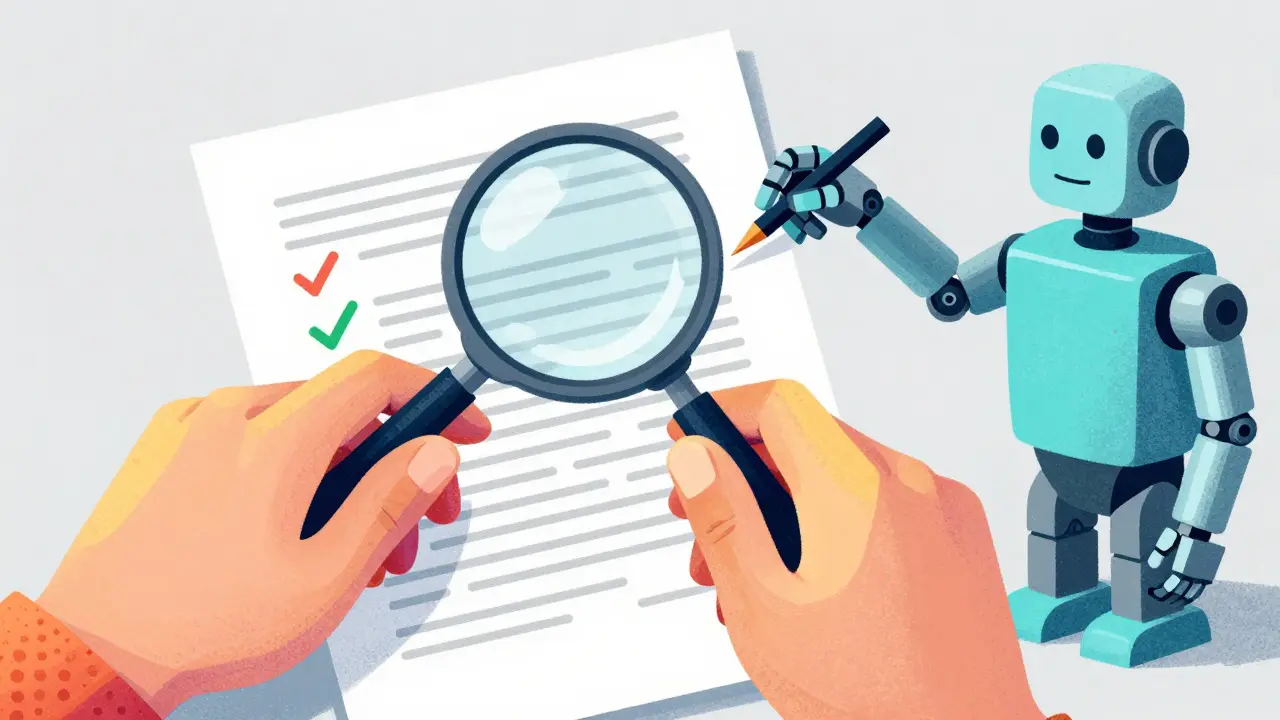
Here is the hard truth: current tools excel at structured data but struggle with context. Michael Chen, DevOps Architect at Google Cloud, noted in his October 2024 QCon presentation that accuracy drops from 92% for API endpoints to just 63% for architectural explanations.
Why? Because changing a parameter name is a mechanical task. Explaining *why* you changed the architecture requires human judgment. DeepDocs’ CTO acknowledged in a March 2025 InfoQ interview that "achieving true continuous documentation for prose content remains challenging."
A Stripe engineer shared a cautionary tale in a January 2025 Medium post. Their team implemented automated sync, which correctly updated parameter names. However, the tool failed to adjust the surrounding explanatory text. The result? Contradictory documentation that confused users more than outdated docs would have. The lesson: automation handles the "what," but humans must oversee the "why."
Gartner’s 2025 Hype Cycle positions continuous documentation at the 'Peak of Inflated Expectations.' They predict that by 2027, while 60% of enterprises will implement some form of sync, only 25% will achieve meaningful accuracy for non-API documentation. Don’t expect magic. Expect assistance.
Best Practices for Success
To make continuous documentation work without burning out your team, follow these heuristics:
- Start small: Begin with API reference docs or simple README sections. These have high structure and low ambiguity.
- Allocate time: Even with automation, successful teams allocate 5-10% of development time to documentation maintenance. This is down from the 15-20% average without automation, but it’s not zero.
- Use templates: Establish markdown templates that accommodate automated updates. Consistent headers and structures help parsers and AI models understand where to inject changes.
- Monitor drift: Set up alerts if documentation hasn’t been touched in X days despite code activity. Silence can be a sign of broken sync, not stability.
- Embrace hybrid workflows: Use AI for suggestions, not final decisions. Treat AI-generated doc updates like pull requests-they need code review.
The goal isn’t to eliminate human involvement entirely. It’s to shift human effort from tedious copying and pasting to high-value editorial oversight. As Kinde’s 2025 technical outlook states, the future lies in creating a symbiotic relationship where documentation becomes a natural byproduct of development, not a separate chore.
What is continuous documentation?
Continuous documentation is a development practice where technical documentation is automatically updated and synchronized with code changes through integrated CI/CD pipelines. It aims to eliminate "doc drift" by ensuring that READMEs, API references, and diagrams always reflect the current state of the codebase.
How do I keep my README in sync with my code?
You can use tools like GitHub Actions combined with services like ReadMe.io or DeepDocs. Configure a workflow that triggers on code commits, analyzes changes, and updates the corresponding markdown files. For API docs, bi-directional sync tools allow changes in the editor to push back to Git, and vice versa.
Can AI fully automate documentation updates?
Not yet. While AI tools like DeepDocs can detect discrepancies with high accuracy (around 90%) for structured data, they struggle with conceptual prose. Current best practices involve AI suggesting updates for human review, rather than fully autonomous publication, especially for high-level architectural explanations.
What are the best tools for syncing diagrams?
Terrastruct is a leading option for syncing architecture diagrams with GitHub repositories, offering hourly checks and fast processing times. For converting markdown to diagrams programmatically, the Convert 2 Mermaid API is popular, allowing deterministic generation of SVG diagrams directly within CI pipelines.
Is continuous documentation worth the cost?
Yes, for most teams. Studies show a 37% reduction in onboarding time and a 29% decrease in support tickets. While enterprise tools like ReadMe.io cost hundreds of dollars per month, the savings in developer time spent debugging incorrect documentation usually outweigh the subscription fees significantly.
How long does it take to set up continuous documentation?
Initial configuration typically takes 8-12 hours for basic README synchronization. Adding specialized types like API references or diagrams may require an additional 4-6 hours per type. Ongoing maintenance is reduced to 5-10% of development time compared to 15-20% with manual processes.