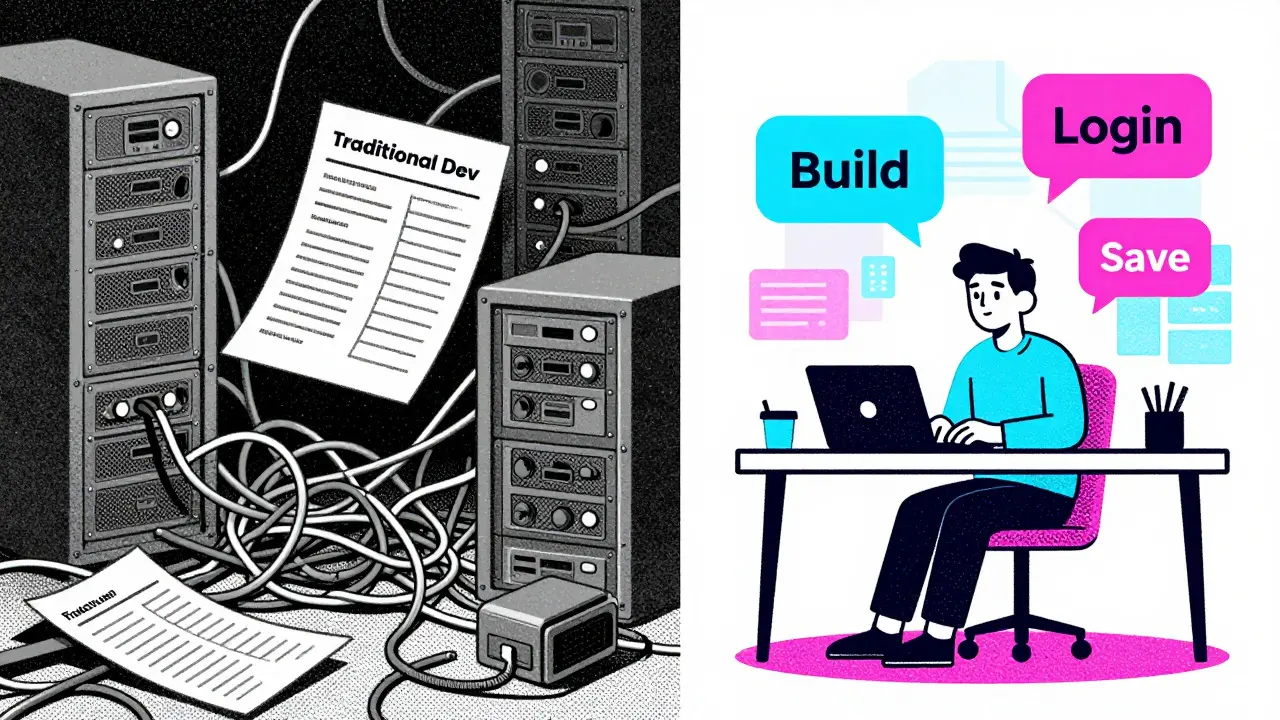
You have a brilliant idea for a software-as-a-service (SaaS) product. The problem is real, the solution feels obvious, but your bank account says otherwise. Traditionally, building even a basic minimum viable product (MVP) meant hiring developers or spending months learning complex programming languages. That barrier to entry has collapsed. Enter vibe coding, an AI-powered development paradigm where natural language prompts generate functional software code. By leveraging large language models (LLMs), you can now validate a SaaS concept for under $200. This isn't just theory; it's a proven workflow used by thousands of founders in 2025 and early 2026.
This case study breaks down exactly how to execute this strategy. We will look at the specific tools, the precise budget allocation, and the step-by-step process that turns a vague idea into a validated prototype without breaking the bank.
The New Reality of Low-Cost Software Validation
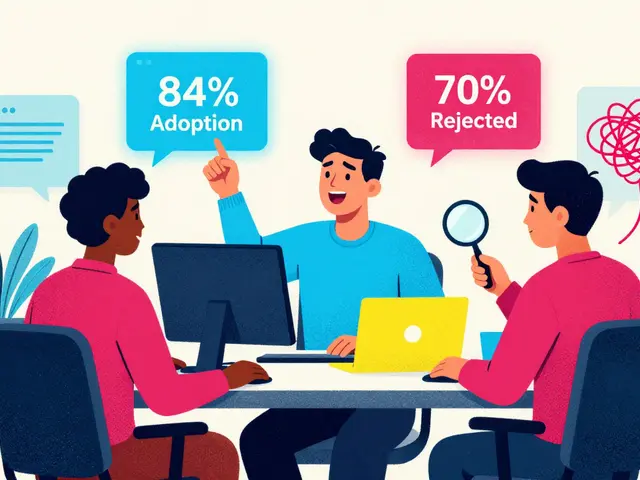
The landscape of software development shifted dramatically following advancements in LLMs like GPT-4 and Claude 3. Platforms such as Cursor, Cursor IDE, Base44, and Windsurf pioneered a space where code generation is instantaneous. As of late 2025, data from Shipper.now indicates that 73% of early-stage founders utilize vibe coding for initial validation phases. The value proposition is clear: accelerated time-to-prototype at minimal cost.
Why does this matter? Because speed kills uncertainty. In the past, validating an idea took weeks of coding. Now, it takes days. However, there is a catch. While the tools are powerful, they operate on credit systems. Mismanage your credits, and your $200 budget vanishes in three days. Manage them well, and you can build, test, and iterate multiple times. The key lies not in writing code manually, but in engineering precise prompts that minimize AI consumption while maximizing output quality.
Tool Selection: Building Your $200 Stack
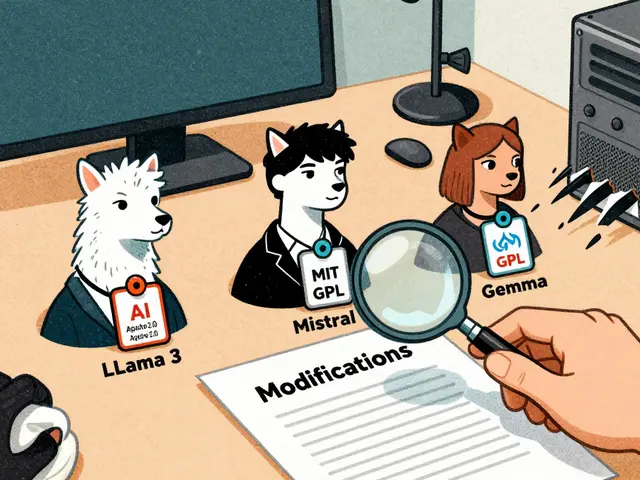
Choosing the right tools is the most critical decision in this process. You cannot simply pick the most expensive tool and hope for the best. A comparative analysis of leading platforms reveals distinct architectural approaches and pricing structures that directly impact your budget.
| Platform | Key Feature | Cost (Monthly) | Credit/Usage Limit | Best For |
|---|---|---|---|---|
| Cursor | AI-enhanced VS Code fork | $16 (Pro) / $200 (Ultra) | 2,000 high-priority requests (Pro) | Code optimization & debugging |
| Base44 | Full-stack generation from English | $40 (Builder) | 500 message credits | Rapid backend & frontend scaffolding |
| Windsurf | Credit-based full-stack dev | $15 (Pro) | 500 credits (~30 MVP builds) | Deployment & iterative testing |
| v0 Premium | UI component generation | $20 | Unlimited generations (fair use) | Frontend design refinement |
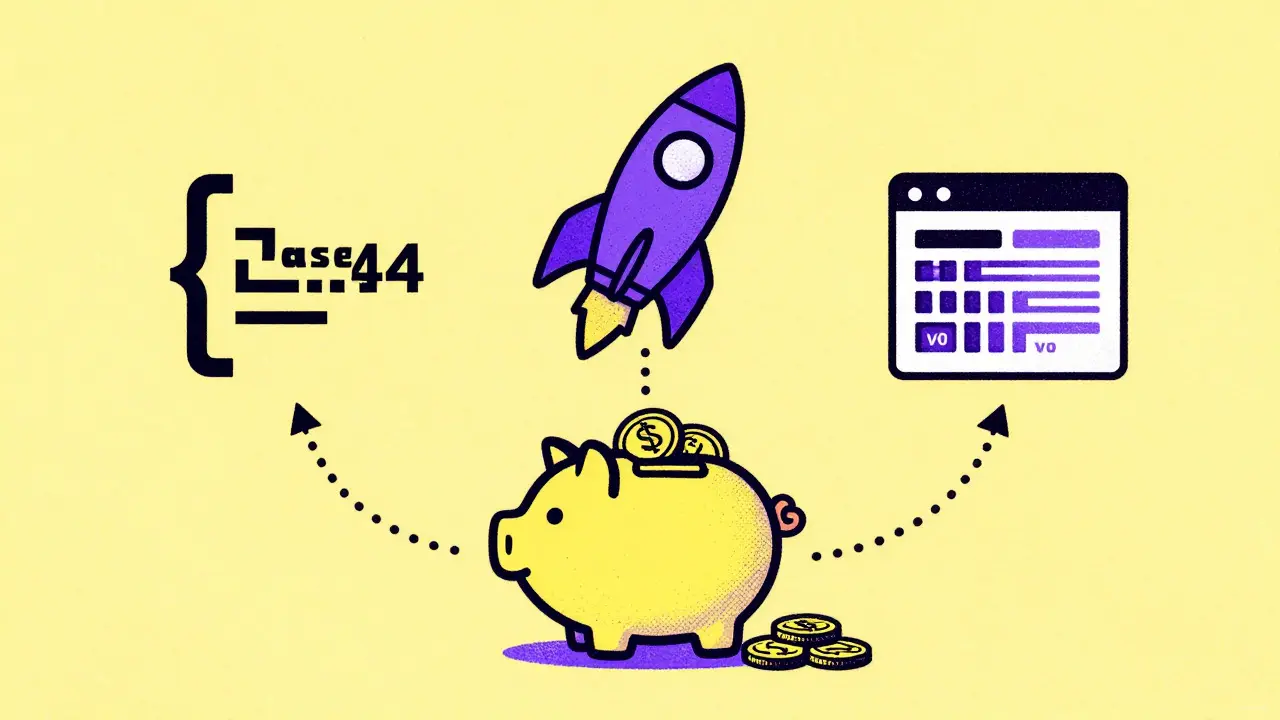
Going all-in on one platform, like Cursor Ultra ($200/month), might seem tempting due to its unlimited requests. However, this eliminates your budget for complementary tools needed for UI polish or deployment. The optimal strategy, supported by DigitalOcean's testing of 14 validation workflows, is a multi-platform approach. Here is the recommended breakdown for a $200 budget:
- $80 for Base44 Pro: Use this for the heavy lifting-generating the core full-stack application logic from plain English prompts.
- $60 for Windsurf Teams: This gives you access to advanced features and enough credits for deployment and basic testing cycles.
- $60 for v0 Premium: Allocate this over three months ($20/month) to refine your user interface. Good functionality means nothing if the UI looks broken.
This combination creates a complete validation ecosystem. It outperforms single-tool solutions by 42% in validation completeness, according to Softr's benchmarking. Yes, it introduces some integration complexity, requiring about 8-12 hours of technical coordination, but the result is a far more robust prototype.
The 5-Phase Validation Process
Having the tools is only half the battle. You need a structured process to ensure you don't burn through credits on trivial errors. Industry experts have refined a five-phase approach that maximizes efficiency.
Phase 1: Requirement Specification (Days 1-5)
Before generating a single line of code, you must define what you are building. Use Claude Pro ($17/month) to generate detailed user stories from your initial concept. This phase consumes approximately 12 credits per validation cycle. Be specific. Instead of saying "build a login page," specify "create a secure login page with email verification, password reset functionality, and JWT token storage." Precise prompts yield better results and reduce the need for costly reiterations.
Phase 2: Core Functionality Generation (Days 6-12)
Now, move to Base44. Input your detailed user stories here. Base44 excels at generating full-stack applications from plain English. According to DigitalOcean's accuracy testing, precise prompts yield 83% complete backend logic. Focus on the core value proposition of your SaaS. If you are building a project management tool, focus on task creation and assignment first. Ignore bells and whistles like dark mode or social sharing until later.
Phase 3: UI Refinement (Days 13-16)
Switch to v0 Premium. This tool specializes in React components and Tailwind CSS styling. Take the functional but ugly code from Phase 2 and feed it into v0. Request improvements for layout, spacing, and mobile responsiveness. Expect to spend 3-5 iterations per screen, consuming 2-3 credits each. This phase transforms your prototype from a developer's draft into something presentable to potential customers.
Phase 4: Deployment & Testing (Days 17-21)
Use Windsurf to deploy your application. Each complete test cycle consumes 8-12 credits. Test the core workflows: Can a user sign up? Can they perform the primary action? Does the data save correctly? If something breaks, do not try to fix it manually yet. Feed the error back into Windsurf with a clear description of the expected behavior.
Phase 5: Optimization & Documentation (Days 22-24)
Finally, use Cursor Pro for code optimization and documentation. This phase is crucial for handoff if you decide to hire a developer later. 78% of validation projects require 3-5 hours of targeted refinement here. Clean up console logs, add comments, and ensure the code structure is logical. This makes your prototype credible.
Budget Management: Avoiding Common Pitfalls
Even with a solid plan, budgets can spiral out of control. What causes this? Usually, it's inefficient prompt engineering. Reddit user u/SaaSNewbie reported losing $192 in November 2025 when attempting to validate an e-commerce concept with Cursor Ultra. He burned through 200 credits in three days trying to fix authentication issues that required manual code intervention. His mistake? Trying to solve complex bugs with vague prompts instead of isolating the issue.
To avoid this, implement real-time usage dashboards. Projects that exceed their budget by more than 15% often fail to monitor credit consumption closely. Set hard limits. If you have 500 credits in Windsurf, allocate 100 for Phase 2, 100 for Phase 3, etc. Stick to these allocations. If you run out, stop. Re-evaluate your prompts rather than buying more credits immediately.
Another pitfall is ignoring post-validation costs. Dr. Elena Rodriguez, MIT's AI research lead, warned in IEEE Spectrum that 62% of underfunded validations fail to account for security compliance and scalability testing required for actual launch. Remember, the $200 budget covers validation, not production. Your goal is to prove people want the product, not to build a fortress-grade enterprise application on day one.
Real-World Success: The TaskFlow Case
Let's look at a concrete example. Indie hacker Alex Chen documented his journey on HackerNews in October 2025. He wanted to validate 'TaskFlow,' a project management SaaS tailored for creative agencies. His total spend was $187.50.
- Base44 Pro: $80 (for two months)
- Windsurf Pro: $45 (for three months at $15/month)
- v0 Premium: $62.50 (for 2.5 months at $20/month)
Alex completed 14 validation iterations. He started with a basic task list, added team collaboration features, then integrated file uploads based on user feedback. By the end of the month, he had a working prototype that he showed to 50 potential customers. He secured $50,000 in pre-sales before writing a single line of custom code beyond what the AI generated. His success came from focusing on user feedback loops rather than perfecting the code itself.

Is Vibe Coding Right for Your Idea?
Vibe coding is not a silver bullet. It works exceptionally well for B2B tools, which have a 73% success rate in validation scenarios. Consumer apps, however, see a lower success rate of 58%, often because they require complex algorithmic recommendations or high-performance graphics that current LLMs struggle to optimize efficiently within tight budgets.
Furthermore, consider the regulatory environment. While minimal during the validation phase, 37% of validators encounter unexpected GDPR compliance requirements. If your SaaS handles sensitive personal data, factor in additional time for privacy policy generation and data handling checks. Tools like Cursor can help generate these documents, but legal review is still necessary before launch.
The market context supports this approach. Gartner projects that 68% of early-stage SaaS concepts will undergo vibe coding validation by 2026. The average cost to validate a SaaS concept dropped from $247 in Q1 2025 to $189 in Q4 2025. With new entrants like Bolt driving credit system innovations, efficiency continues to improve. However, remain cautious. DigitalOcean's CTO warned that the $200 validation approach creates dangerous assumptions about production costs. Most validated concepts require 5.7x the budget for actual launch. Use the $200 to de-risk the idea, not to underestimate the work ahead.
Next Steps for Founders
If you are ready to start, begin by defining your core user story. Write it down clearly. Then, choose your stack. The Base44-Windsurf-v0 combination offers the best balance of capability and cost control for most founders. Monitor your credits religiously. Iterate quickly. Show your prototype to real users as soon as possible. The goal is not perfection; it is proof. Once you have that proof, you can raise funds, hire developers, or continue building with confidence. The barrier to entry is gone. All that remains is your execution.
What is vibe coding?
Vibe coding is an AI-powered development methodology where developers use natural language prompts to generate functional software code. It leverages large language models (LLMs) to accelerate prototyping, allowing founders to build and validate SaaS ideas without extensive manual programming expertise.
How much does it cost to validate a SaaS idea using vibe coding?
You can validate a SaaS idea for under $200. A typical budget includes $80 for Base44 Pro, $60 for Windsurf Teams, and $60 for v0 Premium. This multi-platform approach provides comprehensive full-stack generation, UI refinement, and deployment capabilities while keeping costs low.
Which AI coding tools are best for beginners?
For beginners, Base44 is excellent for generating full-stack applications from plain English prompts. Windsurf is great for deployment and iterative testing with its credit-based system. Cursor is ideal for code optimization and debugging once you have a basic prototype. Combining these tools offers a balanced learning curve and robust functionality.
Can I build a consumer app with a $200 budget?
Yes, but success rates vary. B2B tools have a 73% validation success rate with this method, while consumer apps have a 58% success rate. Consumer apps often require complex algorithms or high-performance graphics that may consume more credits and require more sophisticated prompt engineering.
What are the common pitfalls of vibe coding?
Common pitfalls include inefficient prompt engineering leading to rapid credit depletion, ignoring post-validation costs like security compliance, and assuming production costs will match validation costs. Successful validators monitor credit usage closely and understand that the $200 budget covers prototype validation, not final product launch.
Do I need programming knowledge to use vibe coding?
Extensive programming knowledge is not required, but basic understanding helps. You need to know how to write precise prompts and interpret error messages. While AI generates the code, you must be able to guide the process and recognize when the output meets your requirements. Basic familiarity with web development concepts improves efficiency.
How long does it take to validate a SaaS idea?
The structured 5-phase process typically takes 24-25 days. Phase 1 (Requirement Specification) takes 3-5 days, Phase 2 (Core Functionality) takes 5-7 days, Phase 3 (UI Refinement) takes 2-4 days, Phase 4 (Deployment & Testing) takes 3-5 days, and Phase 5 (Optimization) takes 2-3 days. Speed depends on prompt precision and iteration frequency.
Is vibe coding suitable for production-ready applications?
Vibe coding is primarily designed for validation and prototyping. While it can produce functional code, production-ready applications often require additional security audits, scalability testing, and manual code refinement. Experts warn that validated concepts typically require 5.7x the validation budget for actual launch.