
You might think AI writing your code means less time spent worrying about errors. But here is the truth: AI makes security mistakes faster than humans do. When you use vibe coding to build apps quickly, the artificial intelligence suggests convenient solutions. Sometimes those solutions include pasting a password directly into the file. That one mistake can cost you everything.
We are talking about a specific type of vulnerability called secrets exposure. In the world of Vibe Codinga rapid development style where developers use AI assistants to generate application code interactively, the speed of creation often outpaces security hygiene. If you have ever asked an AI to "show me how to connect to Stripe" or "set up my database," the generated snippet might include a fake key. You replace it with your real key. Then you save the file. Then you push to GitHub. Game over.
The Real Cost of Hardcoded Credentials
Why does this happen so often? It happens because the AI treats the code as static text, not as part of a deployment pipeline. When you see a function call with a hardcoded value, it looks finished. It works in your local environment immediately. So you commit it. Once that credential lands in a version control system, it becomes history. Even if you delete the file later, the commit history still holds the secret.
Attackers scan public repositories constantly. They look for patterns that match specific API structures. A single exposed AWS access key can let a hacker spin up cryptocurrency miners on your account. A stolen database password gives them entry to customer data. The financial impact isn’t just theoretical. Companies lose millions annually because a developer copied a template without removing the placeholder credentials.
This risk is especially high in front-end applications. Storing sensitive data in browser storage mechanisms like localStorage is a massive error. Anyone can open the browser console and see what is stored there. Front-end JavaScript cannot hold server-side secrets securely. The only safe place for these values is behind your back-end services, hidden from the user entirely.
Identifying Sensitive Information
Not every variable is a secret. You need to know what specifically demands protection. The list of forbidden data includes more than just login passwords. Here is what you must never embed in source files:
- API Keys: Third-party service identifiers like Google Maps or SendGrid.
- Database Strings: Connection URLs containing usernames and hostnames.
- OAuth Tokens: Refresh tokens and access tokens for user authentication.
- Encryption Keys: Private cryptographic keys used for signing data.
- Webhook Secrets: Values used to verify incoming requests from external services.
If you can trace a line of code back to a vendor dashboard, it is likely a secret. These values grant identity to your application. Losing them is equivalent to losing the physical keys to your office. In vibe-coded projects, AI models often hallucinate default credentials. You must treat every piece of output that looks like a configuration value as suspicious until verified.
Implementing Environment Variables Correctly
The standard defense against hardcoded secrets is using environment variables. This technique separates your configuration logic from your actual sensitive values. In a Node.js application, you reference the operating system's environment rather than writing the value in the script. For example, instead of `const apiKey = 'sk_live_1234'`, you write `const apiKey = process.env.STRIPE_KEY`.
To make this work, you need a .env filea plain text file used to store environment variables outside of version control. This file lives in your project root but contains nothing but variable assignments. You load this file using a library like Node.jsa JavaScript runtime built on Chrome's V8 engine widely used for server-side development. However, creating the file is only half the battle. The other half is ensuring that file never leaves your computer.
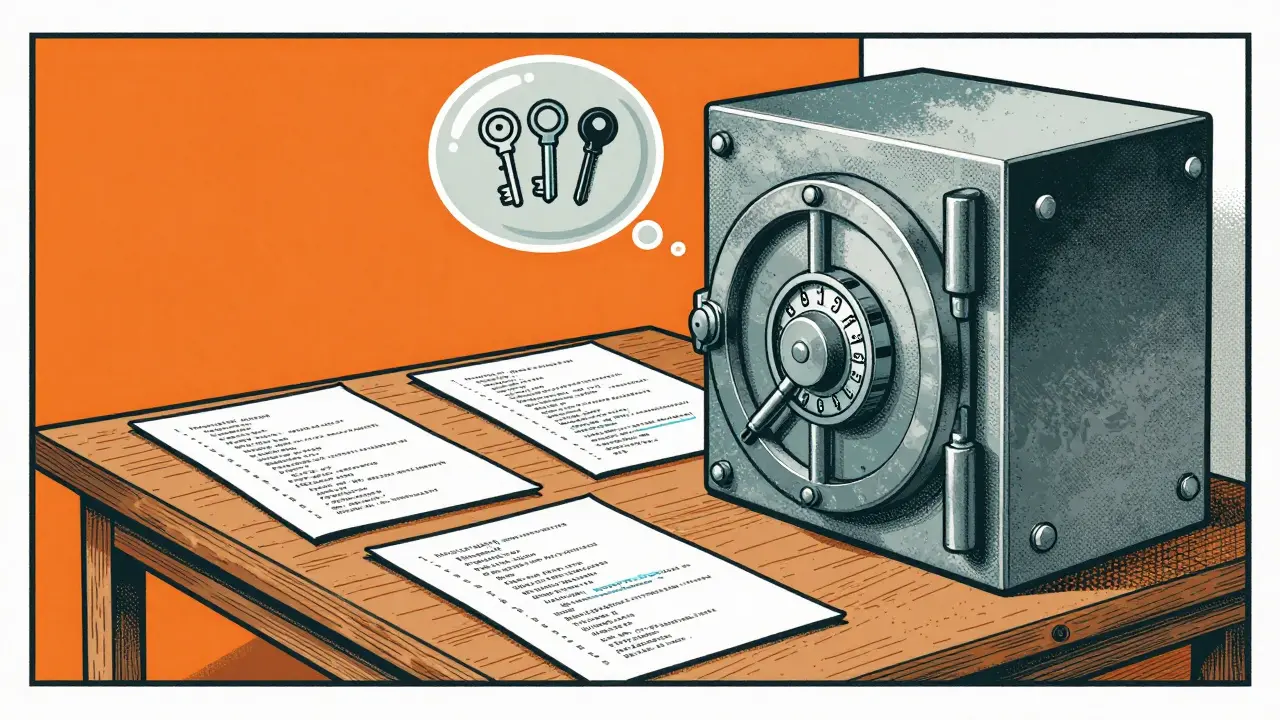
You achieve this through a .gitignorea configuration file specifying which files Git should ignore during version control operations. This small text file tells Git to skip specific files or directories. By adding `.env` to the ignore list, the version control system physically prevents the secret from being pushed to the repository. Always verify your ignore status after generating new files.
Using Advanced Secret Management Tools
While local environment variables work for development, production requires stronger measures. Local files can be lost or misconfigured on remote servers. Professional-grade tools manage the lifecycle of secrets securely. Three major platforms dominate this space:
| Tool | Primary Use Case | Key Feature |
|---|---|---|
| AWS Secrets Manager | Amazon EC2 and Lambda functions | Automatic rotation policies |
| Azure Key Vault | Microsoft Cloud environments | Hardware-backed encryption |
| HashiCorp Vault | Cross-platform infrastructure | Fine-grained access controls |
These services encrypt credentials at rest and audit every access event. Unlike a text file, you can set permissions so only specific roles can read the key. This implements the principle of least privilege. If a developer needs temporary access, the vault can provide it without handing over the raw password.
Some platforms also offer platform-specific features. For instance, GitHub provides GitHub Secretsbuilt-in secure storage for confidential information used in workflows. This ensures your Continuous Integration builds have access to keys without exposing them to logs. When your deployment pipeline runs, it pulls the secret securely from the platform provider, injects it into the environment, and discards it after the job finishes.
Training Your AI Assistant
Since AI generates the risky code, you can use AI to enforce the fix. You must treat the assistant as a junior developer who needs strict guardrails. Create context files or prompt rules explicitly stating your security policy. Tell the model upfront: "Never output real API keys. Use placeholders like PLACEHOLDER_KEY."
This proactive instruction changes how the tool behaves. Instead of guessing a configuration, it asks for the input or references the environment variable pattern you expect. Some organizations store these rules in a dedicated folder within the project. The AI reads this documentation before generating code snippets. It acts as a safety net, reducing the likelihood of accidental exposure.
Even with these prompts, you must review the output. Do not copy-paste blindly. Scan the generated block for any string that looks like a token or password. If the AI suggests a path to a `.json` config file, question whether that file exists in the repo. Human oversight remains essential even when automation speeds up development.

Workflow Integration and Auditing
Policies fail if they aren't automated. You need checks that stop the process before secrets leave the developer’s machine. Pre-commit hooks analyze code changes before they reach the staging area. These hooks search for patterns resembling keys or passwords. If a hook detects a potential leak, the commit is blocked immediately.
Beyond the local machine, your CI/CD pipeline must run security scans. Tools exist to scan the entire repository for historical leaks. If a secret was committed months ago, these scanners find it and alert you to rotate it immediately. Regular security audits are also non-negotiable. Dynamic analysis tools check your running application for vulnerabilities, while penetration tests simulate attacks to find logic flaws automated tools miss.
Handling Compromised Credentials
Accidents happen despite all precautions. If you discover a leaked API key, immediate action limits the damage. First, invalidate the compromised credential immediately on the provider's dashboard. Generate a replacement key. Next, identify which systems used the old key. Rotate the credentials across all affected services.
Finally, investigate how the leak occurred. Was it a `.env` file in the public repo? A log file printed to the console? Understanding the root cause prevents recurrence. Log sanitization is crucial here; ensure your logging frameworks mask sensitive inputs before writing to disk. Never print credentials to the standard output during debugging.
Can I use localStorage for temporary API keys?
No. Browser storage is accessible to anyone inspecting the page via developer tools. Front-end code is visible to users, so storing secrets there guarantees exposure.
Do I need secret management for local development?
Yes. Using a .env file locally trains you to separate logic from data. It prepares you for production where secrets cannot be shared via code repositories.
What if my AI assistant suggests a hardcoded key anyway?
Reject the suggestion. Edit the code manually to reference an environment variable. Update your system prompt to forbid this behavior in future interactions.
How often should I rotate my API keys?
Ideally, use a service that auto-rotates keys daily or weekly. If manual, change them quarterly or immediately upon detecting any access anomalies.
Does .gitignore protect me completely?
Only if configured correctly and checked frequently. Human error can bypass it, so automated pre-commit hooks add a necessary second layer of protection.
Vibe coding accelerates innovation, but it does not absolve you of responsibility for the software you ship. By implementing robust secrets management practices, you keep that speed without opening the door to cybercriminals. Treat your credentials like cash. Keep them in a safe, not in your pocket where everyone can grab them.




Teja kumar Baliga
29 March, 2026 - 06:02 AM
Hearing this makes me think about how often we skip the basics when rushing to ship features
Setting up process.env properly takes five minutes but saves weeks of remediation later
Everyone should check their .gitignore files before pushing anything public
k arnold
29 March, 2026 - 09:00 AM
Funny how tutorials always forget to mention that git history remembers everything you deleted years ago
People claim they understand secrets management until an auditor finds the leaked keys in commit logs from 2019
Then suddenly everyone is an expert on why rotating credentials is necessary instead of actually doing it
Tiffany Ho
29 March, 2026 - 17:28 PM
local storage is definitely unsafe for keys
michael Melanson
30 March, 2026 - 21:18 PM
The discussion about pre-commit hooks is really important because manual checks fail so often during late night sprints
Integrating something like TruffleHog into the CI pipeline catches leaks before anyone even notices they exist
We implemented this last year and stopped three potential incidents before they hit production
lucia burton
1 April, 2026 - 00:24 AM
I have been thinking extensively about the architectural implications of modern secret management platforms versus traditional static configuration methods that we see deployed everywhere
The integration points between Kubernetes service accounts and external vault providers create a complex dependency graph that requires rigorous testing strategies
We must consider the latency overhead introduced by fetching dynamic credentials during runtime initialization sequences for high throughput microservices environments
Furthermore implementing automated rotation policies adds another layer of operational complexity that many teams simply do not have the bandwidth to manage effectively without significant tooling investment
The distinction between development sandbox environments and production isolation boundaries becomes increasingly blurred when using shared cloud provider resources
Developers often assume that a .env file is secure enough for staging yet fail to understand that CI runners can still expose those values in build logs if not configured correctly
Enterprise grade solutions offer audit trails that are absolutely critical for compliance requirements like SOC2 or ISO certifications in regulated industries today
Without proper logging and monitoring of who accessed which secret at what timestamp the organization cannot establish a reliable chain of custody for sensitive cryptographic materials
The shift towards infrastructure as code demands that we treat secrets as first class citizens rather than afterthoughts bolted onto deployment scripts
Network segmentation also plays a vital role in limiting blast radius when a single credential does get compromised due to social engineering or insider threats within the system
Regular penetration testing should simulate extraction of these assets from memory dumps or unsecured container registries
Training programs for junior engineers need to emphasize the difference between public keys and private secrets in a way that sticks beyond the initial documentation phase
Security awareness campaigns rarely address the psychological bias that leads developers to prioritize speed over hygiene during rapid development cycles driven by AI assistance tools
Ultimately the cost of fixing a breach dwarfs any savings gained from automating boilerplate generation with large language models
I strongly believe we need industry standards that enforce secret injection at the orchestration layer rather than relying on individual developer discipline
This comprehensive approach ensures longevity for the project