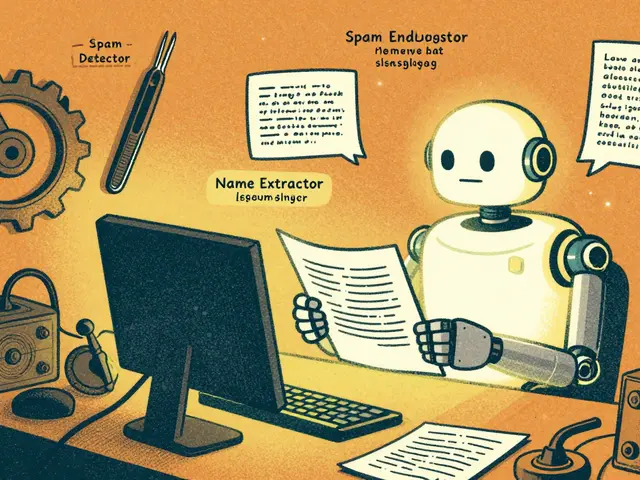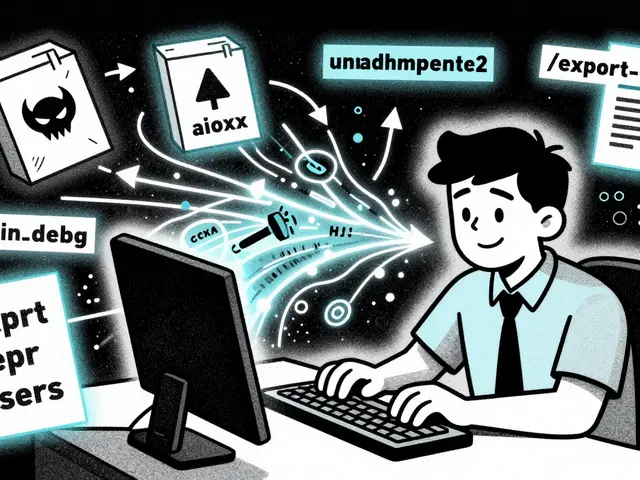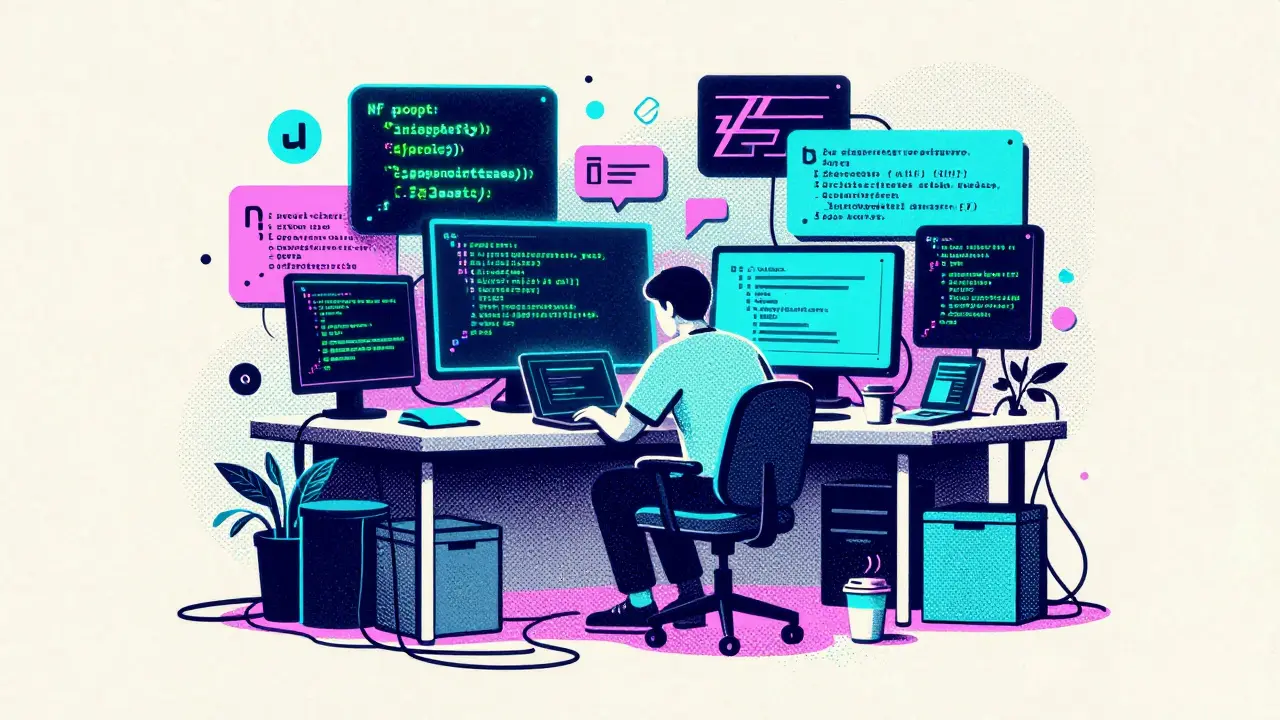
You type a prompt. The AI writes the code. You hit run. It works. You push it to production.
That is the promise of vibe coding, a development approach where developers use natural language prompts to generate, refine, and deploy code with minimal traditional engineering overhead. Coined by Andrej Karpathy in early 2025, this method has exploded in popularity because it feels fast. It feels easy. But for security teams and IT leaders, it feels like a nightmare.
The problem isn't that vibe coding is bad. The problem is that it bypasses every guardrail we built over the last decade. Traditional DevSecOps relies on pipelines, repositories, and review boards. Vibe coders often skip all three. They work in local environments, copy-paste snippets from AI assistants, and self-serve deployments. By the time your security team sees the code, it’s already running-and potentially leaking data.
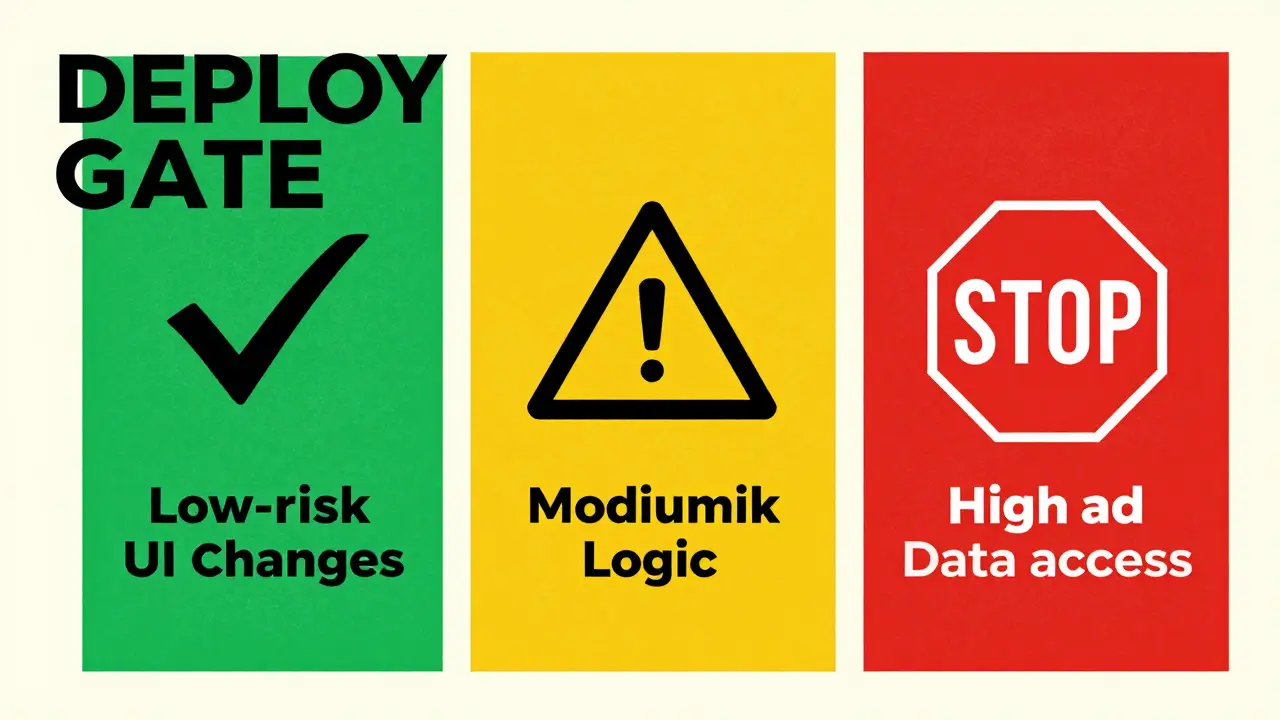
This creates a governance gap. How do you control what you can’t see? The answer lies in adapting our controls to fit the new workflow. We need a Red-Yellow-Green Deploy Gate framework, a risk-based classification system for AI-generated code changes that determines approval speed based on potential impact. Instead of slowing everyone down with heavy reviews, we create lanes. Green for safe, yellow for caution, red for stop-and-review.
The Vibe Coding Governance Gap
To understand why we need these gates, we have to look at how vibe coding breaks traditional models. In a standard enterprise setup, code moves through a CI/CD pipeline. Static analysis scans for vulnerabilities. Dependency checks look for known exploits. Humans review logic errors. This process takes time, but it catches mistakes before they reach users.
Vibe coding operates outside this loop. According to security analysts at Guidepoint Security, the vibe coder’s path looks like this: Idea → Prompt AI → Copy Code → Run → Deploy. There are no checkpoints. There is no version control visibility until it’s too late. Security researchers call this "dark development" because the code exists in the shadows of IT infrastructure.
The stakes are high. A vibe-coded chatbot might accidentally expose an API key because the developer didn’t know better, and the AI didn’t flag it as critical. A quick internal dashboard might pull data from the wrong database table. These aren’t malicious attacks; they are accidents born of speed and lack of context. Without a structured way to handle these changes, organizations face two choices: ban AI coding entirely (which kills productivity) or let chaos reign (which risks security).
The Red-Yellow-Green framework offers a third option. It accepts that AI will be part of the process but imposes structure on the output. It shifts security from a blocker at the end to an enabler at the start.
Defining the Red-Yellow-Green Gates
The core idea is simple: not all code changes carry the same risk. A CSS tweak to a button color is different from a Python script that accesses customer credit card numbers. We classify changes into three tiers based on their potential impact on security, stability, and compliance.
| Gate Color | Risk Level | Typical Use Cases | Approval Process |
|---|---|---|---|
| Green | Low | UI updates, documentation, static content, non-sensitive scripts | Automated scan + Self-deploy |
| Yellow | Medium | Internal tools, data processing without PII, new features with limited scope | Automated scan + Peer/AI Review |
| Red | High | Access to sensitive data, payment systems, external APIs, infrastructure changes | Mandatory Human Security Review + Penetration Test |
Green Gates are for low-risk changes. If a marketing manager uses an AI tool to update the text on a landing page or change the font size of a newsletter, that should not require a security ticket. These changes go through an automated scanner that checks for obvious malware or broken syntax. If it passes, it deploys. This keeps the "vibe" alive for harmless tasks.
Yellow Gates introduce friction. This is for code that touches business logic but doesn’t directly access sensitive data. Maybe a developer builds an internal dashboard to track sales metrics. The AI generates the SQL queries and the frontend. Before deploying, the system runs deeper tests. It checks for SQL injection patterns. It verifies that the code doesn’t accidentally open ports to the public internet. A peer reviewer-or a specialized AI auditor-gives a quick thumbs-up. This balances speed with safety.
Red Gates are the hard stops. Any code that handles Personally Identifiable Information (PII), financial transactions, or administrative privileges triggers a Red Gate. Here, the vibe coding ends, and rigorous engineering begins. The code must be reviewed by a human security expert. It may require a penetration test. It cannot be deployed until explicit approval is granted. This ensures that high-risk areas remain secure, even if the rest of the organization moves fast.
Implementing Gates Without Breaking the Flow
The biggest challenge with any gate system is adoption. If you make it too hard, people will find ways around it. They’ll use personal accounts, shadow IT, or offline tools. To make Red-Yellow-Green gates work, you have to integrate them into the tools developers already use.
Start with policy-as-code. Instead of writing long PDF documents about security rules, write them in a format that AI assistants can read. Create `.coderules` files or README sections in your repositories that explicitly state: "Do not hardcode API keys. Use environment variables." When a developer prompts their AI, the assistant reads these rules and applies them automatically. This makes security invisible but effective.
Next, automate the scanning. You don’t need humans to check every Green Gate change. Use lightweight static analysis tools that run locally or in pre-commit hooks. If a developer tries to commit code with a hardcoded password, the tool blocks it immediately and suggests a fix. This provides instant feedback without delaying the workflow.
For Yellow and Red gates, build decision trees into your deployment platform. When a developer initiates a deploy, the system asks simple questions: "Does this code access user emails?" "Does this modify database schemas?" Based on the answers, the system assigns a gate color. If it’s Red, the system locks the deployment and routes the request to the security team. This transparency helps developers understand why some changes take longer than others.
Shifting Left: Security as a Co-Pilot
Traditional security teams often act as police officers, catching violations after they happen. With vibe coding, that model fails. You can’t catch what you don’t see. Instead, security teams need to become co-pilots.
This means publishing policies in plain text where AI tools can find them. Put your security guidelines in wikis, GitHub repos, and shared drives. Write them in prescriptive language. Instead of saying "Ensure compliance with GDPR," say "Mask all email addresses in logs using SHA-256 hashing." AI models follow specific instructions better than vague principles.
Train your vibe coders on the basics. They don’t need to be cybersecurity experts, but they should understand the Red-Yellow-Green model. Teach them to recognize when a task crosses from Green to Yellow. Show them how to ask their AI assistant to "explain the security risks of this code." Empower them to be the first line of defense.
Finally, measure success differently. Don’t just count blocked deployments. Track how many security issues were caught during the AI generation phase versus post-deployment. If your gates are working, most problems should be resolved before the code ever leaves the developer’s machine.

Common Pitfalls to Avoid
Even well-intentioned gate systems can fail if implemented poorly. Here are the most common mistakes:
- Over-classifying as Red: If everything is high-risk, nothing gets done. Be precise. Only label truly sensitive operations as Red. Otherwise, developers will resent the delay and seek workarounds.
- Ignoring Context: A piece of code might be Green in one project but Red in another. Consider the environment. Internal tools have different risk profiles than customer-facing apps.
- Manual Bottlenecks: Don’t rely on humans to review Yellow gates unless necessary. Automate as much as possible. Human reviewers should focus on complex, ambiguous cases.
- Lack of Feedback: When a gate blocks a deployment, explain why. Provide clear steps to fix the issue. Frustration leads to resistance.
Building a Sustainable Culture
Governance isn’t just about tools; it’s about culture. You want developers to feel empowered, not policed. Frame the Red-Yellow-Green gates as a safety net, not a cage. Explain that these gates protect them from blame when things go wrong. If a vibe-coded feature causes a breach, having a documented review process shows due diligence.
Encourage experimentation within the Green lane. Let teams try new ideas quickly. As those ideas mature and touch more sensitive systems, they naturally move into Yellow and Red lanes. This mirrors the natural lifecycle of software projects.
Regularly audit your gates. Are they still appropriate? Have new threats emerged? Adjust the criteria as needed. Governance is not a set-it-and-forget-it exercise. It requires constant tuning to stay relevant.
What is vibe coding?
Vibe coding is a development style where programmers use natural language prompts to guide AI tools in generating and refining code. It prioritizes speed and intuition over traditional structured programming practices, often bypassing standard version control and testing pipelines.
Why do we need deploy gates for AI-generated code?
AI-generated code can contain hidden vulnerabilities, logical errors, or insecure configurations that the developer may not notice. Deploy gates provide a structured way to assess risk and ensure that only safe, compliant code reaches production, preventing security breaches and system failures.
How do I determine if a change is Green, Yellow, or Red?
Classify based on risk. Green is for low-impact changes like UI tweaks. Yellow is for medium-risk logic that affects business processes but not sensitive data. Red is for high-risk changes involving PII, financial data, or infrastructure modifications. Use automated scanners and predefined criteria to assign colors consistently.
Can I automate the Red-Yellow-Green gate process?
Yes, largely. Green gates can be fully automated with static analysis tools. Yellow gates can use semi-automated reviews with AI auditors. Red gates typically require human oversight for final approval, though initial scanning can still be automated to filter out obvious issues.
What happens if a developer bypasses the gates?
Bypassing gates increases security risk significantly. Organizations should enforce technical controls, such as restricting deployment permissions to approved pipelines. Culturally, educate developers on the importance of gates for protecting both the company and themselves from liability.