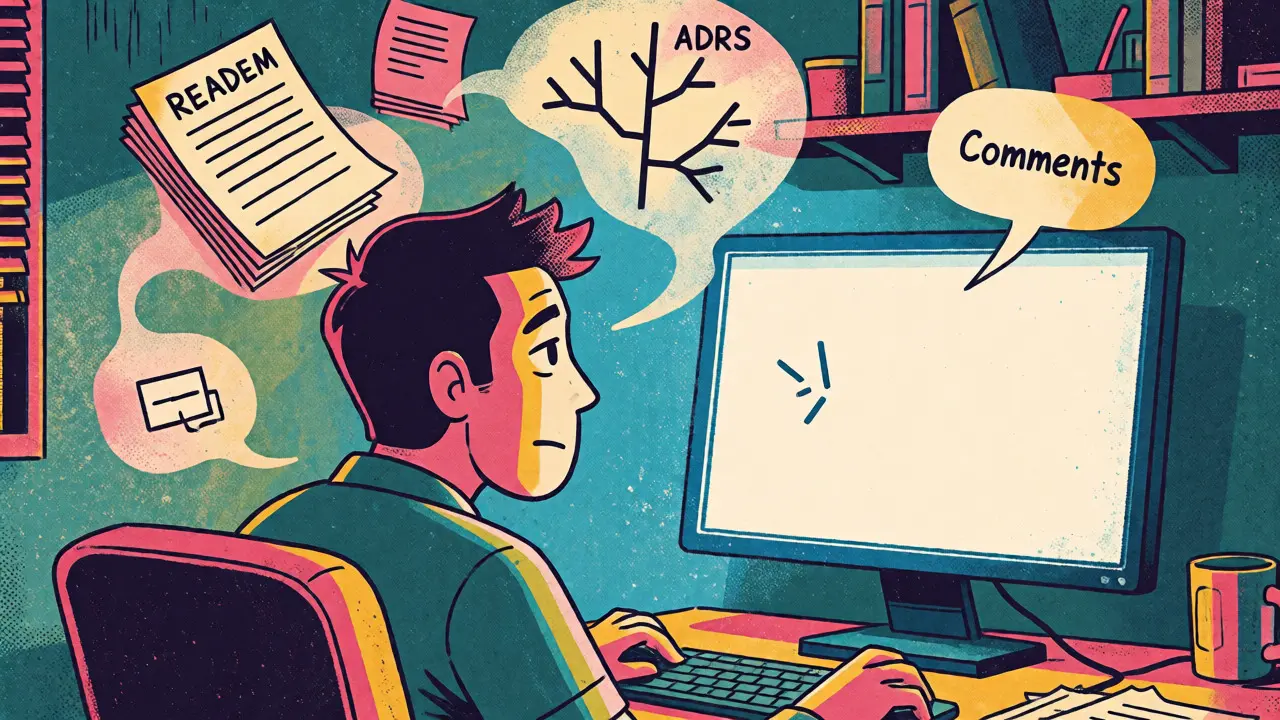
You know that feeling when you finally finish a complex feature, only to realize you have absolutely no idea how to explain it to the next person who touches the code? You stare at the blank screen, knowing you need a README, an Architecture Decision Record, or just some decent code comments. But writing them feels like pulling teeth. It’s tedious, it’s boring, and frankly, by the time you’re done coding, your brain is fried.
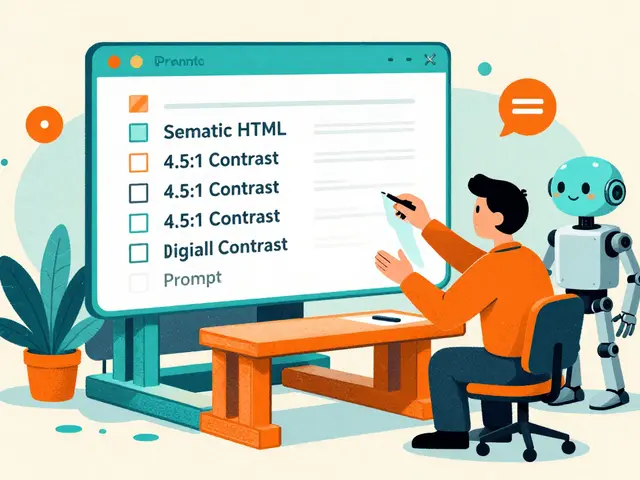
This is where prompting for docs changes the game. Instead of staring into the void, you can use Large Language Models (LLMs) to generate these documents on demand. But here’s the catch: if you just type "write a readme," you’ll get generic fluff that helps nobody. To get something actually useful, you need specific prompting strategies tailored to each document type. Let’s break down how to do this without ending up with hallucinated nonsense.
The Core Problem with Generic Prompts
Most developers treat AI documentation tools like magic wands. They wave them around and hope for the best. The result? A README that lists dependencies but forgets installation steps, or an ADR that sounds confident but misses critical trade-offs. Research from BetterDocs in early 2024 showed that while 68% of technical writers now use AI prompts, nearly 58% of generated outputs required substantial editing for accuracy. Why? Because LLMs don’t know your project’s context unless you tell them.
Think of the LLM as a brilliant intern who has never seen your codebase. If you ask them to write a guide without showing them the code or explaining the architecture, they’ll guess. And guesses in technical documentation are dangerous. A wrong assumption in an ADR can lead to costly architectural mistakes later.
Crafting Prompts for README Files
A good README isn’t just a list of features; it’s a user journey map. Your prompt needs to force the model to think like a new contributor. Don’t just ask for a summary. Ask for the path from cloning the repo to making their first commit.
Google Cloud’s Vertex AI documentation emphasizes that effective README prompts must specify the programming language, dependencies, and the technical level of the audience. Here’s a structure that works:
- Objective: Create a README for a [Language] project named [Project Name].
- Audience: Write for [Beginner/Intermediate/Senior] developers.
- Structure: Include Installation (step-by-step), Usage Examples, Configuration, and Contribution Guidelines.
- Tone: Clear, concise, and action-oriented.
For example, instead of saying "Write a README," try: "Generate a README for a Python Flask API. Assume the user is familiar with REST concepts but new to our specific authentication flow. Provide 5-7 clear installation steps using Docker." This specificity cuts creation time significantly. A GitHub survey found that structured prompting reduced README creation from 3.2 hours to just 22 minutes on average.
Mastering Architecture Decision Records (ADRs)
If READMEs are about usage, ADRs are about reasoning. They record why you chose one technology over another. This is where AI often struggles because decision-making involves nuance and context that isn’t always explicit in the code.
Microsoft’s Principal Developer Advocate, Brandon Minnick, noted that simply asking for an ADR yields superficial results 79% of the time. To fix this, you need to force the model to consider alternatives. Use a prompt template that includes:
- Context: What problem are we solving?
- Decision: What did we choose?
- Alternatives: List at least three other options considered.
- Rationale: Why was this choice better than the alternatives?
- Consequences: What are the positive and negative impacts?
Adding a directive like "Explain your reasoning step-by-step" improved ADR quality by 37% in MIT Sloan studies. Without this, the AI might skip the hard parts-like why you rejected Kubernetes in favor of ECS-and just state the final choice. That’s useless for future maintainers who need to understand the constraints.
| Document Type | Key Prompt Element | Common Pitfall | Recommended Technique |
|---|---|---|---|
| README | User Journey & Setup Steps | Missing environment variables | Zero-shot with strict formatting |
| ADR | Trade-offs & Alternatives | Lack of rationale | Chain-of-thought prompting |
| Code Comments | "Why" not "What" | Restating code syntax | Few-shot with examples |
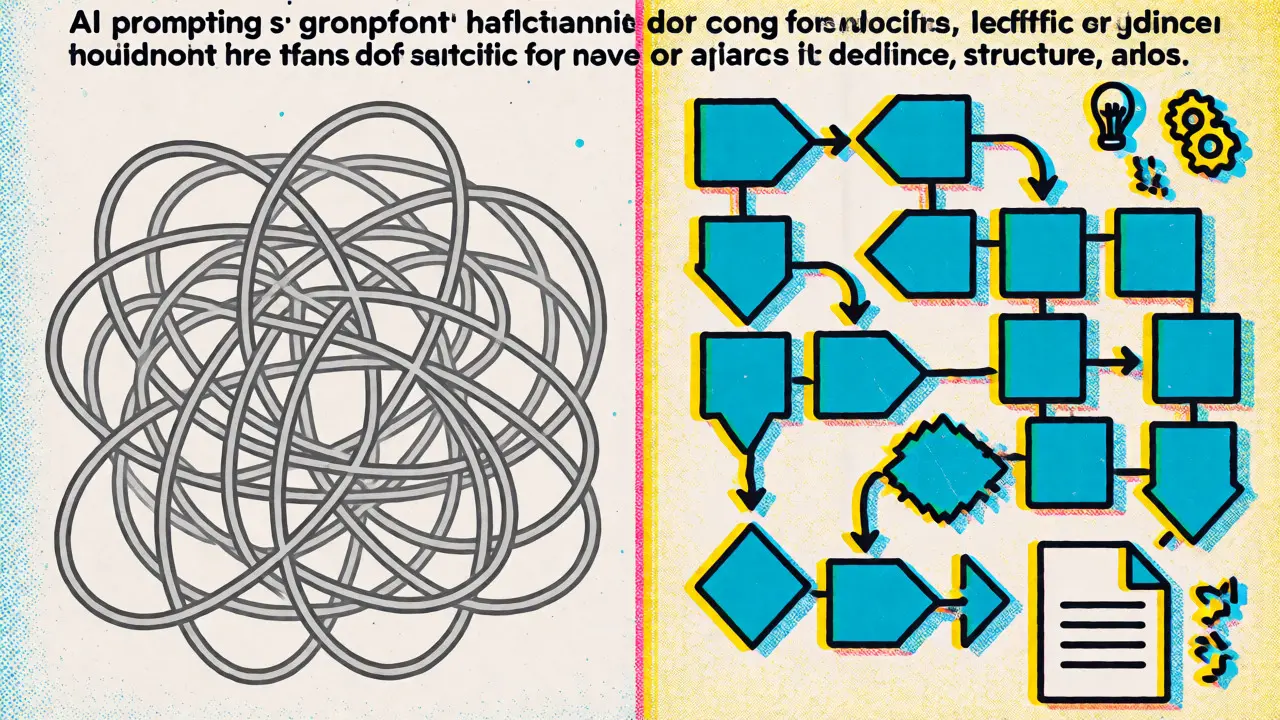
Generating Meaningful Code Comment Annotations
We’ve all seen comments that say `// increment i` above `i++`. Those add noise, not signal. Effective AI-generated comments should explain the *why*, not the *what*. ScoutOS research recommends a density of one comment per 10-15 lines of complex logic, focusing on intent.
To achieve this, use few-shot prompting. Give the AI two or three examples of the kind of comments you want before asking it to annotate new code. For instance, show it a function where the comment explains a business rule violation rather than the loop structure. MIT Sloan data shows this approach improves annotation quality by 52% compared to zero-shot methods.
Here’s a practical prompt snippet for comments:
Review the following Python function. Add comments ONLY where the logic is non-obvious or involves business rules. Do not describe basic syntax. Focus on 'why' this block exists.

Example Input:
def calculate_tax(income):
    # Apply progressive tax brackets based on federal guidelines 2024
    ...

Target Code:
[Insert your code here]
The Role of Retrieval-Augmented Generation (RAG)
One major limitation of standard prompting is that the AI doesn’t know your specific domain terminology. In fields like blockchain or healthcare software, generic models hallucinate details. This is where Retrieval-Augmented Generation comes in. By feeding the model relevant snippets from your existing documentation or codebase alongside the prompt, you ground its output in reality.
GitHub’s State of Documentation report found that teams using RAG for comment annotations achieved 29% higher accuracy. If you’re working on a large monorepo, don’t just paste the whole file. Extract the interface definitions or previous ADRs related to the current module and include them in the prompt context. This reduces inaccuracies by providing the necessary background knowledge.
Validation and Human-in-the-Loop
Don’t trust, verify. Even with perfect prompts, AI makes mistakes. A joint IEEE/ACM task force recommends human validation for all AI-generated ADRs because architectural decisions carry long-term weight. Treat the AI output as a draft, not a final product.
Start with a quick sanity check: Does the README install correctly? Does the ADR mention real alternatives? Are the comments accurate? Over time, you’ll learn which types of prompts yield reliable results and which ones need heavy editing. For now, keep a human reviewer in the loop for anything that affects system design or security.
Practical Tips for Implementation
If you’re ready to integrate this into your workflow, start small. Don’t try to automate everything at once. Pick one repository and focus on generating READMEs first. Once you’re comfortable with the output quality, move to comments, and finally tackle ADRs, which require the most nuanced prompting.
- Build a Prompt Library: Save successful prompts in your repo. Share them with your team to ensure consistency.
- Iterate on Tone: Specify if you want formal, casual, or terse documentation. Consistency matters more than perfection.
- Automate Regeneration: Tools like GitLab CI/CD can trigger doc regeneration when prompts or code change, keeping docs fresh.
Prompting for docs isn’t about replacing engineers. It’s about removing the friction from writing so you can focus on building. With the right prompts, you turn a two-hour chore into a twenty-minute review session. And honestly? That’s worth every second saved.
Can AI write accurate Architecture Decision Records?
Yes, but only with careful prompting. AI excels at structuring information but lacks inherent knowledge of your specific trade-offs. You must provide the context, alternatives considered, and constraints in the prompt. Using chain-of-thought techniques helps the model articulate reasoning, but human review is still essential to validate the strategic implications of the decision.
How much time does AI documentation save?
Studies indicate significant savings. For READMEs, creation time can drop from several hours to under 30 minutes. However, this assumes the prompt is well-crafted and the initial output requires minimal editing. Complex domains may require more time for verification and correction of hallucinated details.
What is the biggest risk of AI-generated docs?
Hallucination. AI models can confidently invent technical details, such as non-existent configuration flags or incorrect dependency versions. This is particularly risky in ADRs where false assumptions about legacy systems can lead to poor architectural choices. Always verify factual claims against your actual codebase.
Do I need specialized tools for this?
Not necessarily. You can use general-purpose LLMs via API or chat interfaces. However, integrated IDE plugins (like those planned for IntelliJ IDEA) or dedicated platforms like Google Document AI offer templates and validation features that streamline the process. Start with what you have and upgrade if volume demands it.
How do I handle domain-specific jargon?
Provide context. Include a glossary or excerpts from existing internal docs in your prompt. Retrieval-Augmented Generation (RAG) is highly effective here, as it feeds the model relevant snippets from your specific domain, reducing errors caused by lack of specialized knowledge.