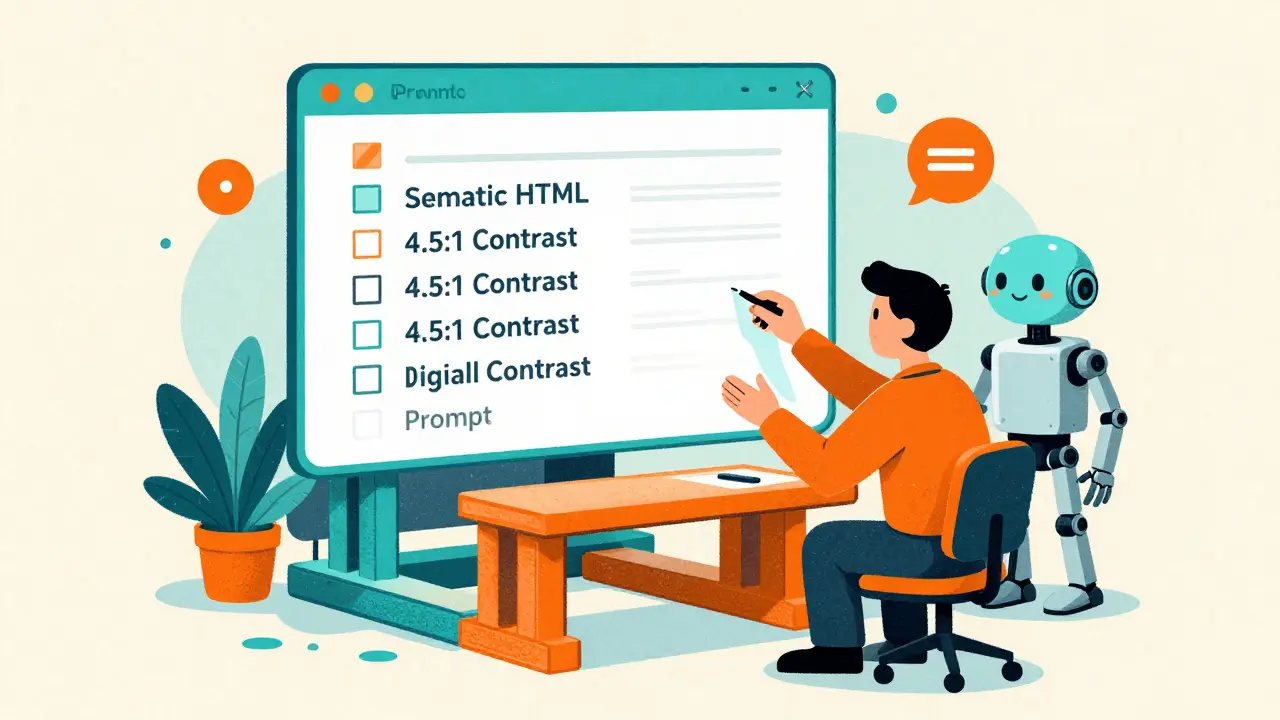
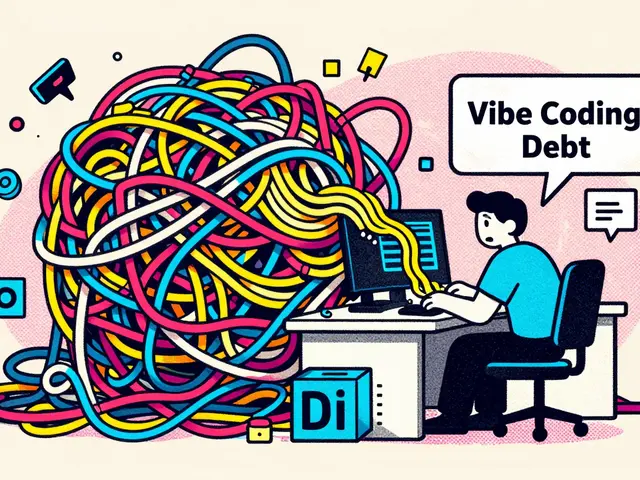
Most digital products treat accessibility as a "final polish" phase. You build the features, ship the UI, and then spend three weeks frantically adding ARIA labels and fixing contrast ratios because a compliance audit failed. It is a waste of time and a nightmare for users. Vibe Coding is a prototyping methodology that uses natural language prompts to guide AI coding assistants in rapidly assembling functional UI and logic. When you flip the script and make it "accessibility-first," you aren't just coding faster-you're building a foundation that actually works for everyone from the first click.
The real win here isn't just speed. According to data from the US Digital Service, teams using this approach saw a 63% reduction in accessibility remediation time for government apps. Instead of spending weeks fixing mistakes, you're validating assumptions in about 24 to 72 hours. If you can move from a concept to a testable, compliant prototype in under two days, you stop guessing and start knowing what works.
The Core Logic of Accessibility-First Vibe Coding
Traditional "vibe coding" is often about the aesthetic-getting a UI that "feels" right. But accessibility-first prototyping treats WCAG (Web Content Accessibility Guidelines) as a hard technical constraint rather than a suggestion. You aren't asking the AI to "make it accessible"; you are providing a blueprint of requirements that the AI must satisfy to consider the task complete.
This shift leverages the ability of modern AI assistants to generate semantic HTML. When you use a tool like
Replit or
Firebase Studio, the AI can either give you a generic <div> that looks like a button or a proper <button> element that screen readers actually recognize. The difference comes down to the specificity of your prompt.
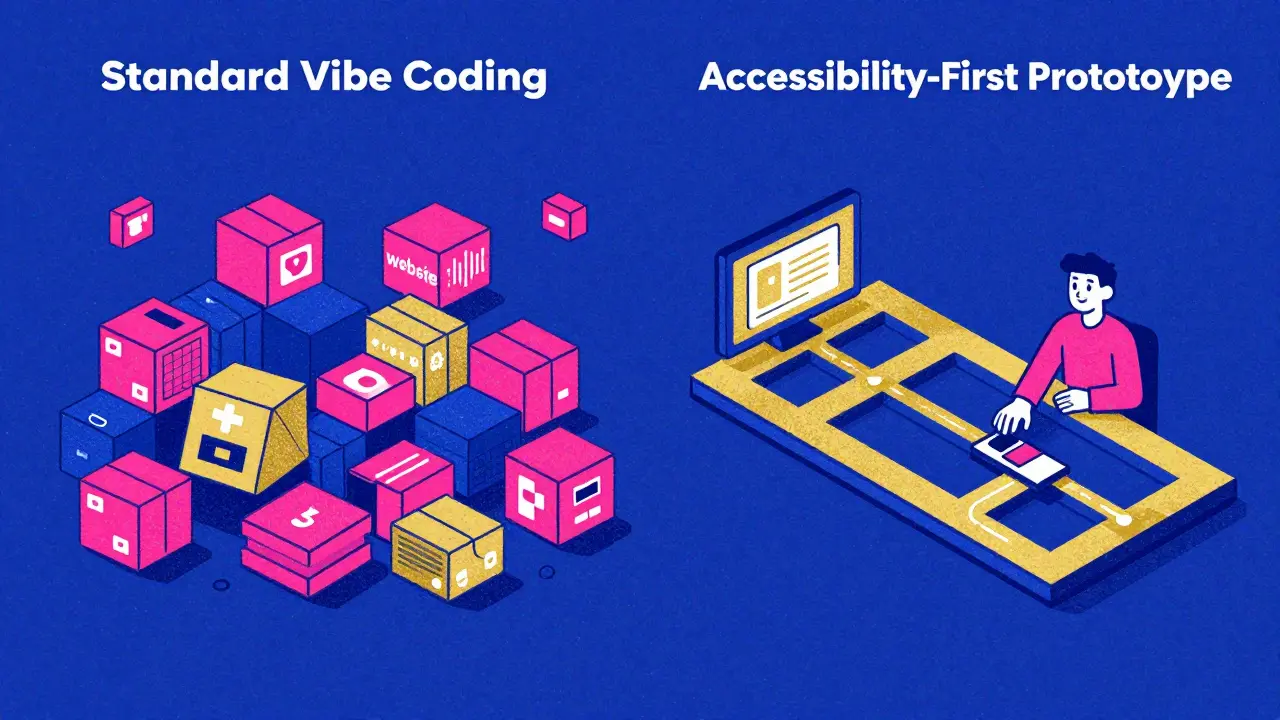
| Feature | Standard Vibe Coding | Accessibility-First Prototyping |
|---|---|---|
| Primary Goal | Visual "Vibe" & Speed | Inclusive Functionality & Compliance |
| HTML Structure | Often non-semantic (div-heavy) | Strictly semantic HTML |
| Compliance Rate | 42-55% WCAG 2.1 AA (out-of-box) | 78-85% WCAG 2.1 AA (out-of-box) |
| Time to Testable Prototype | ~2-5 Days | ~1.8 Days (for high-compliance needs) |
Prompt Tactics That Stop AI Hallucinations
If you give a vague prompt, the AI will prioritize aesthetics over accessibility every single time. To get a prototype that actually passes a screen reader test, you need to move away from "make this inclusive" and toward specific, measurable constraints. vibe coding works best when you provide a checklist of requirements in the initial prompt.
One effective tactic is the "Phased Planning Prompt." Instead of asking for the whole app at once, tell the AI: "Create a phased plan prioritizing accessibility compliance and semantic structure before applying any visual design or CSS." This forces the AI to establish the document outline and keyboard navigation flow before it starts worrying about the shade of blue in the header.
Here is a breakdown of what your prompts must include to be effective:
- Exact Contrast Ratios: Specify a minimum of 4.5:1 for normal text. Don't just say "high contrast."
- Keyboard Navigation: Demand a mapped tab order and visible focus indicators for all interactive elements.
- ARIA Requirements: Request specific labels for dynamic content updates and complex components like modals or dropdowns.
- Semantic Anchors: Insist on using proper landmarks (header, main, nav, footer) to allow screen reader users to jump through the page.
For example, a prompt used by government developers for Section 508 compliance looks like this: "I need a government form app. Requirements: use semantic HTML structure, color contrast ratio minimum 4.5:1, keyboard navigation flow mapping, and ARIA labels for all interactive elements. Prioritize trust signals and clear guidance text."
Tools and Ecosystems for Rapid Deployment
Not all AI coding environments are created equal. Some have baked-in accessibility blueprints, while others require you to do the heavy lifting in the prompt. Firebase Studio has become a leader here, especially with its April 2025 update that introduced automatic accessibility blueprinting, boosting early-stage compliance from 31% to 82%.
Then there is Lovable and Replit. Replit's Plan Designer has shown nearly 87% accuracy in generating correct ARIA labels, provided the developer gives detailed requirements upfront. The key is choosing a tool that allows you to iterate in 15-minute cycles. When you can tweak a contrast ratio or a label and see the result instantly, you're not just prototyping a product-you're prototyping the user experience for people with disabilities.
The "Compliance Theater" Trap
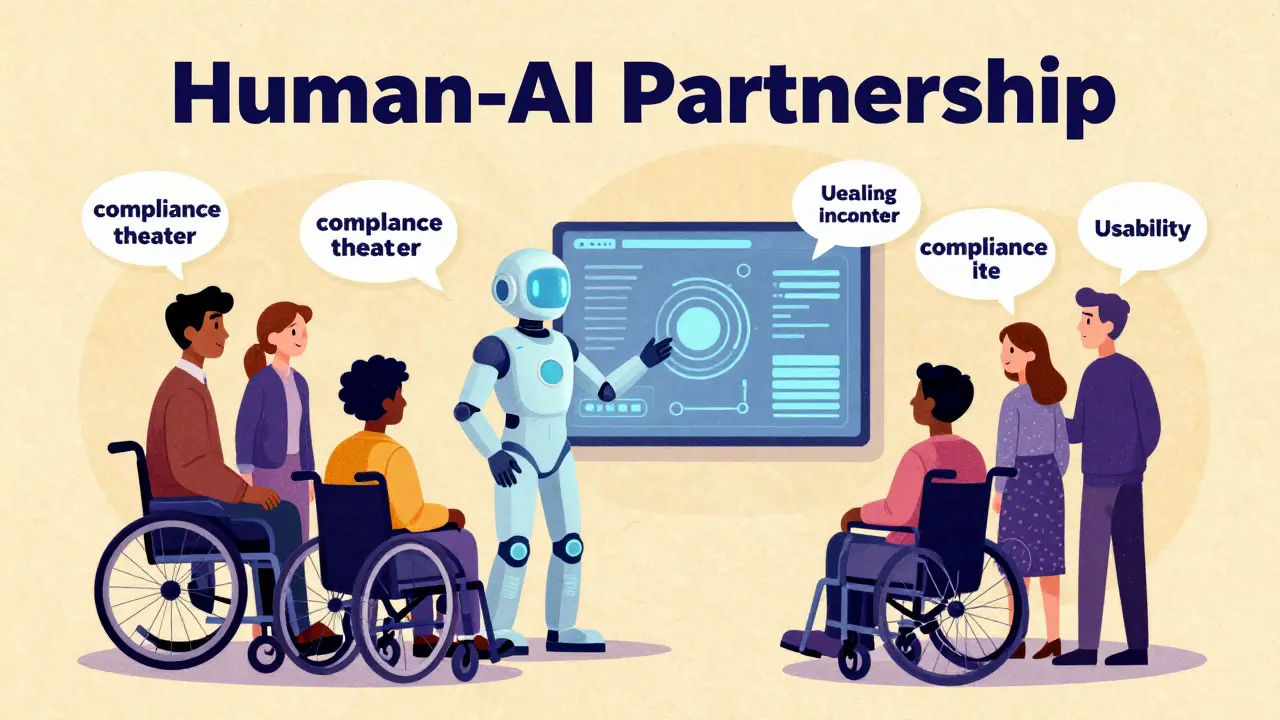
Here is the hard truth: a prototype can be 100% technically compliant with WCAG 2.1 and still be a nightmare to use. This is what experts call "compliance theater." AI is great at generating a label that a screen reader can see, but it doesn't always understand the context of why a user is on that page.
You might have a technically correct ARIA label that describes a button as "Submit," but if the button is buried under three nested divs with a confusing tab order, the user is still stuck. Léonie Watson has warned that AI often misses the human element of inclusive design. It can check the box, but it can't feel the frustration of a user who can't find the checkout button.
The only way to avoid this is to combine vibe coding with real human testing. The US Digital Service uses a framework called "AccessiBuild," which mandates that any AI-generated prototype must be tested by at least five users with disabilities within 72 hours of its generation. This hybrid approach-AI for the foundation, humans for the validation-results in 92% higher long-term compliance than relying on automated tools alone.
Practical Implementation Roadmap
If you're a Product Manager or Developer wanting to start today, don't try to learn deep accessibility engineering overnight. You just need to know the "success criteria." Use a 3-day learning curve to familiarize yourself with the basics of keyboard navigation and contrast requirements, then apply them to your prompts.
- Day 1: The Basics. Learn the difference between a
<div>and a semantic element. Understand the 4.5:1 contrast rule. - Day 2: Prompt Engineering. Build a library of "accessibility constraints" that you can paste into every prompt.
- Day 3: The Loop. Generate a prototype, run it through an automated checker like axe-core, and then immediately put it in front of a real user.
Avoid the temptation to focus on the "vibe" first. If you spend your first three hours picking colors and fonts, you've already failed. Start with the structure, ensure the keyboard flow is logical, and only then add the visual layer. This ensures that the accessibility isn't a feature you're adding-it's the core of the product.
What exactly is "vibe coding" in this context?
Vibe coding is a fast-paced prototyping style where developers use natural language prompts and AI assistants (like Replit or Firebase Studio) to quickly build functional versions of an app. Instead of writing every line of code by hand, you describe the "vibe" and functionality you want, and the AI generates the code. In an accessibility-first approach, you include strict WCAG requirements in those prompts so the AI builds a compliant structure from the start.
Can AI completely replace accessibility experts?
No. While AI can handle the technical heavy lifting-like generating ARIA labels and semantic HTML-it lacks the lived experience and contextual understanding of disabled users. AI can get you 80% of the way to technical compliance, but human testing is still required to ensure the interface is actually usable and intuitive.
Which tools are best for accessibility-first prototyping?
Firebase Studio is currently highly rated for its "accessibility blueprinting" features. Replit is also excellent due to its rapid iteration cycles and high accuracy with ARIA labels when given specific prompts. Lovable is another strong contender for quickly assembling functional UI components that follow inclusive design patterns.
How does this approach reduce development time?
It reduces time by eliminating the "remediation cycle." In traditional development, accessibility fixes happen at the end, which often requires rewriting large chunks of the UI. By building it into the prototype via AI prompts, you catch structural issues in hours rather than weeks. Some teams have reported reducing remediation cycles from six weeks down to just nine days.
What is the most common mistake when using AI for accessibility?
The biggest mistake is using vague prompts like "make this accessible." This usually leads to "compliance theater," where the AI adds a few labels but ignores the actual user flow or keyboard navigation. You must provide specific metrics, such as "minimum 4.5:1 contrast ratio" and "explicit keyboard tab order," to get reliable results.
Ashley Kuehnel
17 April, 2026 - 14:03 PM
This is such a game changer for new devs!! I've seen so many ppl struggle with the basics of ARIA labels, and using AI to scaffold that from the jump is just brilliant. It's all about that inclusive mind sett from day one!!
adam smith
19 April, 2026 - 06:38 AM
I believe this is a very good way to work.
Fredda Freyer
20 April, 2026 - 12:08 PM
The point about compliance theater is where the real philosophical meat is. We often mistake the adherence to a set of rules for the actual achievement of a goal. Technical accessibility is the map, but usability is the actual terrain. If we rely solely on AI, we are basically optimizing for the map while the user is still lost in the woods. I've found that integrating the 'AccessiBuild' approach isn't just a productivity hack, but a necessary ethical guardrail to ensure we aren't just checking boxes to avoid lawsuits.
Mongezi Mkhwanazi
21 April, 2026 - 14:32 PM
It is truly lamentable, though entirely expected, that the industry continues to believe that a few prompts in a fancy AI tool could ever replace the deep, spiritual, and technical rigor required for true inclusivity... one must wonder if the authors truly understand the gravity of the digital divide, or if they are simply enamored with the 'vibe' of efficiency while ignoring the systemic failures of these automated tools!!!
Mark Nitka
23 April, 2026 - 07:02 AM
Let's be real, we need to stop fighting about whether AI is 'enough' and just use these tools to get to a baseline faster so we can spend more time on the actual human testing.
Aryan Gupta
23 April, 2026 - 13:38 PM
The phrasing "vibe coding" is an absolute travesty of professional terminology. Furthermore, it is blatantly obvious that these "automatic accessibility blueprints" are just another way for big tech companies to harvest our prompt data to further their control over the web's infrastructure, creating a closed loop where only their specific AI tools can "fix" the problems they created in the first place.
Kelley Nelson
24 April, 2026 - 07:36 AM
One finds it rather quaint that the author believes a "three-day learning curve" is sufficient for anyone wishing to grasp the nuances of inclusive design. It is, perhaps, a charming simplification for those who prefer a superficial understanding of the craft over actual mastery.
Gareth Hobbs
24 April, 2026 - 16:22 PM
Typical rubbish!!! These American "studios" just want to automate out the real skill of a British coder... probably all run by some shadow gov agency to track how we navigate the web via these "blue-prints"... absolute joke of a system, mate!!!