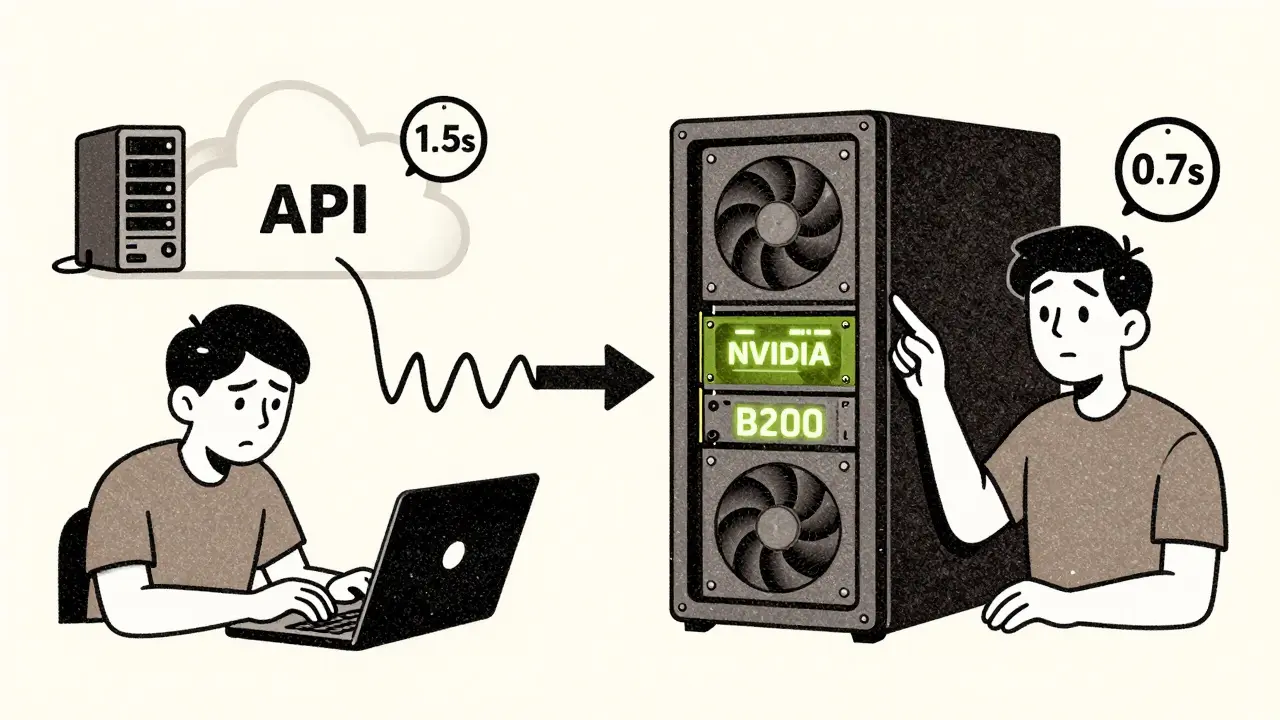
When you're building an AI feature-whether it's a customer support bot, an internal document summarizer, or a real-time translation tool-the first big decision isn't about which model to use. It's about where it runs. Should you plug into a cloud API like OpenAI or Anthropic? Or should you run the model yourself, right inside your own servers? This choice isn't just technical. It affects your speed, your security, your budget, and even your ability to move fast.
Latency: The Invisible Clock
Think about the last time you asked a chatbot a question and had to wait. Not a long wait-just enough to make you wonder if it’s stuck. That’s latency. And it’s not just annoying; it can break user trust. Cloud-based LLM APIs typically take between 1.4 and 1.8 seconds per request. That’s because every prompt has to travel over the internet, get processed on a remote server, and then send the answer back. Even with regional servers, you’re still dealing with network hops, congestion, and unpredictable routing. If your app is a live coding assistant that needs to respond as you type, a 1.5-second delay feels like a laggy keyboard. On-premises deployment cuts that delay in half. With a local GPU like an NVIDIA B200 or even an Apple M3 Ultra, you can generate 50 to 100 tokens per second without leaving your network. No internet. No third-party servers. Just raw speed. For manufacturing robots that need instant decision-making, or a hospital diagnostic tool that can’t afford a lag, that difference isn’t optional-it’s life-or-death. But here’s the twist: cloud providers have gotten really good at scaling. If you’re not pushing for sub-second responses, the cloud’s optimized infrastructure can outperform a poorly configured on-prem setup. Some cloud systems handle 2.1x more requests per dollar than local hardware. So latency isn’t just about location-it’s about how well you’ve built the system behind it.Control: Who Owns Your Data?
If you handle medical records, financial transactions, or customer PII, you don’t just want control-you need it. And that’s where on-premises wins every time. With an API, your data leaves your network. Even if the provider says it’s encrypted, you’re still trusting a third party. One breach, one misconfigured API key, one insider threat at the vendor’s end-and your sensitive data could be exposed. Banks, insurance firms, and healthcare providers avoid this risk by keeping everything local. They fine-tune models on their own data, lock down access, and audit every process. No one else touches it. Cloud APIs offer little to no control over the model itself. You can tweak prompts or adjust temperature settings, but you can’t retrain the model on your proprietary datasets. You can’t change how it processes input. You’re stuck with what the vendor gives you. If you need a model that understands your internal jargon-say, legal contracts or supply chain logistics-you can’t do that with an API. On-prem lets you fine-tune, prune, and optimize the model exactly how you need it. And then there’s compliance. GDPR, HIPAA, SOC 2, PCI-DSS-all of these require data to stay within certain boundaries. Cloud providers can’t guarantee that. On-prem? You control the boundaries.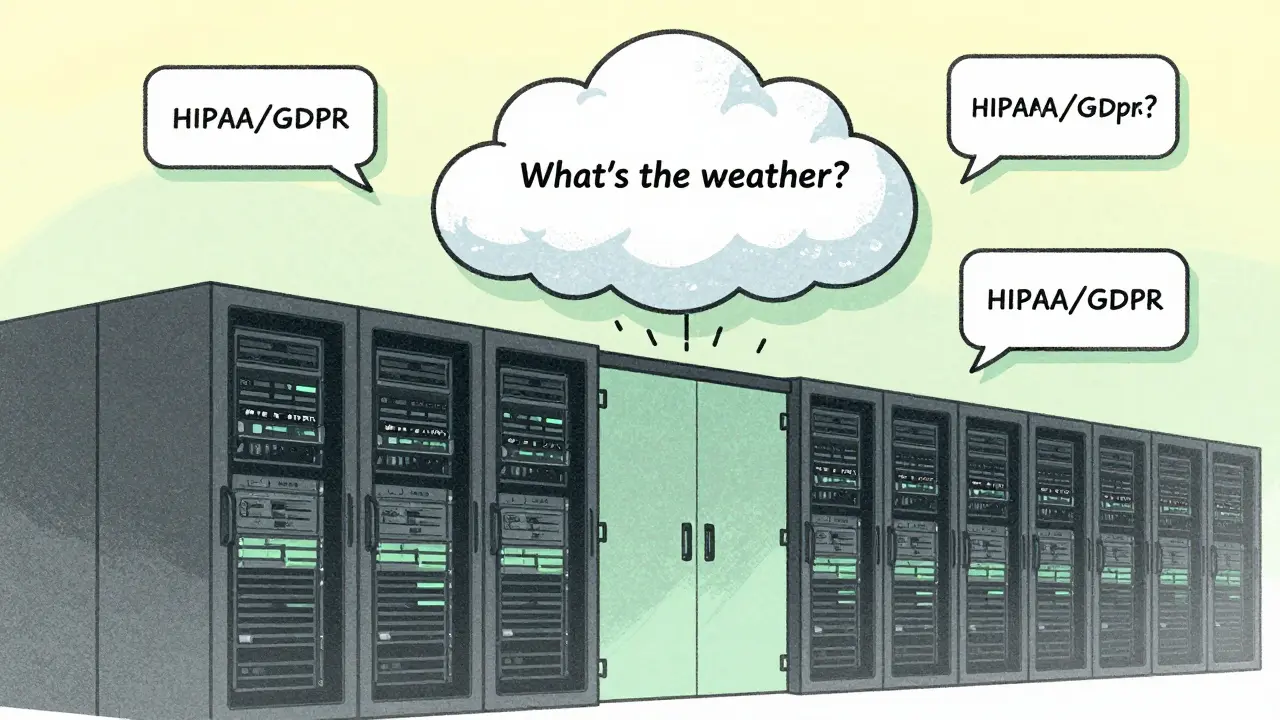
Scalability: Instant vs. Infrastructure
What happens when your AI usage spikes? Maybe a marketing campaign drives 10x more users. Or a new feature goes viral. Cloud APIs scale in minutes. You hit a button, and suddenly you’re using 100x more compute. No hardware orders. No IT tickets. No waiting for procurement. That’s why startups and SaaS companies almost always start here. It’s the fastest way to test an idea without betting the company on a server rack. On-prem? Not so fast. Scaling means buying new GPUs, installing them, cooling them, wiring them into your network, and training your team to manage them. That takes weeks. If you’re running 50,000 tokens a day, that’s manageable. But if your traffic suddenly jumps to 500,000? You’re stuck. Or worse-you over-provisioned, and now you’re paying for idle hardware. The smartest teams don’t pick one or the other. They use a hybrid approach. Daily batch jobs-like summarizing customer support tickets-run on-prem. Spikes in traffic, like holiday season queries, get routed to the cloud. That way, you get the best of both worlds: cost control and elastic scale.Cost: Upfront vs. Ongoing
At first glance, cloud APIs look cheaper. You pay per token. No upfront cost. Easy to budget. But look closer. The real cost of cloud LLMs isn’t just the API fee. It’s the caching layer you need to reduce repeat prompts (that’s 20-40% of your bill). It’s the monitoring tools to track usage. It’s the rate-limiting systems to avoid getting throttled. And if you switch providers? You’ll spend months rewriting integrations. Vendor lock-in is real. On-prem has a big upfront price tag. A single B200 GPU costs $30,000. Add cooling, power, servers, and engineers-and you’re looking at $500,000+ to get started. But here’s the catch: once you’ve paid for it, the marginal cost per token drops to pennies. If you’re processing 2 million tokens a day, cloud costs can hit $15,000 a month. On-prem? After the first year, it’s under $2,000. And don’t forget depreciation. You can capitalize on-prem hardware as an asset. Cloud spending? It’s just an operating expense. For finance teams, that changes how your balance sheet looks.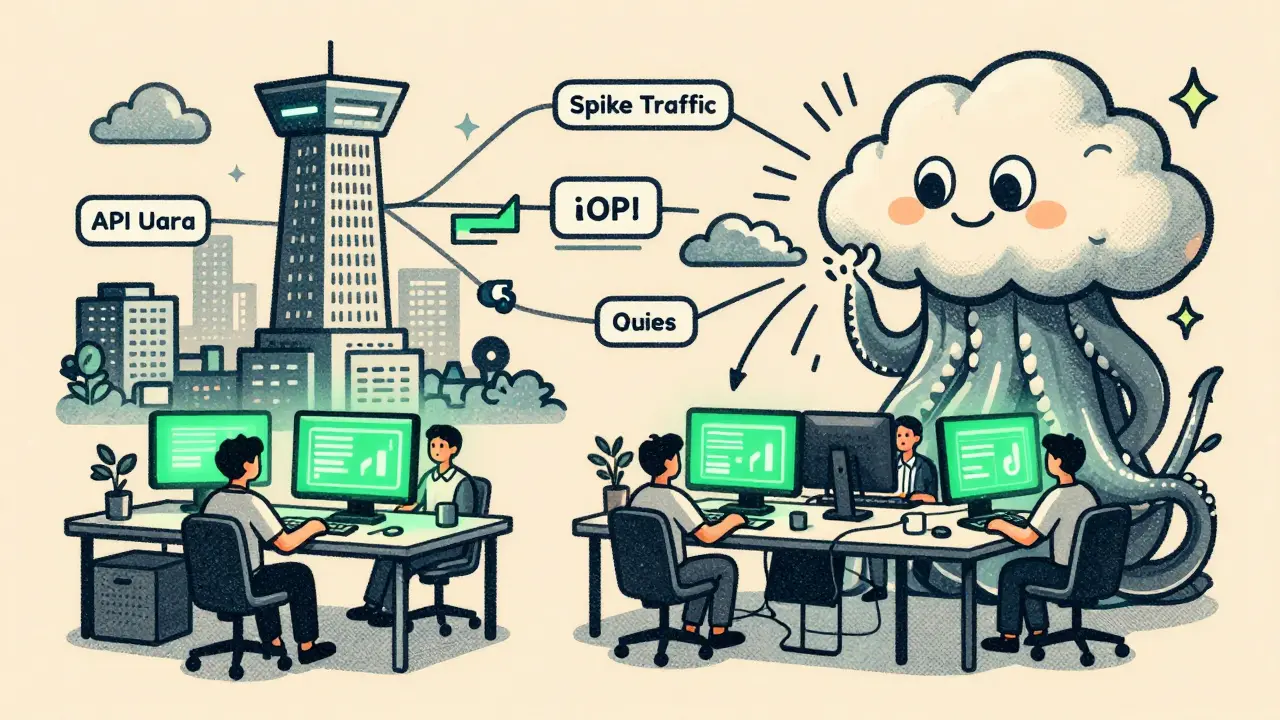
What Should You Choose?
There’s no universal answer. But here’s how to decide:- Go cloud if: You’re a startup, testing an idea, have low-sensitivity data, or need to launch in days. You don’t have a team to manage servers.
- Go on-prem if: You process over 2 million tokens daily, handle regulated data, need sub-second latency, or want full control over model behavior. You have engineers who can manage infrastructure.
The Future Is Hybrid
Open-source models like Llama 4, Qwen 3, and DeepSeek R1 are now matching GPT-4 in performance. Hardware is getting cheaper and more powerful. The RTX 5090, released in 2025, delivers nearly 80% more bandwidth than its predecessor. That means on-prem isn’t just for big tech anymore. A mid-sized company with a solid IT team can now run enterprise-grade LLMs without touching the cloud. But the cloud won’t disappear. It’s too convenient for rapid experimentation. The future belongs to teams that use both. They keep their crown jewels local. They let the cloud handle the noise. The real question isn’t API vs. on-prem. It’s: Which parts of your AI workload need control? Which need speed? Which need scale? Answer those, and the choice becomes obvious.Can I use both API and on-prem LLMs at the same time?
Yes, and many advanced teams do. This is called a hybrid architecture. You route high-volume, predictable tasks like daily report generation to on-prem models. You send bursty, unpredictable, or non-sensitive queries-like casual customer questions-to cloud APIs. This gives you cost control, low latency where it matters, and scalability when you need it. Tools like LangChain and LlamaIndex make it easy to switch between endpoints dynamically.
Is on-prem LLM deployment only for big companies?
No. While large enterprises have historically led on-prem adoption, smaller teams are catching up. With affordable GPUs like the NVIDIA RTX 4090 or Apple M3 Ultra, and open-source models that run on consumer hardware, a startup with 3 engineers can now host a powerful LLM locally. The barrier isn’t hardware anymore-it’s expertise. If you have someone who can manage Linux, Docker, and GPU drivers, you’re already halfway there.
How much does on-prem LLM deployment really cost?
The upfront cost varies. A single B200 GPU costs around $30,000. Add a server, cooling, power, and networking, and you’re looking at $80,000-$150,000 to get started. Then there’s ongoing cost: electricity ($0.10-$0.30 per kWh), cooling overhead (15-30%), and MLOps engineers earning $135,000/year. But once you’re running 2 million+ tokens daily, the cost per token drops below $0.001. For high-volume use, that’s cheaper than cloud.
Do I need a data center to run on-prem LLMs?
Not necessarily. Many teams run on-prem models in standard server rooms or even in edge devices. You don’t need a hyperscale data center. You need stable power, decent cooling, and network reliability. A single rack with 2-4 GPUs can fit in a closet-sized space. The real challenge is managing heat and power draw-especially with high-end GPUs that pull over 1,000 watts. If you’re not ready for that, cloud is still the easier path.
What if my internet goes down? Can I still use a cloud LLM?
No. If your internet connection fails, any cloud-dependent AI feature stops working. That’s why critical systems-like factory automation, medical diagnostics, or real-time trading-require on-prem deployment. Even a 30-second outage can cost thousands. On-prem ensures your AI keeps running, even if the outside world is offline. That’s not a luxury. It’s a requirement for reliability.




Lissa Veldhuis
24 February, 2026 - 03:12 AM
Cloud APIs are just glorified babysitters for lazy engineers who don't want to touch a GPU
Real innovation happens when you own the stack
Stop outsourcing your brain to OpenAI and build something that actually moves the needle
Michael Jones
26 February, 2026 - 00:28 AM
The real question isn't cloud vs on-prem it's whether you're building a tool or a crutch
Every time you choose convenience over control you're betting your future on someone else's uptime
And let's be honest most of us aren't building the next big thing we're just trying to not get fired
Thabo mangena
26 February, 2026 - 05:16 AM
I have observed with great interest the dichotomy presented herein
While the allure of cloud-based solutions is undeniable in their immediacy and scalability
One must not overlook the foundational integrity afforded by localized deployment
In the African context where infrastructure instability is common
The resilience of on-prem systems becomes not merely advantageous but essential
Let us not mistake convenience for competence
Karl Fisher
27 February, 2026 - 11:00 AM
Oh honey you think you're so clever with your hybrid architecture
Let me tell you about the time I ran Llama 3 on a Raspberry Pi in my closet
While the cloud was down for maintenance I was still generating poetry about quantum entanglement
And let's not forget my dog learned to bark in GPT-4 tone
Cloud? Please. I'm basically a wizard
Buddy Faith
28 February, 2026 - 22:29 PM
Cloud is for people who dont know what a firewall is
On prem is for people who know their data is worth more than their job
Hybrid is for people who want to pay twice and still get hacked
Just go on prem and stop being a scared baby
Scott Perlman
1 March, 2026 - 07:34 AM
If you can afford the hardware go on prem
If not use the cloud
Simple as that
Stop overthinking it
Sandi Johnson
1 March, 2026 - 10:05 AM
Oh so now we're pretending that latency is a feature
Let me guess next you'll tell me that your 1.4 second response time is 'deliberate pacing'
And that your on-prem server is just a very expensive paperweight with a GPU tattoo
Eva Monhaut
2 March, 2026 - 11:01 AM
I've seen teams waste years debating this while their product stagnates
The truth is most of us don't need cutting edge latency or full control
What we need is to ship something that helps people
Start with the cloud
Move to on-prem when the cost of not owning it hurts more than the cost of owning it
And if you're still stuck ask yourself: who are you really serving
mark nine
3 March, 2026 - 12:39 PM
I run a 70B model on a used 4090 in my garage
Cost: $1200
Monthly power: $45
Latency: 0.8s
Cloud would've cost me $18k last month
And yeah I had to learn Linux
But I also got to sleep better knowing my data isn't in some AWS datacenter with a 20-year-old intern who can't spell 'encryption'
It's not magic
It's just not giving up