Key Takeaways
- Multimodal AI reduces campaign production time by an average of 37%.
- Cross-channel engagement typically improves by 22% when creative is cohesive.
- Human oversight is still required for 18-22% of outputs to ensure brand safety.
- Integration with platforms like Meta Advantage+ and Google Ads maximizes ROI.
The Shift from Single-Modality to Multimodal Workflows
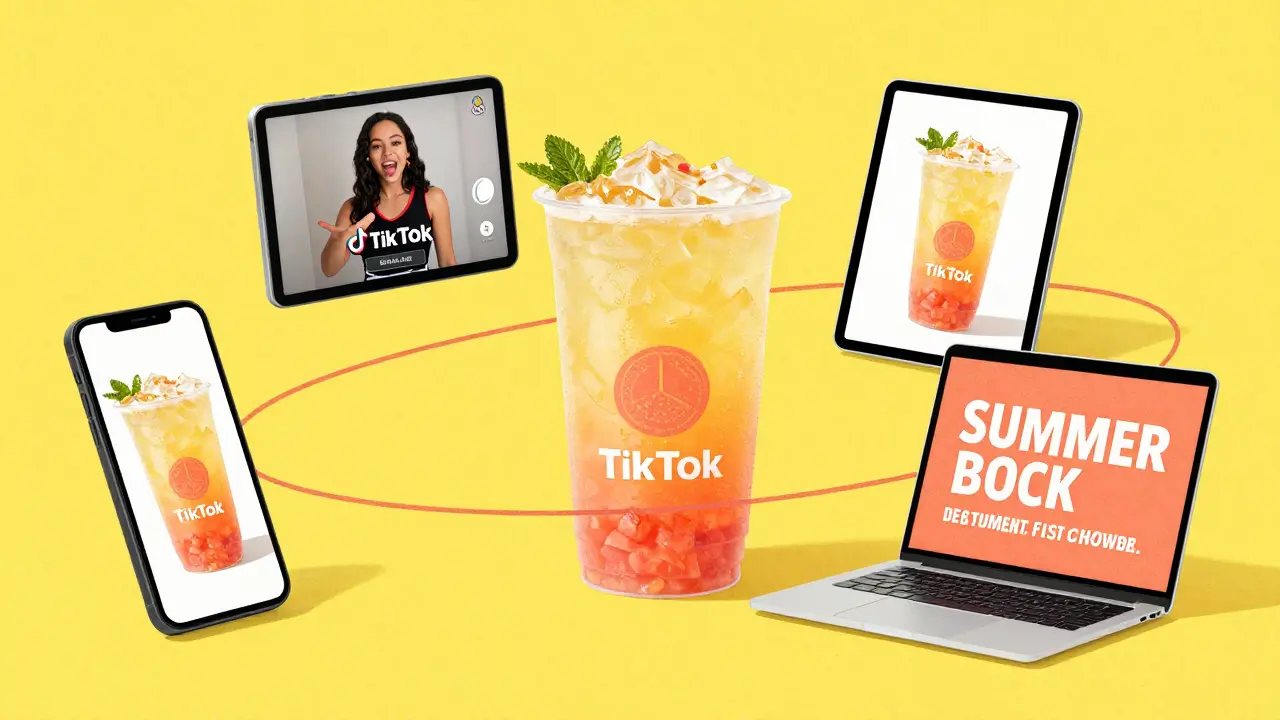
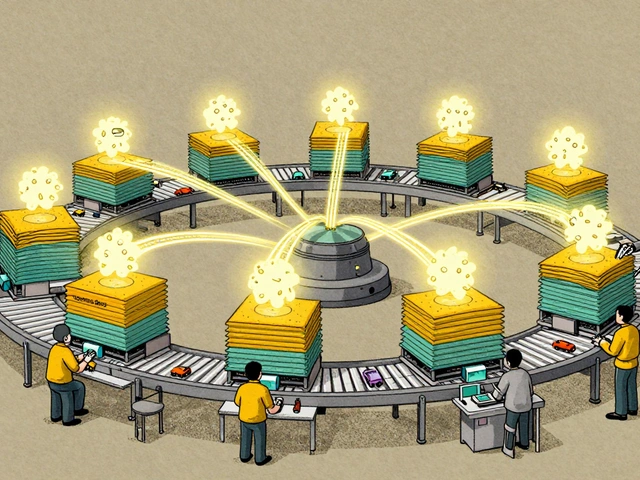
Most of us started with single-modality AI-you know, using ChatGPT for a caption and then Midjourney for a photo. The problem is the "creative gap." The AI writing the text doesn't know what the AI drawing the image is doing, leading to a disjointed experience for the customer. Multimodal AI solves this by processing multiple data types at once. According to McKinsey, this allows brands to blend media formats seamlessly. Rather than fragmented assets, you get a unified package. For instance, if you're launching a summer sale, a multimodal system can generate a high-energy short-form video, a matching set of product images, and a series of punchy ad copies that all share the same visual cues and emotional tone. Data from Microsoft Advertising shows this efficiency actually shortens the customer journey. By removing an average of 2.3 steps between a user discovering a product and actually buying it, these tools turn passive scrollers into active customers much faster.Choosing Your Toolset: Enterprise vs. SMB Solutions
Not all AI tools are built the same. Depending on your budget and team size, you'll likely land in one of three camps. Enterprise solutions like Optimove are powerhouses for personalization, but they come with a steep price tag, often ranging from $15,000 to $50,000 monthly. These are best for companies with massive datasets and a need for deep CRM integration. Mid-market teams often lean toward tools like Blueshift, which balances power and cost. Then there's the entry-level tier, where Canva AI dominates. It's accessible and fast, making it a favorite for smaller teams who need a "good enough" cohesive look without a six-figure budget.| Tool | Target Audience | Primary Strength | Estimated Monthly Cost |
|---|---|---|---|
| Optimove | Enterprise | Deep Personalization | $15,000 - $50,000 |
| Blueshift | Mid-Market | Cross-Channel Orchestration | $3,500 - $12,000 |
| Canva AI | SMB / Freelancers | Ease of Use & Speed | ~$120 (Teams) |
| Adobe Firefly | Creatives / Agencies | Brand-Safe Generative Fill | Varies by Plan |
Practical Steps for Implementing a Cohesive Campaign
You can't just plug these tools in and expect magic. Deloitte found that 78% of AI implementations fail because companies didn't reengineer their creative workflows. To avoid that, follow this phased approach:- Data Integration (Weeks 2-3): Connect your AI tool to your Customer Data Platform (CDP) or CRM. The AI needs to know who your audience is to make the creative actually resonate.
- Brand Guideline Configuration (Weeks 1-2): This is the most critical part. Upload your brand colors, logos, and voice guidelines. If you don't set strict parameters, you risk "creative homogenization"-where your brand starts looking like every other AI-generated ad on the internet.
- Pilot Campaign Execution (Weeks 3-4): Start small. Pick one product or one specific goal. Use the AI to generate 10-15 variations of the campaign and test them against a human-made control group.
The "Human-in-the-Loop" Necessity
Here is the hard truth: AI still struggles with emotional resonance. An IEEE study noted that while AI is great at speed, human-created campaigns score an 8.9/10 for emotional connection, while AI only hits 7.2/10. There's a reason we still need "Brand Guardians." Even the most advanced systems have an error rate. Revv Growth's 2025 analysis shows that 18-22% of AI outputs still require human correction. We've seen cases where AI-generated imagery was culturally insensitive, leading to sales drops in specific regional markets. This is why you need a human to vet every asset before it goes live. Microsoft's latest tools have reduced the necessary review time to about 12%, but that 12% is the difference between a successful campaign and a PR disaster. Use the AI to handle the heavy lifting-the 150 unique ad variations per hour-but let your creative directors handle the final "soul" of the campaign.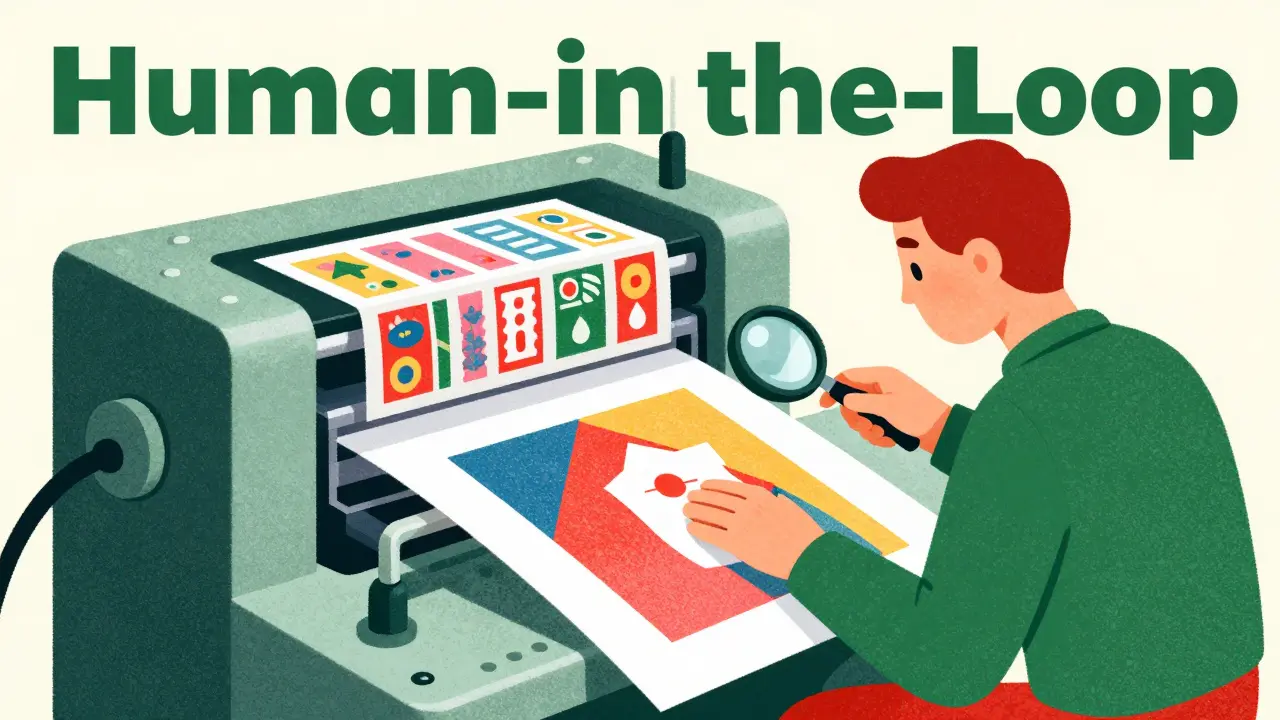
Measuring Success: Metrics That Actually Matter
If you're moving to a multimodal approach, stop looking at just "impressions." Look at cross-channel engagement metrics. Companies using these tools have seen a 31% higher engagement rate compared to those using single-modality AI. Take the Michaels Stores case study from late 2024. By using multimodal AI to align their email visuals with their social media pushes, they saw a 25% increase in email click-through rates. The customer didn't feel a jolt when moving from an Instagram ad to an email; it felt like one continuous conversation. Keep an eye on your "Cohesion Score" if you're using Microsoft Advertising's tools. Early data suggests that a higher cohesion score correlates directly to a 19% increase in overall campaign ROI. When the creative is consistent, trust increases, and trust drives sales.Is multimodal AI expensive for small businesses?
It depends on the tool. While enterprise platforms like Optimove are costly, tools like Canva AI offer team plans for around $120/month, making the tech accessible to SMBs. The main cost for smaller teams is usually the time spent on prompt engineering and brand setting rather than the software license itself.
Can AI fully replace my creative team?
No. Experts from Gartner suggest using AI as a "creative amplifier" rather than a replacement. AI handles the volume and the repetitive variations, but humans are essential for maintaining authenticity and emotional resonance. Without human oversight, you risk creating bland, homogenized content that doesn't differentiate your brand.
How long does it take to get a team proficient in multimodal AI?
The average learning curve is 4-6 weeks. However, if your team takes official certification programs from vendors like Adobe or Canva, this can be trimmed down to 2-3 weeks. Most teams develop basic prompt engineering skills internally within a month of active use.
What is the biggest risk of using these tools?
The biggest risk is "creative homogenization" and brand drift. Because AI predicts the "most likely" successful asset, it can lead to a generic look. Additionally, there is a risk of producing culturally insensitive content if the AI isn't guided by localization experts and strict brand parameters.
Which platforms integrate best with multimodal AI?
Integration is strongest with Meta's Advantage+ suite, Google Ads' generative features, and Microsoft Advertising. Together, these platforms account for nearly 80% of digital ad spend, making them the most effective targets for multimodal AI deployment.
Ashley Kuehnel
4 April, 2026 - 12:13 PM
Actually had a blast trying Canva AI for a small client last month! It's super intuitive but definitely feels like you need to keep a close eye on the brand colors so they dont drift too far. I've found that spending a bit more time on the initial brand kit setup saves a ton of headache later on. Just a lil tip for anyone starting out-don't be afraid to iterate on your prompts a few times before you settle on a style!
Amy P
5 April, 2026 - 06:38 AM
Wait, the idea of a "brand meltdown" is literally my biggest fear! Imagine the absolute chaos of a culturally insensitive AI image going live to millions of people just because we wanted to save a few hours of work! I cannot even wrap my head around the horror of a PR nightmare like that. This is exactly why that human-in-the-loop stuff is non-negotiable!
Mark Nitka
6 April, 2026 - 06:54 AM
People need to stop acting like this is a magic bullet. It's a tool, nothing more.
Mongezi Mkhwanazi
8 April, 2026 - 03:30 AM
The sheer audacity of suggesting that a "pilot campaign" of merely ten to fifteen variations could possibly provide a statistically significant sample size for any serious enterprise... it is simply laughable, frankly; furthermore, the obsession with "cohesion scores" seems to be another corporate fabrication designed to make the mindless automation of creativity feel like a scientific endeavor, rather than the slow erosion of artistic intent that it truly is!!!
adam smith
8 April, 2026 - 06:13 AM
I find the pricing of Optimove to be quite excessive, sir.