You’ve likely heard the hype about Generative AI is a type of artificial intelligence capable of creating new content, code, and data structures from existing inputs. It promises to save hours every week. But when you look at your team’s calendar, where are those hours actually coming from? Is it magic, or is there a measurable return on investment (ROI) hidden in specific tasks?
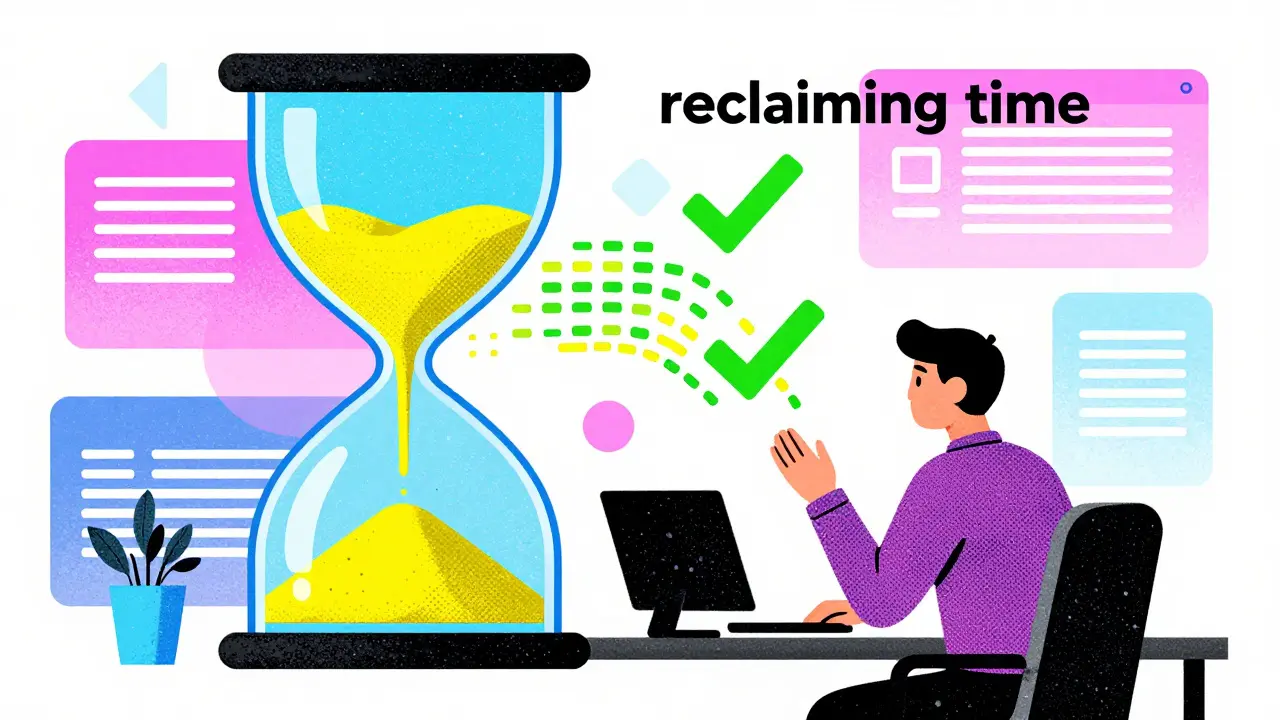
The answer isn’t just "yes." It’s "it depends on what they do." According to Pearson’s May 2024 Skills Outlook report, titled 'Reclaim the Clock,' Generative AI could help US workers save approximately 78 million hours per week by 2026. That’s a staggering number, but it doesn’t help you if you’re trying to justify budget for your marketing department or optimize your customer support queue. To get real value, you need to break down these savings by function.
Where the Hours Actually Come From
Not all jobs are created equal when it comes to AI efficiency. The biggest time sinks-and therefore the biggest opportunities for recovery-are usually found in administrative and knowledge-heavy roles. Pearson’s research, which analyzed 5,600 jobs and 76,000 tasks across multiple countries, identified specific tasks that yield the highest hourly returns.
Maintaining health or medical records tops the list, with an estimated 3.568 million hours saved weekly in the US alone. This makes sense; documentation is tedious, repetitive, and prone to human error. Next up is maintaining current knowledge in areas of expertise (3.132 million hours), followed closely by developing educational programs (2.946 million hours). If your role involves reading updates, summarizing trends, or drafting training materials, you are sitting on a goldmine of reclaimable time.
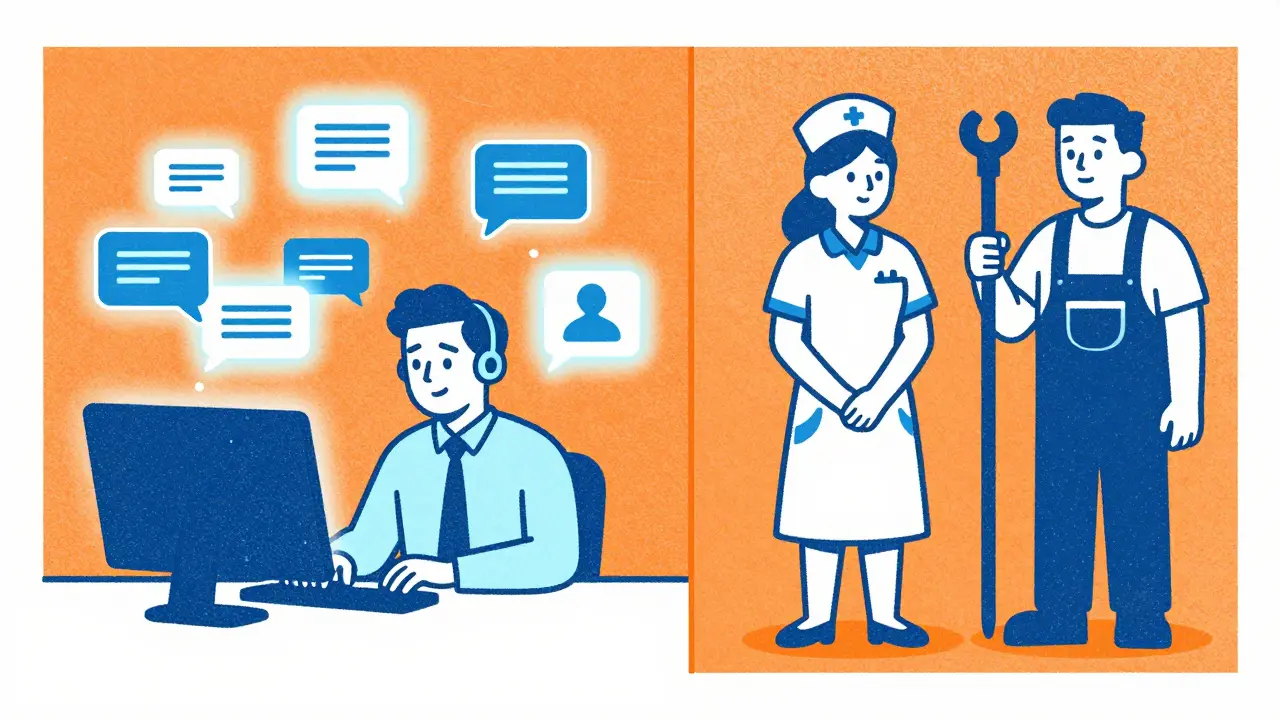
Operational records maintenance also accounts for over 2 million hours saved weekly. Think about the last time you had to update a spreadsheet, reconcile logs, or format a compliance document. Generative AI can draft these structures instantly, allowing humans to focus on verification rather than creation. However, functions requiring high emotional intelligence or complex physical manipulation show minimal gains. You won’t see massive time savings in nursing care or plumbing, but you will see them in legal review, coding, and content strategy.
| Task Category | Estimated Weekly Hours Saved | Primary Benefit |
|---|---|---|
| Maintaining Health/Medical Records | 3,568,000 | Automated documentation & formatting |
| Maintaining Current Knowledge | 3,132,000 | Rapid information synthesis & summarization |
| Developing Educational Programs | 2,946,000 | Drafting curricula & training materials |
| Maintaining Operational Records | 2,032,000 | Data entry & log reconciliation |
Function-Specific Productivity Gains
When we zoom out from individual tasks to entire departments, the picture becomes clearer for decision-makers. Different functions experience different levels of friction reduction. Software development teams, for instance, have seen some of the most dramatic improvements. GitHub Copilot, a prominent AI coding assistant, demonstrated a 55.8% faster task completion rate in controlled experiments. Developers aren’t just typing faster; they are completing certain coding tasks up to twice as fast because the AI handles boilerplate code and suggests logical next steps.
In customer service, the dynamic is slightly different. A joint study by Stanford and MIT found a 13.8% increase in resolved support chats per hour when agents used AI assistance. Boston Consulting Group (BCG) goes further, suggesting intelligent systems could boost agent productivity by 40-60%. Why such a range? It depends on implementation. Agents typically spend 35% of their time just retrieving information. If your AI tool pulls up customer history and suggests responses instantly, you eliminate that search time. Veteran organizations using AI for over three years saw a 25% reduction in cost per contact, proving that maturity matters.
Marketing and sales are also heavy adopters. Digital Silk’s 2026 statistics report shows that 42% of marketing teams use Generative AI daily. These teams report significant boosts in content personalization workflows, with routine tasks seeing 20-30% performance improvements. In the insurance sector, marketing and claims processing benefit most (54%), while underwriting sees a 46% gain. The common thread? Any function that processes large volumes of text or data benefits disproportionately compared to those relying on face-to-face negotiation or creative brainstorming without structure.
The Hidden Costs: Verification and Training
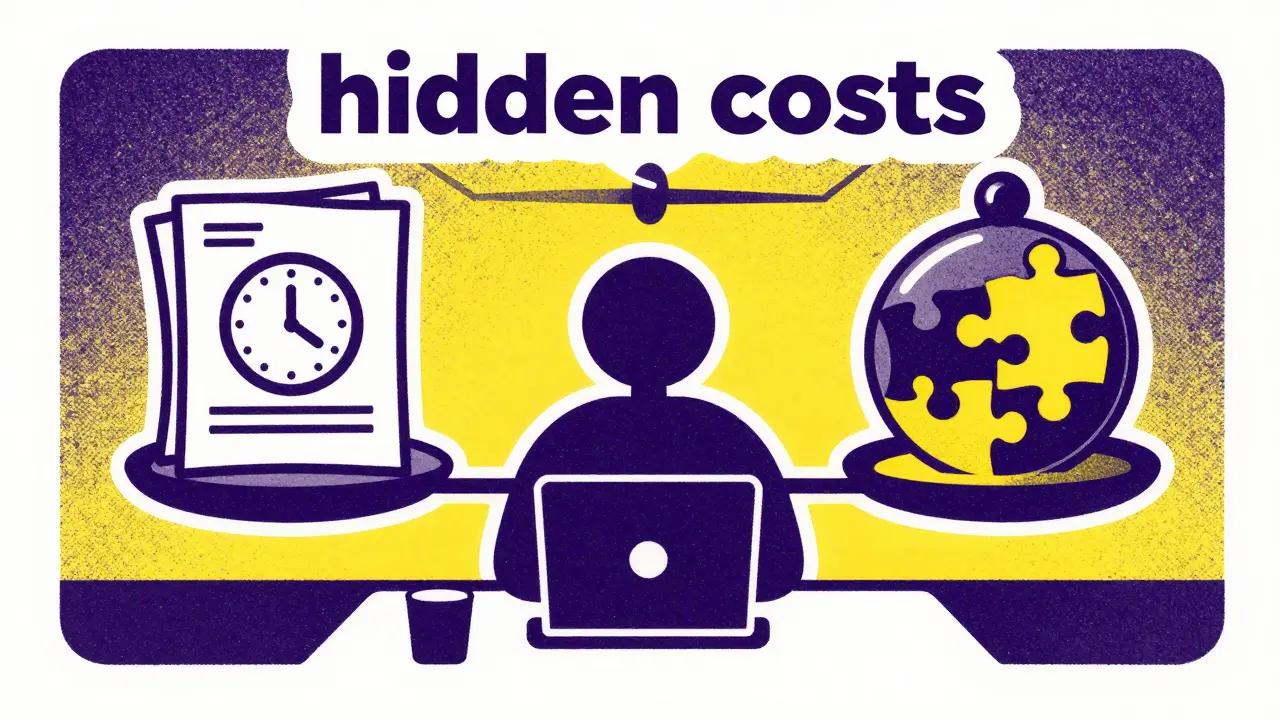
Here is where many ROI calculations go wrong. They count the time saved generating a draft but ignore the time spent fixing it. Christopher Manning, director of Stanford AI Lab, warned in September 2025 that many organizations measure superficial time savings. He noted that prompt engineering, output verification, and quality control can offset up to 30% of apparent gains in knowledge work functions.
Consider this real-world scenario from a Reddit discussion in January 2026: An enterprise tech lead reported saving 15 hours weekly on report generation but losing 7 hours on verification and refinement. The net result was still positive-8 hours saved per analyst-but the margin was tighter than expected. This highlights a critical point: AI does not replace judgment; it accelerates execution. If your process requires heavy editing, your ROI drops.
Training costs also eat into early savings. Codegnan’s statistics indicate that while 71% of users confirm time savings of around five hours weekly, 38% note that initial implementation required 20-40 hours of training. Marketing teams might reach proficiency in 8-12 hours, but legal and compliance teams often need 20-30 hours due to the sensitivity and precision required. You must factor this learning curve into your first-quarter projections. Don’t expect day-one miracles.
Measuring What Matters: A Practical Framework
To accurately measure your Generative AI ROI, you need to move beyond vague feelings of "efficiency" and track specific metrics. Here is how top-performing organizations are structuring their measurement frameworks:
- Baseline Task Duration: Before introducing AI, time how long key tasks take. How long does it take to write a standard email response? To debug a simple script? To summarize a monthly report?
- AI-Assisted Duration: Measure the same tasks with AI assistance. Include the time spent prompting and verifying the output.
- Quality Adjustment: If the AI output requires significant rework, discount the time savings. A task that takes 10 minutes instead of 30 but results in two errors that take 15 minutes to fix has negligible value.
- Aggregated Weekly Impact: Multiply the net time saved per task by the frequency of that task. Then, multiply by the number of employees performing it.
Master of Code’s analysis of 350+ case studies revealed that companies training at least 25% of their staff achieved 32% higher time savings than those with minimal training. Organizations that redesigned job descriptions to incorporate AI workflows saw 40% greater time savings than those who simply added tools to existing processes. The lesson is clear: technology alone doesn’t drive ROI; process redesign does.
Future Projections and Strategic Implications
Looking ahead, the economic implications are substantial. Gartner estimates total worldwide AI spending will exceed $2 trillion in 2026, driven largely by the expectation of productivity returns. Dr. Erik Brynjolfsson of Stanford’s Human-Centered AI Institute estimates AI can boost sector productivity by 2% of annual revenue, equivalent to $400 billion to $660 billion across the US economy. Professor Andrew Ng emphasizes that the real value lies in fundamentally redesigning work processes to leverage human-AI collaboration, not just automating tasks.
However, this shift brings workforce implications. Master of Code reports that 32% of organizations expect to decrease workforce size in the coming year due to AI. While this sounds alarming, it often reflects a restructuring toward higher-value activities. As Oliver Latham, Pearson’s VP of Strategy, notes, the goal is to free up teams to focus on tasks requiring a human touch-strategic thinking, collaboration, and innovation. The hours returned by AI should be reinvested in growth, not just hoarded as cost savings.
For leaders, the takeaway is actionable. Identify the functions with the highest administrative burden. Pilot AI tools in those areas. Measure the net time saved, accounting for verification and training. Then, scale the solution while redesigning workflows to maximize human-AI synergy. The clock is ticking, but with the right approach, you can reclaim it.
How much time can Generative AI realistically save per employee?
According to aggregated data from Codegnan and user reports, the average confirmed time saving is approximately five hours per week per employee. However, this varies significantly by function. Software developers may save more due to coding assistance, while roles requiring heavy verification may see lower net gains after accounting for editing time.
Which business functions benefit most from Generative AI?
Functions involving heavy documentation, information synthesis, and routine knowledge work benefit most. Top categories include maintaining health/medical records, updating operational records, developing educational programs, and software development. Customer service and marketing also show strong adoption and productivity gains.
Does Generative AI reduce the need for human workers?
While 32% of organizations expect to decrease workforce size, the primary goal is often role redesign rather than pure replacement. AI handles repetitive tasks, freeing humans to focus on strategic, creative, and interpersonal activities that require emotional intelligence and complex judgment.
What are the hidden costs of implementing Generative AI?
Hidden costs include initial training time (20-40 hours for some teams), ongoing prompt engineering, and crucially, output verification. Studies suggest that quality control and refinement can offset up to 30% of apparent time savings if processes are not properly redesigned to integrate AI outputs efficiently.
How can I measure the ROI of Generative AI in my company?
Start by baselining the duration of key tasks before AI adoption. Then, measure the time taken with AI assistance, including verification steps. Calculate the net time saved per task, multiply by task frequency and headcount, and compare against implementation costs (training, software licenses). Focus on net hours returned to high-value work.