
You know the drill. You have a brilliant SaaS idea, but the moment you start wiring up payment processing and user authentication, your momentum dies. Setting up Stripe webhooks, managing Supabase row-level security policies, and debugging environment variables can eat up days of productive coding time. What if you could cut that setup from weeks to hours? That is exactly what vibe coding promises when paired with modern backend-as-a-service tools.
Vibe coding isn't just about letting an AI write random snippets; it's a workflow where you describe intent in plain English, and an AI tool like Cursor generates robust, production-ready code. When you combine this approach with Supabase for your database and auth, and Stripe for payments, you unlock a development speed that feels almost unfair. This guide walks you through building a secure, subscription-based application using this stack, ensuring you don't sacrifice security for speed.
Why Vibe Coding Works for Payment Stacks
Traditional payment integration is tedious. You spend hours reading documentation on webhook signatures, idempotency keys, and customer synchronization. With vibe coding, you offload the boilerplate. Tools like Cursor AI understand the patterns between Stripe events and Supabase tables so well that they can generate the entire sync logic in seconds.
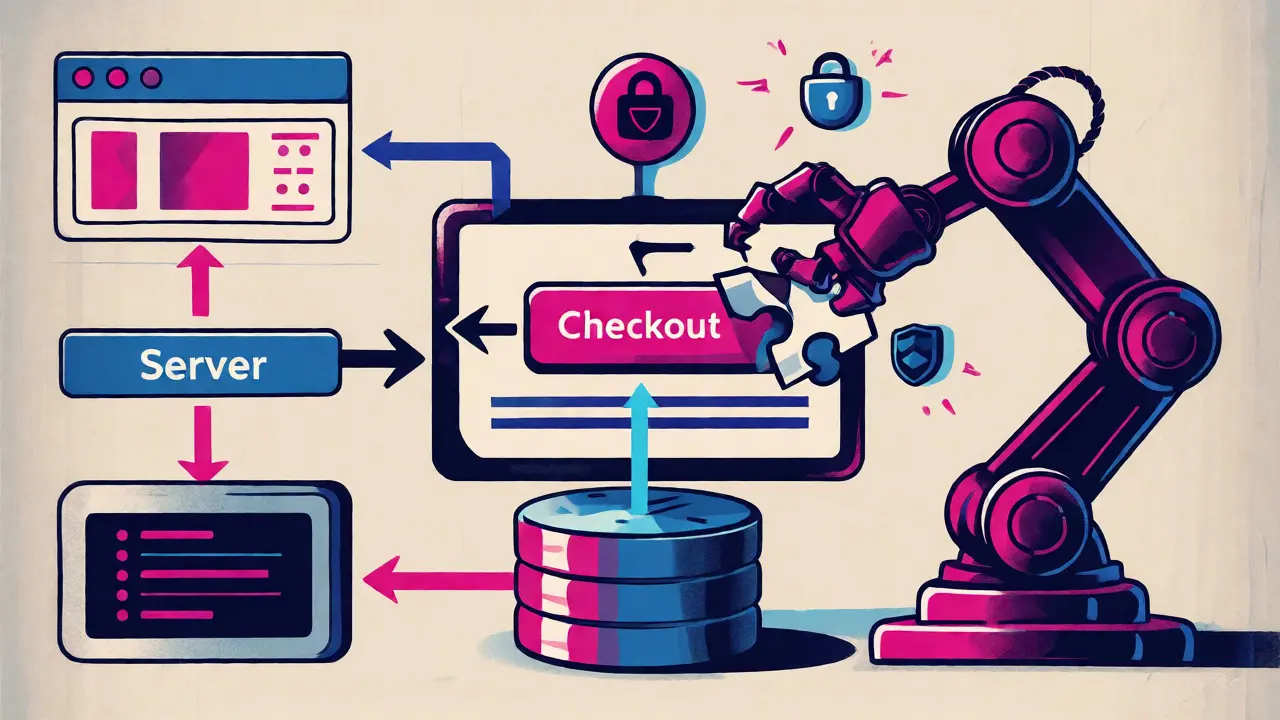
Consider the data flow. A user pays via Stripe Checkout. Stripe fires a `checkout.session.completed` event. Your server needs to verify the signature, find the user in Supabase, update their subscription status, and grant access to premium features. Doing this manually involves writing controllers, services, and database migrations. With vibe coding, you prompt: "Create a Next.js API route that handles Stripe checkout.session.completed events, verifies the signature, and updates the 'subscriptions' table in Supabase." The AI drafts the handler, imports the necessary libraries, and even suggests the correct SQL migration syntax.
This doesn't mean you stop being a developer. It means you shift from typing every semicolon to reviewing architecture. You still need to understand what the code does, especially regarding security. But you skip the repetitive grunt work that usually kills indie hacker motivation.
Setting Up the Supabase Foundation
Before touching Stripe, your backend must be solid. Start by creating a new project in Supabase. Enable Email/Password authentication, as this is the most common starting point for SaaS apps. While magic links are nice, email/password gives you more control over redirect URLs, which is critical for payment flows.
Once auth is live, you need to link your users to Stripe customers. Create a column named `stripe_customer_id` in your `auth.users` table or a separate `profiles` table linked to users. Use a migration script for this. Don't do it manually in the dashboard if you plan to version control your schema. Prompt your AI assistant: "Write a SQL migration to add a nullable text column 'stripe_customer_id' to the public.profiles table."
Next, configure your Row Level Security (RLS). This is where vibe-coded apps often fail in production. The AI might forget to restrict who can read subscription data. Ensure that only the authenticated user can view their own subscription status. If you skip this step, any logged-in user could potentially see another user's billing history. Test this immediately after setup.
Integrating Stripe Checkout
With Supabase ready, move to Stripe. Install the official SDKs: `@stripe/stripe-js` for the frontend and `stripe` for the backend. Set up your environment variables carefully. You will need `NEXT_PUBLIC_STRIPE_PUBLISHABLE_KEY` and `STRIPE_SECRET_KEY`. A common mistake in vibe-coded projects is hardcoding these keys during development and forgetting to switch them in production. Always use environment variables.
Create a Stripe context provider in your Next.js app. This wraps your components and allows easy access to Stripe functions. Then, build a simple button that triggers a checkout session. Instead of building a custom form, use Stripe Checkout. It’s hosted, PCI-compliant, and handles tax calculations automatically. Your AI can generate the API route that creates the session:
- Endpoint: `/api/create-checkout-session`
- Action: Retrieve the current Supabase user.
- Logic: If no `stripe_customer_id` exists, create a Stripe customer and save the ID back to Supabase.
- Response: Return the `session.url` to redirect the browser.
This flow ensures that every paying user has a corresponding record in both systems. Without this linkage, you’ll struggle to manage subscriptions later.
Handling Webhooks and Syncing Data
The real magic happens in the backend. Stripe sends webhooks for every payment event. You need to listen for `invoice.paid`, `invoice.payment_failed`, and `customer.subscription.deleted`. Manually parsing these JSON payloads is error-prone. Enter the Supabase Stripe Sync Engine. Announced in early 2025, this feature automates much of this work.
If you aren't using the native Sync Engine, you can vibe-code a custom webhook handler. Here is the critical part: always verify the webhook signature. Never trust the payload without checking the `stripe-signature` header against your `STRIPE_WEBHOOK_SECRET`. AI tools sometimes omit this check in initial drafts because it adds complexity. Make sure you explicitly ask for it: "Include strict webhook signature verification using the raw request body."
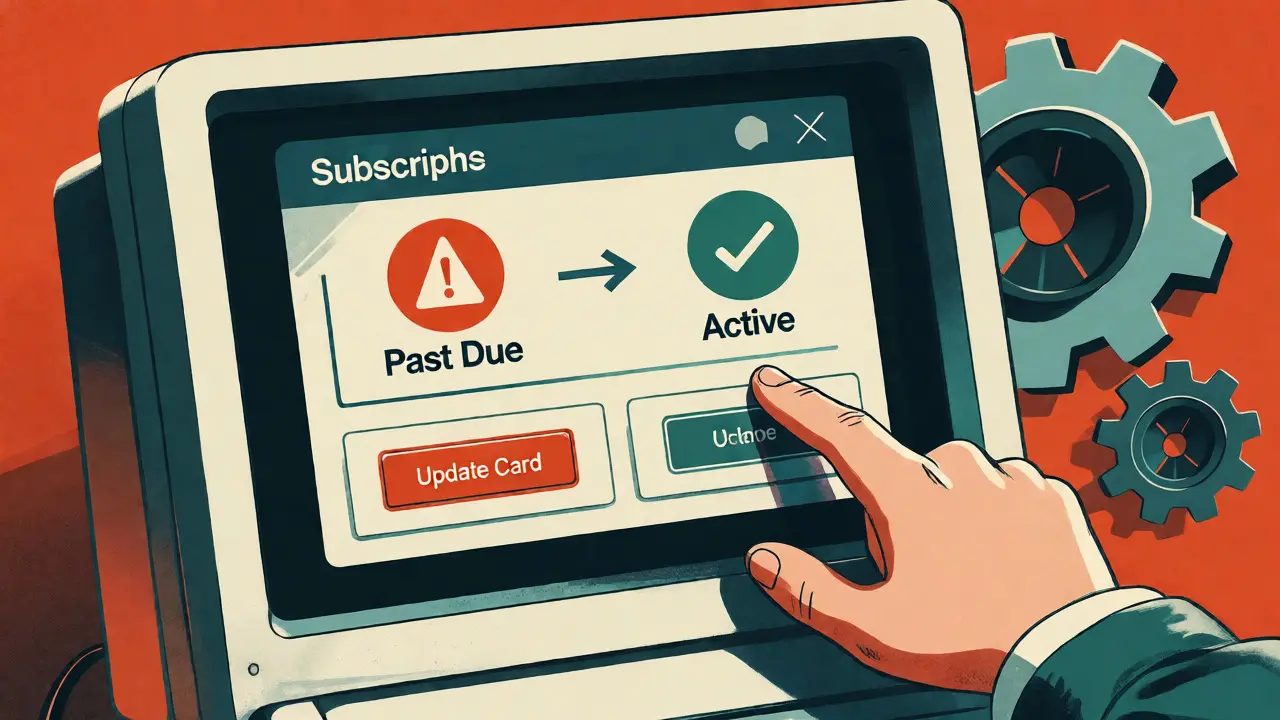
When a payment succeeds, update your Supabase `subscriptions` table. Set the status to 'active' and store the current period end date. If a payment fails, set the status to 'past_due'. This state management drives your app’s UI. Users should see a banner prompting them to update their credit card if their status is 'past_due'. Your AI can generate the React component that checks this status and renders the alert.
Security Pitfalls to Watch For
Vibe coding accelerates development, but it introduces specific risks. A survey of developers in late 2025 found that nearly 30% of AI-generated payment integrations had issues with webhook signature verification. Another 22% had insecure redirect configurations. These aren't minor bugs; they are potential financial liabilities.
One major pitfall is missing idempotency keys. If a network glitch causes Stripe to retry a webhook, and your code doesn't handle duplicates, you might charge a customer twice or corrupt your database records. Always instruct your AI to implement idempotency handling. Check if the event ID has already been processed before updating the database.
Another issue is overly permissive RLS policies. During rapid prototyping, it’s tempting to disable RLS to make queries work faster. Remember to re-enable it before launch. Audit your policies: Can a guest user query the `subscriptions` table? Can one user update another user’s subscription status? If the answer is yes, you have a security hole.
Testing and Deployment Strategy
Never deploy straight to production. Use Stripe test mode. They provide specific test card numbers that trigger success, failure, and pending states. Simulate these scenarios thoroughly. Does your app correctly display the 'Thank You' page after a successful payment? Does it show an error message if the card is declined?
Use the Stripe CLI to forward webhooks to your local development server. This lets you debug webhook handlers in real-time without deploying to the cloud. Run through the full lifecycle: sign up, pay, cancel, reactivate. Watch your Supabase logs closely. Look for errors related to foreign key constraints or permission denials.
For deployment, ensure your environment variables are set in your hosting platform (like Vercel or Netlify). Double-check that your Supabase URL and Anon Key match your production project. A mismatch here is the number one cause of "undefined" errors in production builds.
| Feature | Traditional Manual Coding | Vibe Coding with AI |
|---|---|---|
| Setup Time | 20-40 Hours | Under 2 Hours |
| Webhook Handling | Custom Logic Required | AI-Generated Boilerplate |
| Security Hardening | Developer Responsibility | Requires Manual Review |
| Best For | Enterprise Custom Billing | MVPs & Standard Subscriptions |
Frequently Asked Questions
Do I need to know JavaScript deeply to use vibe coding for Stripe?
You don't need to be an expert, but you must be able to read and review code. AI generates the structure, but you need to spot logical errors, such as incorrect variable names or missing await keywords. Basic proficiency in async/await patterns is highly recommended.
Is the Supabase Stripe Sync Engine free?
The Sync Engine itself is available on all paid Supabase plans. It simplifies data synchronization significantly, saving you from writing hundreds of lines of custom webhook code. However, standard Stripe transaction fees still apply separately.
What happens if my webhook fails?
Stripe retries failed webhooks for up to three days. If your endpoint returns a non-2xx status code, Stripe marks it as failed and tries again. Ensure your API route is robust and handles temporary database connection issues gracefully to avoid unnecessary retries.
Can vibe coding handle complex pricing models?
It handles standard tiered pricing well. For complex usage-based billing or multi-currency support, you may need to intervene manually. AI excels at standard patterns but struggles with unique business logic that lacks widespread examples in its training data.
How do I debug Stripe webhooks locally?
Install the Stripe CLI. Run `stripe listen --forward-to localhost:3000/api/webhooks`. This forwards real-time events from your Stripe account to your local machine. You can then inspect the console logs in your terminal to see exactly what data is being received.