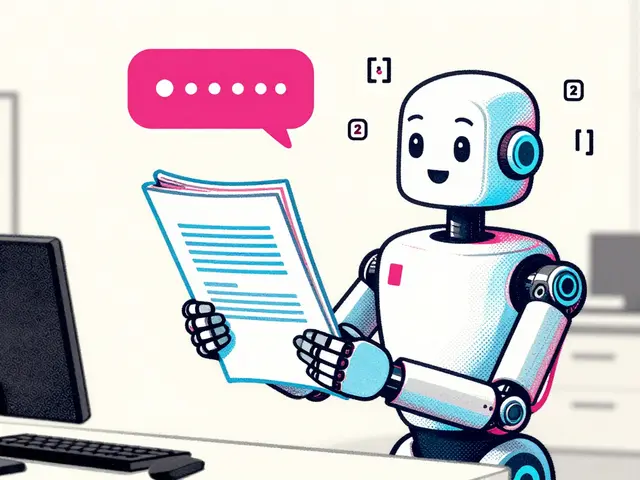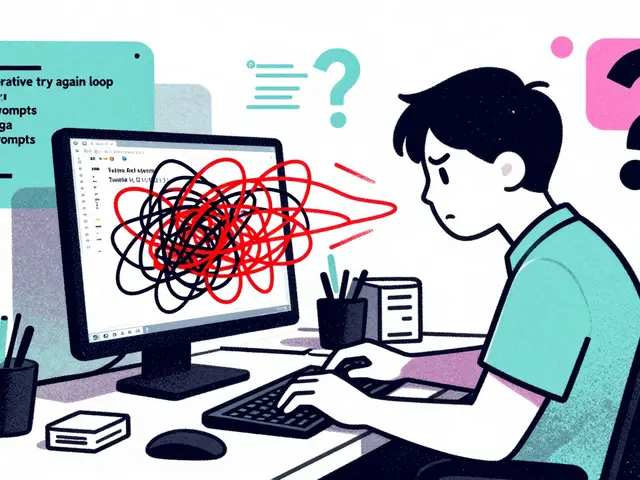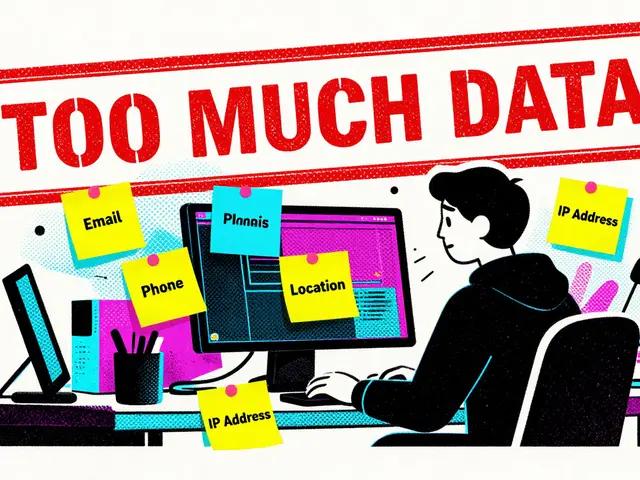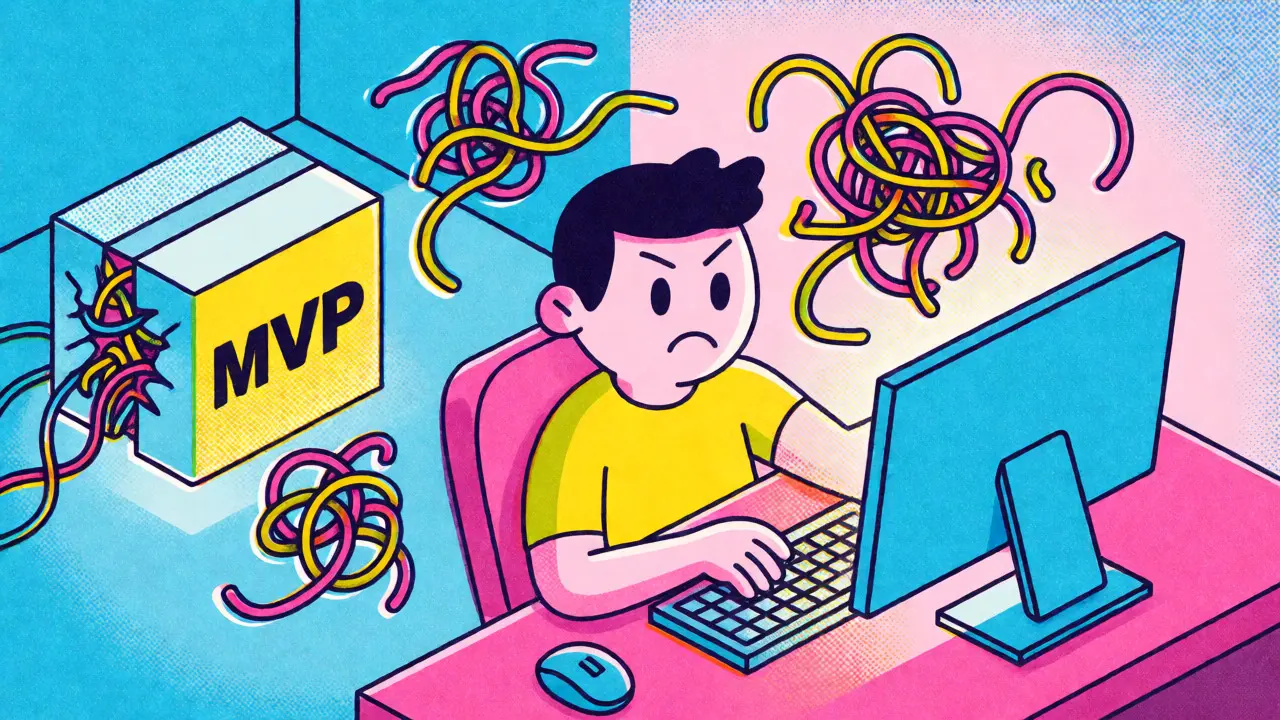
You shipped your MVP in three days. It looks slick, the client is happy, and you feel like a genius. Then, two weeks later, you need to add a simple feature-maybe just changing a button color or adding a field to a form-and suddenly, the whole app breaks. You spend six hours debugging code you barely remember writing, let alone understanding. Welcome to the hangover.
This isn't just bad luck. This is Technical Debt accumulating at warp speed because of Vibe Coding. If you're using AI tools to generate code based on natural language prompts rather than writing it line-by-line, you are accruing debt differently than traditional developers. The honeymoon phase of instant gratification ends quickly when maintenance becomes a nightmare. Here is how to manage that debt before it bankrupts your project.
The New Shape of Technical Debt
Traditional technical debt usually comes from cutting corners under deadline pressure. You skip tests, hardcode values, or ignore best practices because you need to ship today. Vibe Coding introduces a different kind of risk: opacity.
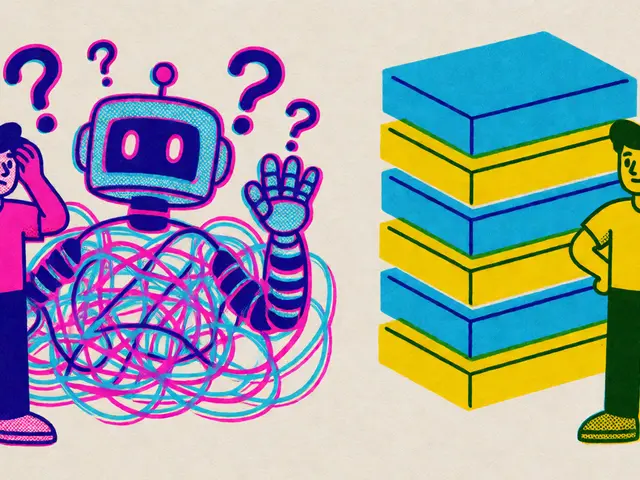
When you ask an LLM to "build a user dashboard," it might give you a perfectly functional React component. But do you know why it chose that specific state management pattern? Do you understand the edge cases it handled-or failed to handle? In traditional coding, even if the code is messy, you wrote it. You have a mental map. With vibe-coded projects, you often lack that map. You have code that works, but you don't own the logic behind it.
This creates what we can call "Comprehension Debt." It’s not just that the code is ugly; it’s that nobody on the team (including you) fully understands how the pieces fit together. When requirements change, you can’t refactor confidently because you’re afraid of breaking something invisible. That fear slows you down more than any inefficient loop ever could.
Why Speed Becomes Your Enemy
AI accelerates the initial build, but it doesn't accelerate the second half of development: iteration. In fact, it often slows it down. Why? Because AI-generated code tends to be verbose and overly defensive. It includes error handling for scenarios that will never happen. It imports libraries you don't need. It follows patterns that look professional but aren't optimized for your specific use case.
Imagine you hire a contractor who builds a house in a week. The walls go up fast. But they used cheap glue instead of nails, and they didn't label the wiring. Now, when you want to move a light switch, you have to tear out drywall to find the wires. That’s vibe coding without governance. The initial speed gain is offset by the massive cost of navigating undocumented complexity.
Furthermore, AI models are trained on public data. They love popular frameworks and trendy libraries. If you're building a small internal tool, you might end up with a full Next.js setup with server-side rendering, Tailwind CSS, and Redux Toolkit, when a simple static HTML file would have sufficed. You’ve inherited architectural complexity you didn't ask for, and now you have to maintain it.
Audit Before You Build More
Stop adding features. Seriously. Before you write another prompt, audit what you already have. Treat your codebase like a crime scene. You need to identify where the bodies are buried.
- Map the Dependencies: List every library and package. Are you using five different date-handling libraries because the AI suggested one each time you asked about dates? Consolidate them.
- Identify Orphaned Code: Search for functions or components that are defined but never called. AI often generates helper functions that go unused. Delete them.
- Check for Hallucinated Logic: Did the AI invent a business rule that doesn't exist? Verify every conditional statement against your actual requirements. Don't trust the comment; trust the spec.
This audit feels tedious, but it pays off. You’ll likely find 20-30% of your code is redundant or unnecessary. Removing it makes the remaining code easier to read and modify.

Implement Strict Guardrails
You can’t control what the AI outputs, but you can control what gets merged into your main branch. Set up automated checks that reject low-quality code automatically.
Use linters and formatters aggressively. Tools like ESLint or Prettier aren't just about style; they enforce consistency. If the AI writes inconsistent naming conventions (camelCase here, snake_case there), the linter should catch it. Configure your CI/CD pipeline to fail builds if test coverage drops below a certain threshold.
| Strategy | Action | Benefit |
|---|---|---|
| Automated Linting | Enforce strict style guides via ESLint/Prettier | Reduces cognitive load during review |
| Type Safety | Use TypeScript with strict mode enabled | Catches logic errors at compile time |
| Unit Testing | Require tests for all new AI-generated functions | Validates behavior, not just syntax |
| Code Ownership | Assign human reviewers for critical paths | Ensures business logic alignment |
Typescript is particularly effective here. Since AI often struggles with complex type inference, forcing explicit types helps document the intent of the code. If the AI can’t make the types work cleanly, it’s a sign the architecture might be flawed.
The Human-in-the-Loop Review Process
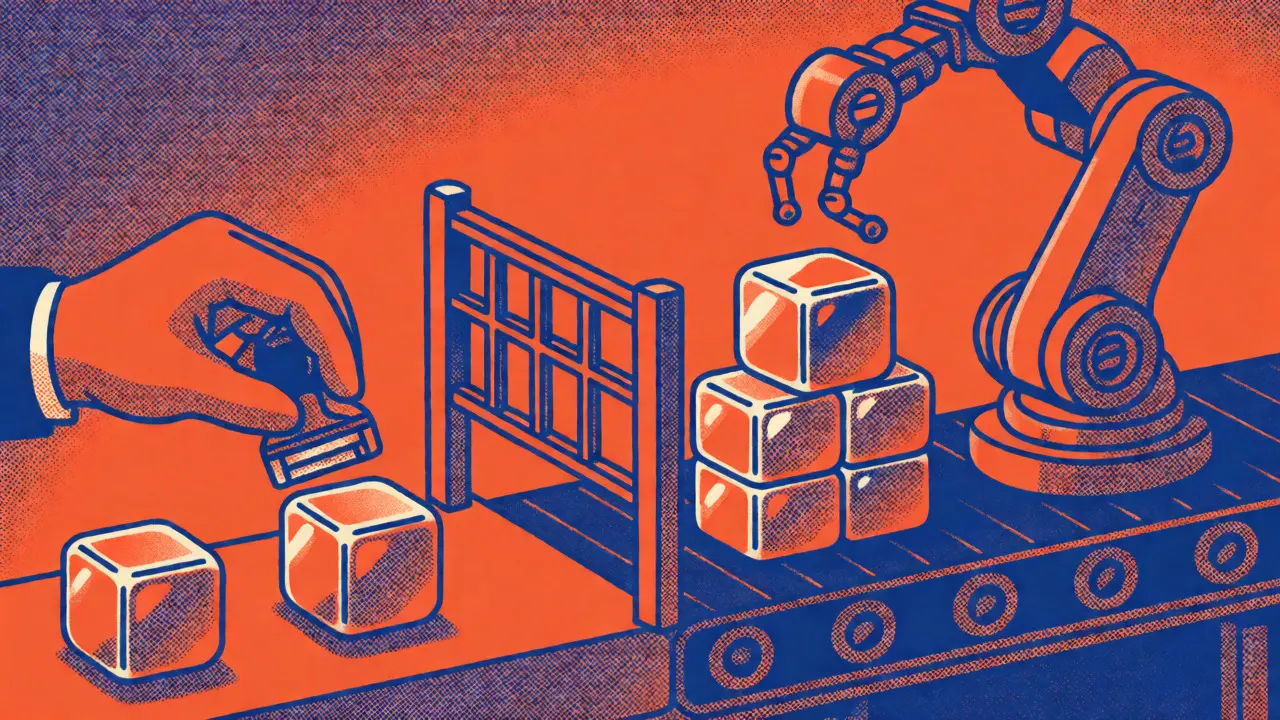
Never merge AI-generated code without a human review. But this review needs to be different from traditional code reviews. You’re not just looking for bugs; you’re looking for clarity and necessity.
Ask these questions during review:
- Is this the simplest way to solve the problem? If the solution involves three files and a custom hook, ask if a single function would do.
- Can I explain this code to a junior developer? If you can’t, the abstraction level is too high or the logic is too convoluted.
- Does this align with our existing patterns? Consistency matters more than perfection. If the rest of the app uses Context API, don’t introduce Redux just because the AI liked it.
Treat the AI as a junior developer who has perfect syntax but zero context. You wouldn’t let a junior push to production without oversight, so don’t let the AI do it either.
Schedule Regular Refactoring Sprints
Technical debt compounds. Interest rates on vibe-coded debt are high because the code is often disconnected from the domain model. You need to pay down this debt regularly.
Allocate 20% of your sprint capacity to refactoring. Not bug fixing-refactoring. This means rewriting code to make it clearer, simpler, and more aligned with your current understanding of the product. During these sprints, focus on high-churn areas. Which files are you touching most often? Those are your pain points. Rewrite them manually if necessary. Sometimes, typing it out yourself forces you to understand the logic deeply.
Also, update your documentation as you go. AI doesn’t write good documentation. It writes comments that restate the code. Replace those with explanations of *why* decisions were made. Future-you will thank present-you.
Know When to Stop Vibing
Vibe coding is great for prototypes, MVPs, and non-critical internal tools. It’s less ideal for core financial systems or safety-critical applications. Recognize when your project has outgrown the vibe.
If you find yourself spending more time debugging than building, it’s time to shift gears. Move from prompting to programming. Write the core logic yourself. Use AI only for boilerplate, tests, or repetitive tasks. This hybrid approach balances speed with stability.
Remember, the goal isn't to avoid technical debt entirely-that's impossible. The goal is to keep it manageable. By treating AI output with skepticism, enforcing strict standards, and prioritizing comprehension over cleverness, you can enjoy the speed of vibe coding without suffering the long-term hangover.
What exactly is vibe coding?
Vibe coding refers to a development workflow where programmers rely heavily on AI assistants to generate code based on natural language descriptions, focusing on high-level intent rather than low-level implementation details. The term highlights the intuitive, almost conversational nature of directing AI tools, where the developer guides the 'vibe' or direction of the software while the AI handles the syntax and structure.
Is AI-generated code always worse than human-written code?
No, AI-generated code is often syntactically correct and follows standard patterns. However, it frequently lacks contextual awareness, leading to over-engineering, redundancy, or misalignment with specific business rules. It excels at boilerplate and common algorithms but struggles with nuanced domain logic unless carefully prompted and reviewed.
How does technical debt in vibe coding differ from traditional technical debt?
Traditional technical debt usually stems from known shortcuts taken for speed. Vibe-coded technical debt often stems from 'comprehension debt'-the gap between the code's existence and the developer's understanding of its logic. Additionally, AI tends to introduce architectural bloat and dependency sprawl that humans might avoid through experience.
Should I stop using AI tools to reduce technical debt?
Not necessarily. Instead of stopping, change how you use them. Use AI for scaffolding, testing, and documentation, but require rigorous human review and refactoring for core logic. Treat AI as a productivity multiplier, not a replacement for engineering judgment.
What are the first steps to clean up a messy vibe-coded project?
Start by auditing dependencies to remove unused libraries. Then, implement strict linting and formatting rules to enforce consistency. Finally, begin manual refactoring of the most frequently changed files to improve readability and ensure the code matches the actual business requirements.