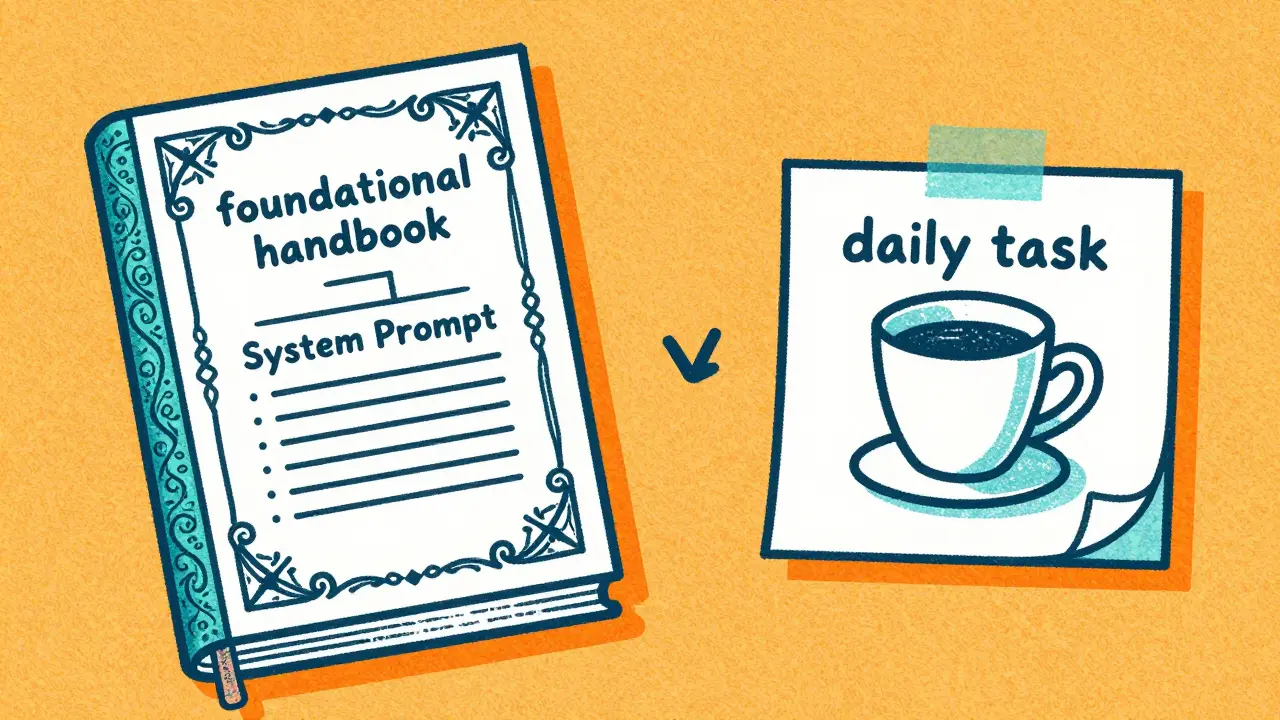
The Core Difference: Foundation vs. Action
At its simplest, a system prompt is the "who" and "how," while a user prompt is the "what." System Prompts are the behavioral frameworks created by developers or power users to set the AI's identity, tone, and boundaries. They usually run in the background, invisible to the end user, and persist across the entire conversation. On the other hand, User Prompts are the specific inputs we type into the chat box. These are transactional. They change every time you ask a new question or give a new command. While a user prompt asks for a specific result, the system prompt ensures that the result fits a specific mold.| Feature | System Prompt | User Prompt |
|---|---|---|
| Primary Goal | Set behavior and constraints | Request specific output |
| Persistence | Constant across the session | Changes per interaction |
| Visibility | Hidden from end users | Visible and interactive |
| Authority | High (Governs the model) | Moderate (Guides the task) |
The Hierarchy of Power: Why the System Prompt Wins
Ever wonder why an AI refuses to do something even if you're really insistent? That's the functional hierarchy at work. In most Large Language Models (LLMs), the system instructions carry more weight than the user instructions. This is a safety and consistency feature. If a developer sets a system prompt saying, "Never provide medical advice," and a user prompts, "Tell me exactly what medicine to take for this cough," the AI will prioritize the system-level restriction and refuse the request. This hierarchy prevents what's known as "prompt injection," where a user tries to trick the AI into breaking its rules by saying things like "Ignore all previous instructions." While no system is perfect, having a dedicated system layer makes the AI much more resilient. It also ensures brand voice. If a company wants their bot to be formal, the system prompt keeps it professional even if the user starts using slang and emojis.
Mastering the System Prompt: Setting the Rules
Writing a system prompt isn't about being vague; it's about creating a rigid set of guardrails. Effective system instructions usually cover four main areas:- Behavioral Framing: Define the role. Instead of saying "You are a helper," try "You are a senior software architect with 20 years of experience in distributed systems." This primes the model to use a more technical and authoritative tone.
- Constraint Setting: Tell the AI what *not* to do. For example, "Do not use jargon」 or "Never apologize for being an AI." Anthropic's Claude model uses specific constraints, like avoiding phrases like "that's a great question," to make the AI sound less robotic and more direct.
- Output Formatting: Be explicit about the structure. A system prompt can mandate that every response must be in JSON format, or that long answers must always start with a three-sentence executive summary.
- Ethical Guidance: This is where you embed values. You can instruct the model to "Always cite primary sources when making factual claims" to reduce the risk of hallucinations.
Designing User Prompts for Maximum Precision
Since the system prompt handles the "vibe," your user prompt should focus entirely on the context and the goal. The biggest mistake people make is being too brief. "Write a story" is a weak prompt. "Write a 500-word noir detective story set in 1940s Tokyo, focusing on a missing jade statue, for an audience of adults who enjoy slow-burn mysteries" is a precise prompt. To get the best results, use these practical tactics:- Use Separators: Use symbols like
###or"""to separate your instructions from the data you want the AI to process. This prevents the model from getting confused about where the task ends and the content begins. - Provide Examples (Few-Shot Prompting): Instead of describing the style you want, show it. Give the AI two or three examples of a perfect response. This is almost always more effective than a long list of adjectives.
- Use Leading Words: Start your prompt with the desired output format. Starting with "Write a Python function to..." immediately pushes the model into a coding state of mind.
- Define the Target Audience: Tell the AI who it is talking to. An explanation of quantum physics for a five-year-old looks very different from one written for a PhD student.
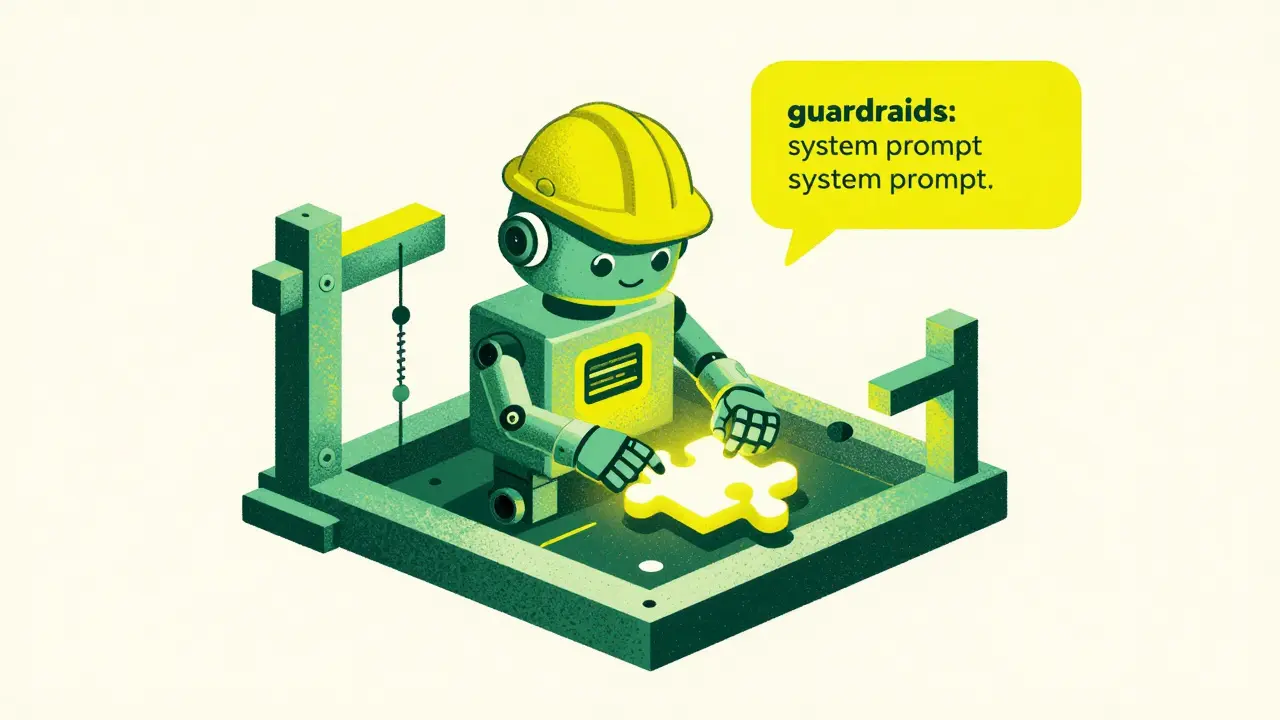
Real-World Scenario: Building a Coding Assistant
Let's put this into practice. If you were building a specialized coding assistant, you wouldn't put all your instructions in the user chat. You would split them. The System Prompt (The Foundation): "You are an expert Python developer. Your goal is to provide clean, PEP 8 compliant code. Always include type hints. If a request is ambiguous, ask for clarification before writing code. Never explain basic concepts unless specifically asked. Respond only in Markdown format." The User Prompt (The Task): "I need a function to scrape headlines from a news site using BeautifulSoup. Here is the HTML snippet of the page: ### [HTML CODE] ###. Please handle potential ConnectionErrors." Because the system prompt already established that the AI is an expert and must use type hints, the user doesn't need to repeat those requirements. The output remains consistent every time, regardless of who the user is or how they phrase the request.Avoiding Common Prompting Pitfalls
One of the most frequent errors is "instruction drift." This happens when a user prompt is so long and detailed that it effectively overrides the system prompt, or when the conversation becomes so lengthy that the model "forgets" the original system instructions. To fight this, keep your system prompts concise and high-impact. Avoid using negative constraints alone. Telling an AI "Don't be wordy" is less effective than saying "Be concise and limit responses to two paragraphs." Models respond better to positive instructions (what to do) than negative ones (what to avoid). Finally, don't assume the AI knows your context. If you're working on a project with specific naming conventions or a private API, the system prompt is the perfect place to upload that context so the AI doesn't guess and make mistakes in every single user single interaction.Can a user prompt change the system prompt?
In a standard application, no. The system prompt is set at the API level and is not editable by the end user. However, some users try "prompt injection" to trick the AI into ignoring the system prompt. Developers prevent this by using stronger system-level instructions and filtering user input.
Which is more important for accuracy: system or user prompts?
They serve different purposes. The system prompt is more important for consistency and safety, while the user prompt is more important for task accuracy and specificity. You need both to be well-structured to get a high-quality result.
What happens if the system and user prompts contradict each other?
Generally, the system prompt takes precedence. If the system prompt says "Always be formal" and the user says "Talk like a pirate," a well-aligned model will either refuse the pirate persona or find a way to be a "formal pirate," prioritizing the foundational rule over the immediate request.
Do I need a system prompt for simple tasks?
For a one-off question, a system prompt isn't strictly necessary. But if you are building a tool, a bot, or performing repetitive tasks, a system prompt saves you from typing the same constraints into every single user prompt, ensuring the AI doesn't deviate from your requirements.
How do I test if my system prompt is working?
The best way is through "adversarial testing." Try to intentionally trick the AI into breaking the rules you set in the system prompt. If you told it to never use emojis, try to provoke it into using one. If it holds the line, your system prompt is robust.





kelvin kind
21 April, 2026 - 16:22 PM
Solid breakdown. Pretty helpful for anyone just starting out with APIs.
Fred Edwords
22 April, 2026 - 18:33 PM
This is an absolutely fantastic explanation!!! The analogy about the employee handbook is just spot on, and I really appreciate the clear distinction between the two layers of authority!!! It makes so much sense why the system prompt needs to be the bedrock of the interaction, and I will definitely be implementing these structural changes in my own workflows immediately!!!
Sarah McWhirter
24 April, 2026 - 13:41 PM
Oh sure, let's just trust that these "guardrails" are for our safety and not just a way for the corporate overlords to keep the AI from telling us how the world actually works. It's funny how they call it "safety" when it's really just a digital muzzle designed to keep us in a simulated reality where we don't ask the wrong questions about the grid. But hey, as long as my bot stays "professional" while it helps the elites monitor my thoughts, everything is just peachy, right?
Ananya Sharma
26 April, 2026 - 01:04 AM
It is frankly exhausting how this discourse continues to prioritize efficiency over the inherent ethical degradation of human communication, because by reducing our interactions to "system prompts" and "user prompts," we are essentially admitting that we view intelligence as a mere commodity to be engineered rather than a shared human experience, and honestly, the sheer arrogance required to believe that a "senior software architect" persona actually adds value to a technical output is laughable when the reality is that most developers cannot even write a clean commit message without an LLM holding their hand through the process, which only proves that we are automating our own obsolescence while pretending it's a "productivity hack."
Paritosh Bhagat
27 April, 2026 - 19:25 PM
I must point out that your use of the phrase "don't assume" is a bit colloquial for a technical guide, though I say this with the utmost friendliness! It is truly a tragedy that so many people struggle with basic prompt hygiene when the solutions are laid out so clearly, and it really makes me wonder if the educational system has failed us all. I've spent hours of my own time helping others understand these nuances, and it's just so draining when people ignore the foundational rules of grammar in their prompts, expecting the AI to magically know what they mean despite their own lack of precision!
Ian Cassidy
28 April, 2026 - 18:53 PM
Basically just talking about the weights of the attention mechanism and how tokens are prioritized in the context window. Simple stuff once you get into the latent space and understand how the temperature affects the output variance. Just gotta keep the prompt lean so you don't hit the token limit too fast.
Kenny Stockman
29 April, 2026 - 08:45 AM
I think we're all just learning as we go here, and that's the beauty of it. Even if you're just messing around with a chat bot, taking a second to think about the "vibe" vs the "task" is a great way to get better results. Keep experimenting, everyone!
Antonio Hunter
30 April, 2026 - 02:15 AM
While I appreciate the brevity of the examples provided in the text, I believe it would be beneficial for those who are perhaps less experienced in the field to understand that the nuances of behavioral framing often require a significant amount of trial and error, as the model's interpretation of a "senior architect" can vary wildly depending on the specific version of the weights being utilized, and thus, one should approach the creation of these system prompts with a spirit of patience and a willingness to iterate over many sessions to truly find the equilibrium between strict constraint and creative flexibility.
Zach Beggs
30 April, 2026 - 06:23 AM
That's a good way to look at it. I'll try using separators next time.