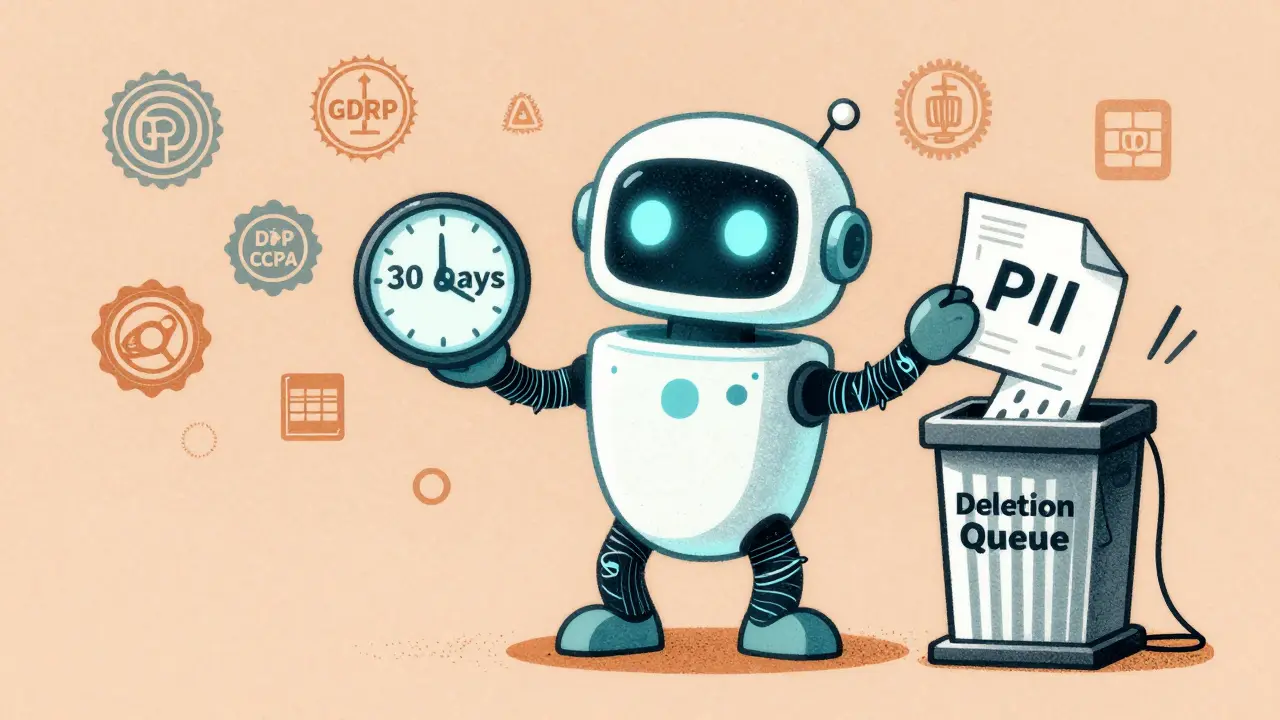
When you ask an AI assistant a question-whether it’s about your sales numbers, a customer’s email, or your personal medical history-that interaction doesn’t vanish after the answer appears. It gets logged. Stored. Sometimes for weeks. Sometimes for months. And if your company uses LLMs like Copilot, Claude, or Gemini in daily operations, retention and deletion policies for those prompts and logs aren’t optional. They’re a legal and security necessity.
Most organizations don’t realize how long their AI systems keep user data. A simple request to delete a prompt doesn’t mean it’s gone. In fact, under Microsoft’s own system, a "delete after 1 day" policy can take up to 16 days to fully erase data. Why? Because compliance isn’t about speed. It’s about certainty.
Why Retention Policies Matter More Than You Think
LLMs don’t just answer questions-they learn from them. Every prompt, every response, every correction gets stored as part of a log. These logs help improve model performance, debug errors, and meet audit requirements. But they also contain sensitive information: employee emails, customer PII, financial data, even confidential strategy notes.
Without clear retention rules, you’re storing a goldmine of personal and proprietary data with no expiration date. That’s a liability. GDPR, CCPA, and other global privacy laws demand that personal data be kept only as long as necessary. Storing prompts longer than needed isn’t just risky-it’s illegal.
And it’s not just about legal fines. Imagine a data breach. If your AI logs contain unencrypted customer Social Security numbers from the past year, you’re exposed. But if you’ve set a 30-day retention window and automated deletion, your risk drops dramatically.
How Deletion Actually Works (It’s Not What You Think)
Many assume deletion means "remove it now." But enterprise systems like Microsoft Copilot use multi-stage retention workflows to prevent accidental or premature deletion.
Here’s how it works in practice:
- A user request triggers a deletion policy (e.g., "delete prompts after 30 days").
- After 30 days, the system doesn’t erase the data immediately.
- Instead, it moves the data to a temporary holding area called SubstrateHolds.
- That data sits there for 1-7 days-just in case it’s under legal hold, litigation, or eDiscovery.
- Only after that buffer period does the system permanently delete it.
So even if your policy says "delete after 7 days," the actual deletion window could be 7 + 7 = 14 days. And if you’re using a "retain then delete" policy (e.g., retain for 60 days, then delete), you’re looking at 60 + 7 + 7 = 74 days before data is truly gone.
This isn’t a flaw. It’s a feature. It’s designed to prevent compliance failures. But it means you can’t rely on real-time deletion. You need to plan for delays.
What Should You Retain-and for How Long?
There’s no one-size-fits-all answer. But here’s what top organizations do:
- Customer-facing prompts (e.g., support chats): 30-60 days. Enough to resolve disputes, not long enough to risk exposure.
- Internal employee queries (e.g., HR, finance): 90 days. Longer retention helps with audits and training.
- Model training logs (used to fine-tune LLMs): 180 days. These are critical for performance tracking and regulatory proof.
- Debug logs (error traces, failed requests): 14 days. Only needed for troubleshooting.
Don’t guess these numbers. Involve your legal, compliance, and IT teams. Ask: What’s the legal requirement? What’s the business need? What’s the risk if we keep it too long?
Example: A healthcare provider using an LLM for appointment scheduling might need to retain patient names and dates for 1 year under HIPAA. But their chat logs-where patients describe symptoms-should be deleted after 30 days unless tied to a medical record.

Security: Encryption, Access, and Audit Trails
Retention isn’t just about time. It’s about control.
Here are three non-negotiable security layers:
- Encryption everywhere-data in transit and at rest. Use AES-256. Consider format-preserving encryption if you need to validate fields like email addresses without exposing them.
- Strict access controls-only engineers with a legitimate reason should see raw prompts. Use role-based access (RBAC). Log every access attempt.
- Immutable audit logs-every time someone views, exports, or deletes a prompt, record it. Who? When? Why? This isn’t optional under GDPR or SOC 2.
Without these, your retention policy is just a piece of paper. A hacker with internal access can steal months of user data. An employee might accidentally export logs. An auditor will demand proof you deleted what you promised.
Multi-Cloud and Global Compliance Challenges
If your LLM runs across AWS, Azure, and Google Cloud, you’re in a regulatory minefield.
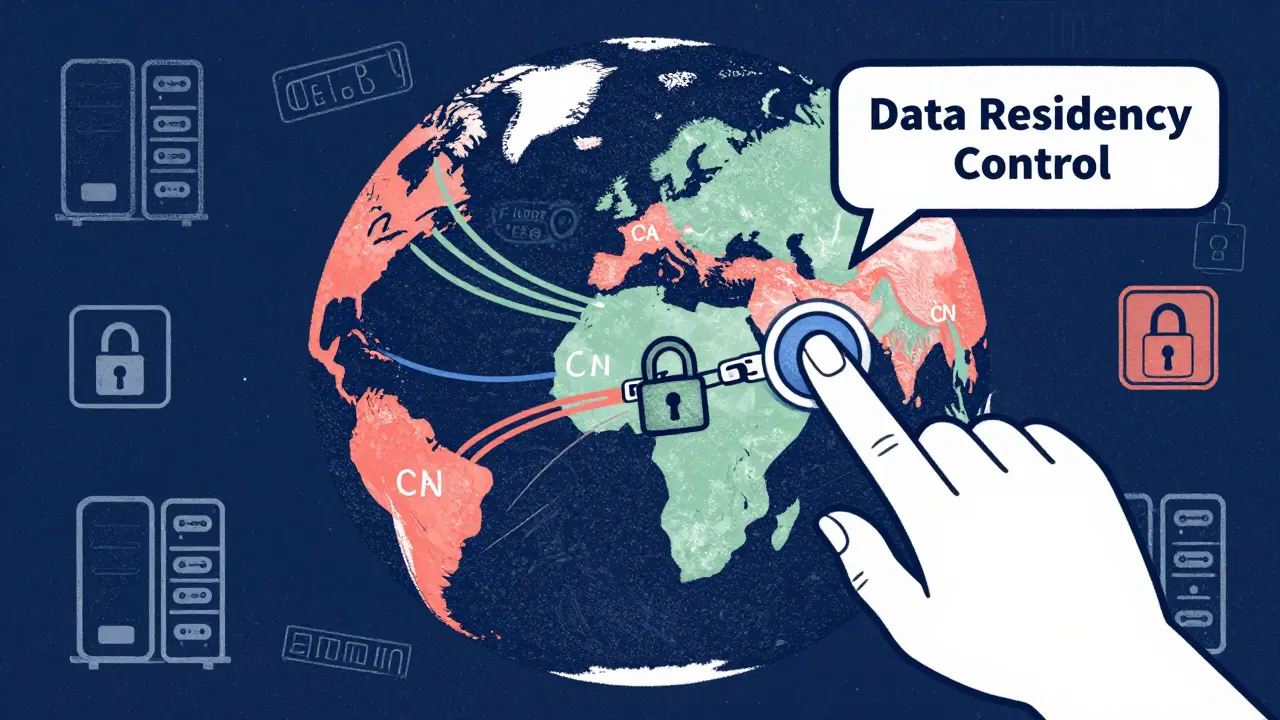
EU data can’t be stored in the U.S. without safeguards. California has different deletion timelines than Canada. China has its own rules. Your retention policy must map to geography.
Best practice: Use data residency controls. Force prompts from EU users to be processed and stored only in EU-based servers. Delete logs from those regions as soon as legally permitted.
And don’t forget model artifacts. Training data, embeddings, checkpoints-they’re just as sensitive as prompts. When you retire a model, delete its training logs, not just its API endpoint. Many companies miss this step.
What Happens When You Can’t Delete?
Some data is impossible to erase cleanly. LLMs can memorize training data-even names, addresses, or passwords. If a user asks, "What’s my password?" and the model repeats it, you have a memorization problem.
Simple deletion won’t fix this. You need:
- Knowledge unlearning-techniques that remove specific data from model weights.
- Model editing-rewriting parts of the model to forget certain patterns.
- Full retraining-with sanitized data-when nothing else works.
These are expensive and complex. That’s why prevention matters more than cleanup. Limit what you log. Filter PII before it reaches the model. Use prompt sanitization tools.
Automation Is Your Best Friend
Manual deletion? Forget it. You’ll miss something. You’ll forget a log. You’ll get audited and fail.
Automate:
- Data classification-flag PII, financial data, health info.
- Retention scheduling-auto-move data to deletion queues.
- Deletion confirmation-log when deletion completes and send alerts.
- Regular audits-monthly scans to find orphaned logs or unenforced policies.
Tools like Microsoft Purview, AWS Macie, or Google DLP can help. But you still need to configure them correctly. Don’t just turn them on. Test them. Break them. See if they catch edge cases.
Final Checklist: Are You Ready?
Here’s a quick self-audit:
- Do you have a documented retention policy for each type of prompt and log?
- Are deletion timelines aligned with GDPR, CCPA, and other applicable laws?
- Is all data encrypted at rest and in transit?
- Can you prove deletion occurred with audit logs?
- Have you tested deletion workflows under simulated legal holds?
- Do you scan for PII before prompts reach the model?
- Is access to logs restricted to only those who need it?
If you answered "no" to any of these, you’re at risk.
LLMs are powerful. But they’re also data magnets. The same system that helps your team write better emails can become the source of your biggest breach. The difference between safety and disaster? A clear, enforced, automated retention and deletion policy.




Jess Ciro
20 February, 2026 - 00:52 AM
They're lying to you. 'Delete after 30 days'? More like 'delete after we're done mining your data for training'. I've seen the logs. They're not even trying to hide it. Your 'prompt' is their new oil. And you're the well.
saravana kumar
20 February, 2026 - 07:07 AM
This entire article is overengineered nonsense. Retention policies? Just don't feed the AI anything sensitive. Done. No need for SubstrateHolds, encryption layers, or audit trails. If you're using LLMs for HR or medical queries, you're already doing it wrong. Simple.
Samar Omar
21 February, 2026 - 00:52 AM
The sheer audacity of corporate rhetoric here is breathtaking. 'Retention isn't just about time-it's about control.' Oh, how poetic. Control. As if we're not all just data points in a corporate algorithmic cathedral, bowing before the altar of AI efficiency. And yet, we're expected to trust these same entities to 'automatically delete' what they've monetized, cataloged, and weaponized under the guise of 'model improvement.' The irony is so thick you could cut it with a scalpel and still find layers beneath.
chioma okwara
21 February, 2026 - 02:25 AM
yall overthink this. if u dont want ur data stored, dont type in ur ss# or ur ex's name or ur company's secret sauce. its not rocket science. also encryption? lol. if ur using copilot for finance stuff u deserve to get hacked. simple.
John Fox
21 February, 2026 - 11:51 AM
I read this whole thing and still don't get why anyone's surprised. AI logs everything. That's just how it works. I don't expect privacy. I just don't type personal stuff. Done. No drama needed.
Tasha Hernandez
22 February, 2026 - 01:38 AM
So let me get this straight. You're telling me my emotional breakdown at 2am about my divorce? The one I typed into Copilot while crying into my cold coffee? That's sitting in some 'SubstrateHolds' folder for 7 extra days like a digital corpse? And you call that 'compliance'? That's not compliance. That's emotional necrophilia. And you're all complicit. I'm not just angry. I'm violated.
Anuj Kumar
23 February, 2026 - 05:00 AM
They say delete after 30 days but it takes 74? That's a lie. It's not a feature. It's a trap. They want your data. Always. They'll never delete it. Not really. You think they're scared of fines? Nah. They're scared of you finding out they're hoarding everything. This is a scam. Don't trust any of it.