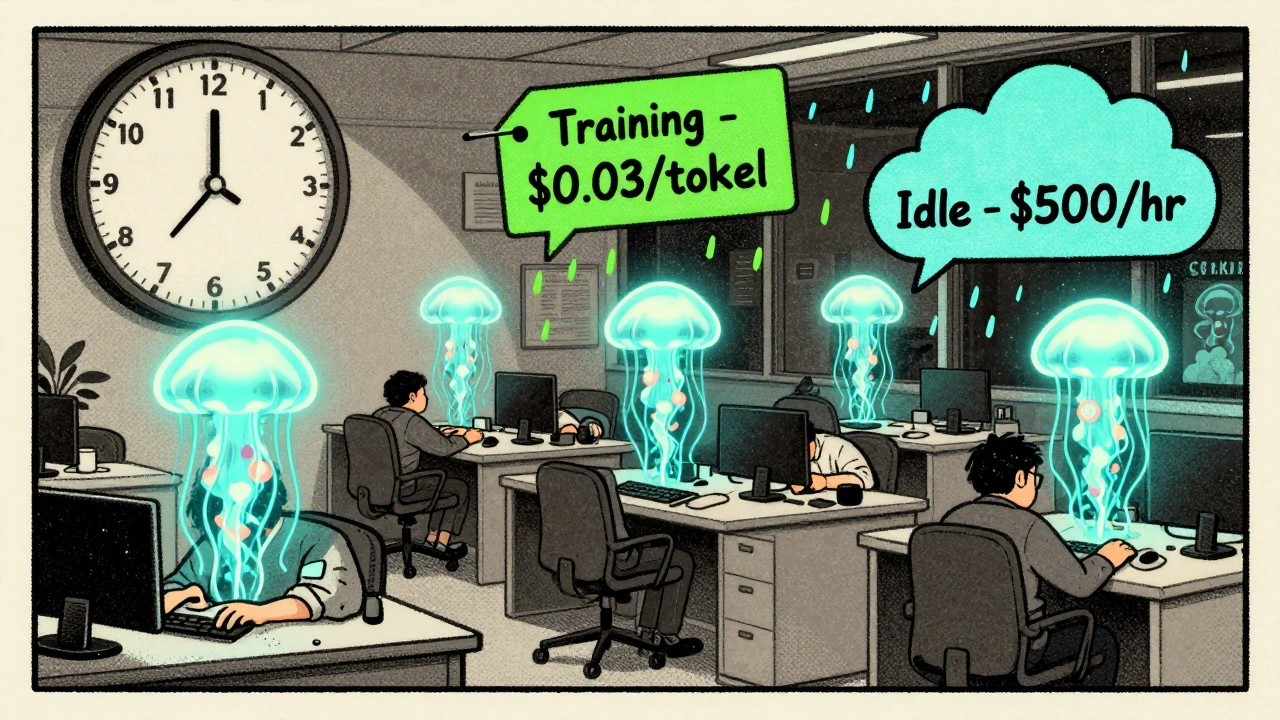
Generative AI isn’t just expensive-it’s recklessly expensive if you’re not watching it. In 2025, companies are spending an average of $87,000 per month on AI workloads, and nearly half of that is pure waste. One misconfigured model running 24/7 can burn through $50,000 before anyone notices. The problem isn’t the technology-it’s how we’re using it. The good news? You don’t need to stop using AI. You just need to stop treating it like a black box. With smart scheduling, intelligent autoscaling, and strategic use of spot instances, you can cut your AI cloud bills by 60% or more-without slowing down innovation.
Why Generative AI Costs Are Spiking Out of Control
Most teams think their AI bills are high because they’re running big models. That’s only half the story. The real culprit is unmanaged usage. A single employee can spin up a model on Amazon Bedrock, run a thousand queries overnight, and never tell anyone. By morning, the bill is $3,200. No one knew it was happening. No alerts. No limits. No oversight. According to CloudZero’s 2025 report, generative AI is now the #1 cost driver in cloud spending-surpassing even data storage and video streaming. Why? Because AI workloads are unpredictable. Training a model isn’t like running a web server. It’s a burst of intense compute, then nothing. Inference? It’s constant, but variable. One user asks for a 500-word summary. Another asks for a 12-page report with charts. The token count explodes. And you pay per token. The worst part? Most teams still treat AI like traditional software. They provision fixed GPU instances. They leave them running. They ignore usage patterns. And they wonder why their cloud bill doubled last month.Scheduling: Run AI When No One’s Looking
The cheapest time to run AI isn’t 10 a.m. on a Tuesday. It’s 2 a.m. on a Wednesday. That’s when cloud providers have spare capacity-and when they offer the lowest prices. Smart organizations now schedule all non-real-time AI workloads during off-peak hours. That includes:- Training new models
- Batch processing of documents, images, or logs
- Retraining recommendation engines
- Generating reports for internal teams
Autoscaling: Let AI Adjust Itself
Traditional autoscaling watches CPU or memory. AI doesn’t care about that. It cares about tokens, latency, and request complexity. Modern AI autoscaling systems look at:- Number of tokens per second
- Inference latency spikes
- Model accuracy degradation under load
- Request queue length
Spot Instances: The Secret Weapon for Batch Workloads
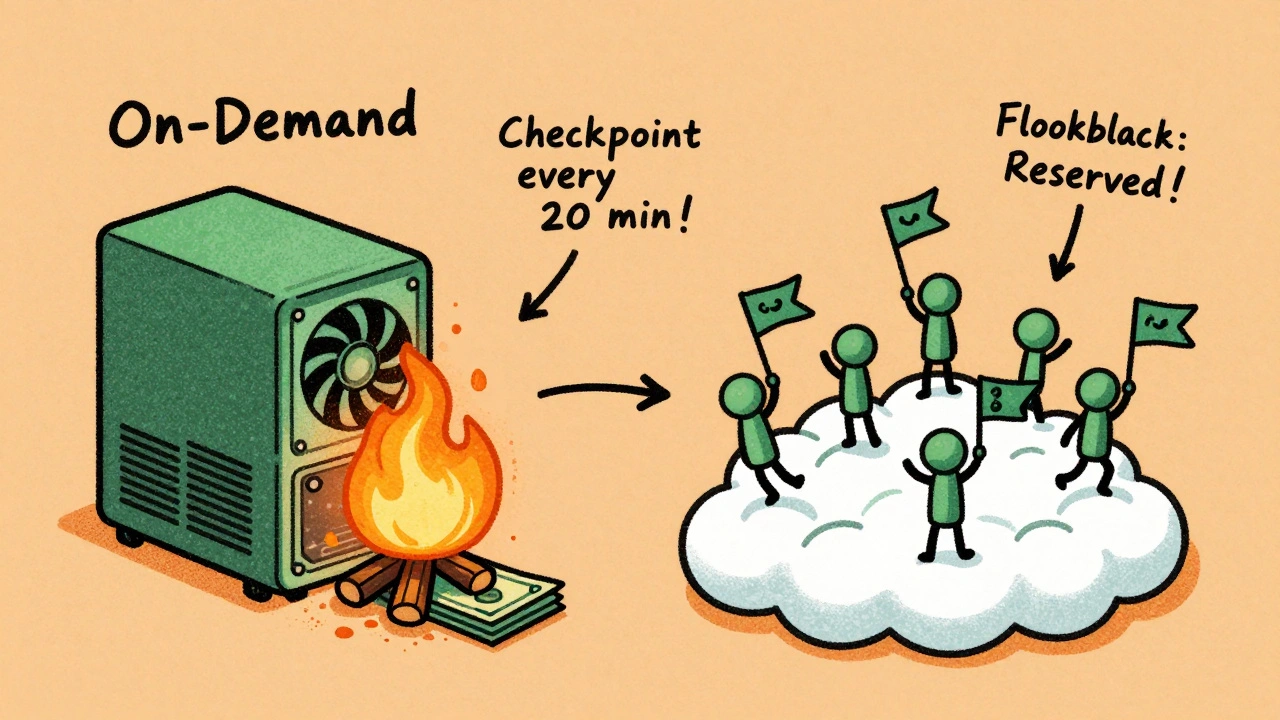
Spot instances are cloud providers’ leftover capacity. They’re cheap-up to 90% off on-demand prices. But they can be taken away at any moment. For most AI workloads, that’s fine. Training a model? You can pause it. Resume it later. Just save your progress every 15-30 minutes. That’s called checkpointing. If the instance gets reclaimed, you lose at most 30 minutes of work-not hours. A Reddit user on r/aws shared how they saved $18,500 a month by switching batch AI processing to spot instances. They used a fallback system: if spot instances disappear, the workload automatically moves to reserved or on-demand instances. No downtime. No lost progress. Google Cloud’s 2025 ROI framework recommends this exact approach: use spot for training and batch jobs. Use reserved instances for predictable, high-volume inference. Use on-demand only for real-time user-facing apps. The catch? You can’t just flip a switch. Spot instances require planning. You need:- Checkpointing built into your training pipeline
- Automatic failover logic
- Monitoring for instance interruptions
What You’re Probably Doing Wrong
Most teams try one of these three things-and fail:- “We just use spot instances for everything.” Result: Training jobs fail constantly. Teams get frustrated. They go back to on-demand-and pay 4x more.
- “We turned off autoscaling because it was too complicated.” Result: One model runs 24/7, even when no one’s using it. Monthly bill: $42,000.
- “We didn’t tag our AI workloads.” Result: You can’t tell which team is spending what. Finance says “AI is too expensive.” Engineering says “we’re not the problem.”
- Tag every AI call with owner, project, and purpose.
- Set sandbox budgets for experiments. Give teams $500/month to play with. When it hits $450, shut it down. No exceptions.
- Integrate cost checks into your MLOps pipeline. If a new model increases token usage by 20%, block the deploy until you review it.
Real-World Results: Who’s Getting It Right?
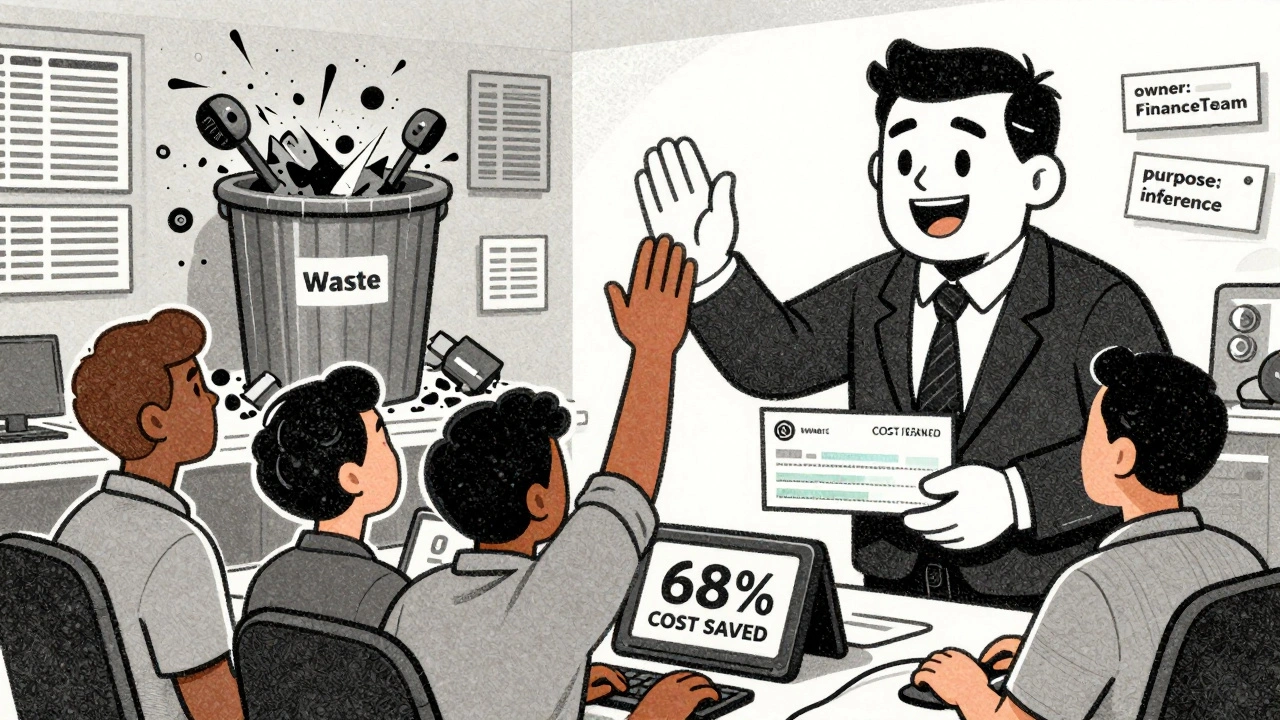
A financial services firm in Chicago reduced its AI spend by 68% in six months. How?- Scheduled all risk modeling to run after market close.
- Switched 80% of training to spot instances with checkpointing.
- Implemented model routing: 70% of customer queries went to a lightweight model.
- Added semantic caching for common financial queries like “What’s our current interest rate?”
Where This Is Headed: The Future of AI Cost Management
By Q3 2026, Gartner predicts 85% of enterprise AI deployments will include automated cost optimization as standard. That’s up from 45% in late 2025. Cloud providers are racing to build this into their platforms. AWS, Google, and Azure are all adding native cost-sensing features. Soon, you won’t need third-party tools. Your cloud provider will auto-optimize your AI workloads-just like it auto-scales your web apps today. The winners won’t be the ones with the best models. They’ll be the ones who treat cost as a core part of their AI strategy. Not an afterthought. Not a finance problem. A technical one. If you’re still running AI like it’s 2023, you’re already behind. The tools are here. The data is clear. The savings are real.Start Here: Your 7-Day Action Plan
You don’t need a team of engineers. You don’t need a budget. You just need to start.- Day 1: Log into your cloud console. Find your top 3 most expensive AI workloads.
- Day 2: Check if they’re running 24/7. If yes, schedule them to run only between 10 p.m. and 6 a.m.
- Day 3: Look at your token usage. Are you using the same model for simple and complex tasks? If so, set up model routing.
- Day 4: Find 2-3 repetitive queries (e.g., “What’s our latest earnings report?”). Cache those responses.
- Day 5: For any training job, enable checkpointing every 20 minutes.
- Day 6: Switch 50% of your training jobs to spot instances. Monitor for interruptions.
- Day 7: Tag every AI workload with “owner: team-name” and “purpose: training/inference.”
Can I use spot instances for real-time AI applications like chatbots?
No. Spot instances can be terminated at any time, which makes them unsuitable for user-facing, real-time applications. Use on-demand or reserved instances for chatbots, voice assistants, or any service where latency or downtime impacts users. Reserve spot instances for batch jobs, training, and non-critical processing.
How do I know if my AI workload is a good candidate for scheduling?
If the output isn’t needed immediately-like reports, training, data labeling, or batch analysis-it’s a candidate. Ask: “Does a user expect this result right now?” If the answer is no, schedule it for off-hours. Most organizations find 60-70% of their AI workloads can be scheduled without impact.
What’s the biggest mistake companies make with AI cost optimization?
They treat cost as a finance problem, not a technical one. Data scientists aren’t trained to think about token usage or model efficiency. Engineers don’t own the AI budget. Without clear ownership, tagging, and automated controls, costs spiral. The fix? Make cost a part of every AI deployment pipeline.
Do I need expensive third-party tools to optimize AI costs?
No. AWS, Azure, and Google Cloud all offer free tools to monitor AI spending. You can set budgets, get alerts, and schedule jobs without paying for third-party software. Tools like CloudKeeper or nOps help at scale-but you can start saving today with native cloud features alone.
How long does it take to see savings from AI cost optimization?
Most teams see a 20-30% drop in costs within the first two weeks after implementing scheduling and tagging. Full savings-60% or more-take 6-8 weeks, once autoscaling, spot instances, and caching are fully rolled out. The key is to start small and build momentum.


kelvin kind
10 December, 2025 - 07:59 AM
Been using scheduling for batch jobs for months-cut my bill by 40% without touching a single line of code. Just set the cron and walk away.
Ananya Sharma
12 December, 2025 - 07:35 AM
Oh please. You’re all acting like this is some groundbreaking revelation. I’ve been using spot instances for training since 2022. The real problem? Companies still think AI is magic and don’t bother learning how their own systems work. You don’t need fancy tools-you need accountability. Tag everything. Assign owners. Stop letting data scientists run wild with $20/hour GPUs like they’re playing a video game. And yes, I’ve seen teams burn $80k in a week because someone forgot to turn off a fine-tuning job. This isn’t optimization-it’s basic hygiene. If you’re still surprised by your bill, you shouldn’t be in tech.
Ian Cassidy
14 December, 2025 - 04:59 AM
Model routing + semantic caching is the real MVP here. We switched our customer support bot to use a tiny distilBERT for FAQs and only ping the big LLM when it detects ambiguity. Cut inference costs by 52% and latency dropped too. The cloud providers are finally catching up, but the real win is architectural discipline. Stop treating LLMs like a black box API and start designing around their behavior.
Zach Beggs
14 December, 2025 - 12:24 PM
Love the 7-day plan. Just did Days 1-3 this week and already saved $3k. Tagging alone made us realize we had three duplicate models running across teams. Easy fix. Thanks for the clear roadmap.
Kenny Stockman
15 December, 2025 - 20:57 PM
For anyone nervous about spot instances: start small. Pick one non-critical training job, enable checkpointing every 15 mins, and let it run overnight. If it survives a week without crashing, you’re golden. I did this with a sentiment analysis model and saved $11k/month. No drama. No panic. Just smart defaults.
Adrienne Temple
16 December, 2025 - 09:28 AM
Y’all are killing it with these tips 😊 I just started my 7-day plan and already feel less guilty about using AI. My team thought I was crazy for scheduling jobs at 2am… but now they’re asking how to do it too. Also-semantic caching? Mind blown. We had 12 people asking the same question about payroll deadlines every day. Now it’s cached. No more tokens wasted. Thank you for making this feel doable 💪
Sandy Dog
17 December, 2025 - 12:21 PM
Okay but have you seen what happens when you let a startup intern run a fine-tuning job on GPT-4o for 72 hours? 😭 I swear to god, I walked into the office one morning and my Slack was flooded with ‘WHO TURNED ON THE AI?’ and a $27k bill. I cried. I screamed. I had to explain to finance why we now have ‘AI debt.’ This isn’t just about cost-it’s about trauma. Please, for the love of all that is holy, put guardrails on. Tag everything. Set budgets. Make people accountable. I’m not even mad anymore… I’m just tired. But I’m still saving you all from my pain.
Nick Rios
19 December, 2025 - 00:08 AM
Biggest thing I’ve learned? It’s not about the tools-it’s about culture. If your engineers don’t own the cost, they won’t care. If your finance team doesn’t understand tokens, they’ll just blame engineering. The fix isn’t tech-it’s communication. We started having monthly ‘cost retros’ where we show the top 5 spenders and why they’re expensive. People start self-correcting. No punishment. Just awareness. And yeah, spot instances work. But only if you build for failure.
Amanda Harkins
20 December, 2025 - 21:37 PM
It’s funny how we treat AI like it’s this wild, untamed force, but we still expect it to behave like a well-oiled machine. We want it to be creative, but we don’t want to pay for the chaos it creates. Maybe the real cost isn’t the compute-it’s the illusion that we can outsource responsibility to algorithms. We built this. We’re the ones leaving the lights on. The scheduling, the caching, the tagging-it’s not optimization. It’s maturity.
Jeanie Watson
21 December, 2025 - 05:20 AM
Why are we still talking about this? Everyone knows this stuff. Just turn on the native cloud cost alerts and call it a day.