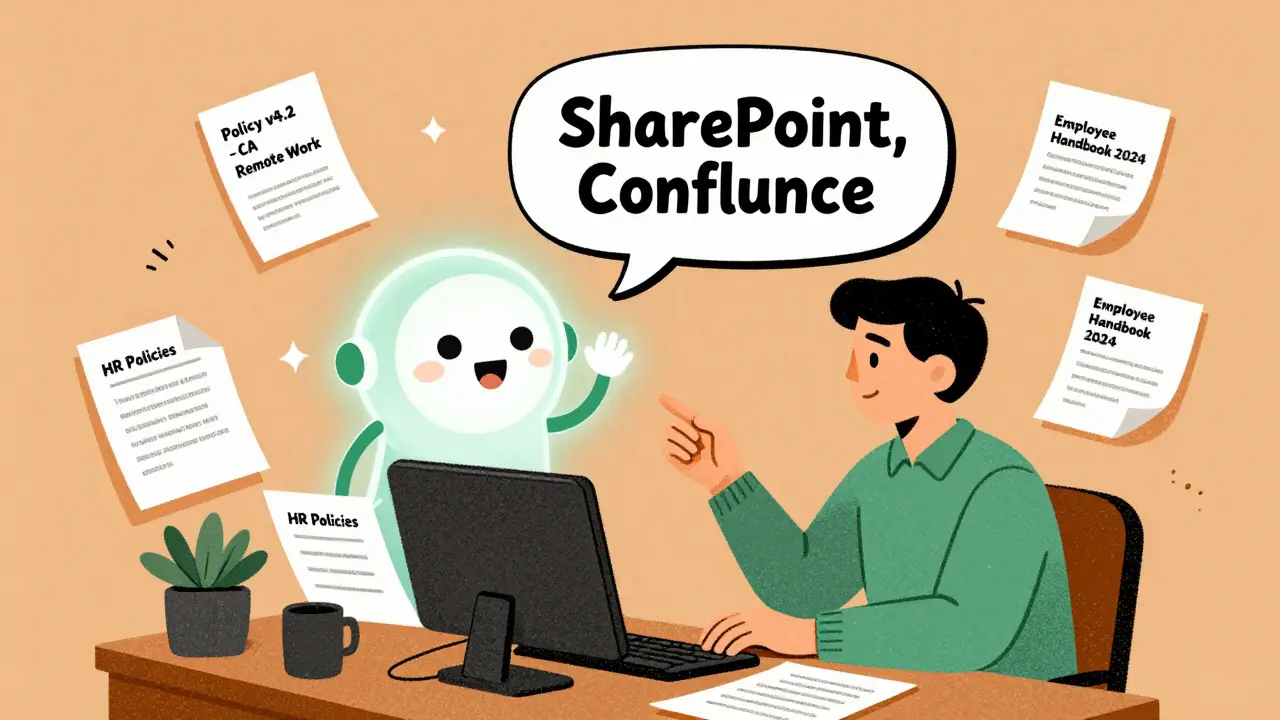
Imagine asking your company’s entire document library a question - like "What’s the current policy on remote work reimbursement in California?" - and getting a clear, accurate answer in under 10 seconds. No scrolling through 20 PDFs. No digging into SharePoint folders. No asking HR for the third time. That’s not science fiction. It’s what generative AI is doing for enterprise knowledge management today.
From Document Repositories to Answer Engines
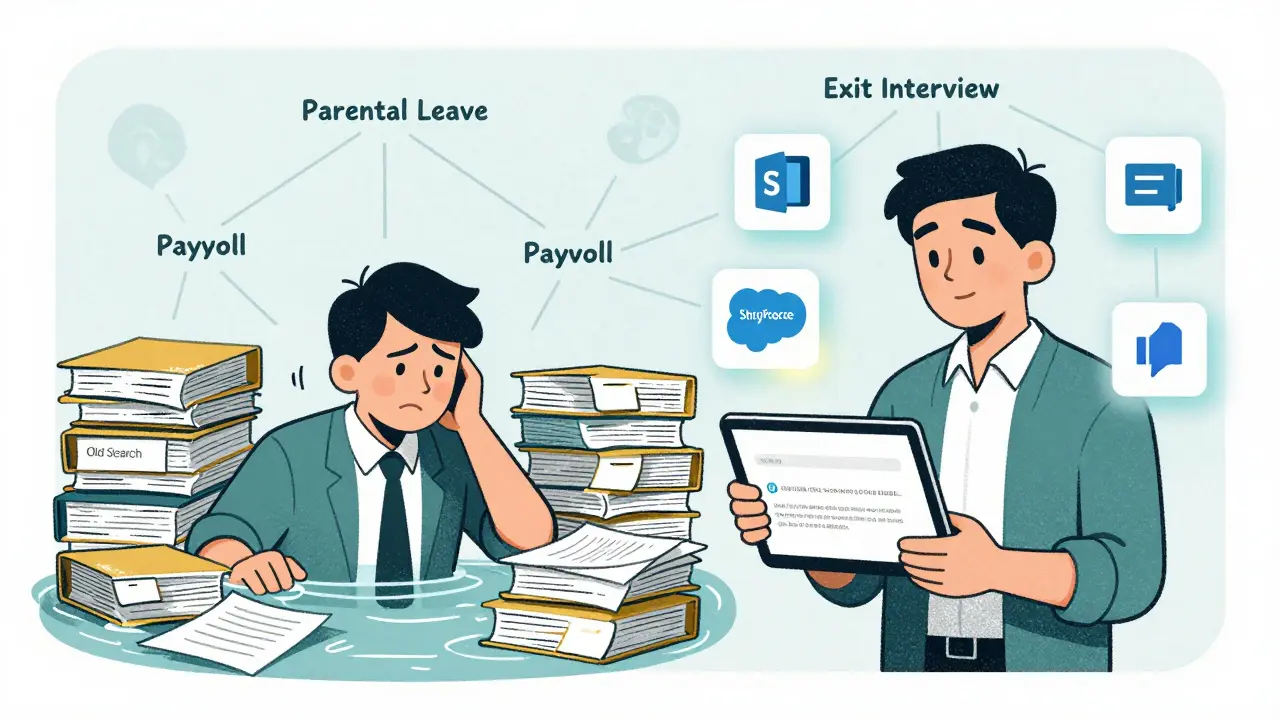
For decades, companies stored knowledge in shared drives, wikis, and intranets. But finding something? That was a chore. You had to know the right keywords. You had to guess which folder it was in. And even then, you’d often hit dead ends. Traditional search tools relied on matching words, not understanding meaning. If you typed "vacation policy," but the document said "paid time off guidelines," you got nothing. Generative AI changed that. Instead of returning links, it now gives you answers. These systems - called answer engines - read your enterprise documents, understand the context, and respond in plain language. They don’t just pull text. They synthesize it. They cite sources. They even say when they don’t know. This shift is what experts now call Knowledge Management 3.0. It’s not about storing information anymore. It’s about answering questions fast, accurately, and at scale. Companies using these tools report a 75% drop in time spent searching for internal knowledge, according to IBM case studies. New hires get up to speed 50% faster. Customer service teams resolve 60-70% of routine questions without human help.How It Actually Works: RAG and Knowledge Graphs
Most enterprise answer engines use a technique called Retrieval-Augmented Generation, or RAG. Here’s how it works in simple terms:- The system first scans your company’s documents - SharePoint, Confluence, Salesforce, internal databases - to find the most relevant pieces of text related to your question.
- Then, it uses a large language model to turn those snippets into a clear, conversational answer.
- Finally, it shows you which documents it pulled from, so you can check the source if needed.
What You Can Actually Do With It
The real value shows up in daily work:- HR teams stop answering the same 10 questions every day. "How do I update my direct deposit?" "What’s the parental leave policy?" An answer engine handles it all.
- IT support reduces ticket volume by up to 40%. Instead of searching through 50-page troubleshooting guides, agents get a one-paragraph fix.
- Sales teams instantly pull pricing rules, contract templates, and compliance notes during client calls.
- Engineers find past design decisions, bug fixes, and API documentation without digging through Slack threads or Jira comments.
Where It Falls Short
It’s not magic. Answer engines struggle in three big areas:- Handwritten notes and bad scans. If your document is a blurry photo of a whiteboard, the AI won’t understand it. You need clean, digital text.
- Highly technical specs. For engineering teams working with schematics or complex math, precision matters more than summary. AI can miss subtle details.
- Financial modeling. If you need to compare 10 years of revenue trends or run a Monte Carlo simulation, you still need Excel or specialized tools.
Getting It Right: The 3 Must-Dos
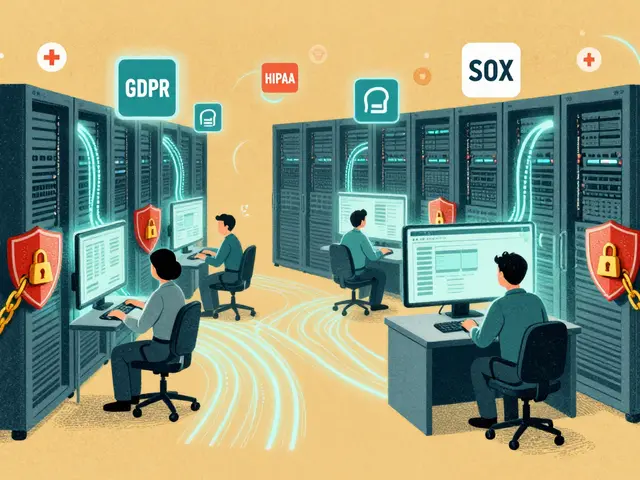
You can’t just plug in an AI tool and expect results. Success depends on three things:- Metadata matters. If your documents have no tags, no owners, no dates, the AI has nothing to go on. Organizations with strong metadata standards see 3x fewer inaccurate answers, according to Glean.
- Start with clean data. Most implementations take 4-6 weeks just to clean up files. Automated tools can reduce manual tagging by 80%, but you still need to review.
- Build feedback loops. Let users flag wrong answers. That data trains the system. Companies doing this see accuracy improve 3-5% every month.
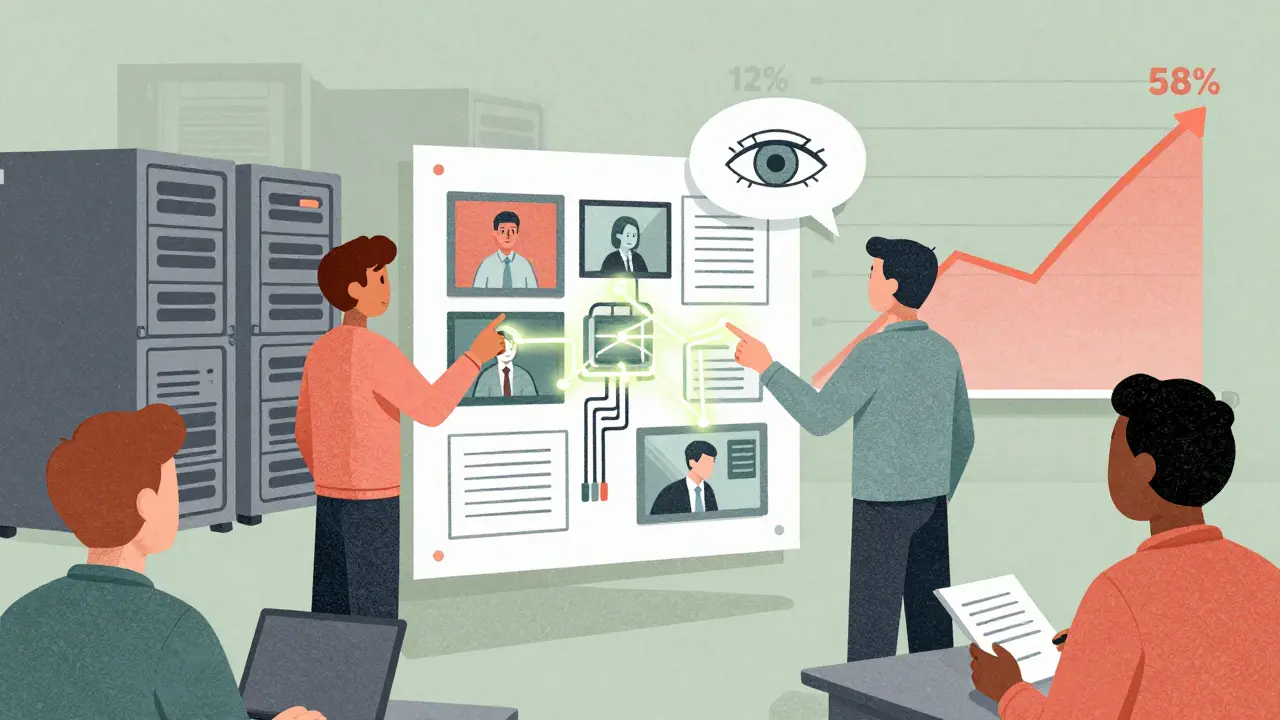
Market Trends and Who’s Leading
The market is exploding. The global AI knowledge management sector hit $8.7 billion in 2024 and is on track to hit $22.3 billion by 2027, per Statista. Adoption jumped from 12% in 2022 to 58% in 2025, according to Gartner. Top players include:- Microsoft Copilot for Microsoft 365 - integrates directly with SharePoint, Teams, and Outlook. Costs $30/user/month.
- Kyndi - focused on enterprise search with strong RAG and real-time validation features. Raised $120M in 2024.
- LangChain - open-source framework for developers building custom AI knowledge systems.
What’s Next: Multimodal Knowledge
The next wave won’t just read text. It’ll understand videos, audio recordings, and even diagrams. Imagine asking, "Show me the wiring diagram for the 2023 server rack upgrade," and the system pulls up the right image, highlights the key connections, and explains the changes in plain language. Gartner predicts 30% of enterprise KM systems will handle multimodal data by 2027. That means your knowledge base won’t just be documents - it’ll be recordings of training sessions, annotated schematics, and video walkthroughs of processes.Is It Worth It?
For most companies, yes. Forrester’s Q1 2025 report found AI-powered KM delivers 4.7x ROI over three years in mature implementations. But they also warn: organizations without strong governance see diminishing returns after 18 months. Why? Knowledge decays. Documents get outdated. People stop updating them. The tool doesn’t fix bad habits. It amplifies them. If your company has a culture of "just dump it in the drive," an AI answer engine will give you great answers… to garbage. The real win isn’t speed. It’s clarity. When employees stop wasting time hunting for answers, they start solving harder problems. When customers get instant help, trust grows. When onboarding takes days instead of weeks, talent sticks around. Generative AI didn’t replace knowledge management. It made it useful again.How accurate are AI answer engines for enterprise documents?
Accuracy ranges from 85% to 92% when data is clean and well-organized. Systems using Retrieval-Augmented Generation (RAG) ground answers in real documents, reducing hallucinations. However, if documents are poorly formatted, outdated, or lack metadata, accuracy can drop to 70% or lower. Companies with strong knowledge governance see error rates under 5%.
Can generative AI replace human knowledge workers?
No - it augments them. AI handles routine, repetitive questions like policy checks or troubleshooting steps. That frees up human experts to focus on complex decisions, creative problem-solving, and mentoring. In customer service, AI resolves 60-70% of basic inquiries, but humans still handle escalated issues, emotional conversations, and nuanced exceptions.
What enterprise systems do these AI tools connect to?
Most integrate with SharePoint (used by 85% of Fortune 500 companies), Confluence, Salesforce, Microsoft 365, Google Workspace, and internal databases. They also connect to identity providers like Okta or Azure AD for single sign-on. The key is having modern APIs - legacy systems without them require custom connectors or middleware.
How long does it take to implement an AI answer engine?
Enterprise deployments typically take 8-16 weeks. The first 4-6 weeks are spent on data preparation: cleaning documents, adding metadata, removing duplicates, and fixing formatting. Configuration and testing take another 4-6 weeks. Companies with well-organized knowledge bases can go live in under 10 weeks.
Is this just for big companies?
No. While large enterprises lead adoption, mid-sized companies with 500+ employees benefit just as much. Tools like Microsoft Copilot and open-source options like LangChain make it affordable. The barrier isn’t size - it’s data quality. A small company with clean, labeled documents can outperform a large one with chaos in its drives.
What’s the biggest mistake companies make?
Treating it like a tech upgrade instead of a knowledge process overhaul. The biggest failure isn’t technical - it’s cultural. If no one updates documents, doesn’t tag files, or ignores feedback loops, the AI becomes unreliable. Success requires assigning ownership, training users, and making knowledge maintenance part of every role’s job.

Ashton Strong
21 January, 2026 - 20:28 PM
This is one of the most thoughtful overviews of enterprise AI knowledge systems I’ve seen in months. The emphasis on metadata and governance isn’t just technical-it’s cultural. I’ve seen teams deploy expensive tools only to watch them gather dust because no one was assigned to maintain the knowledge base. The 3 must-dos here are spot-on: clean data, metadata discipline, and feedback loops. Without those, you’re not building an answer engine-you’re building a very expensive fortune cookie.
Steven Hanton
22 January, 2026 - 02:16 AM
I appreciate how you framed this as Knowledge Management 3.0 rather than just another AI tool. The shift from repositories to answer engines is profound. I’ve worked with RAG systems in healthcare compliance, and the difference between keyword search and contextual synthesis is night and day. That said, I wonder how these systems handle ambiguity-like when two policies contradict each other across departments. Do they flag it? Or just pick the most cited one?
Pamela Tanner
22 January, 2026 - 23:40 PM
Excellent breakdown. I particularly appreciate the emphasis on data quality over tooling. Too many organizations believe AI will magically fix their chaos. It won’t. It will amplify it. And the point about handwritten notes and scans is critical-many legacy processes still rely on paper forms scanned as PDFs, and no amount of LLM magic can extract meaning from a blurry photo of a whiteboard covered in doodles and arrows. Clean, structured, tagged text is non-negotiable.
Kristina Kalolo
24 January, 2026 - 10:28 AM
The 68% reduction in search time mentioned for the Azure-based system was achieved only after 14 weeks of cleanup. That’s the real story here. The tech is impressive, but the labor of organizing knowledge is the unsung hero. I’ve watched companies spend millions on AI and then blame the system when it fails-when the real issue was a decade of neglected document hygiene.
ravi kumar
24 January, 2026 - 20:25 PM
As someone from India working with global teams, I see this daily. Our HR team used to spend hours finding policies. Now, with Copilot, they get answers in seconds. But we had to rename every file from ‘final_final_v3.docx’ to ‘HR_Policy_PTO_2025_v2.docx’. It was boring. It was tedious. But it worked. Don’t skip the boring stuff.
Megan Blakeman
25 January, 2026 - 09:14 AM
YES. YES. YES. This is exactly what I’ve been trying to tell my team for months!! I mean, like, seriously-why are we still saving files as ‘Draft_Final_Updated_FINAL_2.docx’?? 😩 The AI isn’t the problem, it’s the chaos we feed it. And I love that you said knowledge decays-like milk, but with more spreadsheets. If we don’t update, it just… goes bad. And then the AI gives us wrong answers and we all look dumb. So please, please, please assign someone to OWN the knowledge base. Not ‘IT’-a person. With a title. And a calendar reminder.
Akhil Bellam
25 January, 2026 - 14:20 PM
Let’s be honest: this is just corporate fluff wrapped in buzzwords. RAG? Knowledge graphs? ‘Answer engines’? You’re describing a glorified Google search with a fancy UI and a $30/user/month price tag. And don’t get me started on ‘knowledge provenance tracing’-as if anyone cares which document an answer came from, unless they’re auditing for litigation. Most employees just want a quick answer. If the AI gets it right 90% of the time? Perfect. If it’s wrong? They’ll ask a colleague. The real ROI isn’t in ‘accuracy rates’-it’s in how much time you save from not having to sit through 37 onboarding slides about document tagging. This whole thing is over-engineered for the sake of vendor marketing. And yes, I’ve seen the $1.2M ghost town you mentioned. It’s everywhere.