Imagine telling your computer exactly what you want an app to do-using plain English-and watching it build the whole thing in minutes. That is the promise of vibe coding, a new way of building software where developers describe the desired behavior and feel of an application while an AI coding agent generates and refines the code. It sounds like magic, but for engineering leaders, it also sounds risky. What if the AI writes insecure code? What if it hallucinates a database connection that doesn't exist? What if your team loses the ability to read their own code?
The answer isn't to ban it, and it certainly isn't to let everyone loose on production systems immediately. The answer is a controlled pilot program. By running a structured experiment, you can measure whether vibe coding actually saves time or just creates more debugging work later. This guide walks you through how to start safely, what tools to use, and how to measure real impact.
What Exactly Is Vibe Coding?
Before you launch a pilot, you need a shared definition. Vibe coding isn't just using autocomplete. It is a workflow shift from imperative coding (writing every line) to high-level product thinking (describing outcomes).
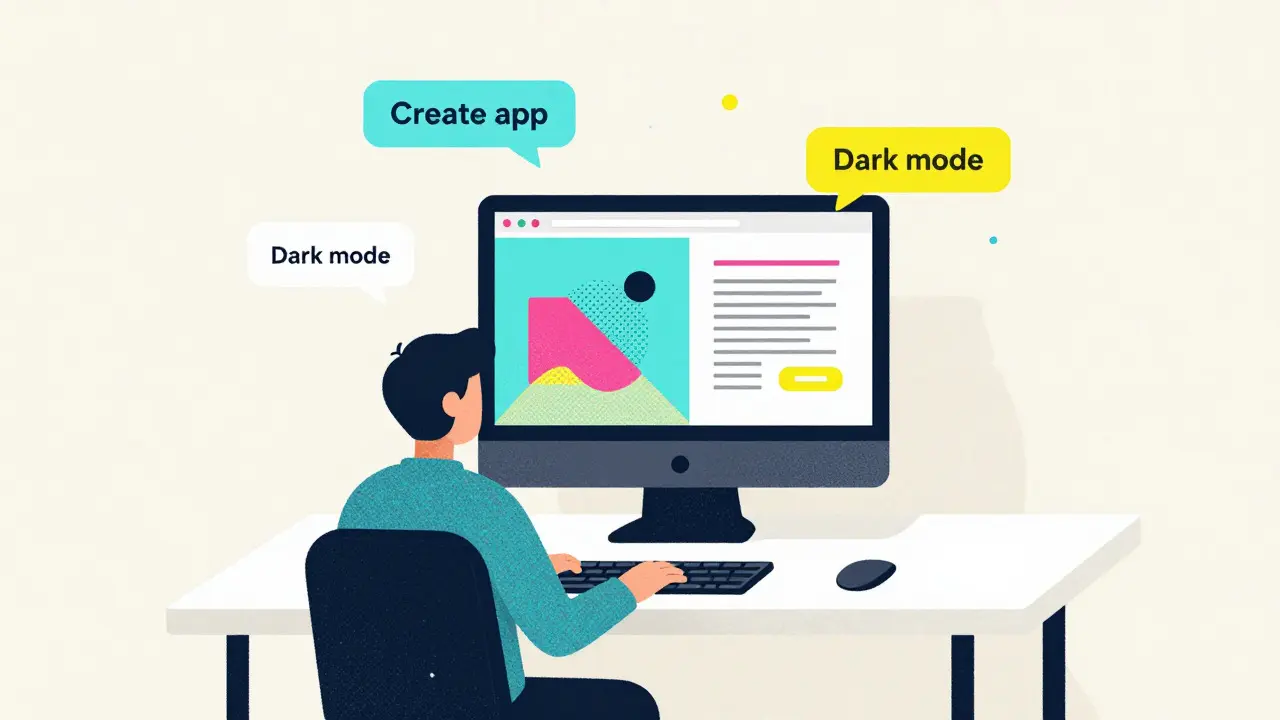
In this model, you interact with tools like GitHub Copilot, Cursor, or Replit's AI agent through natural language prompts. You might say, "Create a time-tracking web app with a dark mode toggle and local storage," and the agent scaffolds the HTML, CSS, and JavaScript files. You review the changes, accept them, and then iterate by saying, "Now add a feature to export data to CSV."
This approach lowers the barrier to entry significantly. Non-experts can build working prototypes, and senior engineers can focus on architecture rather than boilerplate. However, because the AI makes autonomous decisions about structure and logic, the risk profile changes. You are no longer just checking syntax; you are auditing architectural choices made by a machine learning model.
Why You Need a Pilot Program
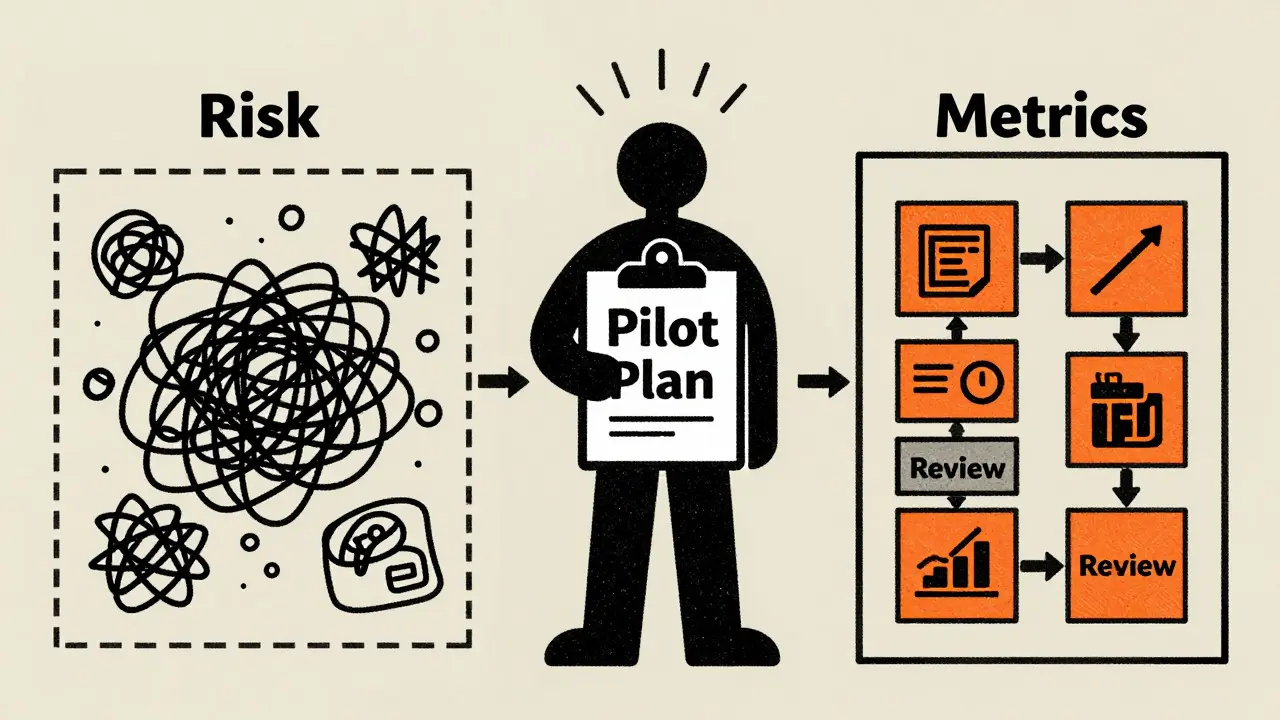
You might be tempted to just install Copilot Chat for everyone and see what happens. Don't. Without governance, vibe coding can lead to inconsistent codebases, security vulnerabilities, and a loss of institutional knowledge. A pilot program serves three critical purposes:
- Risk Containment: You isolate AI-generated code in non-critical projects. If the AI introduces a bug or a security flaw, it stays in a sandboxed environment.
- Workflow Calibration: Your team needs to learn new habits. How do you prompt effectively? How do you review AI diffs? A pilot provides a safe space to develop these skills without pressure.
- Data-Driven Decisions: Instead of guessing if AI helps, you collect metrics. Does it actually reduce time-to-first-version? Or does it increase the number of bugs found in testing?
Think of the pilot as a scientific experiment. You have a hypothesis ("Vibe coding will speed up prototype development by 30%"), and you design the pilot to prove or disprove it.
Designing a Safe Pilot: Scope and Governance
The success of your pilot depends entirely on how you define its boundaries. Here is how to set up a low-risk environment.
1. Choose the Right Projects
Do not start with your core banking engine or patient record system. Start with internal tools, dashboards, or throwaway prototypes. Good candidates include:
- A simple time-tracking app for the marketing team.
- A voting tool for internal company events.
- A website performance analyzer script.
These projects are self-contained, have clear success criteria, and carry minimal business risk if they fail.
2. Set Up Technical Guardrails
You need to ensure that AI-generated code is tracked and reviewed. Follow these technical rules:
- Private Repositories Only: All pilot code must live in private repositories to protect intellectual property.
- Dedicated Branches: Create a specific branch (e.g., `feature/vibe-coding-pilot`) for all AI-assisted work. Never merge directly into main.
- Frequent Commits: Require developers to commit after each successful AI iteration. This creates a trail of recovery points if the AI goes off the rails.
- Mandatory Code Review: No AI-generated code merges without human approval. Reviewers should explicitly know which parts were generated by AI so they can look for common LLM pitfalls (like hardcoded secrets or inefficient loops).
3. Select Your Tools
The vibe coding ecosystem is growing fast. For your pilot, pick one primary tool and optionally one comparator. Popular choices include:
| Tool | Environment | Key Feature | Best For |
|---|---|---|---|
| GitHub Copilot | VS Code / JetBrains | Plan Mode & Agent integration | Teams already using GitHub Enterprise |
| Cursor | Desktop IDE | Deep codebase context awareness | Refactoring existing large codebases |
| Replit AI | Browser-based Cloud IDE | Zero-setup environment | Rapid prototyping and non-technical users |
| Claude Code | Command Line Interface | Agentic autonomous workflows | Advanced developers comfortable with CLI |
If you choose GitHub Copilot, ensure your IDE (like VS Code) has the Copilot Chat extension installed. Enable "Plan Mode" so the AI outlines steps before writing code. This adds a layer of transparency that is crucial for safety.
Measuring Impact: Metrics That Matter
Without metrics, your pilot is just a fun hackathon. To determine if vibe coding is worth scaling, you need to track specific data points. Compare these against a control group (a team building similar apps using traditional methods) if possible.
- Time-to-First-Version (TTFV): Measure the hours from project kickoff to a runnable prototype. In tutorials, experts show full-stack apps being built in under 30 minutes. Can your team replicate this? Track the actual elapsed time.
- Iteration Speed: Count how many prompt cycles it takes to implement a single feature request. Does asking the AI to "change the UI to blue" take less time than manually editing CSS? Log the average time per change.
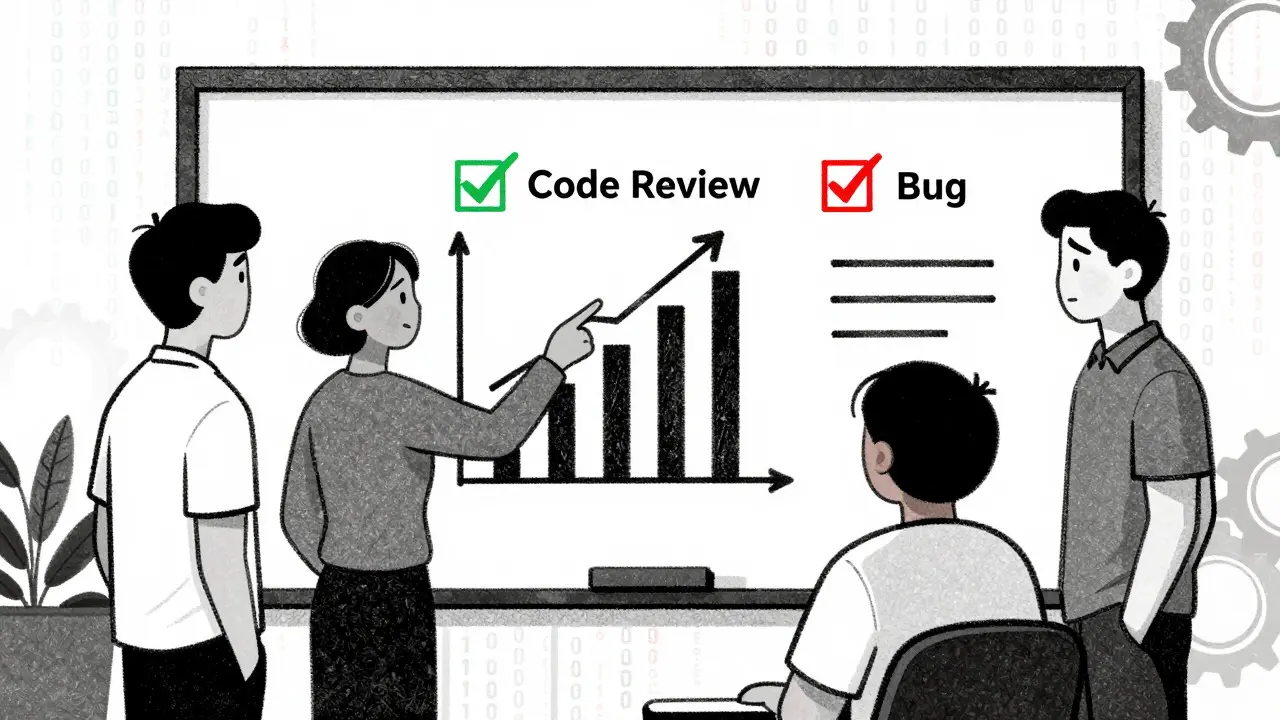
- Defect Rate: Track the number of bugs found during testing for AI-generated features versus manually coded ones. AI can introduce subtle logical errors. If defect rates spike, your review process needs tightening.
- Review Workload: Measure how long it takes a senior engineer to review AI-generated pull requests. Sometimes reviewing AI code is harder than writing it yourself because you don't know the AI's reasoning.
- Developer Satisfaction: Survey your participants. Do they feel empowered? Or do they feel anxious about trusting the AI? Cognitive load and trust are intangible but vital factors.
Step-by-Step Pilot Execution Plan
Here is a practical timeline for a 6-week pilot program.
Weeks 1-2: Preparation and Training
Select 5-10 developers for the pilot group. Provide them with training materials. Microsoft’s "Introduction to Vibe Coding" module and DeepLearning.AI’s "Vibe Coding 101" course are excellent starting points. Teach them how to write effective prompts, how to manage context (closing unrelated tabs to avoid confusion), and how to use Plan Mode.
Provision their accounts with the chosen tools. Set up the private repositories and branch protection rules. Ensure legal and security teams have reviewed the data privacy policies of the AI tools you are using.
Weeks 3-5: Execution
The team begins building their assigned low-risk projects. Enforce the guardrails: all code goes through pull requests, all changes are committed frequently, and all tests pass before merging. Encourage experimentation. Let them try different prompting styles. Let them compare outputs from different models if allowed.
Hold weekly check-ins. Ask: "What surprised you?" "Where did the AI struggle?" "Did you find any security issues?" Capture these qualitative insights alongside your quantitative metrics.
Week 6: Evaluation and Decision
Analyze the data. Did TTFV decrease? Did defect rates increase? Compile a report. Based on the results, decide on next steps:
- Expand: If metrics are positive and risks are manageable, roll out to more teams.
- Refine: If there are issues, tighten the governance rules (e.g., stricter code review requirements) and run another short pilot.
- Halt: If the risks outweigh the benefits, limit usage to very specific, non-critical tasks.
Common Pitfalls to Avoid
Even with a solid plan, things can go wrong. Watch out for these traps:
Context Contamination: AI agents often look at open files in your editor for context. If you have a complex legacy file open, the AI might get confused. Teach your team to work in clean, empty workspaces when starting a vibe coding session.
Over-Reliance: Developers might stop reading the code the AI generates. This leads to "black box" syndrome where no one understands how the app works. Enforce a rule: "If you didn't read it, you didn't approve it."
Ignoring Security Scanning: AI can inadvertently copy insecure patterns from public datasets. Integrate static analysis tools (SAST) into your CI/CD pipeline to scan AI-generated code automatically before it ever reaches a human reviewer.
Is vibe coding suitable for beginners?
Yes, one of the biggest advantages of vibe coding is that it lowers the barrier to entry. Non-experts can build functional apps by describing what they want in natural language. However, beginners still need guidance on how to structure their prompts and how to debug the resulting applications. A pilot program is an excellent way for novice coders to learn under supervision.
Does vibe coding replace senior developers?
No, it shifts their role. Senior developers become architects and reviewers. They spend less time writing boilerplate code and more time ensuring the AI's output is secure, efficient, and aligned with the overall system design. Their expertise in judging quality becomes even more valuable.
How do I protect my proprietary code during a pilot?
Use enterprise versions of AI coding tools that guarantee your data is not used to train public models. Keep all pilot work in private repositories. Before launching the pilot, have your legal team review the terms of service for tools like GitHub Copilot, Cursor, or Replit to understand data retention and privacy policies.
What kind of projects should we avoid in a vibe coding pilot?
Avoid mission-critical systems, especially those handling sensitive financial data, personal health information, or core infrastructure. Stick to internal tools, dashboards, prototypes, and standalone utilities where failure has minimal business impact.
How long should a vibe coding pilot last?
A typical pilot lasts 4 to 8 weeks. This timeframe allows enough time for teams to overcome the initial learning curve, complete at least one or two small projects, and gather meaningful data on productivity and code quality without dragging on indefinitely.