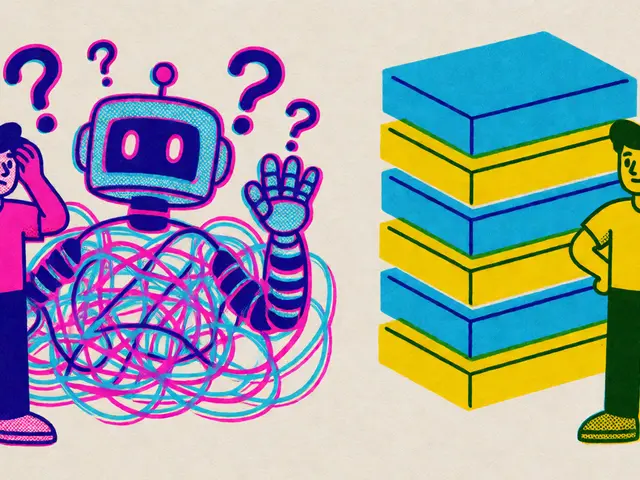
Imagine your support team drowning in a sea of emails, each one demanding a unique, human touch. Now imagine an AI that reads them, understands the context, checks your CRM for history, and drafts a reply so personalized it feels handwritten. That is no longer science fiction; it is the current state of Email and CRM Automation powered by Large Language Models (LLMs). By October 2026, this technology has moved from experimental pilots to core business infrastructure, fundamentally changing how companies interact with customers.
The shift happened fast. In 2023 and 2024, organizations were desperate to handle rising communication volumes without sacrificing quality. Traditional rule-based chatbots failed because they couldn't understand nuance. LLMs changed the game. According to Salesforce, these models act as "the engines powering generative AI," capable of understanding natural language and responding appropriately. The result? Companies are seeing up to an 80% reduction in ticket volume and a 64% drop in processing costs. But here is the catch: simply plugging an LLM into your inbox isn't enough. You need a robust architecture that connects the model to your data, validates outputs, and learns over time.
How LLMs Transform Unstructured Emails into Actionable Data
Most customer emails are messy. They contain typos, emotional venting, attachments, and vague requests. An LLM’s primary job in this ecosystem is translation-turning that chaos into structured data your CRM can use. This isn't just about categorizing emails as "billing" or "sales." It is about extracting intent, sentiment, and urgency simultaneously.
Consider the workflow developed by Xebia in their GenAI Email Categorization Engine. Their eight-stage pipeline starts by rephrasing raw queries for clarity. Why? Because LLMs perform better with clear input. Next, the system categorizes the email by intent and maps it to the right business unit. Crucially, it infers the next-best action based on sentiment analysis. If a long-time customer sounds frustrated, the system might prioritize a human review even if the issue is simple. This contextual enrichment relies on integrating directly with CRM platforms like Salesforce or HubSpot.
| Feature | Xebia Pipeline | AWS Bedrock Solution | Yellow.ai Platform |
|---|---|---|---|
| Primary Focus | Intent & Sentiment Mapping | Document Processing & Extraction | Customer Service Resolution |
| Key Tech | Fine-tuned Domain Models | Amazon Textract + LangChain | Proprietary YellowG LLM |
| Hallucination Rate | Moderate (Requires Review) | Low (Structured Output) | <1% (Claimed) |
| Best For | Complex Support Tickets | Financial/Invoice Heavy Ops | High-Volume Retail/Banking |
This structured approach allows sales teams to stop manually entering data. Dr. Richard Socher, Chief Scientist at Salesforce, noted that the real breakthrough isn't just generating replies but transforming unstructured data into structured CRM entries. His pilot implementations showed a 47% reduction in manual data entry. When your CRM knows exactly what a customer wants before you open the email, you aren't just reacting; you're anticipating.
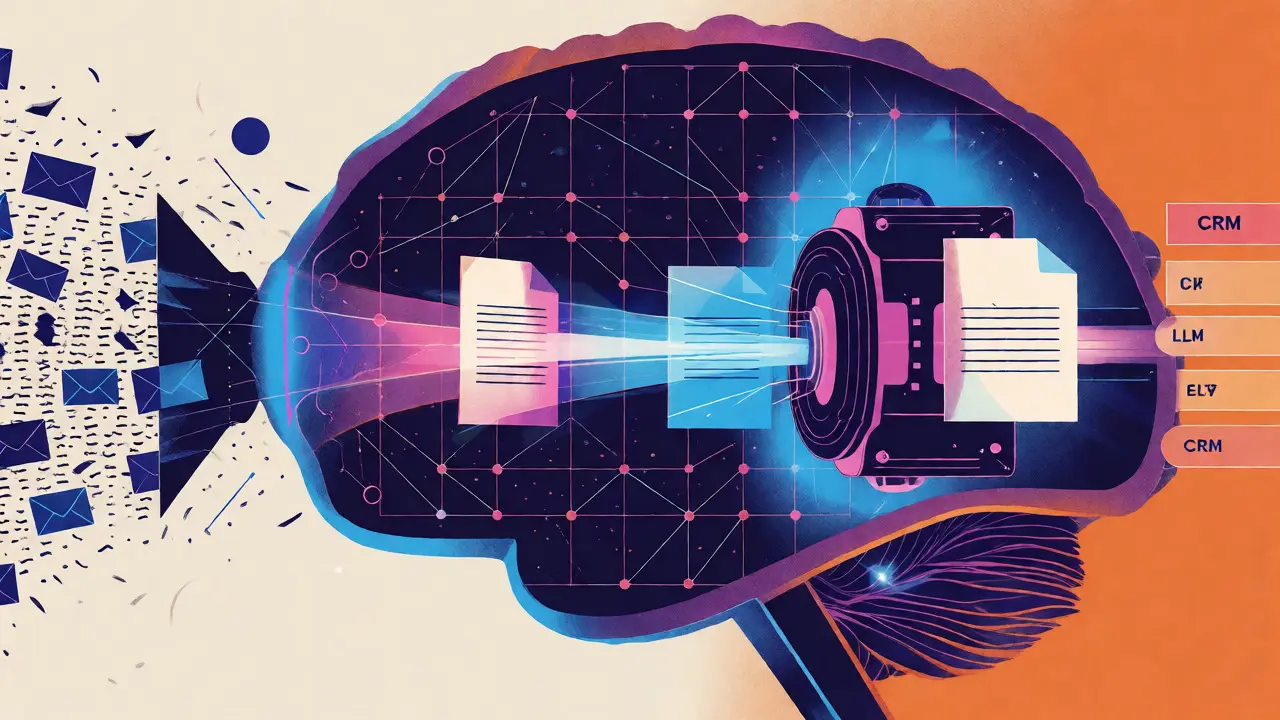
The Technical Backbone: RAG and Vector Databases
You might wonder, "How does the AI know my specific product details or customer history?" It doesn't guess. It looks it up. This is where Retrieval-Augmented Generation (RAG) comes in. Without RAG, an LLM is like a smart intern who forgot to read the company handbook. With RAG, it instantly consults the handbook.
In practice, this means connecting your LLM to a vector database like ChromaDB. Research from IJIRST demonstrated a system using LLaMA 3.1 and ChromaDB that achieved 98.7% retrieval accuracy at 150ms response times. When a customer asks about a specific contract clause, the system retrieves the exact document snippet and feeds it to the LLM along with the prompt. The LLM then generates an answer grounded in that fact, not its general training data.
This technical setup requires more than just an API key. Most enterprise solutions need at least 16GB RAM and GPU acceleration for real-time processing. Integration complexity is the biggest hurdle. A Reddit thread on r/CRM highlighted users reporting three weeks of downtime during Salesforce integration. The lesson? Clean CRM data is the single biggest predictor of success. If your CRM is full of duplicates and outdated records, the AI will struggle to find the right context.

Personalization Beyond the Name Tag
True personalization goes beyond inserting "Hi [Name]" into a template. It involves adapting tone, content, and timing based on the relationship history. Quiq’s approach emphasizes fine-tuning models on historical agent-customer interactions. If a customer prefers concise, bullet-point answers, the AI learns to provide them. If another prefers a conversational tone, the AI adapts.
Gartner analysts found that organizations using RAG architectures for CRM integration saw 37% higher customer satisfaction scores compared to basic template-based automation. Why? Because the responses feel relevant. For example, if a customer emails about a late shipment, a generic bot says, "We apologize for the delay." An LLM-powered system checks the CRM, sees the customer bought a premium package, notes their previous loyalty, and replies: "Hi Sarah, I see your premium order #12345 was delayed due to weather in Bend. As a thank-you for your patience, we’ve upgraded your shipping on the next order."