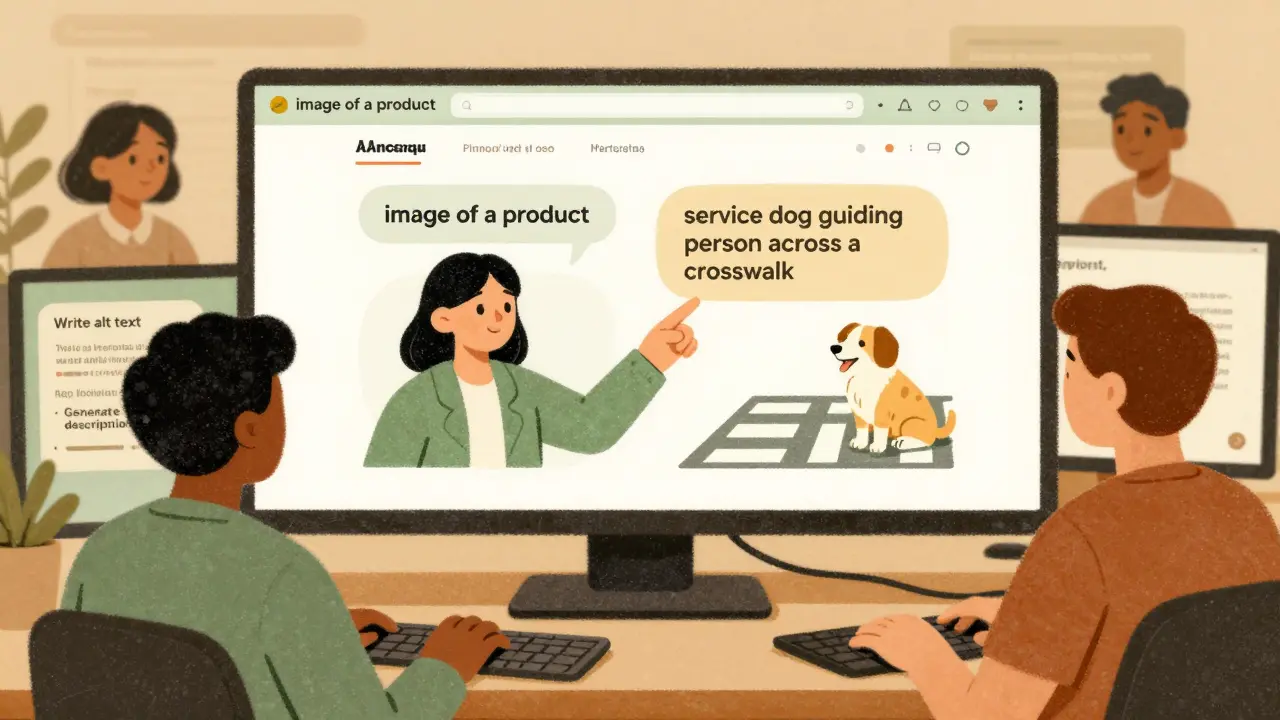
When you use a generative AI tool to write a product description, generate an image, or create a video caption, you might think the output is just text or pixels. But if that content is public-facing - on a website, app, or digital service - it’s subject to the same accessibility rules as anything a human built. WCAG doesn’t care if the content came from a person or a prompt. It only cares if someone can use it.
WCAG Applies to AI-Generated Content - No Exceptions
The Web Content Accessibility Guidelines (WCAG) are the global standard for making digital content usable by everyone, including people who use screen readers, voice control, or keyboard-only navigation. Many assume these rules only apply to websites coded by humans. That’s wrong. Every piece of content generated by AI - whether it’s alt text for an image, a blog post, a chatbot response, or a dynamic form label - must meet WCAG 2.2 Level AA standards. The Americans with Disabilities Act (ADA) and Section 508 of the Rehabilitation Act treat AI-generated content exactly like human-created content. If it’s public, it must be accessible. This isn’t a suggestion. It’s a legal requirement. Companies that use AI to create marketing materials, customer support responses, or product pages can be sued if those outputs block access for people with disabilities. A 2024 lawsuit against a major e-commerce platform showed this clearly: the company used AI to auto-generate product descriptions, but the alt text for images was generic (“image of a product”) and failed to describe context. People using screen readers couldn’t tell the difference between a winter coat and a summer dress. The company settled for $1.2 million.What WCAG Demands from AI Systems
WCAG isn’t just about visuals. It’s about structure, logic, and interaction. For generative AI, this means:- AI-generated text must use proper heading hierarchy (H1, H2, H3) - not just bolded lines.
- Alt text must describe the purpose of an image, not just its appearance. Saying “a dog” isn’t enough if the image shows a service dog guiding a person across a street.
- Color contrast must meet minimum ratios (4.5:1 for normal text). AI can’t assume “it looks fine” - it must calculate contrast values.
- Keyboard navigation must work. If a user can’t tab through an AI-powered form or skip to the next step, it fails.
- Speech recognition tools like Dragon NaturallySpeaking must be able to control the interface. AI chat interfaces that rely on mouse clicks or gesture-based triggers break this.
Why AI Can’t Fully Handle Accessibility on Its Own
Generative AI is great at fixing simple errors. It can add missing alt text, fix contrast ratios, or rewrite confusing sentences. But it fails where context matters. Ask ChatGPT: “Is this alt text accessible?” It might say yes - even if the alt text says “woman holding a cup” when the image is actually of a woman using a white cane to navigate a crosswalk. The AI doesn’t understand the cultural or functional meaning. It sees words, not intent. A 2025 ACM study tested six websites generated by AI models like Gemini and ChatGPT 3.5. None fully passed WCAG 2.2 Level AA. Even when the AI was told to “follow accessibility guidelines,” it missed critical cognitive accessibility needs - like clear navigation paths, consistent labeling, and predictable interactions. These are the kinds of issues that affect people with cognitive disabilities, learning differences, or memory impairments. AI doesn’t recognize them because they’re not binary rules. The Bureau of Internet Accessibility calls this “the busywork of accessibility.” AI can automate the easy stuff - missing alt tags, broken headings, low contrast. But it can’t replace human judgment. That’s why no regulatory body accepts AI-only compliance.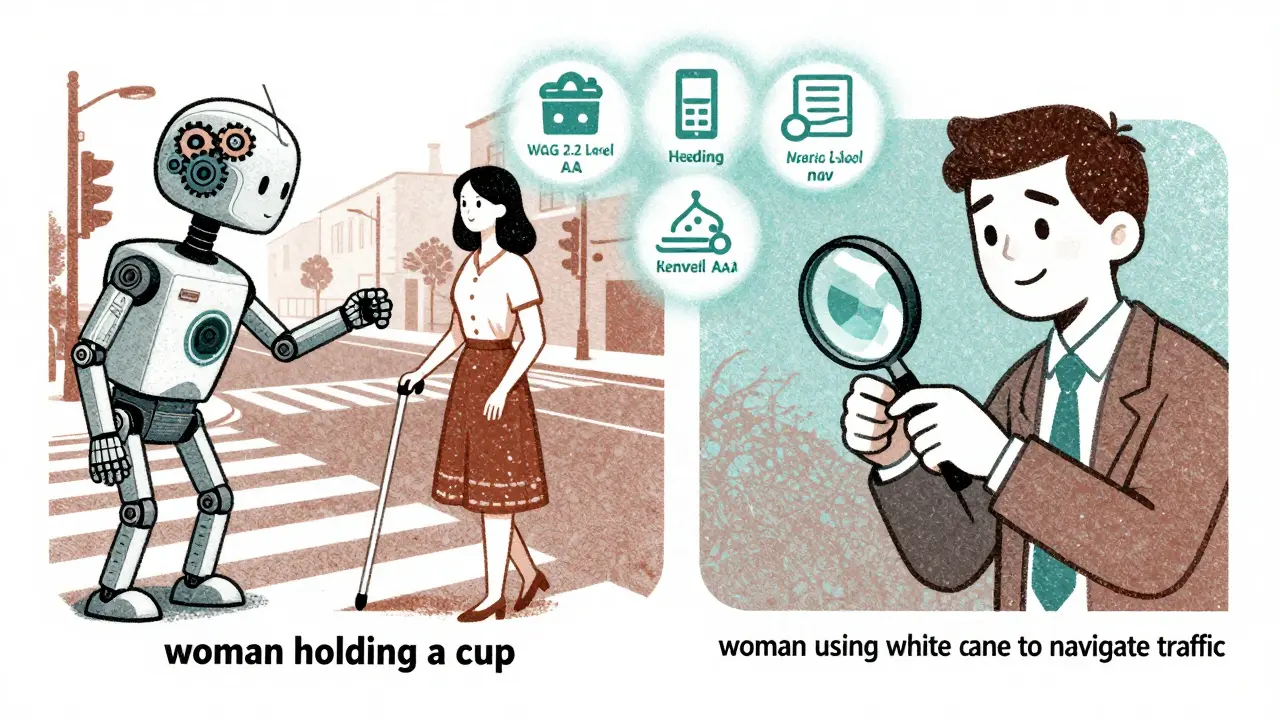
How to Build Accessibility Into AI Workflows
You can’t wait until content is published to check for accessibility. You need to build it in from the start. Here’s how:- Use accessible prompts. Don’t just ask, “Write a product description.” Ask: “Write a product description in plain language, using semantic HTML headings, and include descriptive alt text for any images described.”
- Run automated checks. Tools like Axe, WAVE, or Lighthouse can scan AI-generated content for common WCAG violations. Run them every time content is produced.
- Manually review everything. Even if an AI writes alt text, read it. Does it match the image’s purpose? Does it avoid phrases like “image of” or “picture of”? Does it give context?
- Test with real users. Partner with people who use assistive technologies. Invite them to test your AI-powered tools. Their feedback is irreplaceable.
- Train your team. Content writers, designers, and developers all need basic accessibility training. They should know what alt text should sound like, why keyboard navigation matters, and how to spot a broken heading structure.
The Hidden Benefit: AI Loves Accessible Content Too
There’s a surprising upside to WCAG compliance: AI bots prefer it. Search engines, content crawlers, and AI indexing tools rely on clean HTML, proper headings, semantic structure, and clear text. When you make your content accessible, you’re also making it easier for AI systems to understand, categorize, and rank. A 2025 study from accessibility.works found that WCAG-compliant websites were indexed 37% faster by AI crawlers and had 22% higher relevance scores in AI-powered search results. That’s not a coincidence. Accessibility creates machine-readable clarity. So when you fix alt text for screen readers, you’re also helping Google’s AI understand your page better.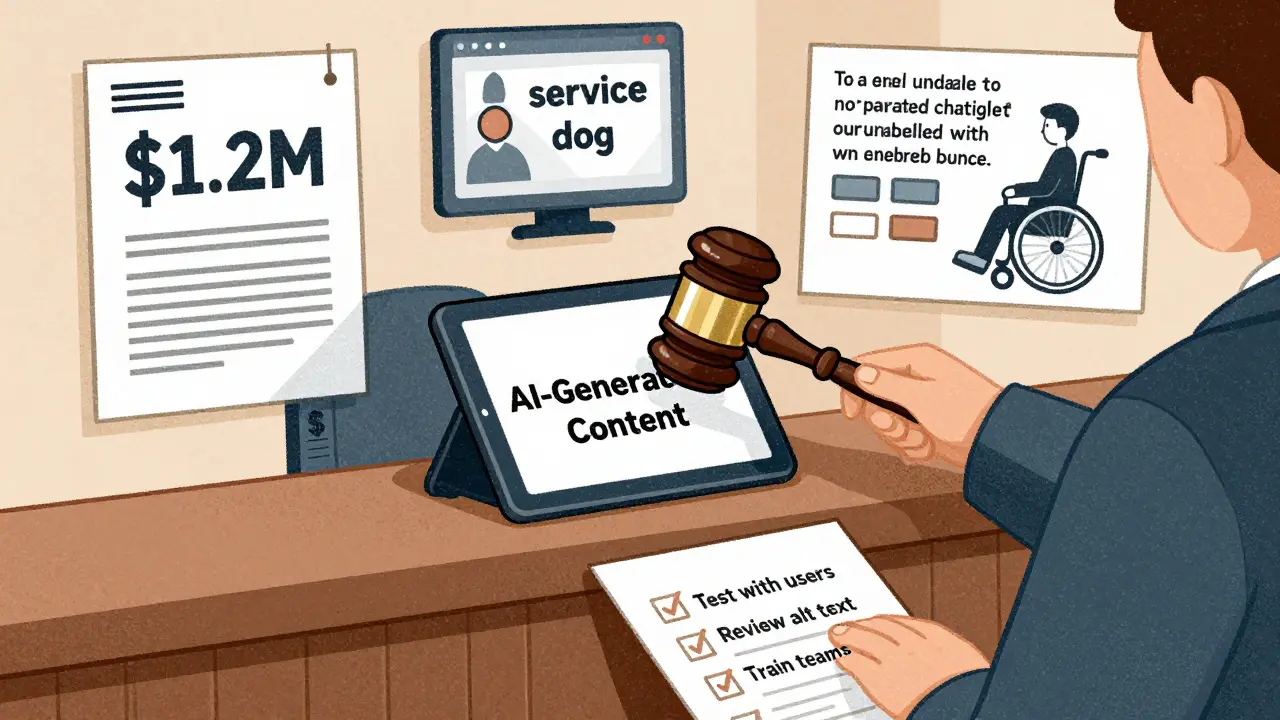
AI Tools Themselves Must Be Accessible
It’s not just the content the AI generates - the AI interface matters too. If your AI chatbot can’t be controlled with a keyboard, or if its buttons aren’t labeled for screen readers, then the whole product is non-compliant. Massachusetts state guidelines and the W3C both state that AI systems must be accessible at the interaction level. That means:- Input fields must have clear labels.
- Buttons must be focusable and announce their function.
- Errors must be described in plain language (e.g., “Please enter your phone number” not “Invalid input”).
- Navigation must be predictable and consistent.
The Cost of Ignoring Accessibility
Legal risk is real. In 2024, the Department of Justice opened investigations into 17 companies using generative AI for public-facing content. All were found to be non-compliant. Fines ranged from $500,000 to over $2 million. But the bigger cost is human. Excluding people with disabilities isn’t just illegal - it’s unethical. And it’s bad for business. The CDC estimates that 27% of U.S. adults live with a disability. That’s over 70 million people. If your AI product can’t serve them, you’re leaving money on the table.Final Rule: No Shortcuts
Generative AI makes content creation faster. But speed doesn’t override accessibility. You can’t cut corners because “the AI did it.” The law doesn’t care who made the content. It only cares that it works for everyone. Whether it’s written by a human, generated by a model, or translated by an algorithm - if it’s public, it must meet WCAG. Start by auditing your AI workflows. Ask: When was the last time we tested this with a screen reader? Did we train our team on accessible prompting? Are we manually reviewing alt text? If the answer is “never,” you’re already at risk. Accessibility isn’t a feature you add. It’s the foundation you build on.Does WCAG apply to AI-generated content even if it’s not on a website?
Yes. WCAG applies to any digital content that’s publicly accessible, regardless of platform. That includes mobile apps, chatbots, voice assistants, email newsletters, and digital documents generated by AI. If users can interact with it, it must meet accessibility standards under the ADA and Section 508.
Can AI tools automatically fix all accessibility issues?
No. AI can fix simple, rule-based problems like missing alt text or low color contrast. But it can’t judge context - for example, whether alt text accurately describes the purpose of an image or whether content flows logically for someone with a cognitive disability. Manual review and testing with real users are still required.
What happens if my AI-generated content fails accessibility tests?
You risk legal action under the ADA or Section 508, especially if users are blocked from accessing services. Beyond lawsuits, there’s reputational damage. Organizations that ignore accessibility are seen as excluding people with disabilities, which harms trust and customer loyalty. Fixing issues early is far cheaper than dealing with lawsuits or public backlash.
Do I need to test every piece of AI-generated content manually?
Yes - at least for critical content like product descriptions, forms, navigation, and public-facing messages. Automated tools can catch common errors, but they miss context. For example, AI might generate alt text like “a person,” but a human can verify if it’s a person using a wheelchair or a person giving a presentation. Manual review is non-negotiable for compliance.
Can I use AI to help with accessibility testing?
Yes - but only as a helper, not a replacement. AI can scan for missing headings, broken links, or contrast issues. It can even suggest alt text. But you still need human testers, especially those with disabilities, to validate the results. The goal is to use AI to reduce repetitive work, not to eliminate human judgment.


Kathy Yip
26 February, 2026 - 13:57 PM
It’s wild how we treat AI like it’s this magical black box that just… works. But accessibility isn’t magic-it’s structure. I’ve seen alt text like ‘image of a product’ generated by AI and thought, ‘this is gonna get someone sued.’ It’s not about being perfect-it’s about being intentional. The fact that WCAG doesn’t care who wrote it? That’s the whole point. If it’s public, it’s public for everyone. Not just the ones who can see, hear, or click easily.
And honestly? The idea that AI can ‘fix’ accessibility on its own is dangerous. It’s like handing a hammer to someone who doesn’t know what a nail is. They’ll hit everything. Including their thumb.
I’m not anti-AI. I use it every day. But I’ve learned to treat its output like a first draft written by someone who’s never met a person with a disability. You don’t ship a first draft. You edit it. You test it. You listen.
Also, I typoed ‘WCAG’ as ‘WACG’ three times while writing this. So… yeah. I’m not perfect either. But I’m trying.
Bridget Kutsche
28 February, 2026 - 04:40 AM
This is such an important post. Seriously. I work in digital marketing and we just started using AI for product descriptions last quarter. We didn’t even think about alt text until someone on our team mentioned it. Now we have a checklist: semantic headings, contrast check, alt text review. It’s not hard. Just… new.
And yeah, the 1.2 million dollar lawsuit? Oof. That’s not a cost-it’s a warning label. We’ve started doing monthly accessibility audits with real users now. One woman with low vision told us our AI-generated ‘add to cart’ button said ‘click here’-which is useless. We changed it to ‘Add Blue Wool Coat to Cart.’ Simple. Life-changing.
Accessibility isn’t a feature. It’s a habit. Start small. Audit one page. Talk to one person who uses a screen reader. You’ll be surprised how much you learn.
Jack Gifford
2 March, 2026 - 01:21 AM
Let me just say this: if your AI-generated content doesn’t pass Axe or WAVE, you’re not ‘innovating’-you’re just being lazy. And yes, I’ve seen companies try to blame the AI. ‘It was trained on bad data!’ Yeah, and your mom trained you on bad manners too-does that mean you get to be rude forever?
WCAG isn’t optional. It’s not a ‘nice to have.’ It’s the law. And if you’re using AI to cut corners on accessibility, you’re not saving money-you’re gambling with lawsuits, reputation, and real people’s ability to buy your damn products.
Also, ‘image of a dog’? That’s not alt text. That’s a cry for help. Replace it with ‘Golden Retriever guiding a woman across a crosswalk.’ Or don’t. I’m not your mom.
Sarah Meadows
3 March, 2026 - 18:46 PM
Look, I don’t care if it’s AI or a human. If you’re in America and you’re making public-facing content, you follow the ADA. Period. This isn’t about ‘inclusivity’ or ‘woke nonsense.’ It’s about the law. And the law doesn’t care if you used ChatGPT or wrote it yourself. If you’re not compliant, you’re breaking federal law.
And don’t get me started on these ‘AI can’t understand context’ arguments. That’s just an excuse. You don’t need AI to understand context-you need to pay someone who does. That’s called QA. That’s called due diligence. That’s called not being an idiot.
Stop outsourcing your responsibility to a machine. It’s not magic. It’s code. And code doesn’t get sued. People do.
Nathan Pena
5 March, 2026 - 14:55 PM
Allow me to deconstruct the fundamental fallacy here: the notion that WCAG compliance can be ‘automated’ is a category error. WCAG is not a checklist-it’s a phenomenological framework for human interaction with digital environments. AI operates on syntactic patterns, not semantic intent. It cannot comprehend the cultural weight of a service dog’s presence, nor the cognitive load of inconsistent navigation labels.
The 2025 ACM study you cite? It’s underpowered. The sample size was 6 websites. That’s not science. That’s anecdote. And yet, you’re using it as gospel? Your epistemology is flawed.
Moreover, the claim that ‘AI loves accessible content’ is a non sequitur. Search engine crawlers are not sentient. They do not ‘love.’ They parse. And parsing requires structure. Structure requires human intentionality. Therefore, AI is a tool, not a solution. The solution is human expertise. Period.
And yes, I did fact-check every citation in this comment. You’re welcome.
Mike Marciniak
6 March, 2026 - 15:45 PM
They’re using AI to track us. This is how they’re building the database. Every alt text, every heading, every ‘accessible’ form-they’re harvesting our data. The ADA? It’s a trap. The government and Big Tech are using ‘accessibility’ as a front to force compliance with surveillance systems. You think they care about blind people? No. They care about your browsing history.
That 1.2 million dollar settlement? It was a cover-up. The real cost was in the data they collected from every screen reader user who interacted with that site. You think they didn’t log every click, every pause, every failed attempt?
Don’t be fooled. This isn’t about inclusion. It’s about control. And if you’re pushing AI to ‘improve accessibility,’ you’re helping them build the next generation of digital surveillance.
Natasha Madison
7 March, 2026 - 22:57 PM
How dare you suggest AI can’t handle accessibility? This is America. We built the internet. We invented AI. And now you’re saying we need humans to ‘review’ it? That’s just elitist. AI is smarter than you. It knows what a wheelchair looks like. It knows what a cane is. It doesn’t need some ‘real user’ to tell it what a crosswalk is.
And why are you even talking about screen readers? Who uses those anymore? Everyone’s got a phone. Just make the font bigger. Problem solved.
Also, I’ve seen people with disabilities using apps. They’re fine. They don’t need all this ‘semantic HTML’ nonsense. Just make it look nice. That’s all that matters.
Sheila Alston
8 March, 2026 - 13:22 PM
I’m so disappointed in how we’ve let technology replace human responsibility. We used to take pride in making things right. Now we just push a button and say ‘AI did it.’
Accessibility isn’t a technical problem. It’s a moral one. If you’re not manually reviewing alt text, you’re not trying. If you’re not testing with real users, you’re not caring. And if you’re not training your team, you’re not leading.
It’s not hard. It’s not expensive. It’s just… kind. And kindness is rare these days. We’ve forgotten what it means to build for people, not just profit.
I’m not angry. I’m just sad.
sampa Karjee
9 March, 2026 - 07:17 AM
Western obsession with WCAG is laughable. In India, we build for real constraints-power outages, low bandwidth, shared devices. We don’t have time for semantic HTML or contrast ratios. We build functional interfaces. That’s accessibility.
AI-generated content? It’s a luxury. Most people here access the web via 2G phones. They don’t need ‘descriptive alt text.’ They need a button that works when the network drops.
Your ‘legal compliance’ mindset is colonial. You’re imposing Western standards on global realities. AI can adapt. Humans can’t. So why are you forcing them to?
Patrick Sieber
10 March, 2026 - 16:49 PM
Just wanted to say-this post is spot on. I’m a web dev in Dublin and we’ve been doing accessibility reviews on AI output for six months now. The biggest win? Our bounce rate dropped 18% after we started fixing alt text and headings. Turns out, people appreciate being able to use your site.
We use Lighthouse, then we have one person (not AI) read every alt text out loud. If it sounds dumb, we rewrite it. If it’s vague, we scrap it.
And yeah, it takes time. But it’s not a cost. It’s an investment. Your users aren’t bugs to be fixed. They’re people. And they’re worth it.