AI Coding Tools: Power Up Development with Smart Assistants and Automation
When you use AI coding tools, software assistants that help developers write, review, and optimize code using large language models. Also known as AI-assisted development tools, they don't replace programmers—they make them faster, smarter, and less prone to repetitive errors. These aren't just fancy autocomplete boxes. They're systems that understand context, learn from your style, and even catch bugs before you run the code.
Behind every good AI coding tool is a large language model, an AI trained on millions of lines of real code to predict what comes next. This is what lets tools like Cursor.sh or GitHub Copilot suggest entire functions based on a single comment. But the model alone isn't enough. You also need prompt engineering, the art of writing clear, structured instructions that guide the AI to give useful, accurate responses. Without it, you get vague suggestions, hallucinated APIs, or code that looks right but breaks in production. And then there's vibe coding, a workflow where developers use AI to build full-stack features in one go, skipping traditional step-by-step planning. It's not magic—it's about trusting the AI to handle boilerplate so you can focus on logic, design, and user impact. These tools work best when you combine them with clear rules: design tokens for UI consistency, version-controlled prompts, and guardrails that stop the AI from generating unsafe or biased code.
Companies using these tools aren't just saving time—they're reducing onboarding friction, cutting bugs in early stages, and letting teams ship features in days instead of weeks. But not all AI tools are built the same. Some work great for JavaScript, struggle with PHP, and others only help with documentation. The best ones adapt to your stack, your team’s style, and your security needs. You’ll find posts here that break down exactly how to use them—whether you're building a SaaS app with multi-tenancy, optimizing LLM inference costs, or trying to keep AI-generated UIs consistent across your product.
What follows isn't a list of flashy tools. It's a collection of real-world experiences: how teams fixed hallucinations with error analysis, how they avoided vendor lock-in using interoperability patterns, and how non-technical founders shipped working prototypes without writing a single line of code. You'll see what works in production, what costs more than it saves, and how to make AI coding tools actually work for you—not the other way around.
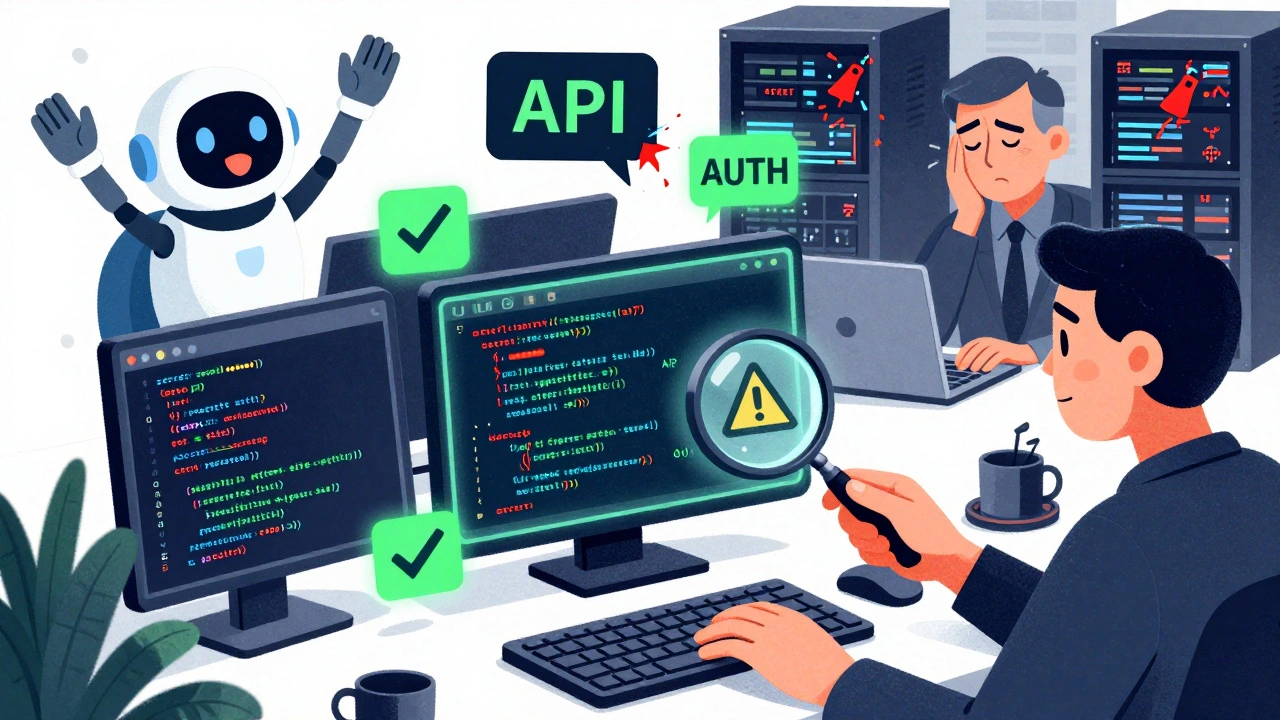
Developer Sentiment Surveys on Vibe Coding: What Questions to Ask and Why They Matter
Developer sentiment surveys on vibe coding reveal a split between productivity gains and security risks. Learn the key questions to ask to understand real adoption, hidden costs, and how to use AI tools safely.
Read More