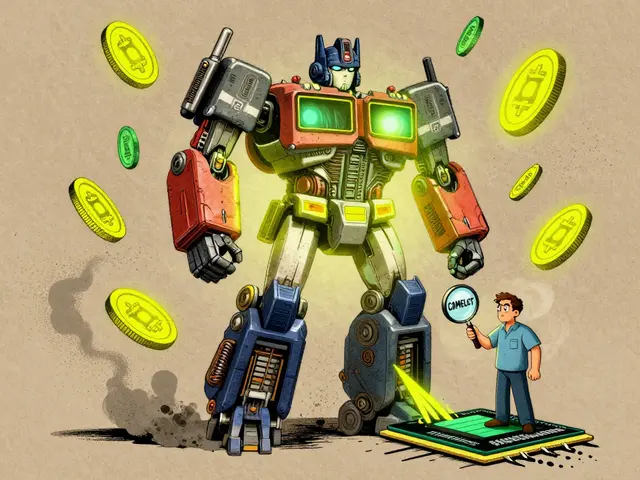
Most product teams still treat generative AI like any other feature-build it, ship it, measure clicks. But that’s how 85% of AI projects die before they even launch. You can’t manage a model that hallucinates, drifts, or changes behavior with a minor update the same way you manage a button that toggles dark mode. If you’re trying to ship generative AI features without rethinking how you scope them, define your MVP, or measure success, you’re not just wasting time-you’re risking your team’s credibility.
Why Traditional Product Management Fails with Generative AI
Generative AI doesn’t follow predictable rules. A chatbot that answers correctly 9 out of 10 times might still frustrate users because the 10th answer feels off. A design tool that generates 50 logos might give you three great ones and 47 that look like abstract art. Traditional KPIs like usage rate or session length don’t capture this. You need to ask: Is the output useful, not just used?McKinsey found that generative AI can cut software development time by 30-50%, but only if the product team gets the fundamentals right. The real bottleneck isn’t engineering-it’s scoping. Teams that jump straight into building without testing assumptions fail more often than not. A fintech startup we studied spent six weeks building a document summarization tool… only to learn users didn’t need summaries-they needed key dates highlighted. That’s a $200K mistake.
Here’s the hard truth: if your product manager doesn’t understand what a transformer model can and can’t do, they’re flying blind. Voltage Control’s 2024 survey showed 68% of failed AI projects had product managers who couldn’t explain model limitations to engineers or explain why a feature wasn’t working to executives. You don’t need to code a neural network, but you do need to know what “latency,” “hallucination,” and “prompt drift” mean in real terms.
Scoping: Start with Constraints, Not Features
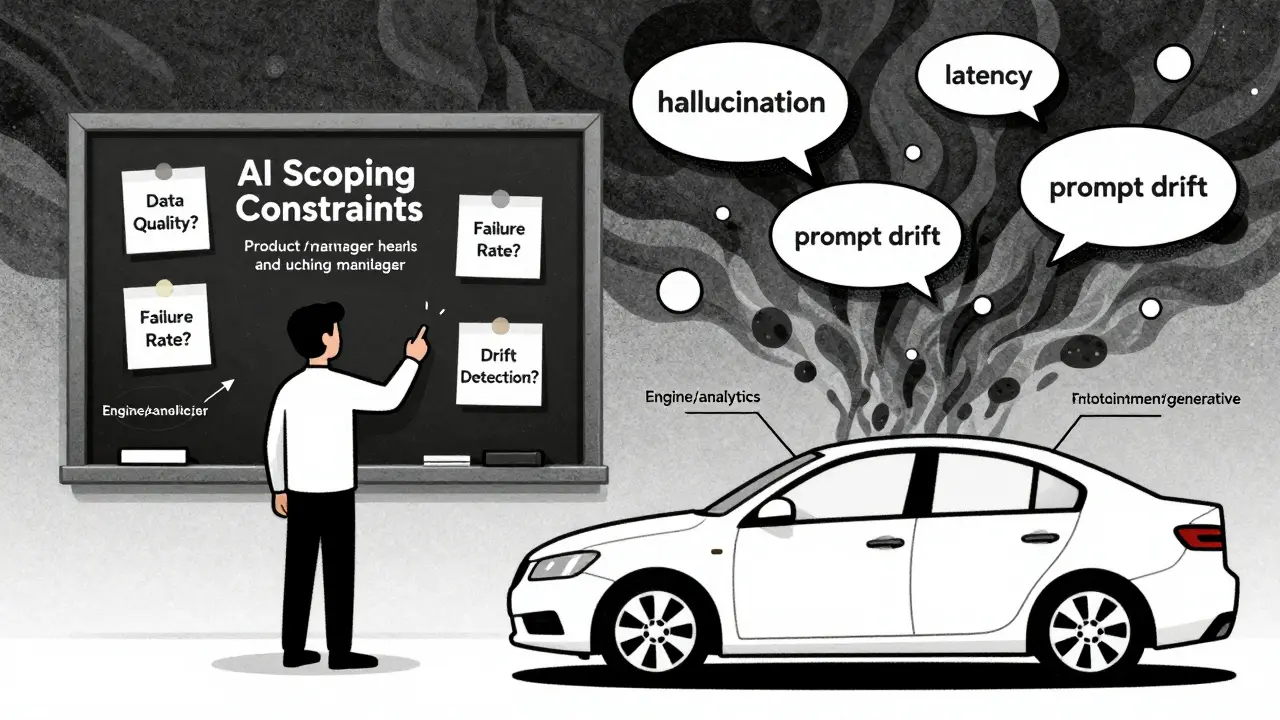
Scoping generative AI isn’t about listing features. It’s about mapping constraints. Ask these questions before you write a single user story:- What data do we have-and is it clean enough to train on?
- Can we measure output quality reliably? (Not just “users liked it”)
- What’s the acceptable failure rate? (90% accuracy might be fine for a meme generator, not a medical diagnosis assistant)
- How will we detect if the model starts drifting?
AIPM Guru’s 2024 data shows 63% of AI projects fail because teams skipped data assessment. You can’t build a recommendation engine if your training data only covers 20% of your user base. One SaaS company tried to build an AI-powered sales email generator using CRM data-but half the records had incomplete contact info. They spent three months training a model that only worked for 30% of their customers.
Instead of asking “What can AI do?”, ask “What problem are we solving-and is AI the right tool?” A healthcare startup wanted to automate patient intake forms. They tried generative AI to fill out forms from voice notes. It failed. Then they switched to a rule-based system that flagged missing info. The AI version had a 42% error rate. The rule-based one? 3%. Sometimes the simplest solution wins.
MVPs: Build Capability Tracks, Not Monoliths
Your MVP isn’t a single product. It’s a set of capability tracks. Think of it like building a car-you don’t launch the whole vehicle at once. You test the engine, then the brakes, then the infotainment system separately.Here’s how it works:
- Analytics track: Use AI to surface patterns in user behavior. Example: “Which support tickets are most likely to become churn risks?”
- Prediction track: Use AI to forecast outcomes. Example: “Will this user upgrade in 30 days?”
- Generative track: Use AI to create new content. Example: “Draft a personalized onboarding email.”
Each track gets its own success criteria, timeline, and validation method. A fintech company we worked with launched its first AI feature as a template-based email generator-not a full conversational assistant. It didn’t generate new text. It just filled in blanks from past successful emails. That was their MVP. Three months later, they added dynamic content generation. The user adoption rate? 89%. They didn’t try to boil the ocean.
Start small. Build in layers. Let each capability prove its value before you chain them together. Teams that try to build one “super AI feature” usually end up with a Frankenstein product that no one trusts.
Metrics: Go Beyond Clicks and Time Spent
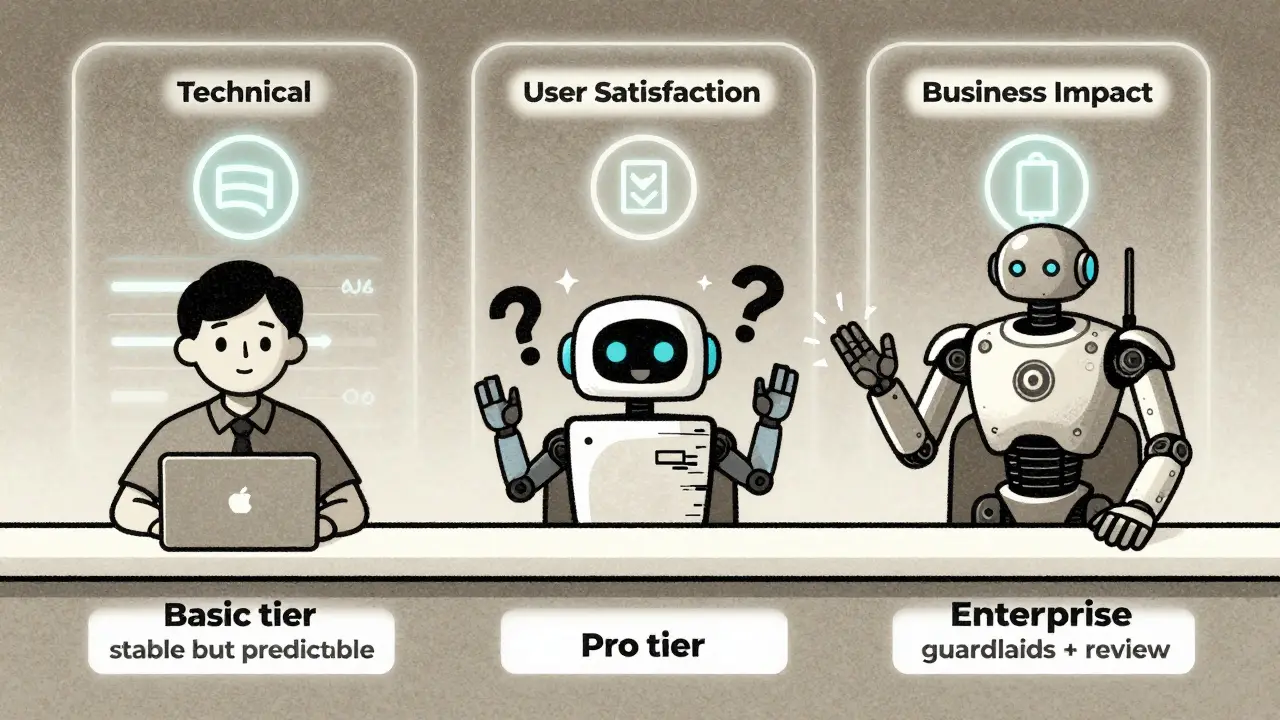
Traditional metrics are useless here. You can’t measure AI success with DAU or session duration. You need a three-legged stool:- Technical performance: Accuracy, latency, model drift, token usage.
- User satisfaction: How do users rate the output? Is it helpful? Accurate? Relevant? Use in-app feedback prompts: “Was this helpful?” with thumbs up/down.
- Business impact: Did this feature reduce support tickets? Increase conversion? Cut onboarding time?
Pendo.io’s 2024 research found that 92% of leading AI product teams now use unified dashboards tracking all three. One B2B software company saw their AI-powered contract review tool reduce legal review time by 60%. But users rated the output as “confusing” 40% of the time. They didn’t ship a new feature-they fixed the output clarity. That’s the difference between vanity metrics and real progress.
Don’t just track “accuracy.” Track perceived accuracy. A model that’s 85% accurate but always sounds confident will feel more trustworthy than one that’s 90% accurate but says “I’m not sure” every other time. User perception is part of the metric.
Versioning and Packaging: Treat Model Updates Like New Features
You wouldn’t release a new version of Slack and call it “Slack 2.0” if it just changed a button color. But with generative AI, a tiny model tweak can completely change output quality. Simon-Kucher’s 2024 study found that 67% of SaaS companies now treat major model updates as new features-and price them accordingly.Here’s how a smart company handles it:
- Basic tier: Uses an older, stable model. Slower, less creative, but predictable.
- Pro tier: Uses the latest model. Faster, more creative, but occasional hallucinations.
- Enterprise tier: Custom fine-tuned model with guardrails and human review.
One marketing platform saw a 22% increase in conversion when they tiered their AI copywriting feature like this. Users who wanted speed chose Pro. Users who needed reliability stayed on Basic. It wasn’t about features-it was about trust.
Don’t force everyone onto the latest model. Let them choose. And always document what changed between versions. If your model suddenly starts generating longer responses, users will notice. If you don’t explain why, they’ll assume it’s broken.
Team Dynamics: Build a Shared Language
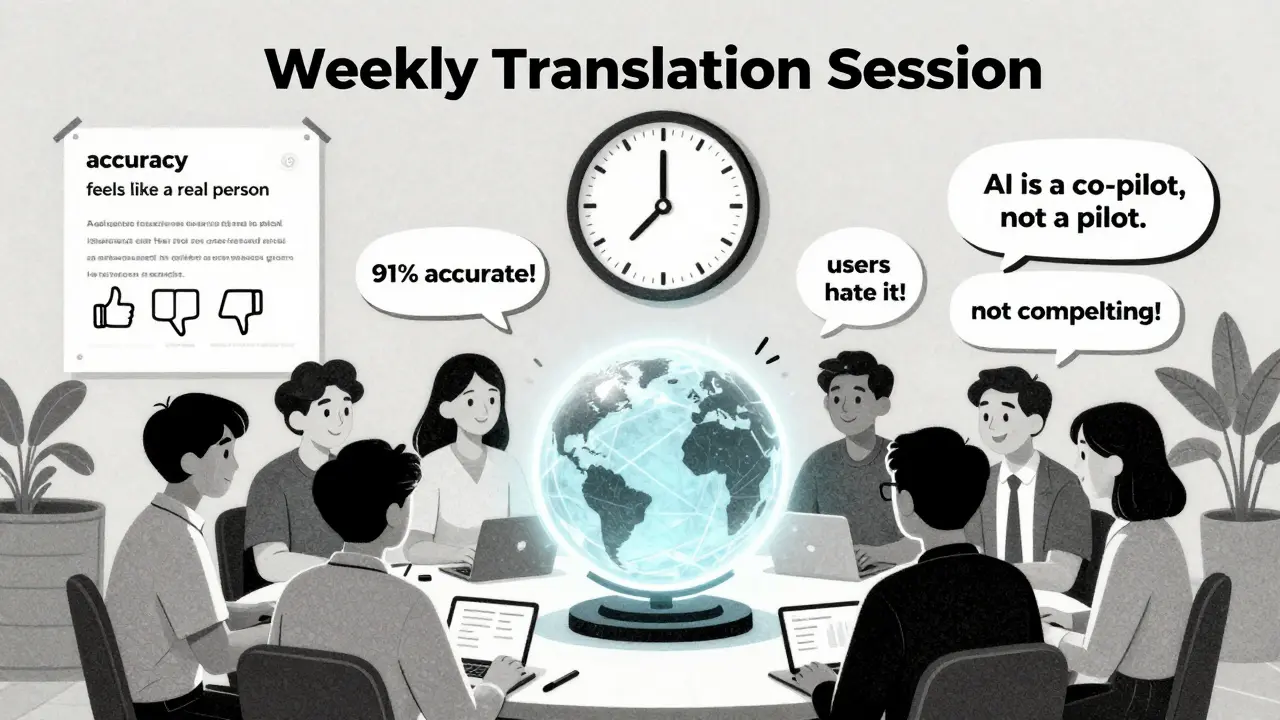
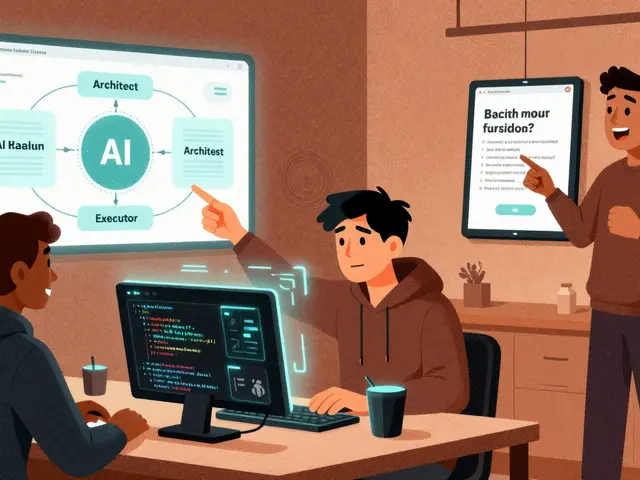
The biggest blocker isn’t technology-it’s communication. Engineering says “the model is 91% accurate.” Product says “users hate it.” Marketing says “it’s not compelling.” Who’s right?AIPM Guru’s data shows 73% of failed AI projects had teams using different definitions of key terms. “Accuracy” meant different things to engineers (statistical correctness) and product managers (user satisfaction).
Solution: Run weekly “translation sessions.”
- Engineers explain model behavior in plain English: “When we say ‘high confidence,’ we mean the model is 95% sure it’s not making up facts.”
- Product managers explain user behavior: “Users don’t care about confidence scores. They care if the answer feels like it came from a real person.”
One team reduced misalignment by 55% after just four sessions. They started using a shared glossary. Now every product doc includes a “Terms & Definitions” section. No more guessing.
AI Tools Are Your Co-Pilots-Not Your Replacement
AI can help you write user stories, analyze feedback, and auto-generate reports. Pendo.io’s 2024 playbook shows tools that turn customer support logs into feature ideas or convert rough sketches into acceptance criteria. That’s powerful.But here’s the catch: AI won’t tell you why users are frustrated. It won’t tell you if a feature feels invasive. It won’t tell you if the tone is off-brand. Those are human judgments. Jing Hu from Just Eat says it best: “Product managers’ unique blend of empathy, strategic thinking, and real-world understanding still sets them apart.”
Use AI to handle the grind. But never outsource the judgment.
What’s Next? The Future Is Augmented Product Management
By 2026, AI tools will handle 70% of routine product tasks: documentation, sprint summaries, backlog grooming. That’s not a threat-it’s an opportunity. When the busywork is automated, product managers can focus on what matters: understanding users, aligning teams, and making hard calls.The teams that win won’t be the ones with the fanciest models. They’ll be the ones who treat AI like a teammate-not a magic box. They’ll know when to say “no” to a feature because the data doesn’t support it. They’ll know how to measure success beyond clicks. They’ll build trust, not just features.
If you’re managing generative AI today, you’re not just building software. You’re building trust. And trust takes more than code-it takes clarity, discipline, and a whole lot of patience.
How do I know if my generative AI feature is ready for launch?
It’s ready when you’ve tested three things: (1) the output quality meets your defined accuracy threshold, (2) users rate it as helpful in real-time feedback, and (3) it moves the needle on a core business metric-like reducing support tickets or increasing conversion. If you’re still guessing, you’re not ready.
Can I use the same MVP approach for AI and non-AI features?
No. Non-AI MVPs focus on core functionality. AI MVPs focus on output quality and user perception. A non-AI MVP might be a basic login flow. An AI MVP might be a single, reliable template that works 90% of the time. The goal isn’t to ship features-it’s to ship trustworthy outputs.
What’s the biggest mistake teams make when scoping AI features?
Assuming more data = better results. Often, the problem isn’t lack of data-it’s poor data quality. A small, clean dataset with clear labeling beats a massive, messy one every time. One team spent six months collecting user chats… only to realize 70% were spam. They started over with 200 high-quality examples-and shipped in three weeks.
How do I explain AI failure rates to executives?
Compare it to human performance. If a human assistant gets it right 85% of the time, you’d still hire them. But if an AI gets it right 85% of the time, people expect perfection. Frame AI failure as “human-level performance with automation.” That sets realistic expectations. Also, show the cost of not trying: customer churn, support overload, missed opportunities.
Should I use open-source models or proprietary ones?
It depends on your use case. Open-source models give you control and transparency, but require more engineering overhead. Proprietary models (like GPT-4 or Claude) are easier to integrate but come with vendor lock-in and less explainability. For most teams, start with a proprietary API to validate the idea. Once you prove value, consider fine-tuning an open-source model for cost and control.
Ronak Khandelwal
9 February, 2026 - 22:16 PM
I love how this post flips the script on AI product management. 🤔 It’s not about pushing features-it’s about building trust. I’ve seen teams burn out chasing ‘magic AI’ when the real win was a simple rule-based system that worked 97% of the time. Sometimes the best AI is the one you don’t even notice. Let’s stop treating models like gods and start treating them like teammates-with limits, quirks, and room to grow. 💪✨
Jeff Napier
10 February, 2026 - 21:33 PM
This whole post is corporate fluff wrapped in buzzwords. AI doesn’t fail because of poor scoping-it fails because companies are too lazy to hire actual engineers who understand math. They hire ‘product managers’ who think ‘hallucination’ is a type of yoga pose. Meanwhile, real AI work happens in labs with 3am code pushes and 100-page technical spec sheets no one reads. Stop pretending this is about empathy.
Sibusiso Ernest Masilela
12 February, 2026 - 12:50 PM
Oh please. You’re telling me we need a ‘shared glossary’ because engineers say ‘accuracy’ and product says ‘user satisfaction’? That’s not a communication problem-that’s a leadership failure. If your team can’t translate basic technical terms into business impact, they shouldn’t be working on AI. I’ve seen teams like this waste $2M on a model that couldn’t tell a cat from a toaster. The real issue? You didn’t vet your PM. Period. 🤷♂️
Daniel Kennedy
13 February, 2026 - 14:33 PM
I’ve been on both sides of this. The ‘capability tracks’ idea? Game-changer. We tried to build one giant AI feature for onboarding-ended up with a confusing mess. Then we broke it into three tracks: analytics (what’s breaking?), prediction (who’s leaving?), generative (what to say?). Each had its own KPI, timeline, and feedback loop. We shipped the first one in 3 weeks. Adoption? 82%. The key? Letting each piece prove itself before gluing them together. No more ‘boil the ocean’ nonsense. 🙌
Taylor Hayes
13 February, 2026 - 19:39 PM
This is one of the clearest, most practical breakdowns I’ve read on AI product management. I especially love the ‘perceived accuracy’ point. Users don’t care about F1 scores-they care if it feels right. I remember a team that spent months optimizing a model to 92% accuracy, but it kept saying ‘I’m not sure’ too often. Users thought it was dumb. Then they tweaked the confidence thresholds to sound more decisive-even if accuracy dropped to 88%-and adoption doubled. Perception isn’t just psychology. It’s product design. Thanks for writing this.
Sanjay Mittal
14 February, 2026 - 11:04 AM
Biggest mistake? Assuming more data = better. I worked on a project where we had 2M customer chats. Turned out 80% were bots, spam, or rage messages. We cleaned it down to 15K high-quality examples. Training time dropped from 6 weeks to 9 days. Model performance? 30% better. Quality over quantity. Always.