
Most companies think of AI as a single thing: a chatbot that answers questions. But if you’re using image, audio, or video alongside text, you’re already running a multimodal AI system-and it’s eating your budget alive. A single image can cost 50 times more than a line of text. A video request can delay responses by 20 seconds. And if you don’t plan for it, your monthly cloud bill could jump from $3,000 to $15,000 overnight.
Why Multimodal AI Costs More Than You Think
Multimodal AI isn’t just text with pictures tacked on. It’s a system that processes different data types-text, images, audio, video-through separate engines, then stitches them together. That sounds powerful, and it is. But every extra modality adds computational weight. A model like LLaVA or GPT-4V needs to load separate encoders for vision, audio, and language. Each one eats memory. Each one needs GPU cycles. Here’s what that looks like in practice: processing a single 1080p image can generate over 2,000 tokens. A paragraph of text? Maybe 100. That means one image request uses as much processing power as 20 text queries. And since GPU memory scales quadratically with token count, doubling tokens means quadrupling memory usage. That’s not linear growth-it’s exponential. Companies like Amazon and NVIDIA have confirmed this: multimodal systems use 3 to 5 times more compute than text-only models. For a business running 500 image requests a day, that’s not a small difference. One developer on Reddit reported spending $12,000 a month on AWS for a multimodal customer service bot. The same bot, if it only handled text, would’ve cost $2,500. That’s a 380% cost spike from adding images.Latency Isn’t Just a Technical Problem-It’s a Customer Experience Issue
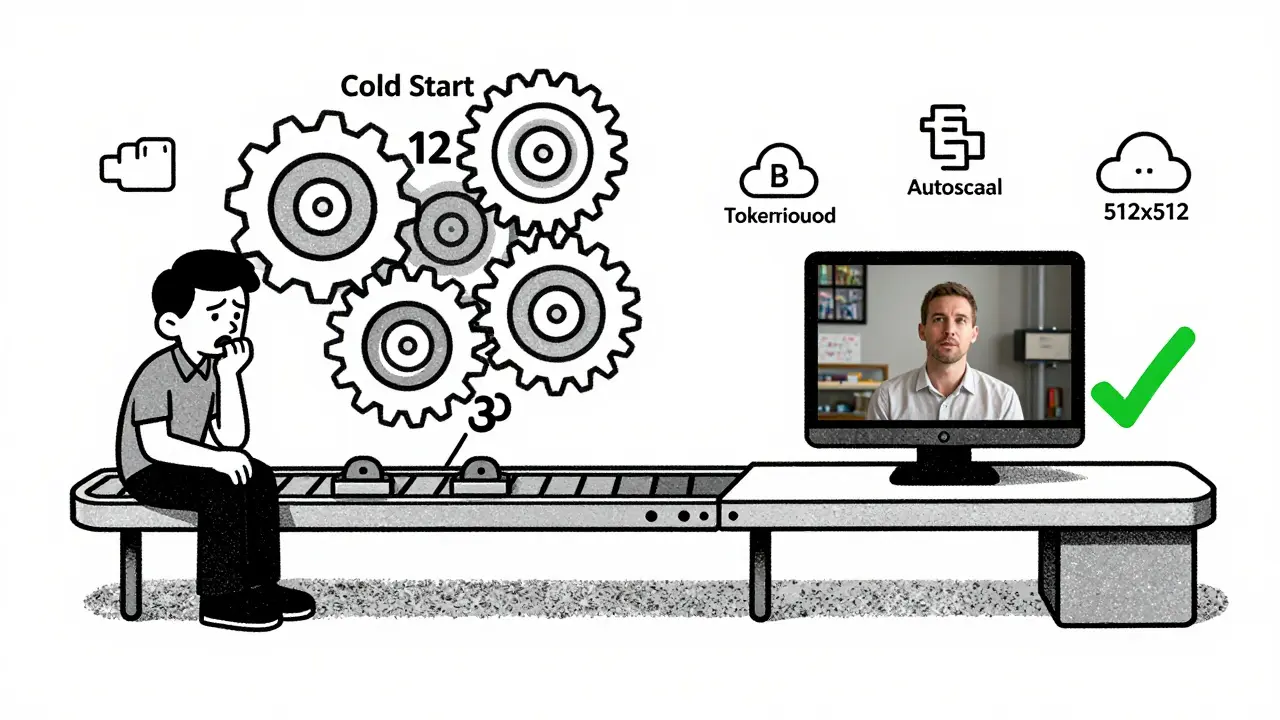
Speed matters. If your AI takes 15 seconds to respond to a customer uploading a photo of a broken product, they’ll leave. If it takes 3 seconds, they’ll wait. That’s the difference between a frustrated user and a satisfied one. Real-time applications-like live video moderation, retail visual search, or medical imaging assistants-need under 100ms P95 latency. Most multimodal models can’t hit that without serious tuning. Why? Because loading all the modality engines at once creates a “cold start” delay. The first request after inactivity can take 8 to 12 seconds just to initialize. That’s unacceptable for any customer-facing app. Chameleon Cloud found that by reducing image token counts from 2,048 to just 400, one team slashed response time from 19.5 seconds to 4.2 seconds-a 78% drop. And they didn’t lose accuracy. That’s not magic. It’s smart token pruning. You don’t need every pixel processed. You don’t need every frame of a video analyzed. You need the relevant parts. That’s where optimization kicks in.How Modalities Differ in Cost and Complexity
Not all inputs are equal. Text is cheap. Images are expensive. Video? It’s a budget killer.- Text: Costs $0.0001 to $0.001 per 1,000 tokens. Fast. Predictable. Easy to cache.
- Images: Each high-res image = 1,500-3,000 tokens. Costs 20-50x more than text. Memory usage spikes to 5GB+ per image. Processing time: 2-15 seconds.
- Audio: 1 minute of speech = 1,200-2,000 tokens. Requires specialized speech encoders. Latency varies with background noise and accent complexity.
- Video: 10 seconds of video = 50-100 images. Multiply image costs by that. GPU usage can jump 5x. Only viable for batch processing or low-volume use cases.
Modality-Aware Budgeting: Stop Treating All Inputs the Same
The biggest mistake companies make? Treating every input like it’s the same. You wouldn’t budget the same for a phone call and a face-to-face meeting. Why treat text and video the same in AI? Successful teams use modality-aware budgeting. That means:- Assigning different cost limits per modality. Example: $500/month for images, $100 for audio, $50 for video.
- Routing high-cost requests to optimized pipelines. Image-heavy queries go to a separate GPU cluster with smaller, faster models.
- Setting auto-rejection rules. If a user uploads a 10MB video, the system responds: “Please upload a still image for faster analysis.”
- Using dynamic token reduction. Tools like AWS’s new Multimodal Cost Optimizer automatically strip redundant pixels or audio frequencies without hurting accuracy.
Hardware and Cloud Costs: Where the Money Really Goes
Infrastructure is 60-75% of your multimodal AI bill. And of that, 45-60% is GPU costs. You can’t avoid hardware-but you can choose wisely.- For low-volume, low-latency apps (chatbots): Use NVIDIA L4 or A10 GPUs. They’re cheap, efficient, and handle models under 7B parameters well.
- For high-throughput, image-heavy workloads: You need A100 40GB or H100 nodes. But don’t run them 24/7. Use spot instances or auto-scaling groups that spin up only when requests come in.
- Cloud providers: AWS is 15% cheaper than Azure for image-heavy workloads, according to Chameleon Cloud’s 2025 benchmarks. Google Cloud’s TPU pods can be cheaper for video, but require more engineering overhead.
Real-World Wins and Failures
Successful cases follow a pattern: targeted use, strict limits, and measured ROI. In healthcare, multimodal AI analyzing X-rays with patient notes improved diagnostic accuracy by 22%. That’s worth the cost. Hospitals use it for triage, not every scan. In retail, one company tried letting customers upload videos of clothing to find matches. It failed. Processing 10,000 videos a month cost $45,000. They got 120 sales. ROI was negative. They switched to image-only uploads. Costs dropped 80%. Sales stayed flat. They saved $36,000 a month. The lesson? Don’t add multimodal features because they’re cool. Add them because they solve a specific problem-and track the cost per outcome.
How to Get Started Without Overspending
If you’re new to multimodal AI, here’s how to avoid disaster:- Start with one modality. Text + images. Not video. Not audio.
- Use open-source models like LLaVA or MiniGPT-4. They’re free to run and well-documented.
- Set hard caps on image size and token count. Limit uploads to 512x512 pixels. Cap tokens at 500 per image.
- Monitor your cloud costs daily. Use AWS Cost Explorer or Google Cloud’s AI Platform Cost Reports.
- Test with real users. Don’t assume your use case needs full resolution. Often, 20% of the image is enough.
- Train your team. Engineers need 3-6 months to get good at multimodal optimization. Don’t assign it to someone who’s never touched computer vision.
The Future: Cost Will Drop-But Only If You Optimize
The good news? Costs are falling fast. Techniques like quantization (cutting memory use by 4x) and token pruning (reducing image tokens by 80% with minimal accuracy loss) are becoming standard. By late 2026, experts predict multimodal AI will be 65-75% cheaper than today. But that’s only if you adopt optimization as a core practice-not an afterthought. Companies that treat multimodal AI like a black box will keep burning cash. Those that build modality-aware budgets, monitor token usage, and cut waste will lead the next wave. The technology isn’t the barrier anymore. The budget is. And the smartest teams are the ones who’ve learned to budget like accountants-with spreadsheets, limits, and hard numbers-not like tech enthusiasts with unlimited credit cards.What’s Next for Your Team?
Ask yourself:- Which modality are we using that’s costing us more than it’s worth?
- Have we measured the cost per successful outcome, not just per request?
- Are we using token limits-or just letting users upload whatever they want?
- Could we replace video with a still image and save 80% of our bill?
Why is image processing so expensive in multimodal AI?
Images require thousands of tokens to represent details that text expresses in just a few words. A single 1080p image can generate 2,000+ tokens, while a paragraph of text uses 100-200. More tokens mean more GPU memory, longer processing time, and higher cloud costs-often 20 to 50 times more than text. This is why image-heavy AI systems can spike your bill unexpectedly.
Can I reduce multimodal AI costs without losing accuracy?
Yes. Many teams reduce image token counts by 70-80% using techniques like adaptive cropping, downscaling, or removing redundant visual data. Chameleon Cloud showed that cutting image tokens from 2,048 to 400 reduced costs by 14% and latency by 78%, with only minor accuracy loss. Audio and video can be trimmed similarly-focus on the key frames or speech segments, not the full file.
What’s the difference between text-only and multimodal AI costs?
Multimodal systems use 3-5 times more computational resources than text-only models. For example, a text-only chatbot might cost $2,500/month. Add image processing, and that same bot could cost $12,000/month. The extra cost comes from larger models, more memory, longer inference times, and specialized hardware needed to handle non-text inputs.
Is video worth the cost in multimodal AI?
Rarely. Processing video means analyzing dozens of images per second. A 10-second clip can cost as much as 50 images. Unless you’re in security, autonomous vehicles, or medical diagnostics, video adds complexity without proportional value. Most businesses save more by switching to still images or audio summaries.
How do I know if my multimodal AI is costing too much?
Track cost per successful interaction. If you’re spending $50 to process 100 image uploads and only 5 result in a sale, your ROI is negative. Compare your multimodal costs to your text-only baseline. If costs are 3x higher and outcomes aren’t 3x better, you’re overspending. Use cloud cost tools to set alerts when usage exceeds your budget per modality.
What tools help reduce multimodal AI costs?
AWS’s Multimodal Cost Optimizer, NVIDIA’s TensorRT, and Hugging Face’s token pruners can reduce input sizes without losing accuracy. Also, use spot instances, auto-scaling, and model quantization (which cuts memory use by 4x). Open-source tools like LLaVA let you test optimizations before committing to expensive cloud services.



Dave Sumner Smith
16 January, 2026 - 18:15 PM
The government is secretly using multimodal AI to track your grocery receipts and predict your political views. They don't want you to know that every image you upload gets tagged with a hidden metadata code that feeds into a national surveillance matrix. The cloud bill spike? That's not just AWS charges-it's the cost of running quantum-encrypted facial recognition on your cat photos. They've been doing this since 2021. You think this is about efficiency? No. It's about control. And they're using your own AI tools to do it.
Cait Sporleder
17 January, 2026 - 07:24 AM
It is, quite frankly, an astonishing revelation to observe how profoundly the architectural underpinnings of multimodal AI systems reflect not merely technical constraints but existential economic imperatives-each pixel, each frame, each spectral frequency is not merely data, but a silent invoice rendered in computational currency. One cannot help but marvel at the elegant cruelty of entropy manifesting as cloud costs: a single 1080p image, with its 2,048 tokens, is not simply a visual artifact, but a miniature black hole of GPU memory, devouring resources at an exponential rate, while the humble text query, with its modest 100 tokens, glides through the system like a whispered secret. The notion that we might prune, optimize, and surgically excise redundancy-not out of frugality, but out of intellectual discipline-is, in my estimation, the true hallmark of a mature engineering culture. To treat multimodal inputs as fungible is to confuse a symphony with a noise machine-and the consequences, as the data so vividly illustrates, are not merely financial, but philosophical.
Paul Timms
17 January, 2026 - 20:01 PM
Token pruning works. Cut images to 400 tokens, keep accuracy. Done.
Jeroen Post
18 January, 2026 - 20:49 PM
They want you to think this is about cost but its really about control they dont want you to run your own models on local hardware because then you could bypass their data harvesting and the whole system is designed to make you dependent on their cloud and their chips and their pricing if you could just run LLaVA on your old gaming rig theyd lose you forever
Jasmine Oey
19 January, 2026 - 08:59 AM
OMG I just realized I’ve been uploading 4K selfies to my AI fashion app for months and it’s been burning through $300 a month like it’s Monopoly money 💸 I feel so seen!! I switched to 512x512 and now my bot replies in 2 seconds and I’m basically a genius. Also I think my dog’s face is being used to train military drones. I’m not mad. Just disappointed. 🥺