Why hybrid cloud and on-prem matter for large language models
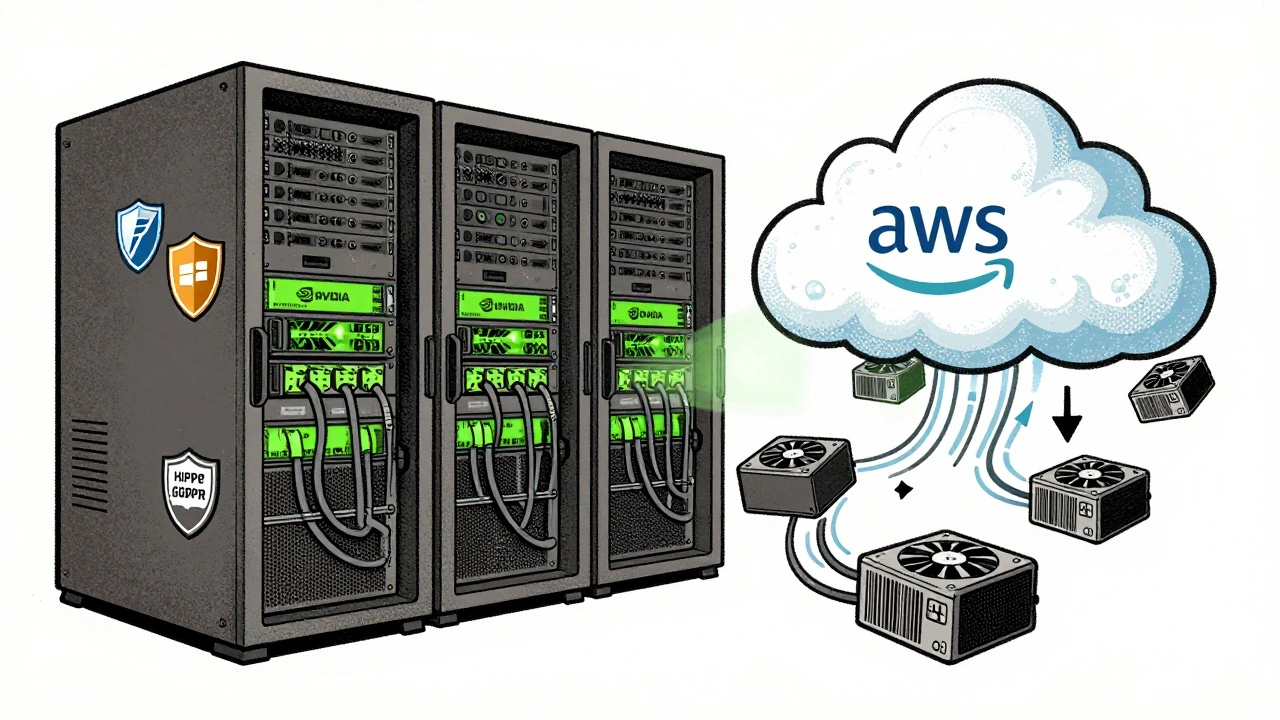
Running large language models (LLMs) like Llama 3, Mistral, or GPT-4 isn’t like hosting a website. These models need hundreds of gigabytes of memory, dozens of high-end GPUs, and constant low-latency connections to users. If you put everything in the public cloud, costs spike fast. If you run everything on-prem, you’re stuck with outdated hardware and no room to scale during spikes. That’s why smart teams use hybrid cloud and on-prem strategies together.
Companies like JPMorgan Chase, Siemens, and Mayo Clinic don’t just pick one. They split workloads based on sensitivity, cost, and performance. Private data stays inside their firewalls. Public cloud handles bursts of traffic. The result? Lower costs, tighter control, and better uptime.
When to keep LLMs on-prem
On-prem isn’t dead-it’s essential for certain use cases. If your LLM processes medical records, financial transactions, or proprietary code, you can’t risk sending that data over the internet. Regulations like HIPAA, GDPR, or SOX often require data to stay within your physical infrastructure.
Teams using on-prem LLMs typically run them on NVIDIA DGX systems with 8-16 H100 GPUs, connected via InfiniBand for fast inter-node communication. These setups often run on Red Hat OpenShift or VMware vSphere for orchestration. A single DGX system can serve 50-100 concurrent queries at sub-500ms latency for models like Llama 3 70B.
But on-prem has limits. Upgrading hardware takes months. Cooling and power costs add up. You need a dedicated team to monitor GPU health, patch kernels, and manage network routing. Most organizations only go fully on-prem when they have over 10,000 daily queries and strict compliance needs.
When to use the public cloud
Public clouds like AWS, Azure, and Google Cloud are perfect for unpredictable traffic. Imagine a customer support chatbot that gets flooded after a product launch. You can’t buy 50 extra GPUs just for one week. But in the cloud, you spin up 50 A100 instances in 10 minutes, then shut them down when the rush ends.
Cloud providers now offer optimized LLM inference services: AWS SageMaker, Azure ML, and Google Vertex AI. These let you deploy models as endpoints without managing the underlying hardware. You can even use quantized versions of Llama 3 or Mistral 7B that run efficiently on cheaper T4 or L4 GPUs.
Costs vary. Running a 70B model on a single A100 in AWS costs about $1.20/hour. At 10 hours a day, that’s $36/day. But if you only need it for 3 hours during peak hours, you pay $3.60. That’s 90% cheaper than leaving 10 GPUs idle all day.
How hybrid cloud works for LLM serving
A hybrid setup means your LLM runs partly inside your data center and partly in the cloud. The trick is knowing what to move where-and when.
Most teams use a traffic routing layer like NGINX or Envoy to direct requests. Here’s how it breaks down:
- Requests from internal employees or secure systems go to on-prem LLMs.
- Requests from public-facing apps (like mobile apps or websites) go to the cloud.
- During high demand, overflow traffic gets routed to cloud instances.
- Model updates are pushed to both environments simultaneously using GitOps tools like Argo CD.
For example, a bank might run its fraud detection LLM on-prem because it uses internal transaction history. But its customer service chatbot runs in Azure, handling 200,000 queries a day from app users. When a holiday sale hits, the chatbot auto-scales to 5x capacity using Azure’s Kubernetes service.
Latency is critical. A 200ms delay in a chatbot feels slow. To keep it under 300ms, hybrid setups use edge caching and regional cloud zones. If your users are mostly in Europe, route their requests to Azure West Europe-not the East Coast of the U.S.

Model versioning and data sync across environments
One big mistake teams make: running different model versions on-prem and in the cloud. That leads to inconsistent answers, confused users, and compliance risks.
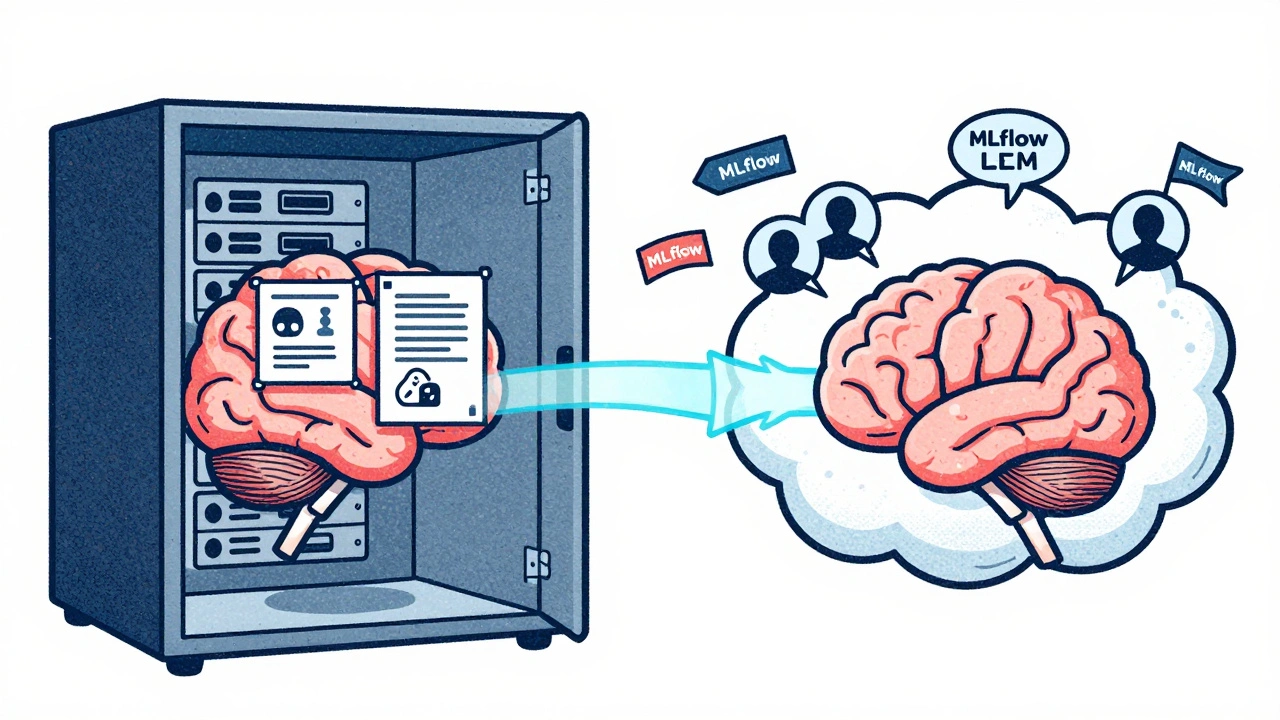
Use a model registry like MLflow or Weights & Biases to track every version. Tag them with metadata: model size, quantization type, training date, and compliance status. When you update the model, deploy it to both environments at the same time.
Data consistency matters too. On-prem models often train on internal logs. Cloud models might use anonymized public data. To keep them aligned, use data pipelines that feed both environments from the same source. Tools like Apache Kafka or AWS Kinesis stream real-time logs to both locations. This ensures the on-prem model doesn’t drift from the cloud version.
Some teams use differential training: train the main model in the cloud, then fine-tune it on-prem with internal data. That way, the base model stays optimized for broad use, while the local version adapts to company-specific jargon or policies.
Cost optimization: balancing budget and performance
Running LLMs is expensive. A single H100 GPU costs $30,000. A full rack with 16 of them? Half a million dollars. Cloud costs can hit $50,000/month if you’re not careful.
Here’s how to cut costs without losing performance:
- Use quantization: Convert 16-bit models to 8-bit or even 4-bit. Mistral 7B at 4-bit uses 60% less memory and runs 2x faster on consumer-grade GPUs.
- Batch requests: Group 8-16 user queries into one inference call. This cuts GPU idle time by 40%.
- Use spot instances: In the cloud, use preemptible VMs for non-critical tasks. They’re 70% cheaper but can be shut down anytime. Good for background processing, not live chat.
- Right-size your hardware: Don’t use H100s for 7B models. An L4 GPU can handle them at 95% of the speed, for 1/5 the cost.
One fintech startup cut its monthly LLM bill from $42,000 to $11,000 by switching from full-size A100s to L4s on-prem and using spot instances in AWS for overflow. Their latency stayed under 450ms.
Security and compliance in hybrid setups
Hybrid doesn’t mean less secure-it means smarter security. You still need to protect data everywhere.
On-prem: Use hardware-based encryption (like Intel SGX or AMD SEV) to protect model weights and input data in memory. Restrict network access with zero-trust policies. Only allow internal IPs to reach the LLM endpoints.
In the cloud: Use private endpoints and VPC peering so traffic never touches the public internet. Enable audit logs and tie them to your SIEM system. Never store raw user prompts in cloud storage-even if they’re encrypted.
For compliance, document everything. Show auditors which models run where, how data flows, and how you prevent leaks. Tools like HashiCorp Vault or AWS Secrets Manager help manage API keys and credentials across environments.
One healthcare provider got ISO 27001 certified by using hybrid LLM serving. Their patient intake model ran on-prem with encrypted memory. Their scheduling assistant ran in Azure, with prompts stripped of identifiers before being sent. The audit trail was clean because every action was logged and tagged.
Tools and frameworks that make hybrid work
You don’t build this from scratch. Use proven tools:
- vLLM: Open-source inference engine that handles high-throughput LLM serving. Works on both on-prem and cloud GPUs.
- TensorRT-LLM: NVIDIA’s optimized runtime for LLMs. Cuts latency by 30% on H100s.
- Kubernetes + KubeFlow: Orchestrate models across hybrid environments. Deploy, scale, and roll back with one command.
- Ray Serve: Lightweight Python framework for serving models at scale. Easy to integrate with existing pipelines.
- LangChain + LlamaIndex: For building RAG (retrieval-augmented generation) apps that pull data from internal databases while using cloud LLMs for reasoning.
Most teams start with vLLM on-prem and Ray Serve in the cloud. Both are open-source, well-documented, and used by Fortune 500 companies.
Common pitfalls and how to avoid them
Hybrid LLM serving sounds simple. It’s not.
Pitfall 1: Assuming the cloud is always cheaper. You’ll pay more if you run a 70B model 24/7 in the cloud. On-prem wins for steady, high-volume workloads.
Pitfall 2: Ignoring latency differences. If your on-prem server is in New York and your cloud endpoint is in Frankfurt, users in London will get slow responses. Always deploy cloud instances near your user base.
Pitfall 3: Not testing failover. What happens if your cloud provider goes down? Your on-prem system must handle 100% of traffic. Test it quarterly.
Pitfall 4: Forgetting model drift. If your on-prem model trains on old data while the cloud version learns from new logs, answers will diverge. Sync training data weekly.
Pitfall 5: Overcomplicating the routing layer. Start with simple NGINX rules. Don’t bring in service meshes like Istio unless you have 10+ models.
What’s next for hybrid LLM serving
By 2026, most enterprises will use hybrid setups. The trend is toward automated, self-optimizing systems. AI will monitor traffic patterns and decide in real time: "Move 30% of queries to cloud now-cost is 40% lower today."
Edge computing is also growing. Some companies are testing small LLMs on local servers at branch offices, with only summaries sent to the cloud. This reduces bandwidth and keeps sensitive data even closer.
For now, the best strategy is simple: keep what’s sensitive on-prem. Let the cloud handle scale. Use open tools. Measure everything. And never forget: your goal isn’t to use the latest tech-it’s to serve your users faster, cheaper, and safer.



mark nine
9 December, 2025 - 04:18 AM
This is the most practical breakdown of hybrid LLM serving I've seen in months. No fluff, just the real tradeoffs. On-prem for sensitive stuff, cloud for spikes. Done.
Eva Monhaut
10 December, 2025 - 05:43 AM
I love how this doesn't treat hybrid as a buzzword but as a living strategy. The part about syncing model versions across environments? That's the silent killer most teams ignore. We learned that the hard way when our chatbot started giving conflicting answers to the same question. Now we use MLflow with automated tagging - no more confusion.
Rakesh Kumar
10 December, 2025 - 10:46 AM
Bro, this is gold. I work in a hospital in Bangalore and we're just starting to think about LLMs. The HIPAA/GDPR part? That's us. We can't even think about sending patient data to the cloud. But the cost numbers? Mind blown. We were planning to buy 10 H100s. Now I'm thinking maybe 4 H100s + spot instances on AWS during peak hours. This changed my whole plan.
Ronnie Kaye
11 December, 2025 - 17:50 PM
Oh wow, another tech bro who thinks putting models on-prem is some kind of heroic act. Let me guess - you also think your 'secure' data center is immune to insider threats? Please. The cloud has better encryption, better audit trails, and way more people watching it. On-prem is just nostalgia dressed up as security.
Bill Castanier
13 December, 2025 - 10:18 AM
The quantization point is critical. 4-bit Mistral 7B on L4s? That’s the sweet spot for most enterprises. No need to overpay for H100s unless you’re doing fine-tuning. We cut our bill by 70% last quarter just by switching.
Priyank Panchal
14 December, 2025 - 02:58 AM
You people are delusional. If you're not running everything on-prem with air-gapped servers and manual model deployment, you're not serious about security. Cloud is a liability. Period. This 'hybrid' nonsense is just lazy compliance.
Tony Smith
16 December, 2025 - 00:39 AM
Ah yes, the classic 'cloud is insecure' argument. How quaint. Let me ask you: when was the last time your on-prem infrastructure had a zero-day patch applied within 48 hours? Or had automated failover across three regions? Or could spin up 50 GPUs in ten minutes during a product launch? The cloud doesn't replace security - it elevates it. Your resistance is not vigilance. It's inertia.
Ian Maggs
16 December, 2025 - 16:33 PM
I find myself pondering - is the hybrid model not merely a technical compromise, but a metaphysical one? We fracture our intelligence across physical and digital realms, seeking both control and scalability - yet in doing so, do we not risk the fragmentation of our own epistemic coherence? The model, once unified, now exists in two states... like Schrödinger’s cat, but with more GPU fans.
Michael Gradwell
18 December, 2025 - 07:57 AM
Anyone who uses Ray Serve in production is just asking for trouble. You think you're being clever with Python? You're just creating a maintenance nightmare. Use the official NVIDIA tools or GTFO. This whole post reads like a blog written by someone who's never deployed a model in anger.
Flannery Smail
19 December, 2025 - 08:00 AM
Actually, the whole hybrid thing is overrated. Just run everything on the cloud. You're overcomplicating it. The cost difference is negligible if you use spot instances and auto-scaling. And your 'on-prem security' is just a placebo. I've seen more data leaks from internal networks than from AWS.